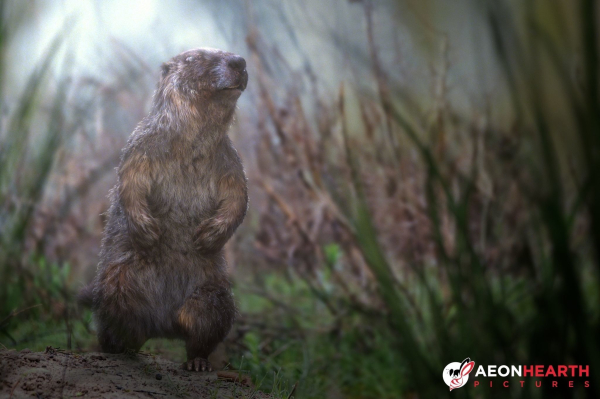
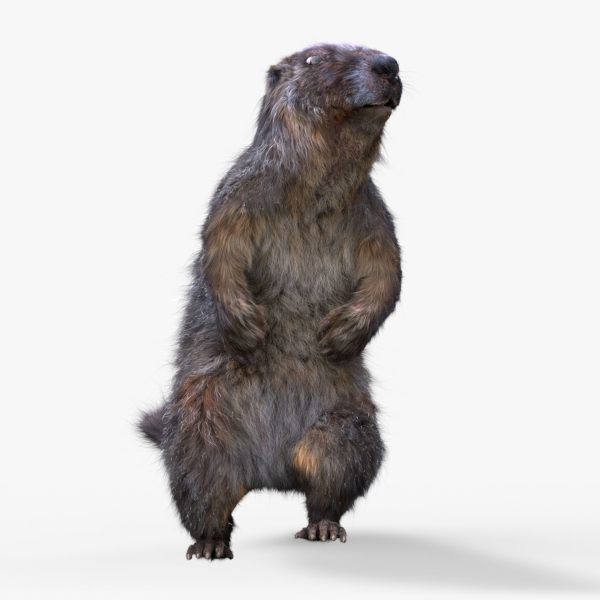
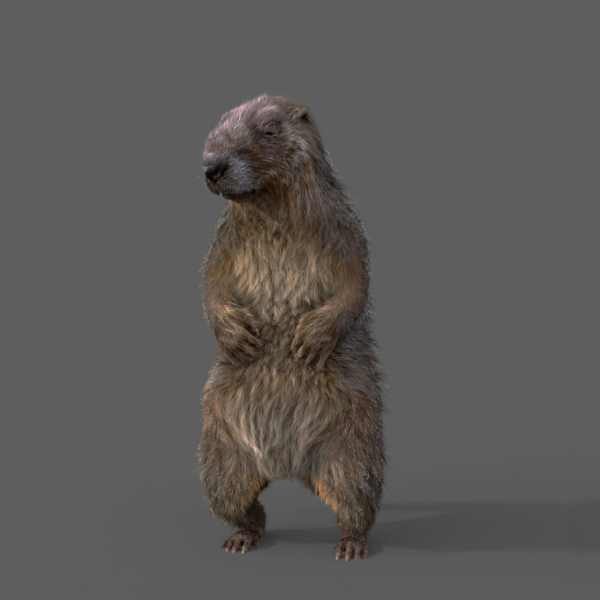
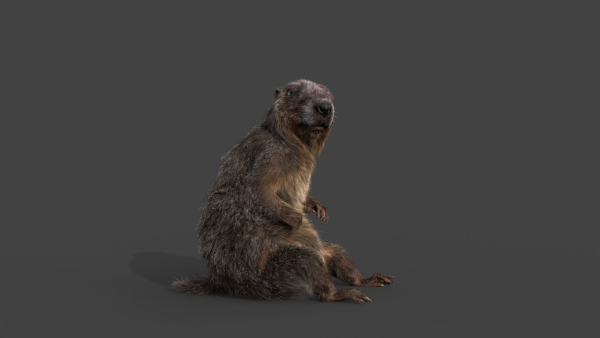
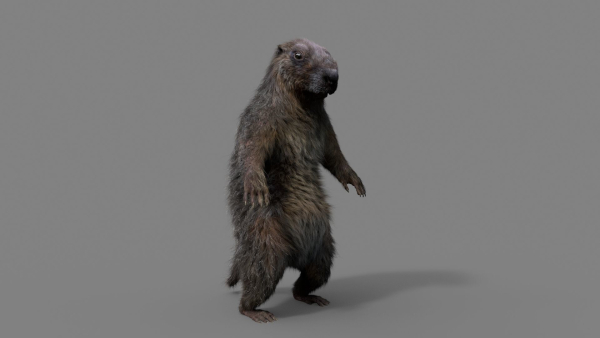
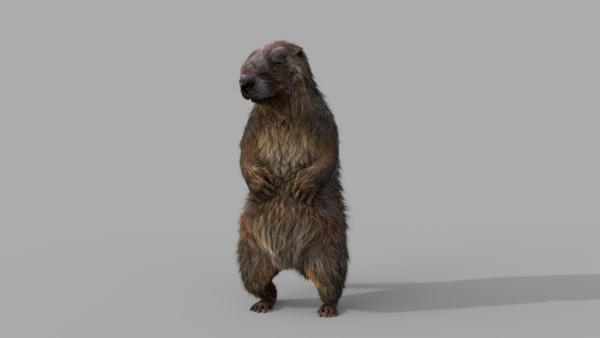
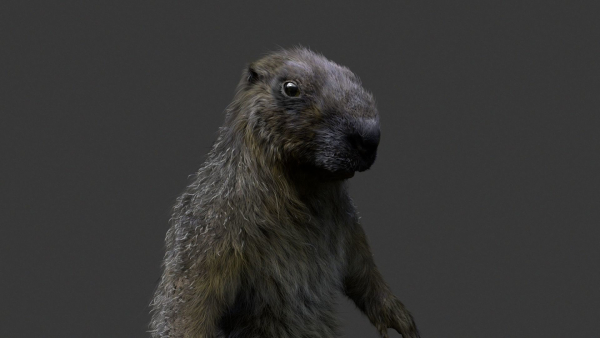
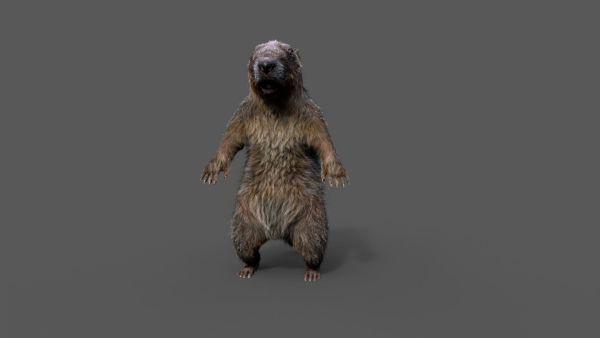
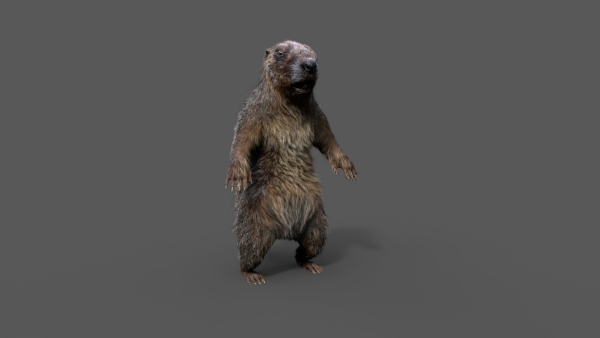
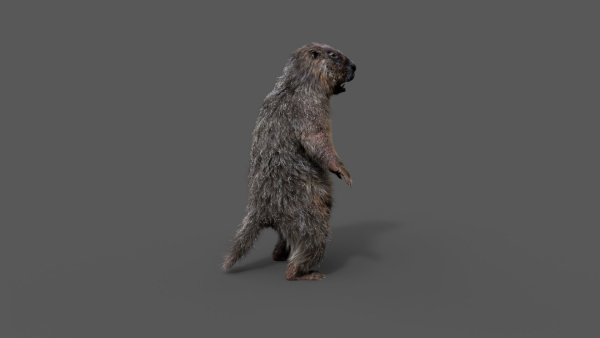
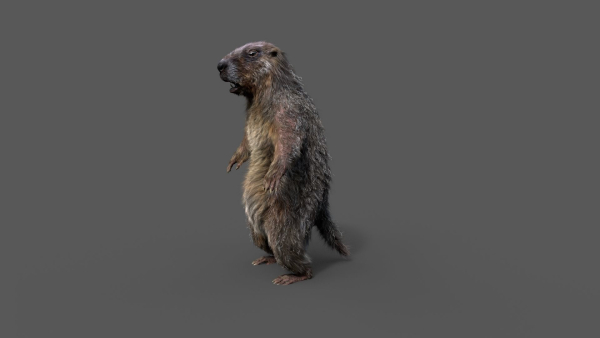
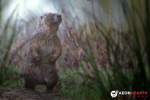
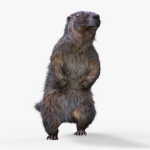
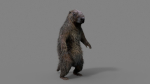
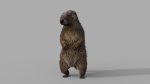
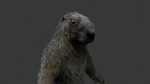
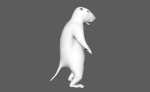
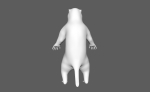
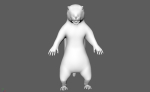
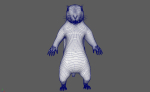
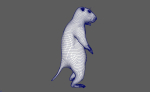
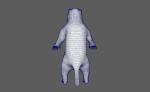
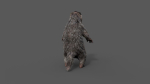
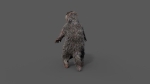
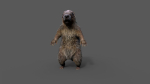
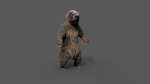
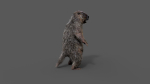
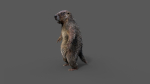
Marmot groundhog
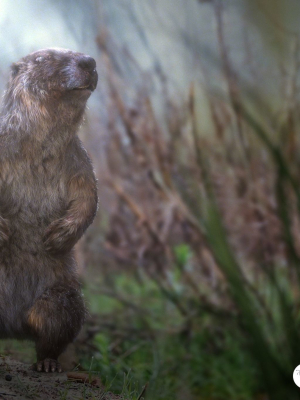
Marmot groundhog
Product details
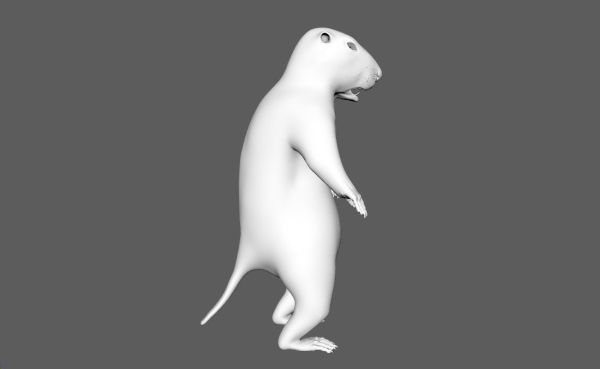
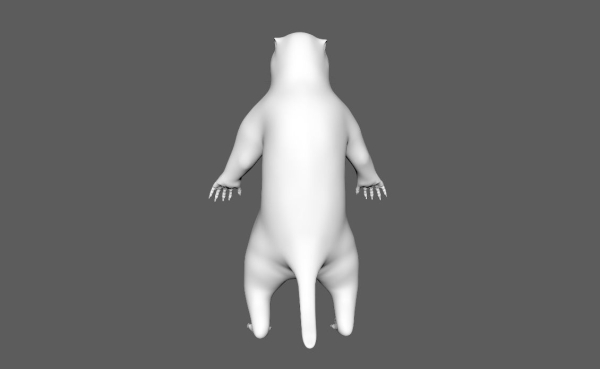
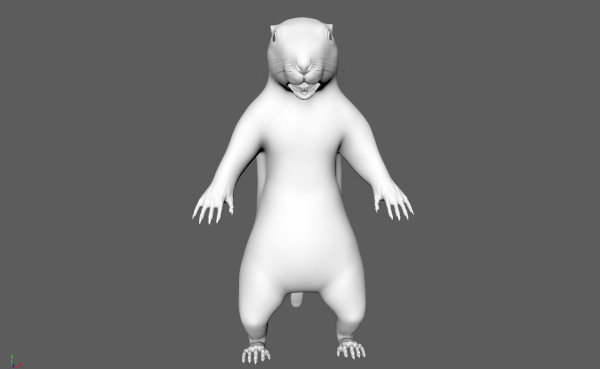
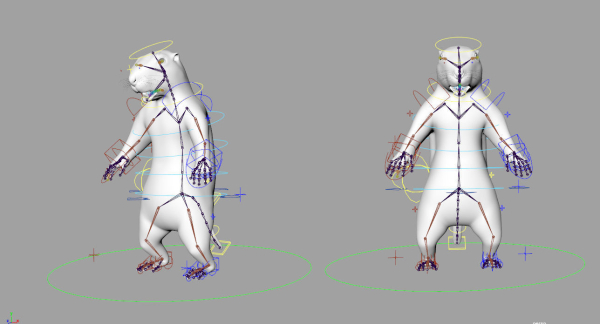
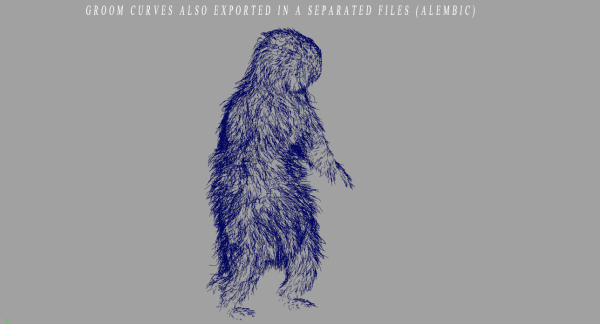
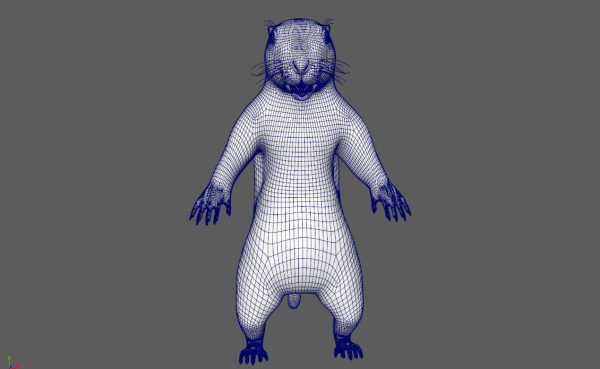
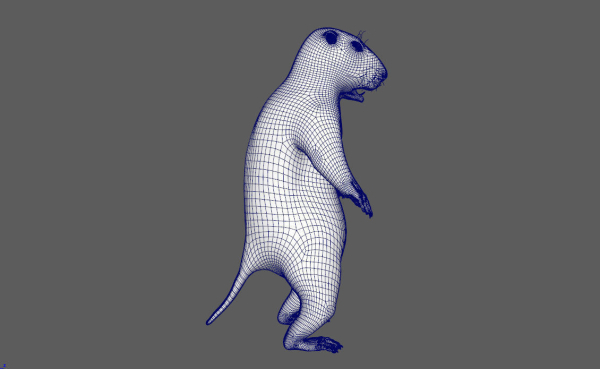
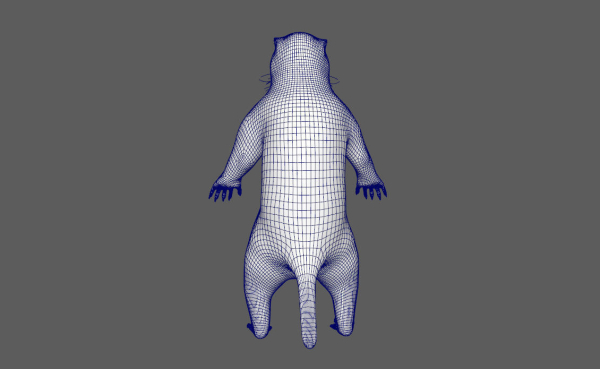
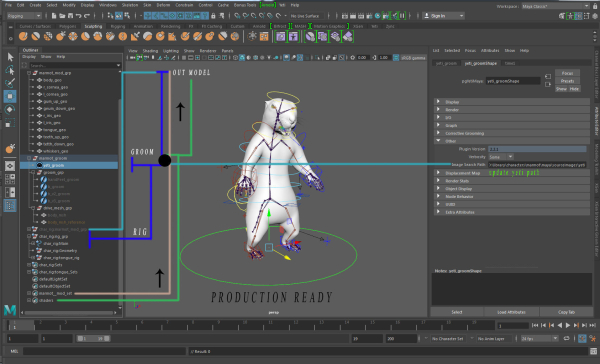
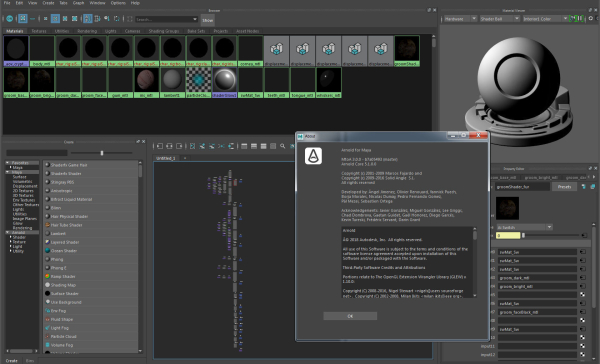
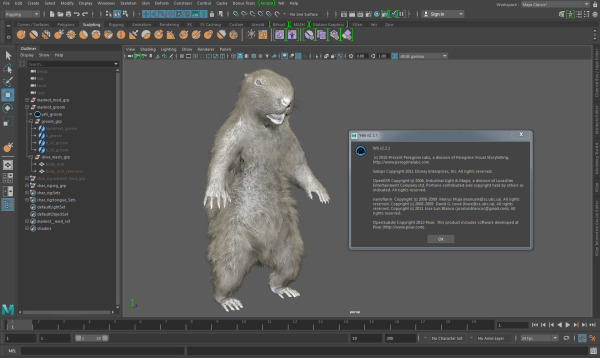
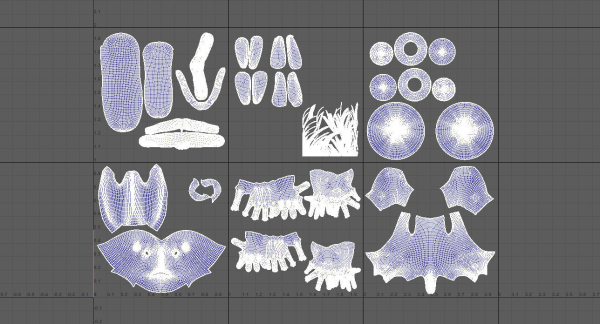
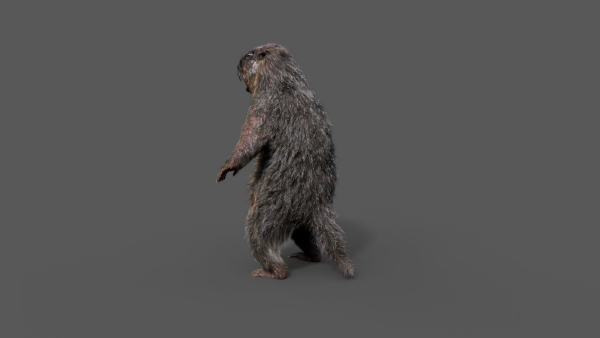
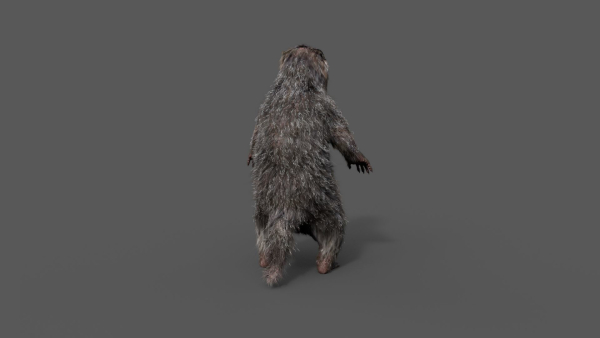
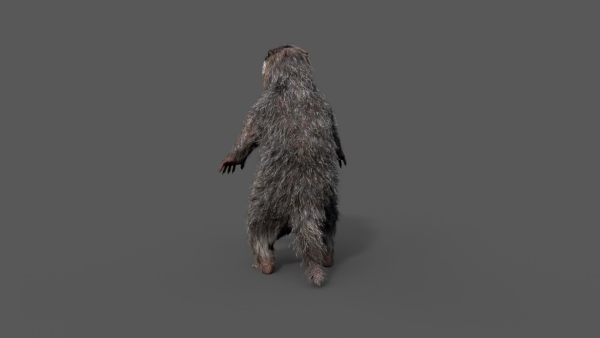
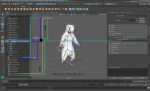
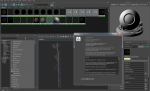
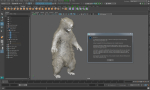
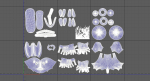
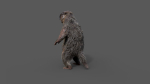
Realistic Marmot Model Update day 10/08/2022 to: Maya 2022, Yeti 4.1.0, Arnold Core 7, MtoA 5.0.0 Maya 2020, Yeti 4.1.0 Production workflow, easy to integrate in your pipeline No Overlapping Uv’s subdivided in more tiles for more resolution Production Topology Rigged ( In a separate file, Referenced in the main Scene) Shader setup in Arnold ( Arnold core 5.1.0.0) Groom in Yeti ( v2.2.1) Unit of measurement in centimetres Scale 1:1 File Formats: Main Scene (.ma) Rig Scene (.ma) Pose files exported in a separated file (.abc) Rest Pose in ( FBX , OBJ , ABC) Rig: Main Control scalable Arm Controls FK/IK switchable Hip Controls FK/IK switchable Spline FK/IK switchable Neck and Head FK Tail FK/IK switchable Groom: Yeti Groom with clean texture path: Attribute editor custom pointing textures path Custom Id Setup for more control Shaders: Arnold 5.1.1 Shaders Body Shader ( Standard Surface ) Groom Shader ( Standard Hair ) Textures: Displacement 8K resolution (RAW) Diffuse 4K resolution (SRGB) Roughness 4K resolution (RAW) Normals 4K resolution (RAW) SSS Weight 4K resolution (SRGB) height 4K resolution (RAW) Groom Root Color 4K resolution (SRGB) Groom Base Color 4K resolution (SRGB) Groom Tip Color 4K resolution (SRGB) NO POSTWORK ON THESE RENDERS (ARNOLD) Common Issues: 1) TEXTURES CONNECTIONS Because of the UDIM textures and YETI , it was not possible to set relative path. To change the absolute path: UDIM TEXTURES Windows/General Editors/File Path editors and replace the texture folder path YETI TEXTURES Select the yeti node in the outline editor and look in the attribute editor ( be sure it is the pgYetiMaya node type) In the attribute editor go to Other/ Image Search path. Replace the folder path with the yeti texture folder
Shipping and Returns
Shipping cost is based on weight. Just add products to your cart and use the Shipping Calculator to see the shipping price.
We want you to be 100% satisfied with your purchase. Items can be returned or exchanged within 30 days of delivery.
Quick Comparison
| Settings | Marmot groundhog remove | Pedal boat remove | Bougainvillea collection 03 remove | Ficus Microcarpa in Steel Planter remove | Sagebrush branch of twigs remove | Grey Mangrove remove |
|---|---|---|---|---|---|---|
| Name | Marmot groundhog remove | Pedal boat remove | Bougainvillea collection 03 remove | Ficus Microcarpa in Steel Planter remove | Sagebrush branch of twigs remove | Grey Mangrove remove |
| Image | 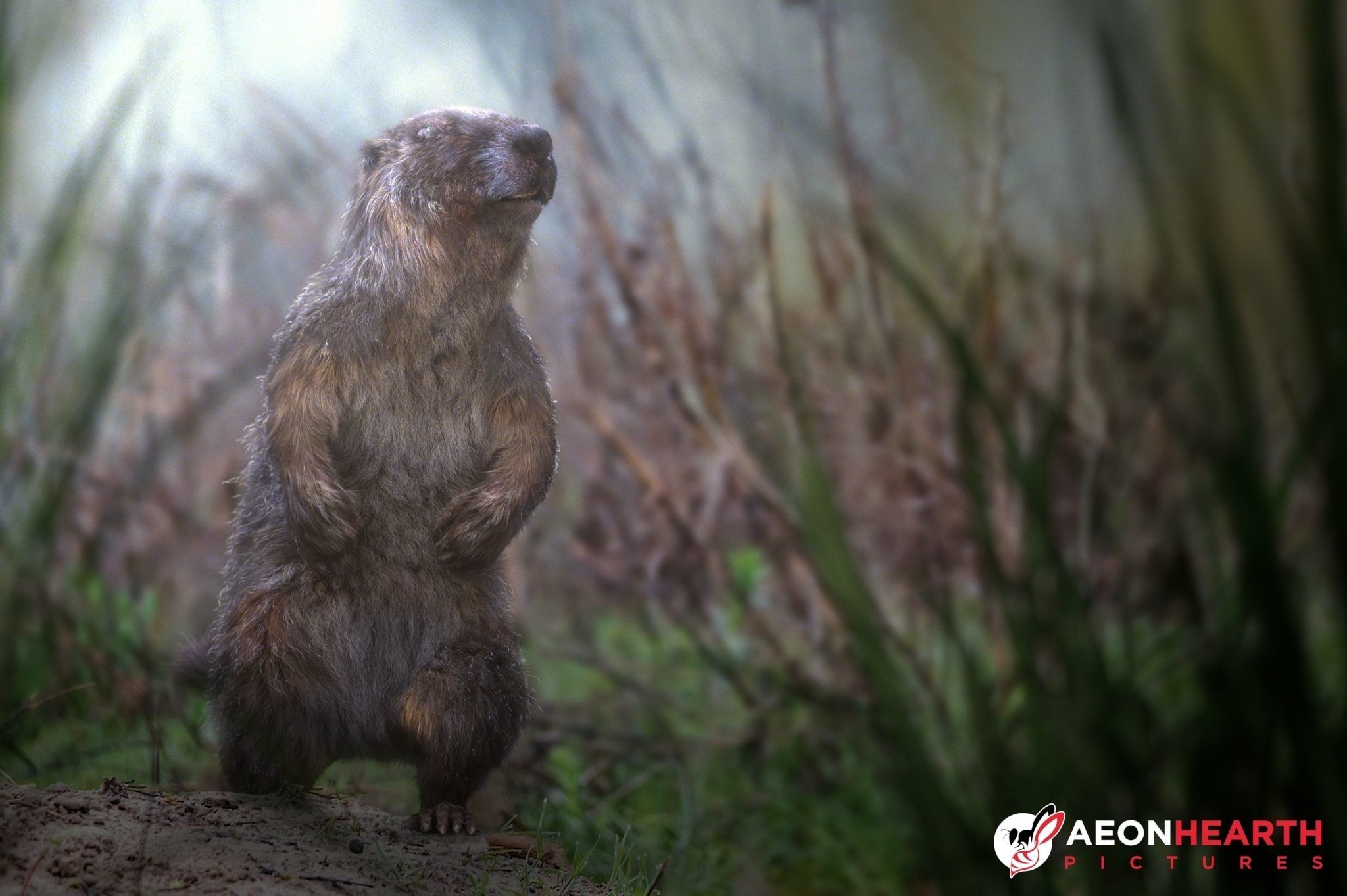 | 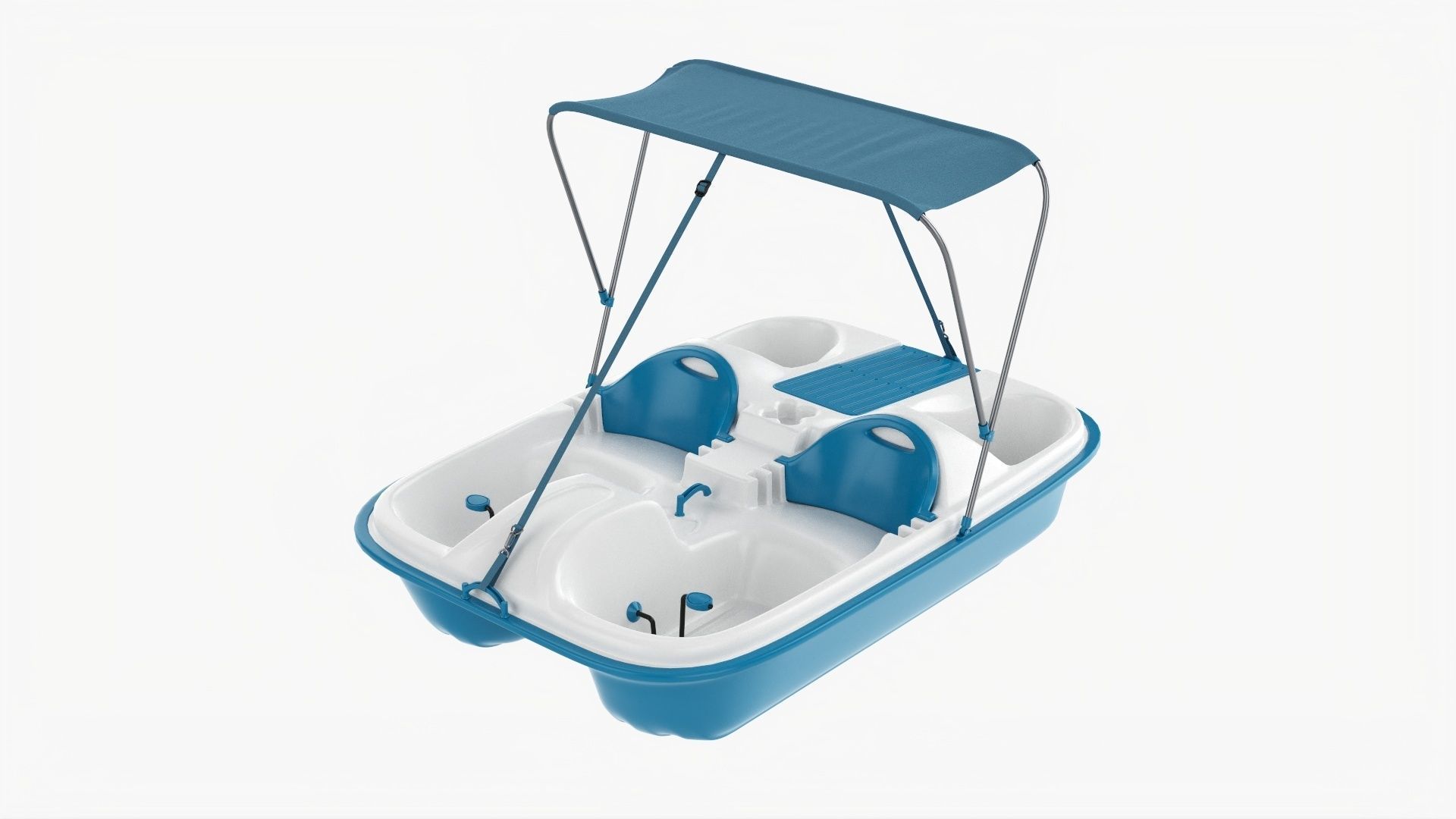 | 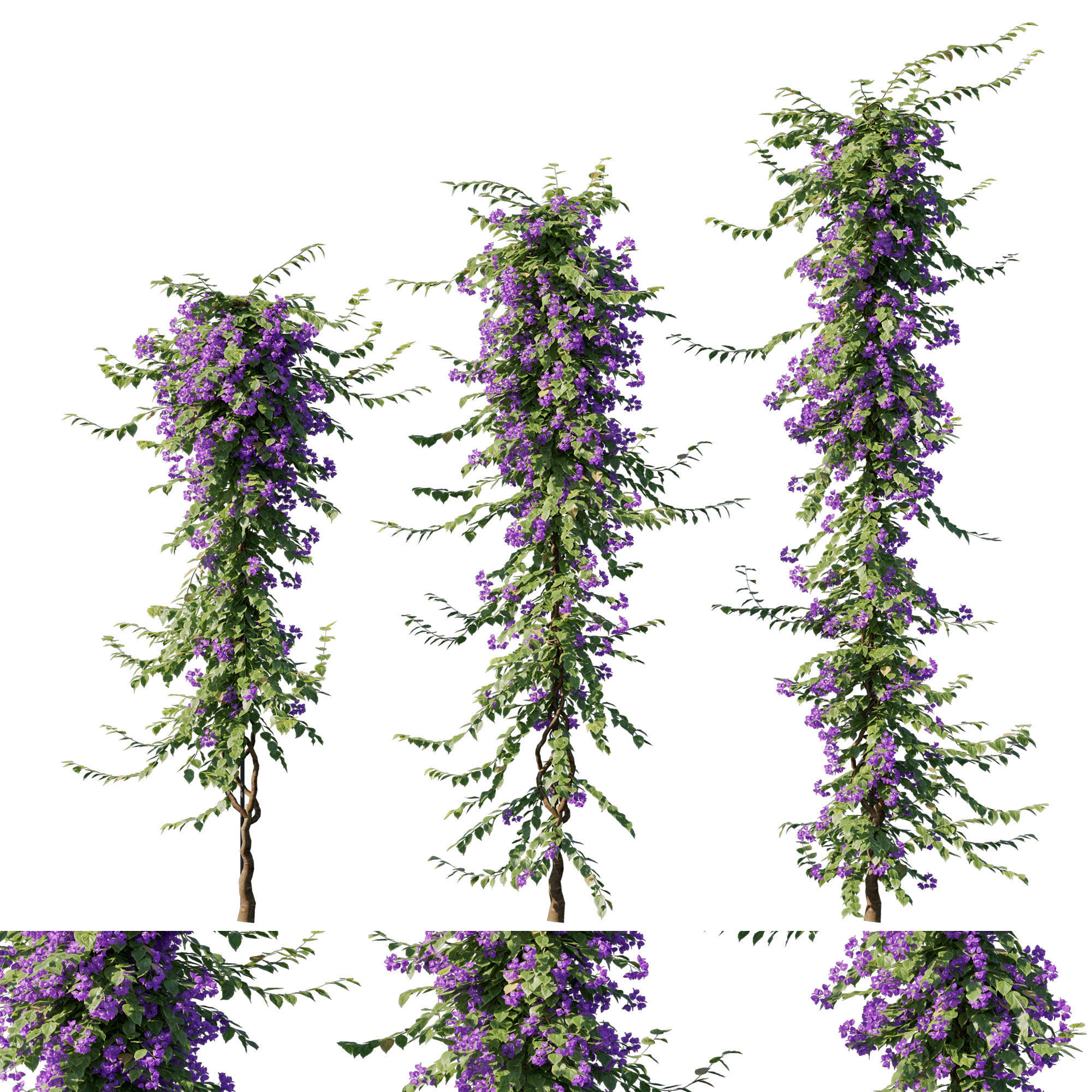 | 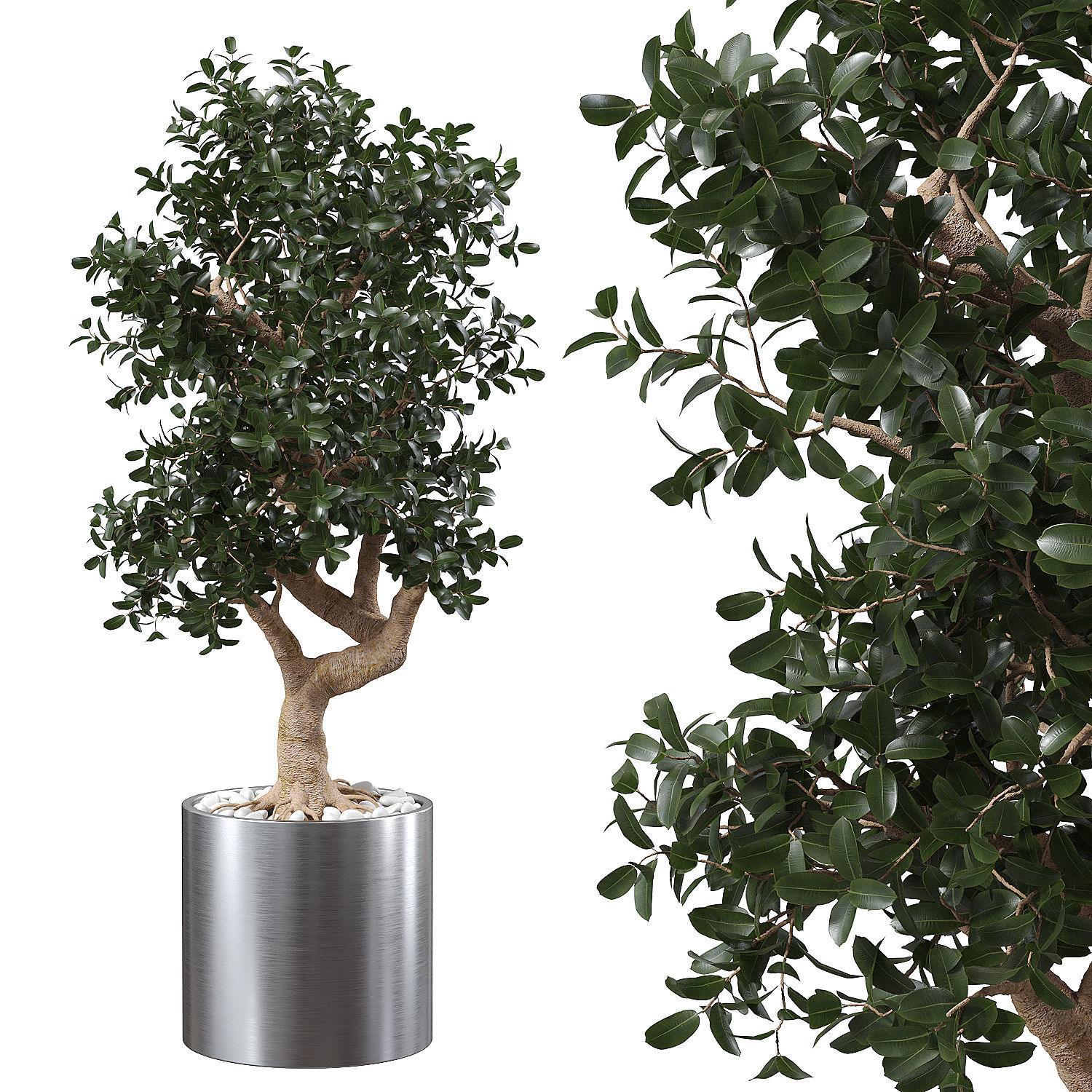 | 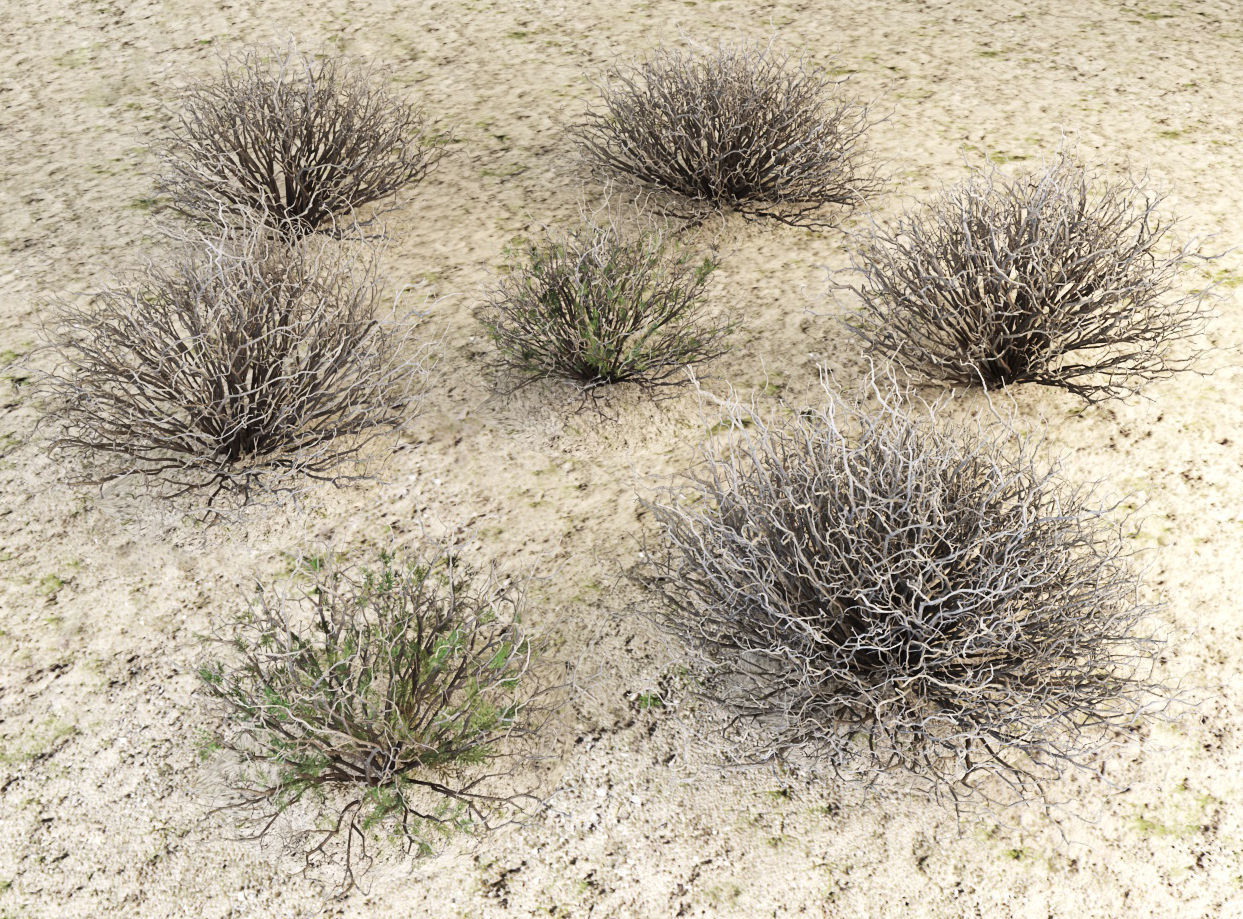 | 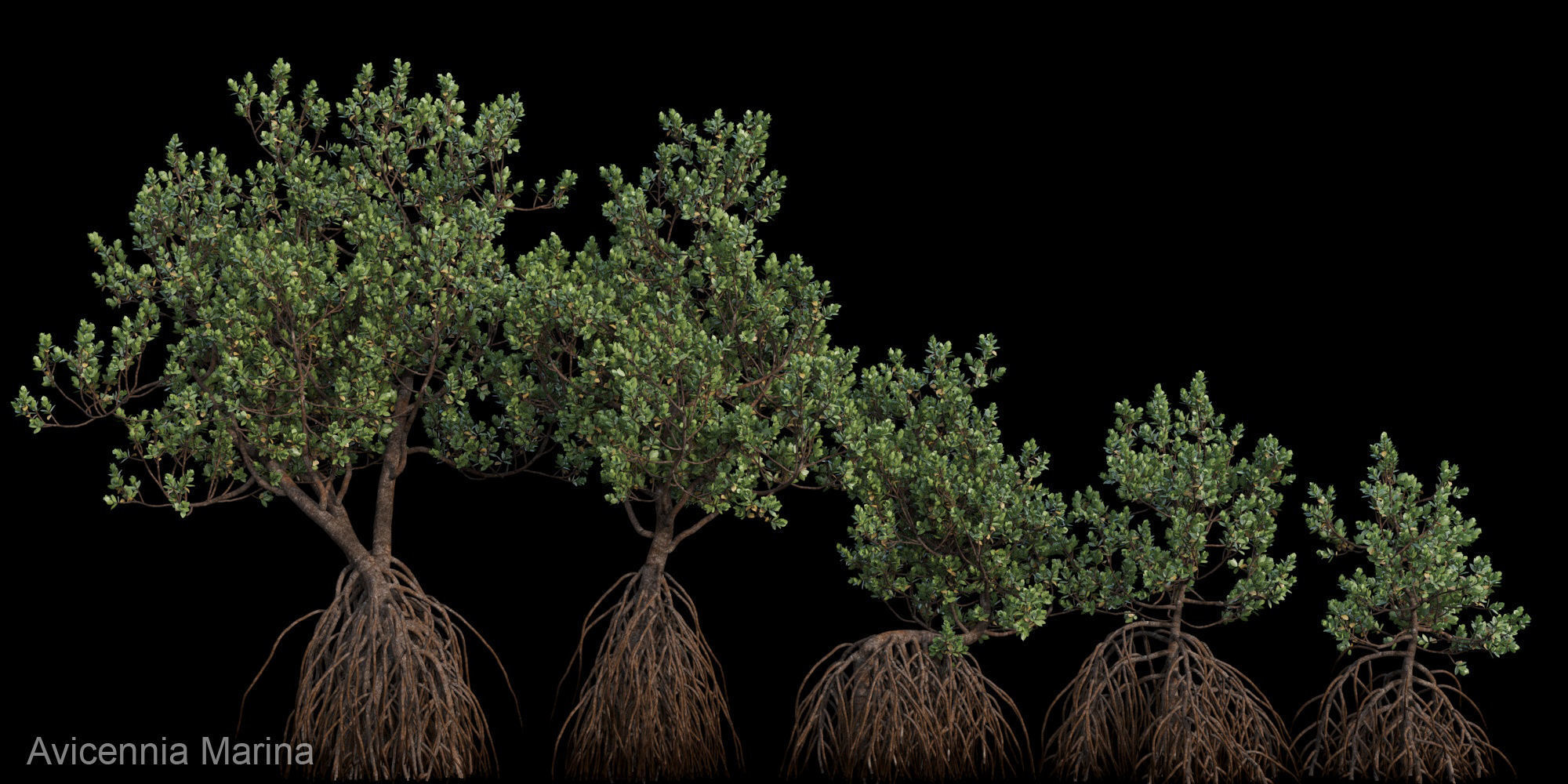 |
| SKU | 2119932 | 3157507 | 2618019 | 3899674 | 2388802 | 1847434 |
| Rating | ||||||
| Price | $370.00 | $29.00 | $10.00 | $2.00 | $10.00 | $30.00 |
| Stock | ||||||
| Availability | ||||||
| Add to cart | ||||||
| Description | ||||||
| Content | Realistic Marmot Model Update day 10/08/2022 to: Maya 2022, Yeti 4.1.0, Arnold Core 7, MtoA 5.0.0 Maya 2020, Yeti 4.1.0 Production workflow, easy to integrate in your pipeline No Overlapping Uv's subdivided in more tiles for more resolution Production Topology Rigged ( In a separate file, Referenced in the main Scene) Shader setup in Arnold ( Arnold core 5.1.0.0) Groom in Yeti ( v2.2.1) Unit of measurement in centimetres Scale 1:1 File Formats: Main Scene (.ma) Rig Scene (.ma) Pose files exported in a separated file (.abc) Rest Pose in ( FBX , OBJ , ABC) Rig: Main Control scalable Arm Controls FK/IK switchable Hip Controls FK/IK switchable Spline FK/IK switchable Neck and Head FK Tail FK/IK switchable Groom: Yeti Groom with clean texture path: Attribute editor custom pointing textures path Custom Id Setup for more control Shaders: Arnold 5.1.1 Shaders Body Shader ( Standard Surface ) Groom Shader ( Standard Hair ) Textures: Displacement 8K resolution (RAW) Diffuse 4K resolution (SRGB) Roughness 4K resolution (RAW) Normals 4K resolution (RAW) SSS Weight 4K resolution (SRGB) height 4K resolution (RAW) Groom Root Color 4K resolution (SRGB) Groom Base Color 4K resolution (SRGB) Groom Tip Color 4K resolution (SRGB) NO POSTWORK ON THESE RENDERS (ARNOLD) Common Issues: 1) TEXTURES CONNECTIONS Because of the UDIM textures and YETI , it was not possible to set relative path. To change the absolute path: UDIM TEXTURES Windows/General Editors/File Path editors and replace the texture folder path YETI TEXTURES Select the yeti node in the outline editor and look in the attribute editor ( be sure it is the pgYetiMaya node type) In the attribute editor go to Other/ Image Search path. Replace the folder path with the yeti texture folder | Texture set: PBR textures 4096x4096 .png / Base Color / Metallic / Normal (OpenGL) / Roughnes PBR textures 4096x4096 .png /Diffuse / Glossiness / Specular / Normal (DirectX) 3ds Max; obj; fbx files have standard mat: spec/gloss textures Geometry: Units: Centimeters Polygons: 174370 Vertex: 176054 Triangles: 0 Quads: 174370 Ngons: 0 Vertex with more than 5 edges: 0 Object: Dimension cm: 172.7cm x 245.1cm x 161.7cm Dimension inches: 68x 96.5 x 63.64" Model parts: 47 Material count: 3 XForm: Yes BoxTrick: Yes | Name: Santolina_rosmarinifolia Version: 2014 Preview: Yes Units: Millimeters Dimension: 1738.65 x 722.19 x 306.29 Polys: 1,535,554 XForm: Yes Box Trick: Yes Model Parts: 3 Render: corona Formats: 3Ds Max 2014, FBX | Name: Ficus Microcarpa in Steel Planter Formats: 3Ds Max 2015, OBJ Units: Centimeters Preview renderer: Corona Material: Steel, vegetation Polys: 262,886 Verts: 289,395 unique names | Sagebrush from desert High and medium detail For deserts and arid climates There are archives with textures, 3ds max 2013 VRay 3.6, 3ds max 2015 Corona, obj, fbx formats | Detail of Grey Mangrove ( Avicennia Marina ) tree ready for your render. If you have any question about format or need more tree, contact me please. Notice : This tree very deatil just using for render not games asset. |
| Weight | N/A | N/A | N/A | N/A | N/A | N/A |
| Dimensions | N/A | N/A | N/A | N/A | N/A | N/A |
| Additional information | ||||||
| Sold | 0 | 0 | 0 | 0 | 0 | 0 |
| Shipping |