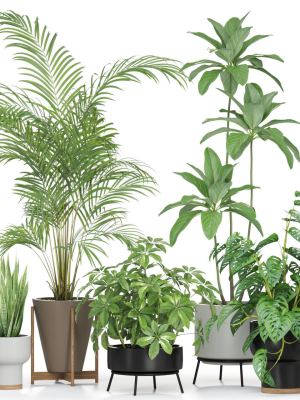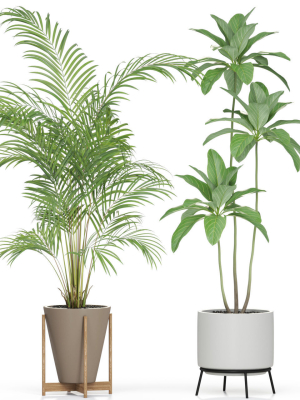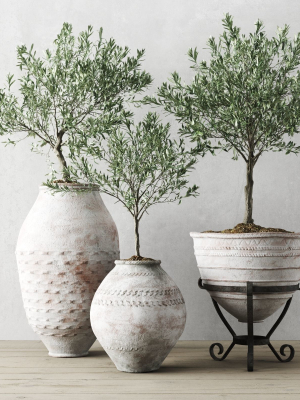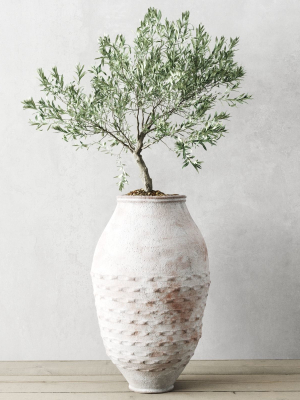


Daffodil VFX Grace
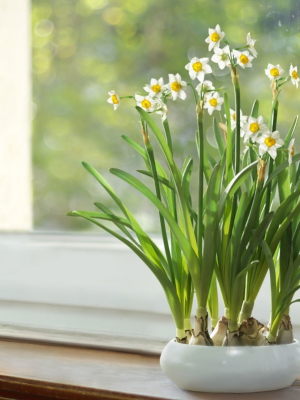
Daffodil VFX Grace
Product details
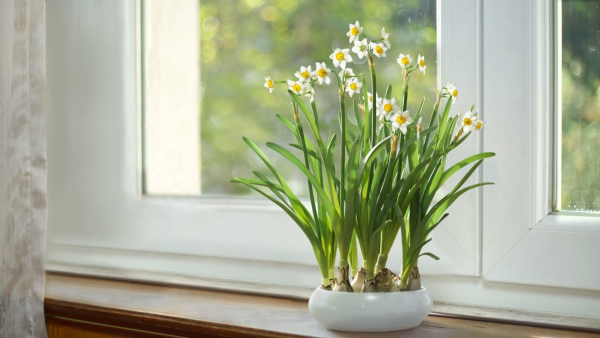
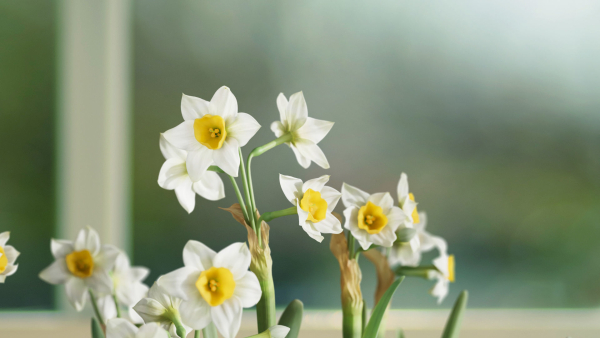
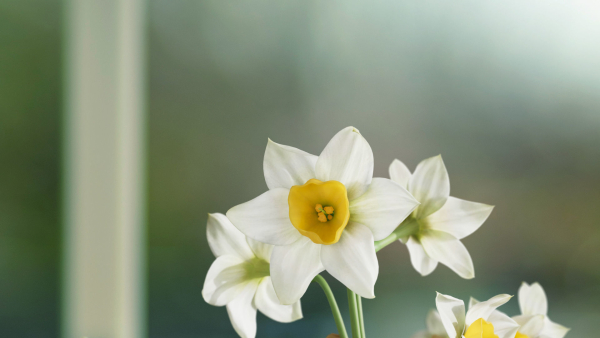
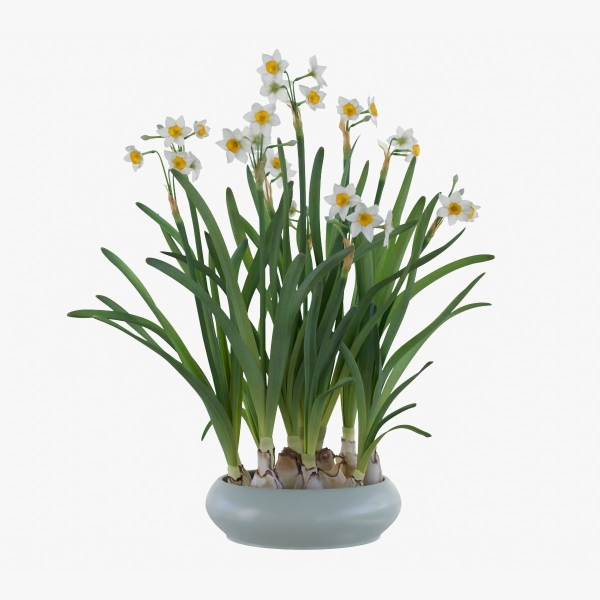
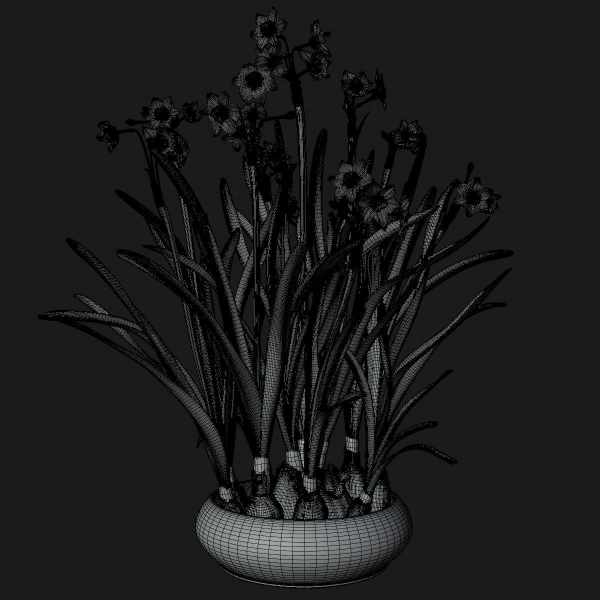
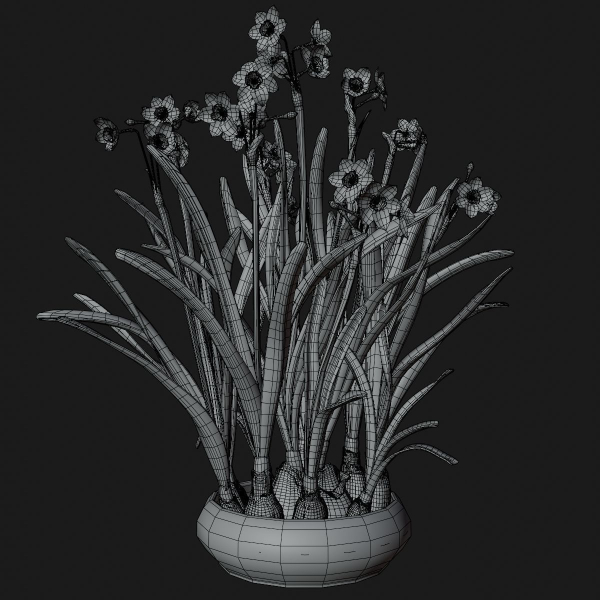
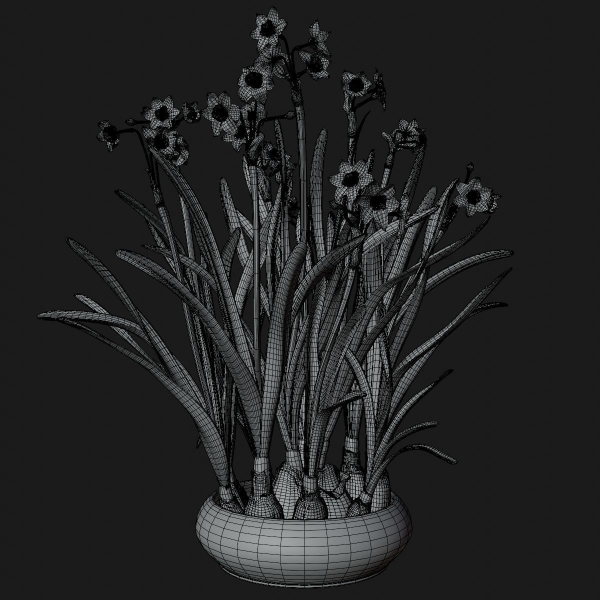
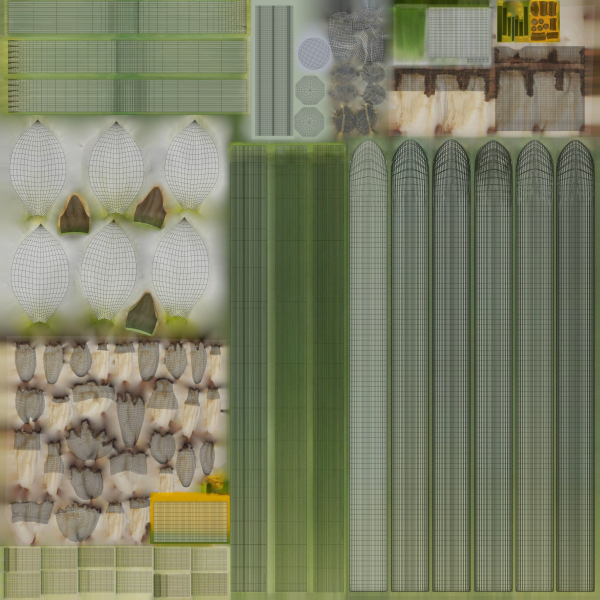
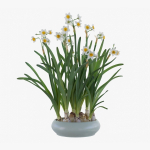
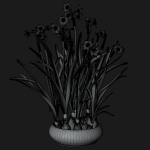
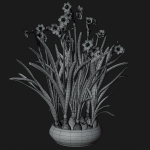
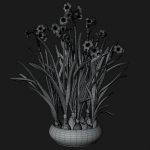
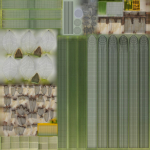
Introduction This is a set of realistic Daffodil models made with Blender and Cycles renderer. There are high, medium and low polys available, which support background, medium shot and close shot, and both indoor and outdoor scenes are supported. There are 8 pieces of PBR maps with accurate physical properties and rich details, which can add realism to your scenes. Features The model is made at real-world scale. No part-name confusion when importing several models into a scene. No external add-ons needed. No lights or cameras. Put the model into the scene to render without cleaning. 8 pieces of 4K PBR maps Including high, medium and low polys, 3 objects in total. Overlapping Unwrapped UVs. Blender project, fbx and obj file. Neither animation nor rigging. Specification High poly: vertices 1,138,296 edges 2,260,983 faces 1 ,123,061 Medium poly: vertices 336,037 edges 666,665 faces 331,008 Low poly: vertices 113,437 edges 224,698 faces 111,641
Shipping and Returns
Shipping cost is based on weight. Just add products to your cart and use the Shipping Calculator to see the shipping price.
We want you to be 100% satisfied with your purchase. Items can be returned or exchanged within 30 days of delivery.
Quick Comparison
| Settings | Daffodil VFX Grace remove | Plants collection 940 remove | collection Indoor Outdoor plant 139 garden bax metal vase pots remove | Plants collection 596 remove | Houseplant 54 remove | Plants collection 949 remove |
|---|---|---|---|---|---|---|
| Name | Daffodil VFX Grace remove | Plants collection 940 remove | collection Indoor Outdoor plant 139 garden bax metal vase pots remove | Plants collection 596 remove | Houseplant 54 remove | Plants collection 949 remove |
| Image | 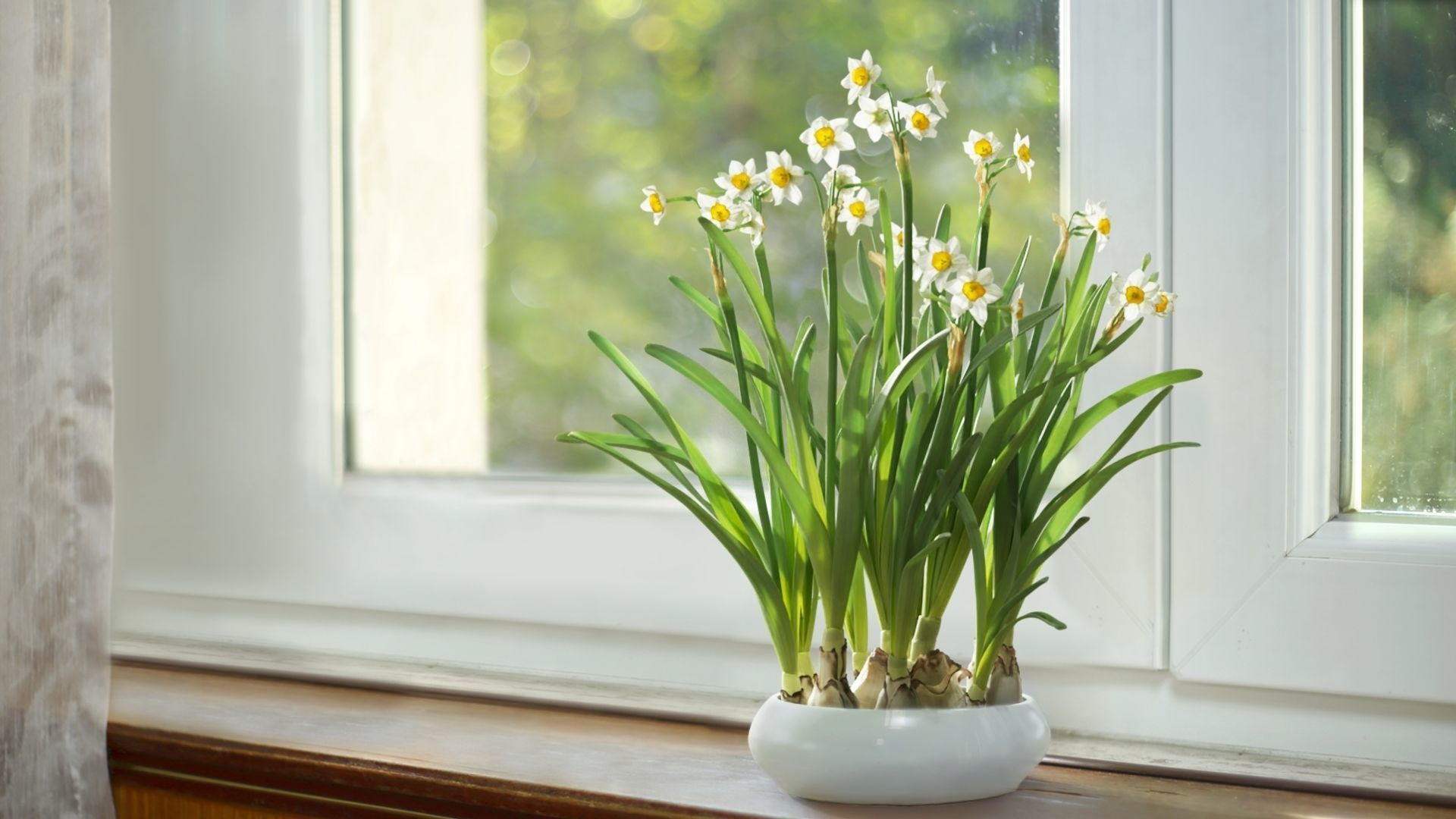 | 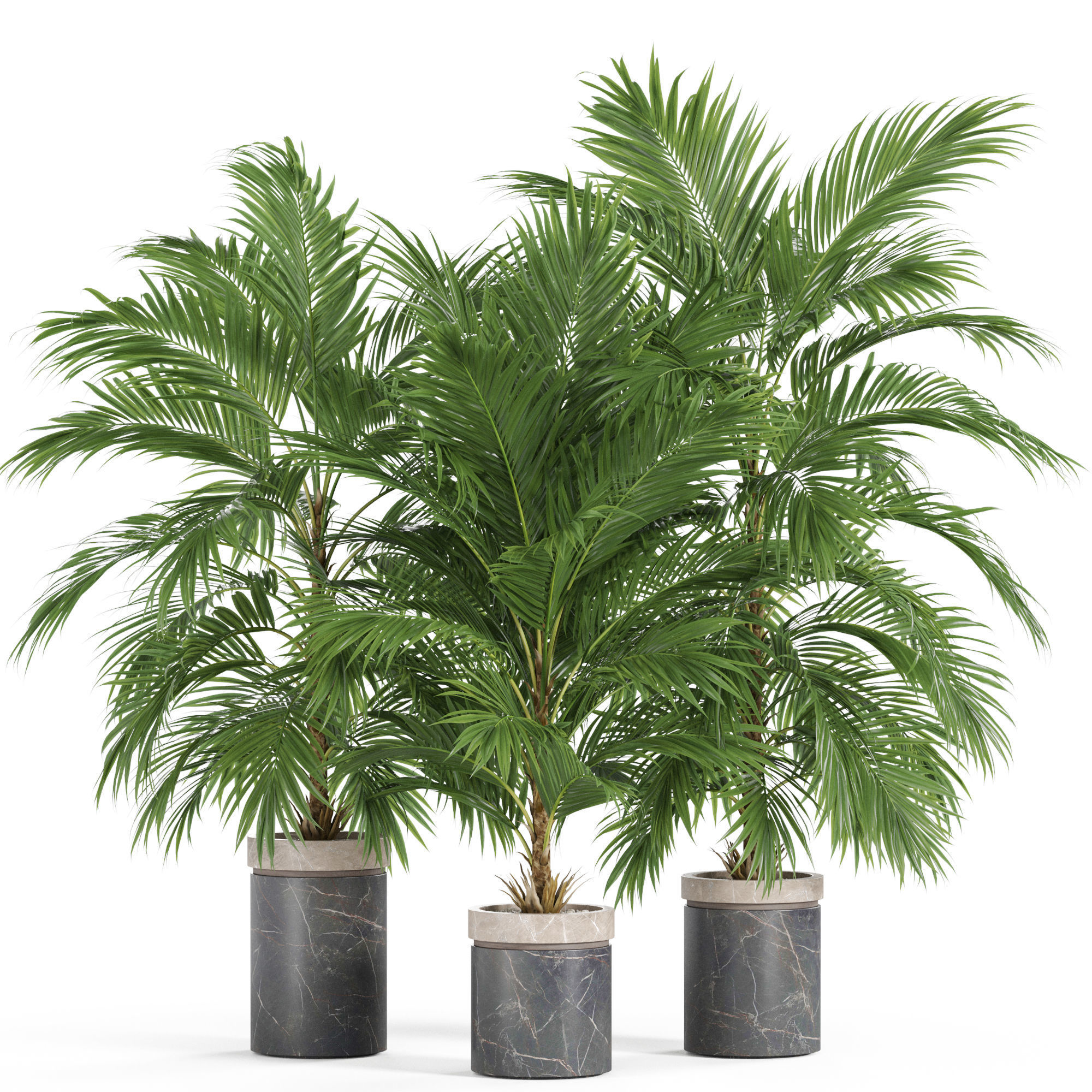 | 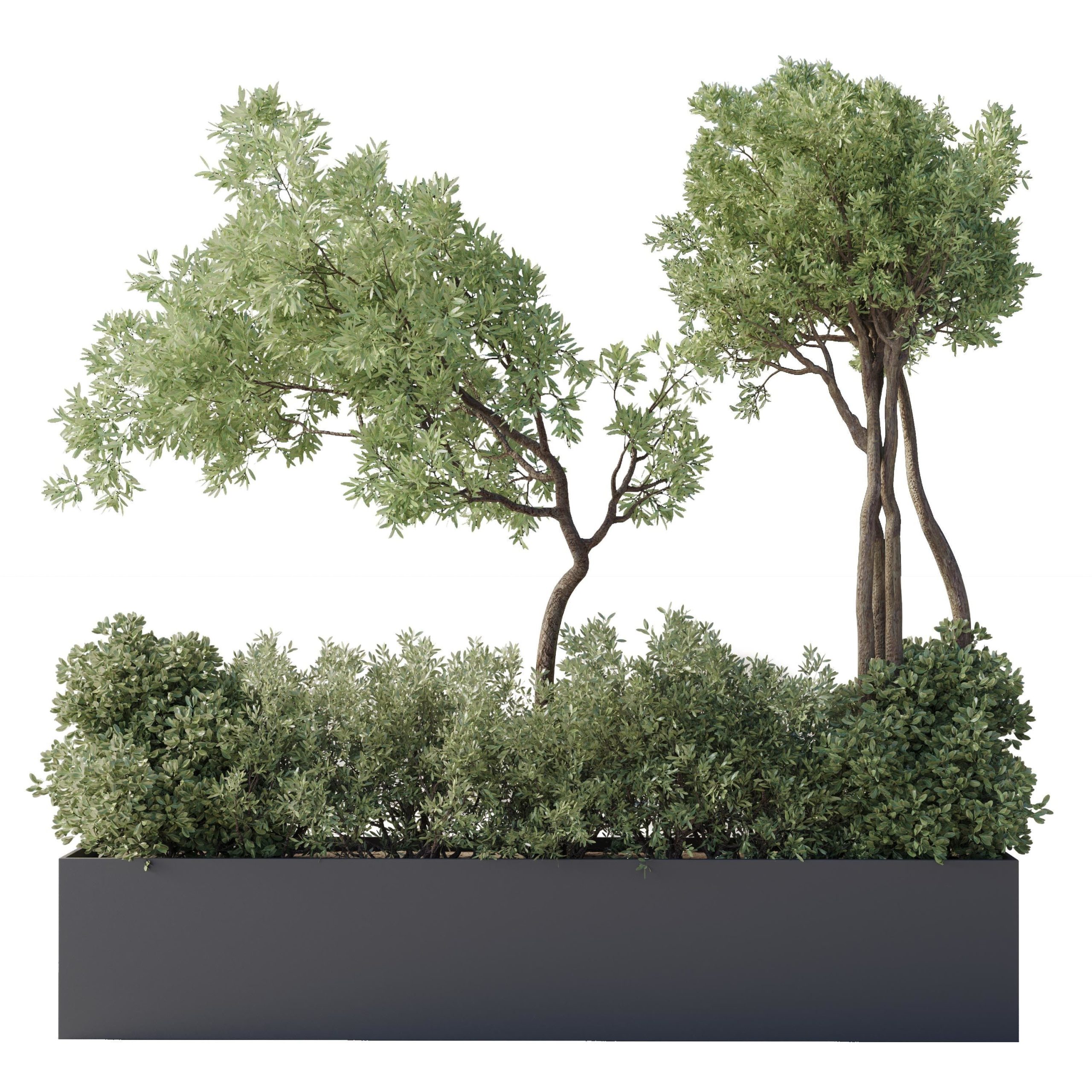 | 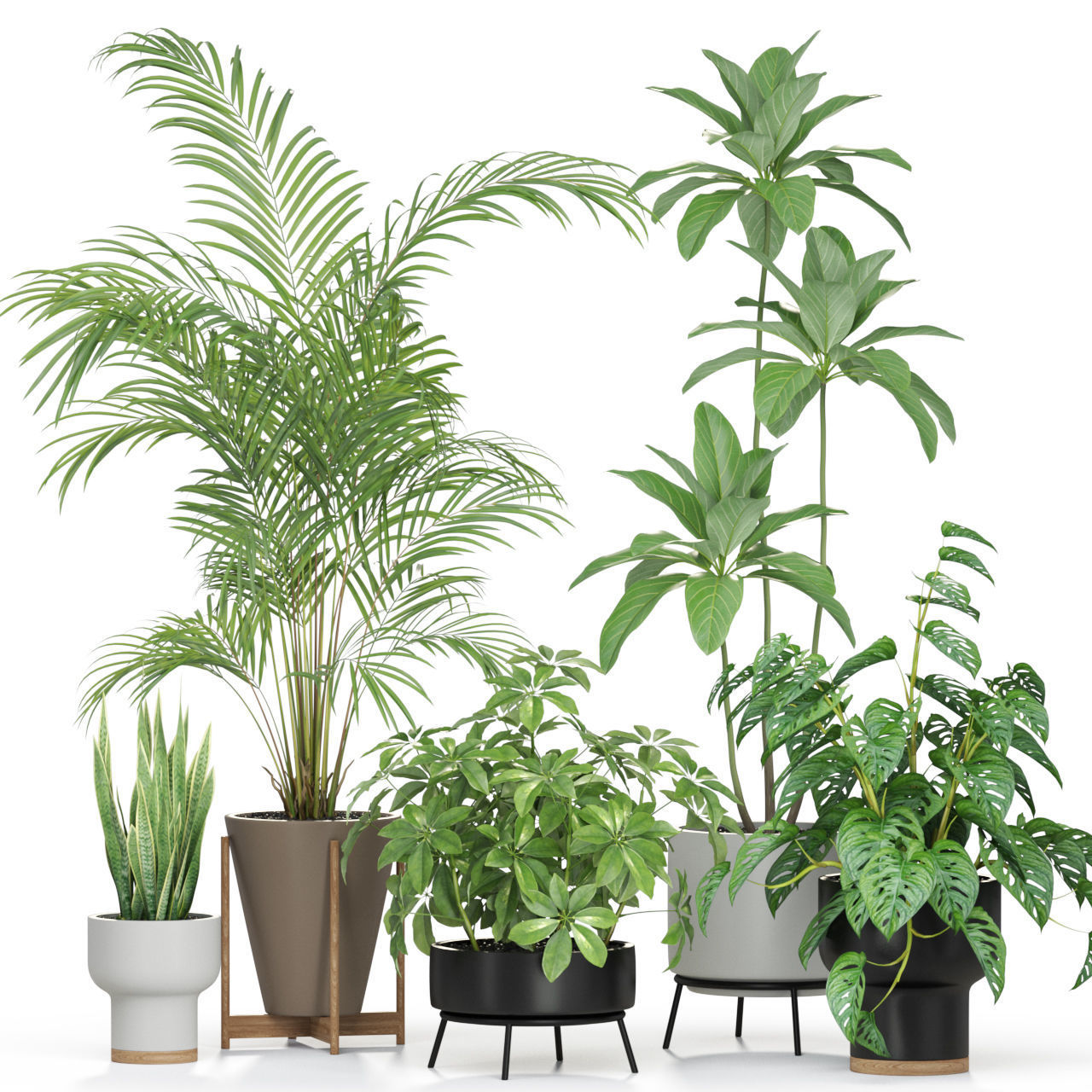 | 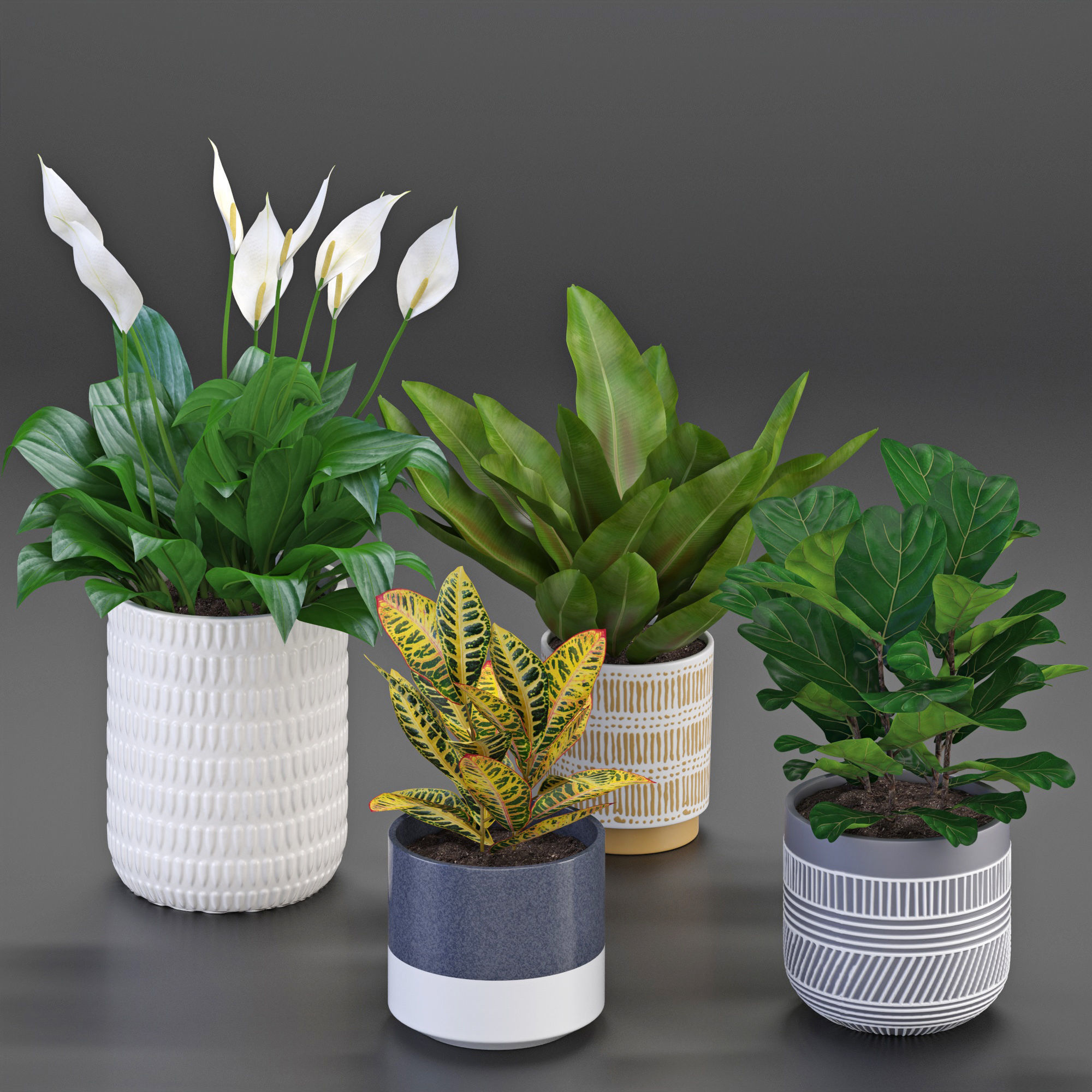 | 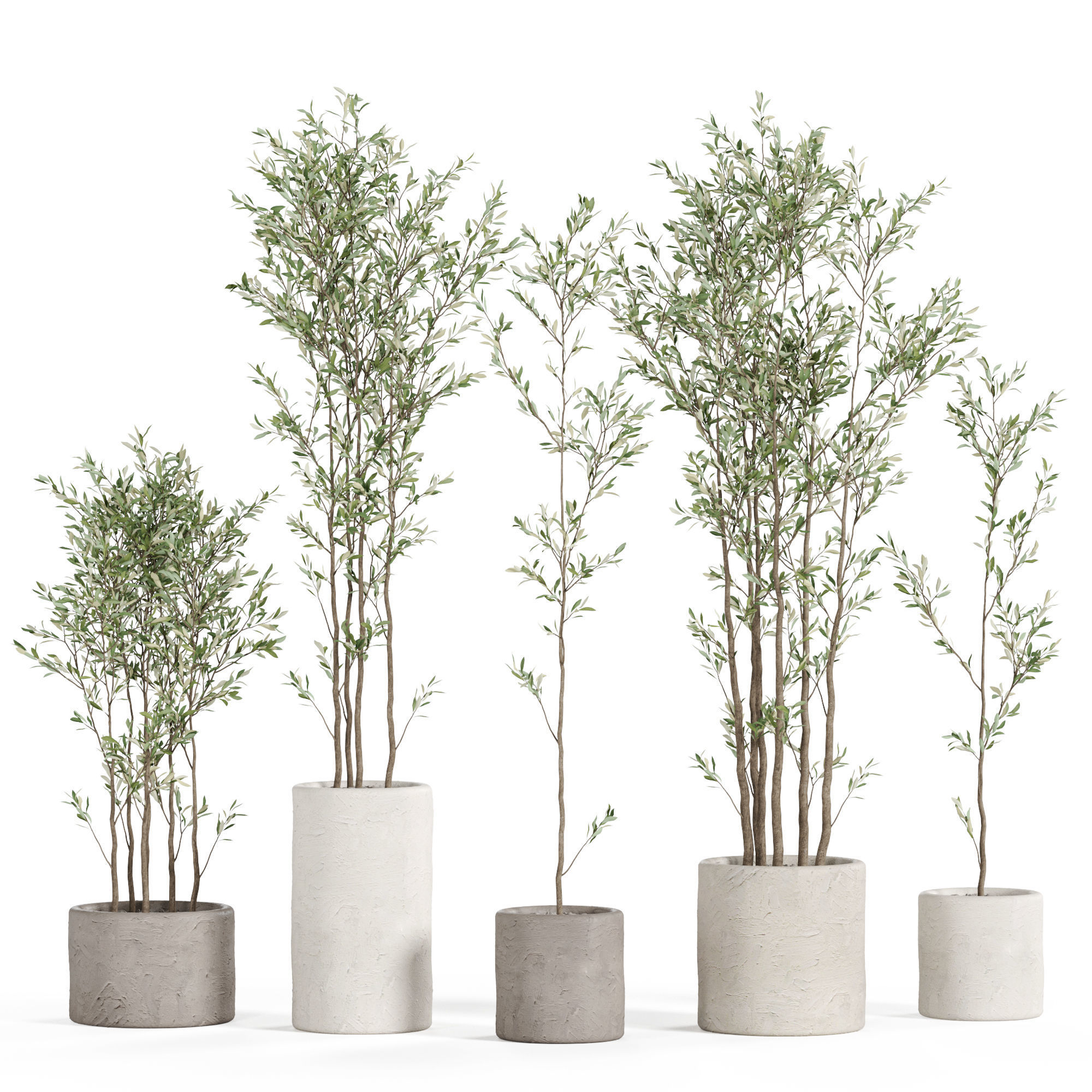 |
| SKU | 3285753 | 4506682 | 3429011 | 3336461 | 2866537 | 4525856 |
| Rating | ||||||
| Price | $20.00 | $19.00 | $18.00 | $19.00 | $12.99 | $19.00 |
| Stock | ||||||
| Availability | ||||||
| Add to cart | ||||||
| Description | ||||||
| Content | Introduction This is a set of realistic Daffodil models made with Blender and Cycles renderer. There are high, medium and low polys available, which support background, medium shot and close shot, and both indoor and outdoor scenes are supported. There are 8 pieces of PBR maps with accurate physical properties and rich details, which can add realism to your scenes. Features The model is made at real-world scale. No part-name confusion when importing several models into a scene. No external add-ons needed. No lights or cameras. Put the model into the scene to render without cleaning. 8 pieces of 4K PBR maps Including high, medium and low polys, 3 objects in total. Overlapping Unwrapped UVs. Blender project, fbx and obj file. Neither animation nor rigging. Specification High poly: vertices 1,138,296 edges 2,260,983 faces 1 ,123,061 Medium poly: vertices 336,037 edges 666,665 faces 331,008 Low poly: vertices 113,437 edges 224,698 faces 111,641 | High quality 3d models Plants collection 940 A unique collection of plants can be used for exterior and interiors Formats 3ds max 2013 V-ray 4.0 Corona render 4.0 Default Scanline FBX V-ray Corona render Default Scanline OBJ Standard materials Cinema4D Standard Blender Cycles (you need to specify the path to the texture. File > External Data > Find Missing Files. and select texture folder) | collection Indoor Outdoor plant 139 garden bax metal vase pots File 3dmax 2015 vray * & corona Export file obj & fbx & 3ds & corona_vray | High quality 3d models Plants collection 596 A unique collection of plants can be used for exterior and interiors Formats 3ds max 2013 V-ray 4.0 Corona render 4.0 Default Scanline FBX V-ray Corona render Default Scanline OBJ Standard materials Cinema4D Standard Blender Cycles | Houseplant 54 Polys: 68682 Verts: 67210 The archive includes: file .max 2016 Vray + corona file .fbx_vray .fbx_corona textures material library. Who works in V-Ray version lower than 3.1, be careful, in the materials in the BRDF section there is Microfaset GTR (GGX), if your version is older, than 3.1, the BRDF field will be empty. Choose Blinn, Phong or Ward - which is preferable for you. For Corona render, it is recommended to install at least version 1.5, as the glossiness of the materials is adjusted with PBR in mind. The model is positioned in zero coordinates. The unit is millimeter. All file paths have been removed. | High quality 3d models Plants collection 949 A unique collection of plants can be used for exterior and interiors Formats 3ds max 2013 V-ray 4.0 Corona render 4.0 Default Scanline FBX V-ray Corona render Default Scanline OBJ Standard materials Cinema4D Standard Blender Cycles (you need to specify the path to the texture. File > External Data > Find Missing Files. and select texture folder) |
| Weight | N/A | N/A | N/A | N/A | N/A | N/A |
| Dimensions | N/A | N/A | N/A | N/A | N/A | N/A |
| Additional information | ||||||
| Sold | 0 | 0 | 0 | 0 | 0 | 0 |
| Shipping |