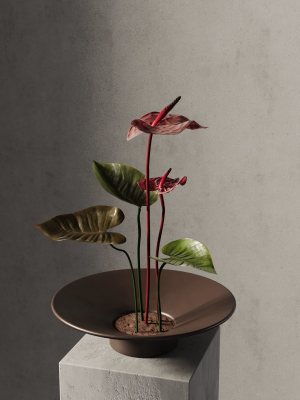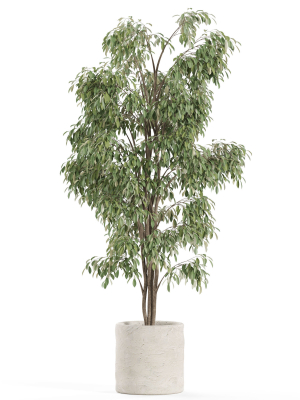
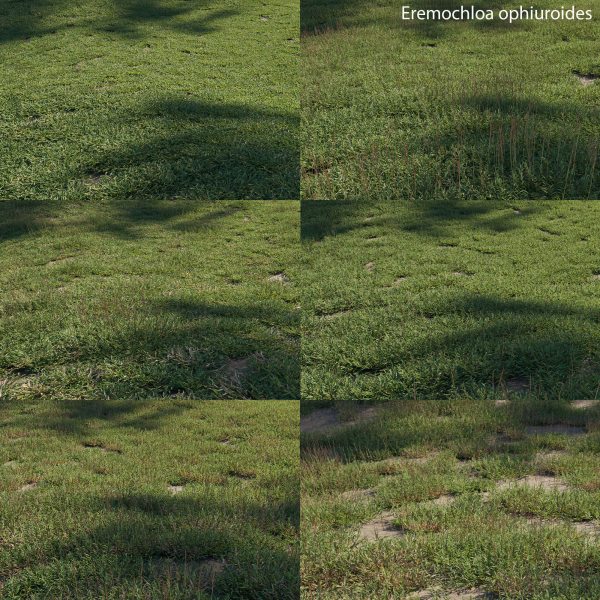
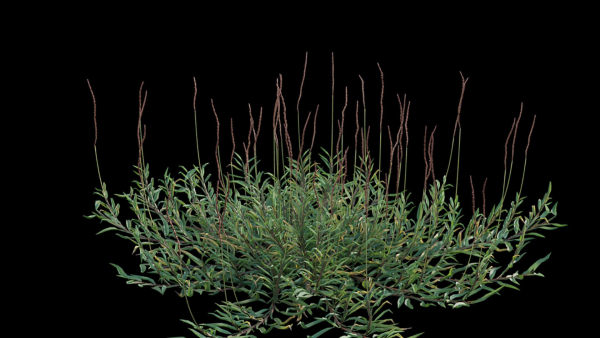
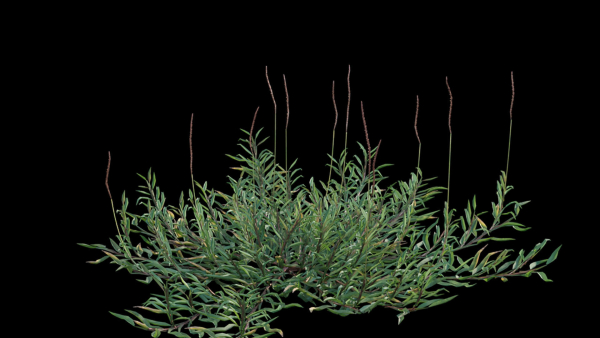
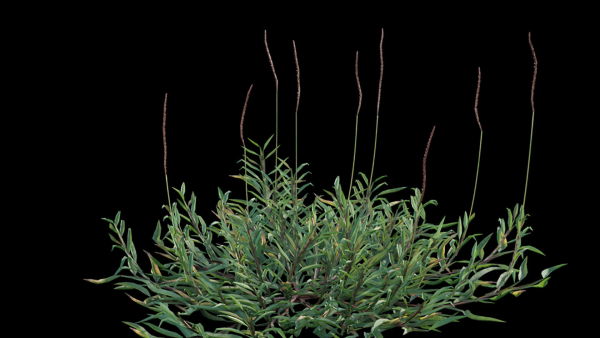
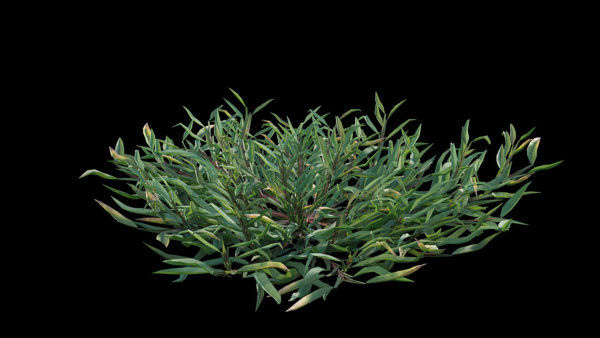
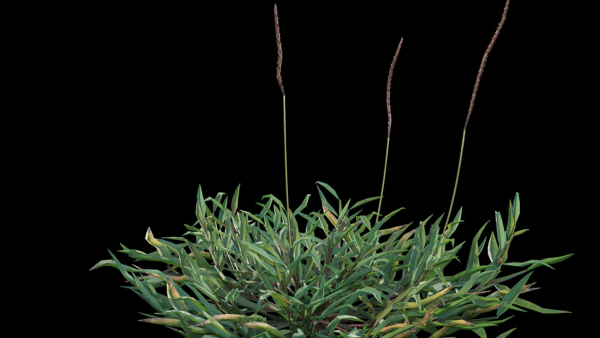
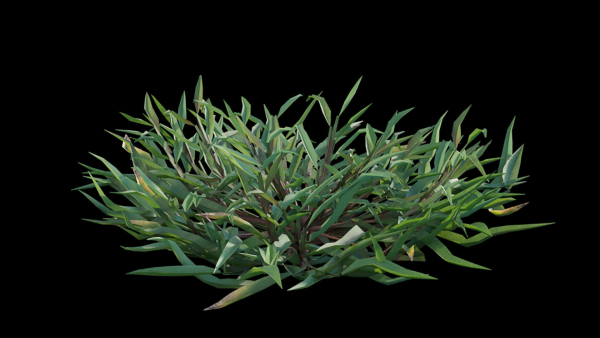
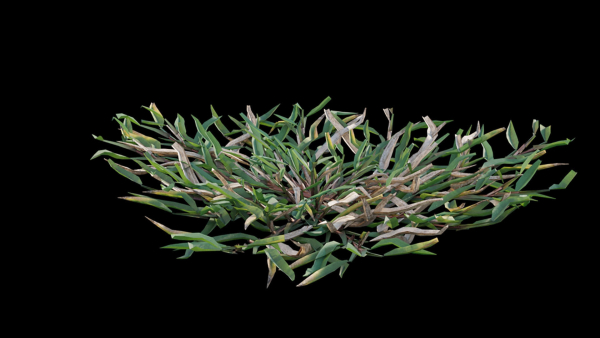
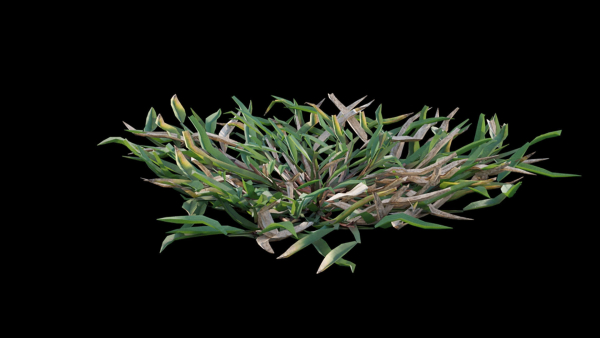
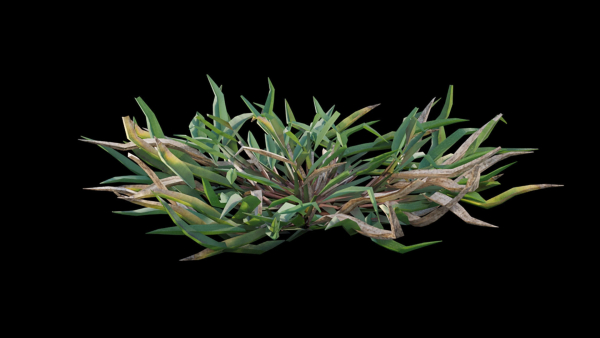
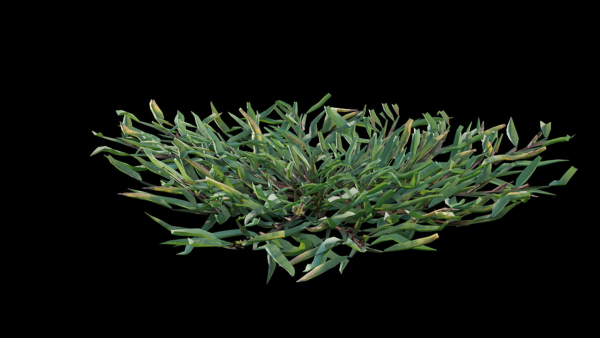
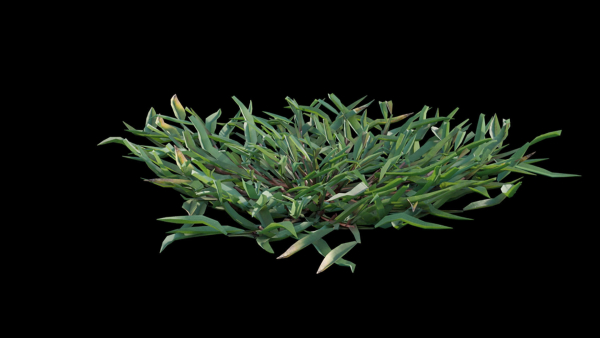
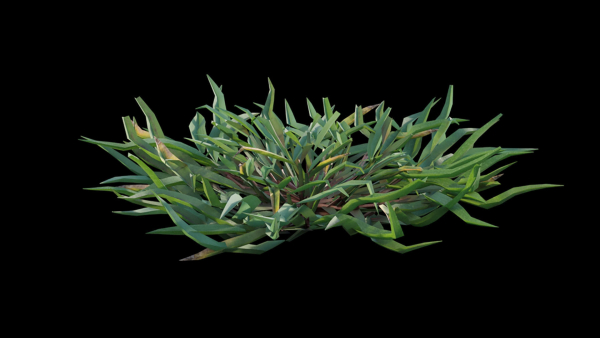
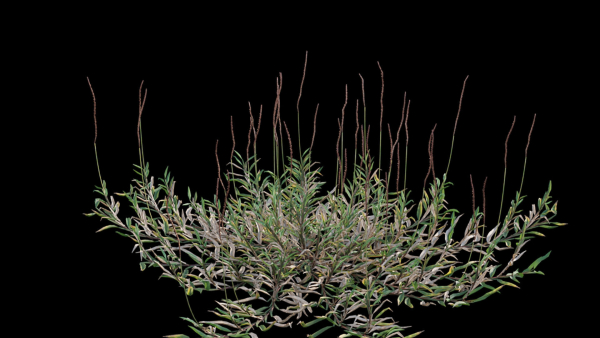
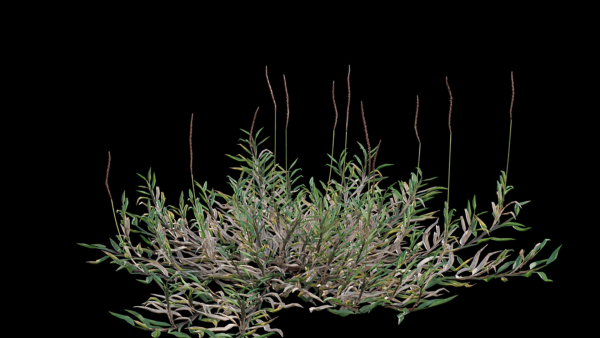
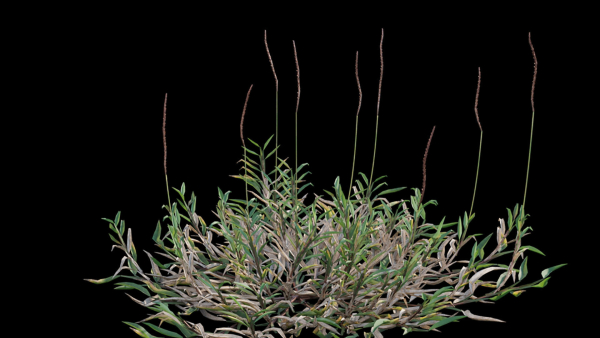
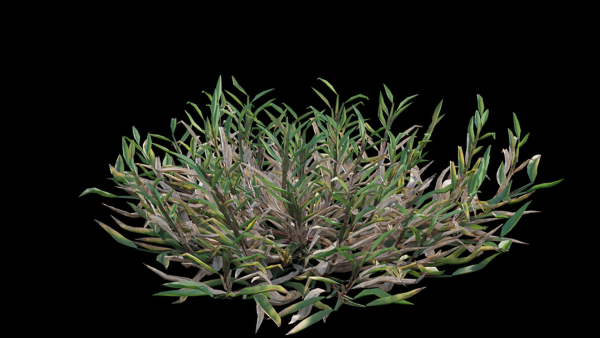
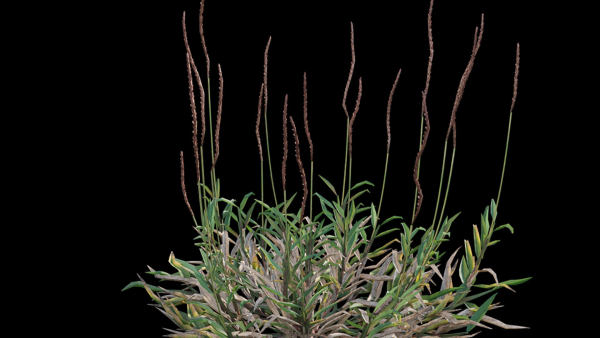
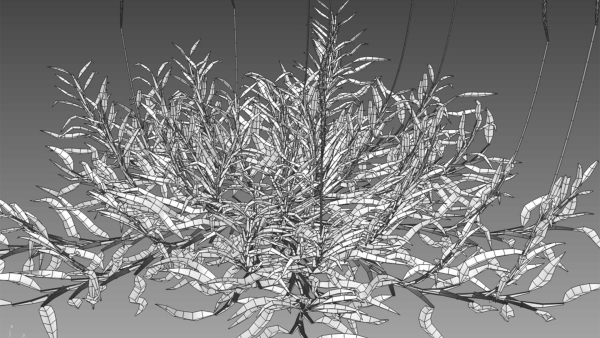
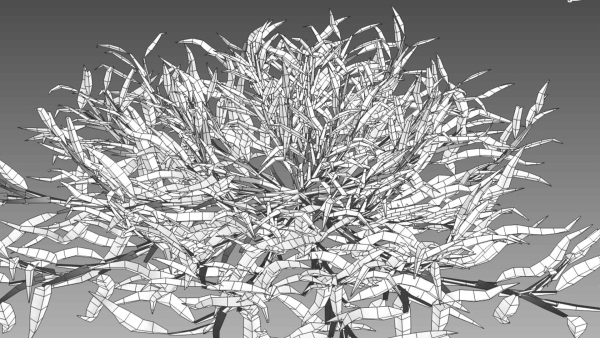
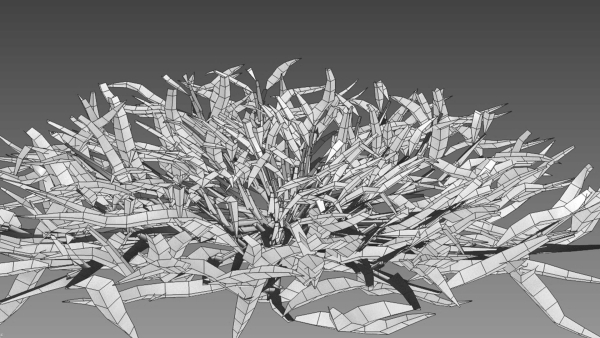
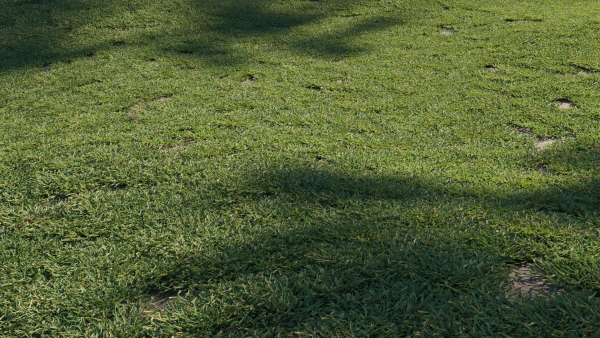
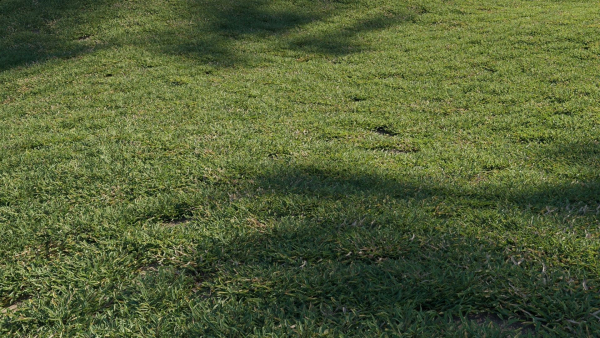
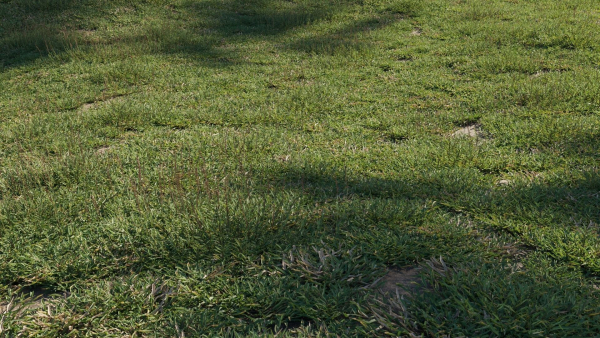
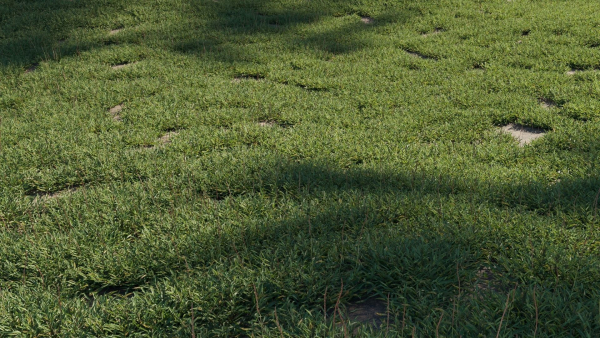
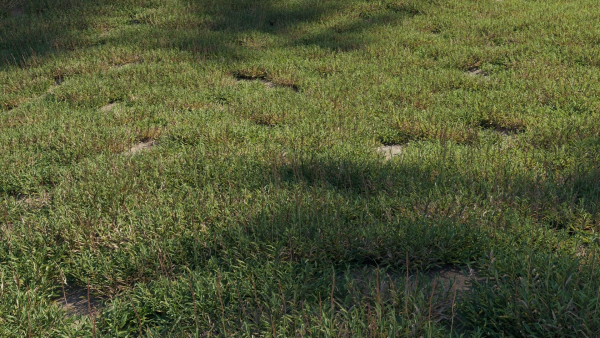
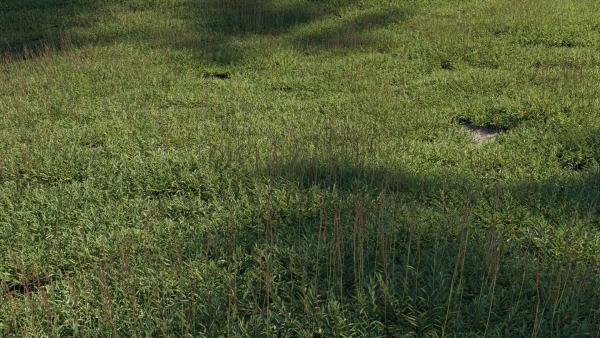
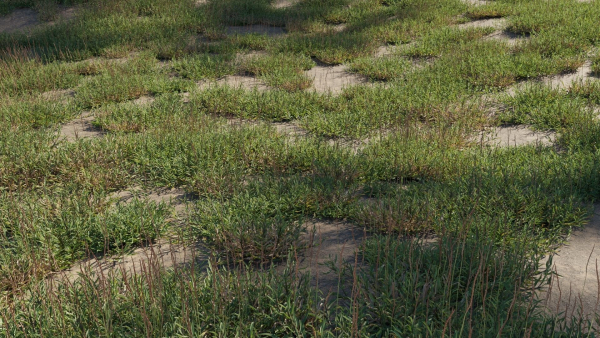
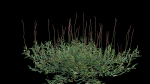
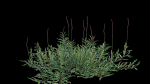
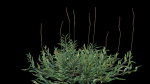
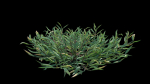
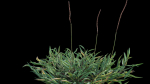
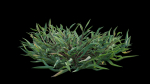
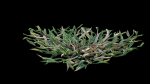
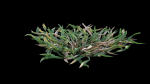
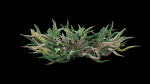
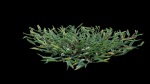
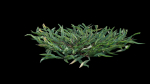
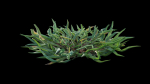
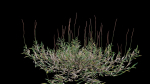
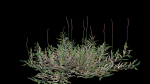
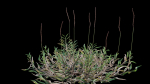
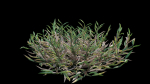
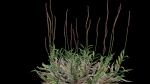
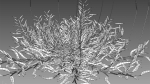
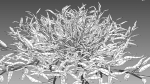
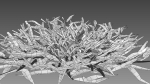
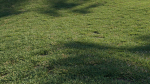
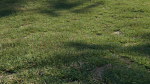
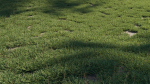
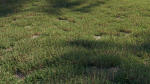
Eremochloa ophiuroides GrowFX
$50.00
443 people are viewing this right now
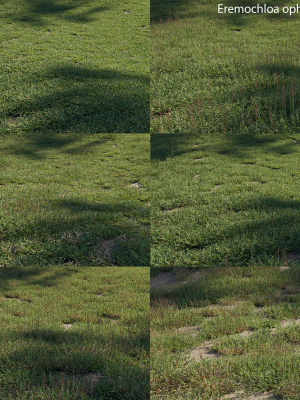
Eremochloa ophiuroides GrowFX
$50.00
Product details
Shipping and Returns
Product details
In the archive 3ds max 2014 (Corona) 3ds max 2014 FBX (Standard) OBJ(Standard) Textures
Shipping and Returns
Shipping cost is based on weight. Just add products to your cart and use the Shipping Calculator to see the shipping price.
We want you to be 100% satisfied with your purchase. Items can be returned or exchanged within 30 days of delivery.
Quick Comparison
| Settings | Eremochloa ophiuroides GrowFX remove | Hydrangea Arborescens Bush 02 remove | Plants collection 615 remove | Plants collection 970 remove | Xfrog Asia remove | 4 Soil Moss set remove |
|---|---|---|---|---|---|---|
| Name | Eremochloa ophiuroides GrowFX remove | Hydrangea Arborescens Bush 02 remove | Plants collection 615 remove | Plants collection 970 remove | Xfrog Asia remove | 4 Soil Moss set remove |
| Image | 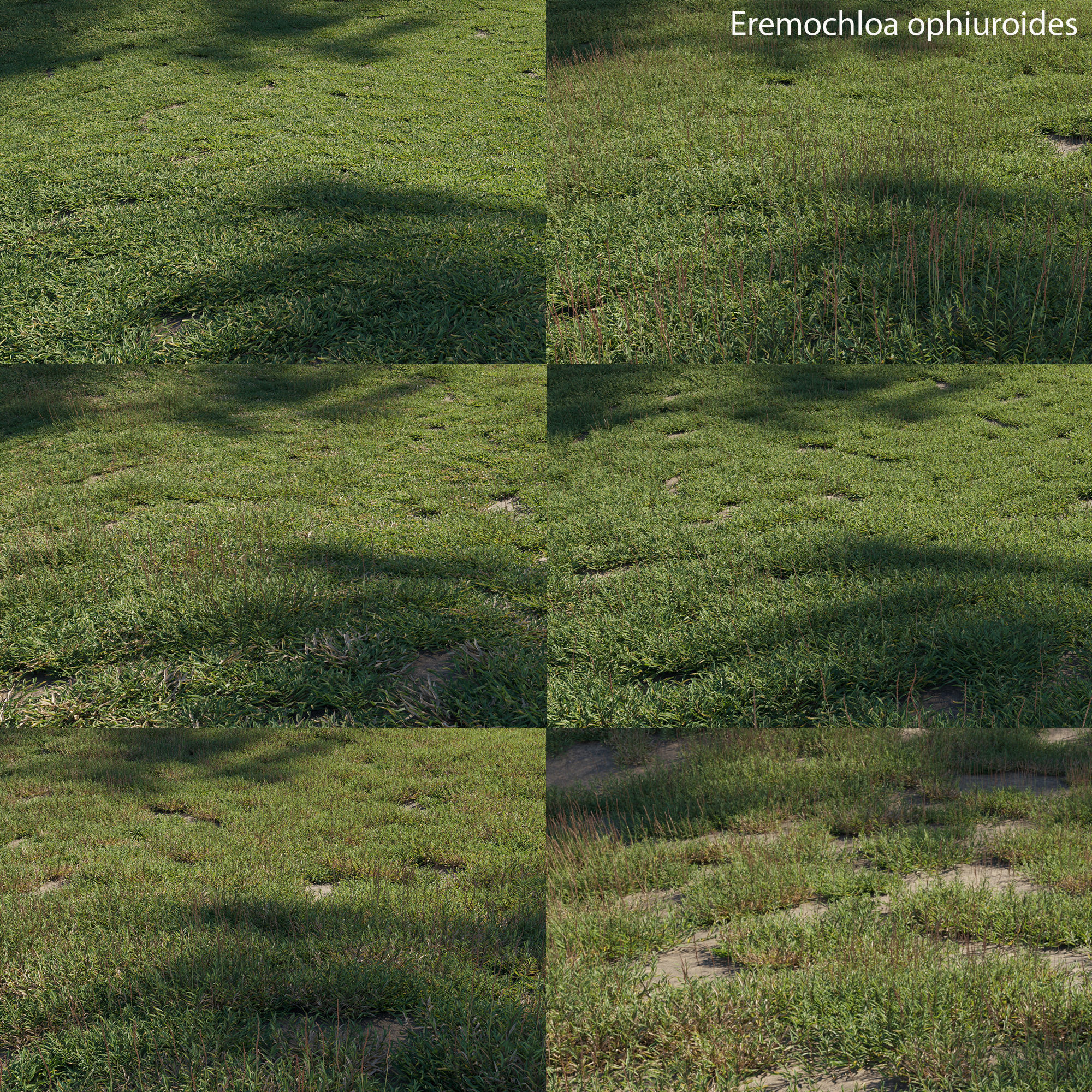 | 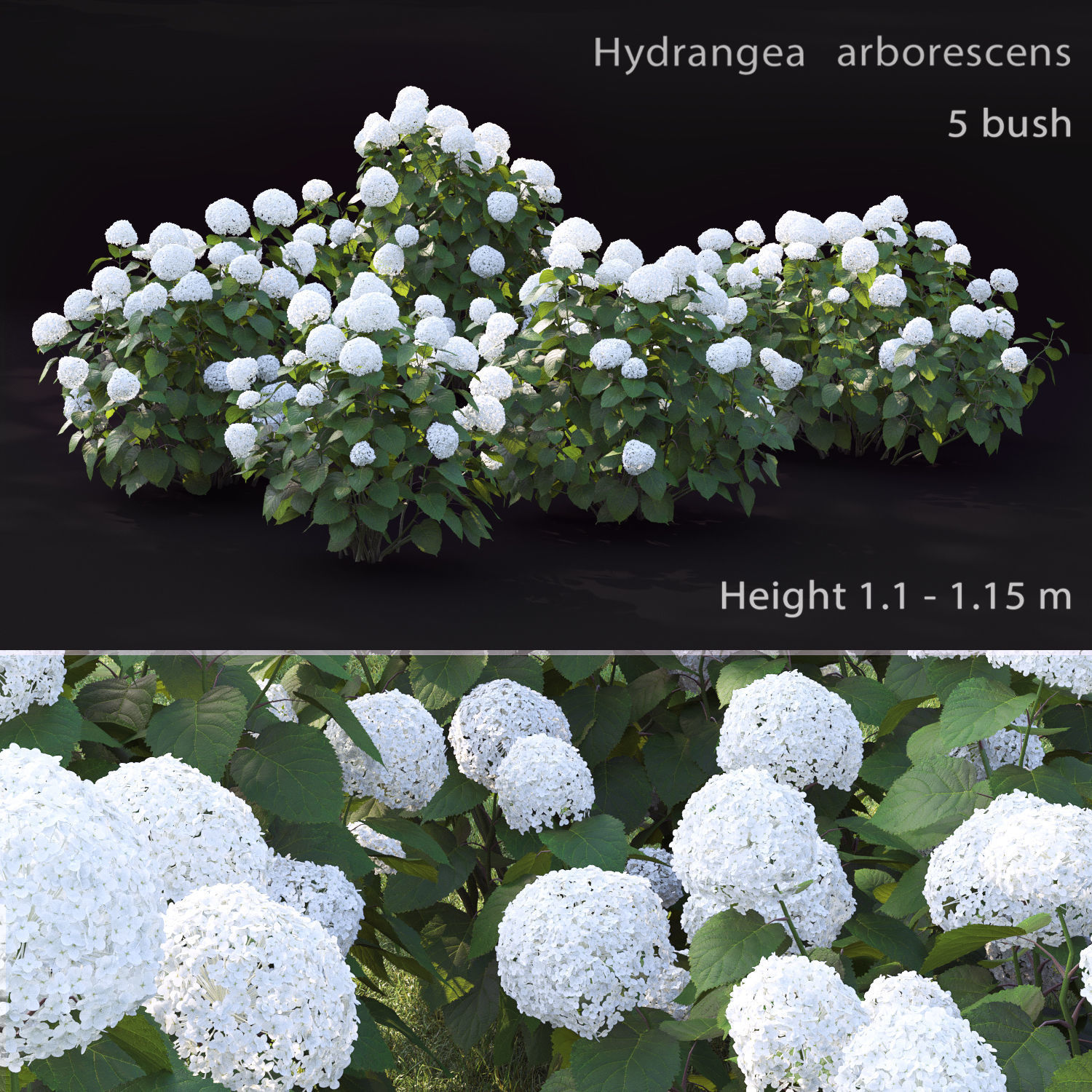 | 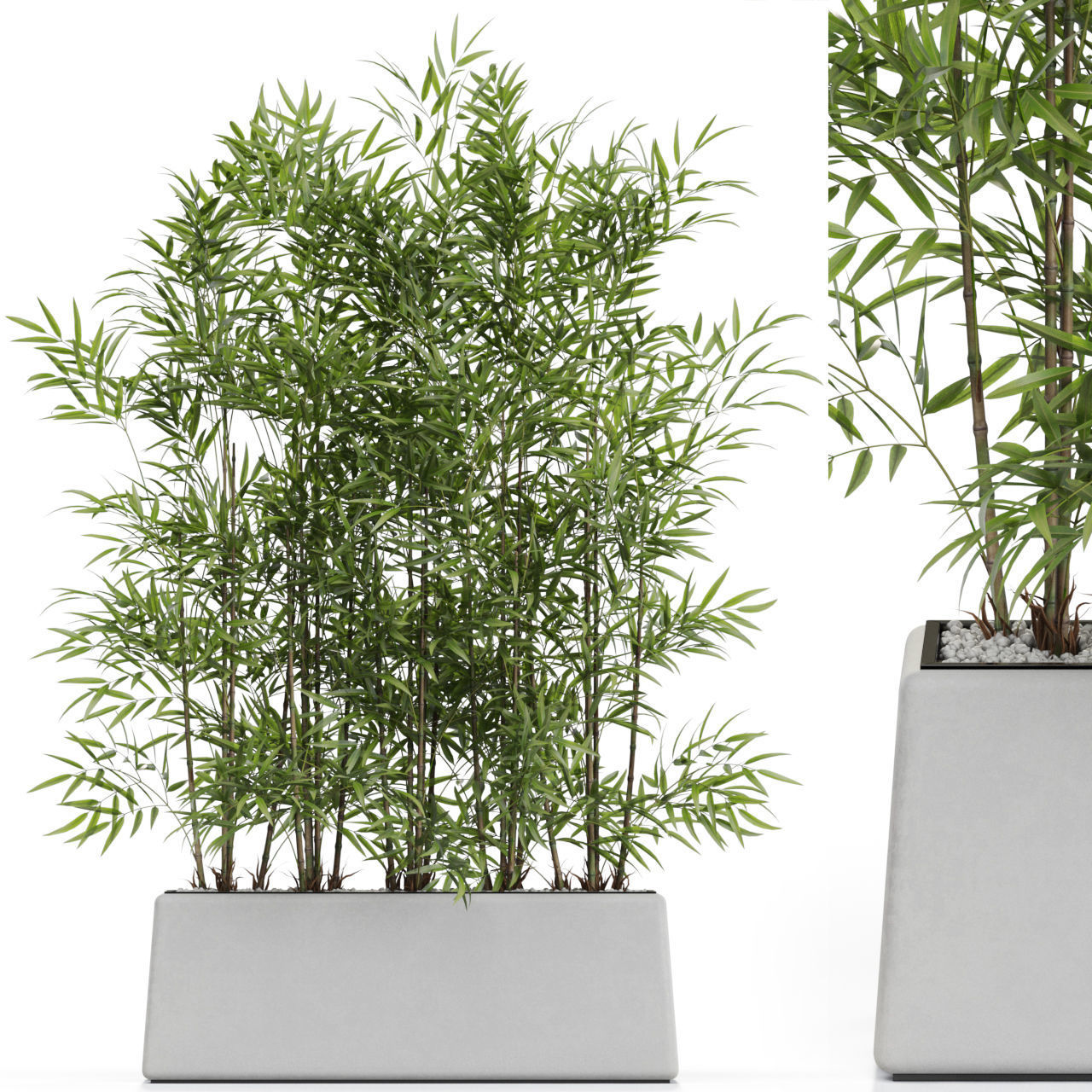 | 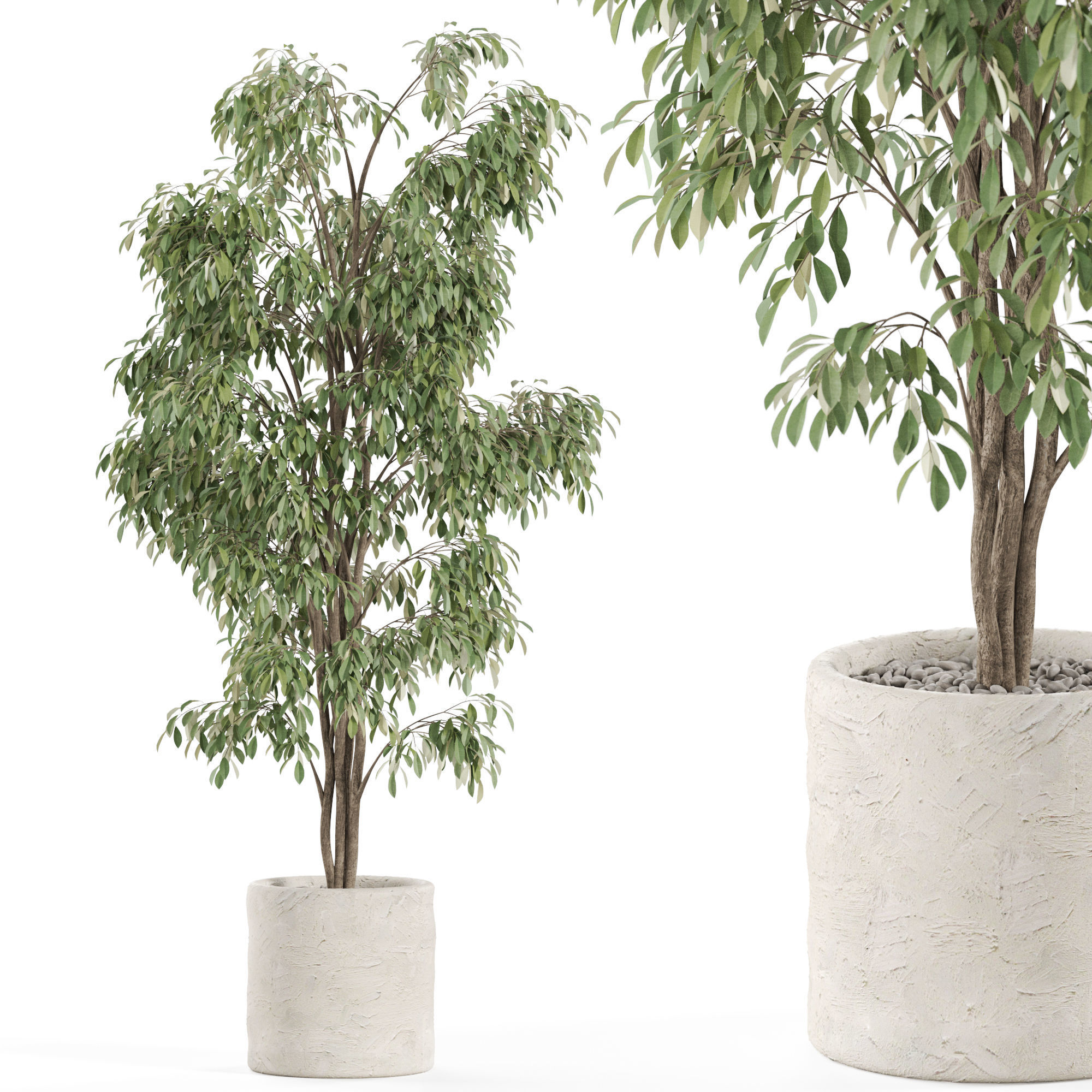 | 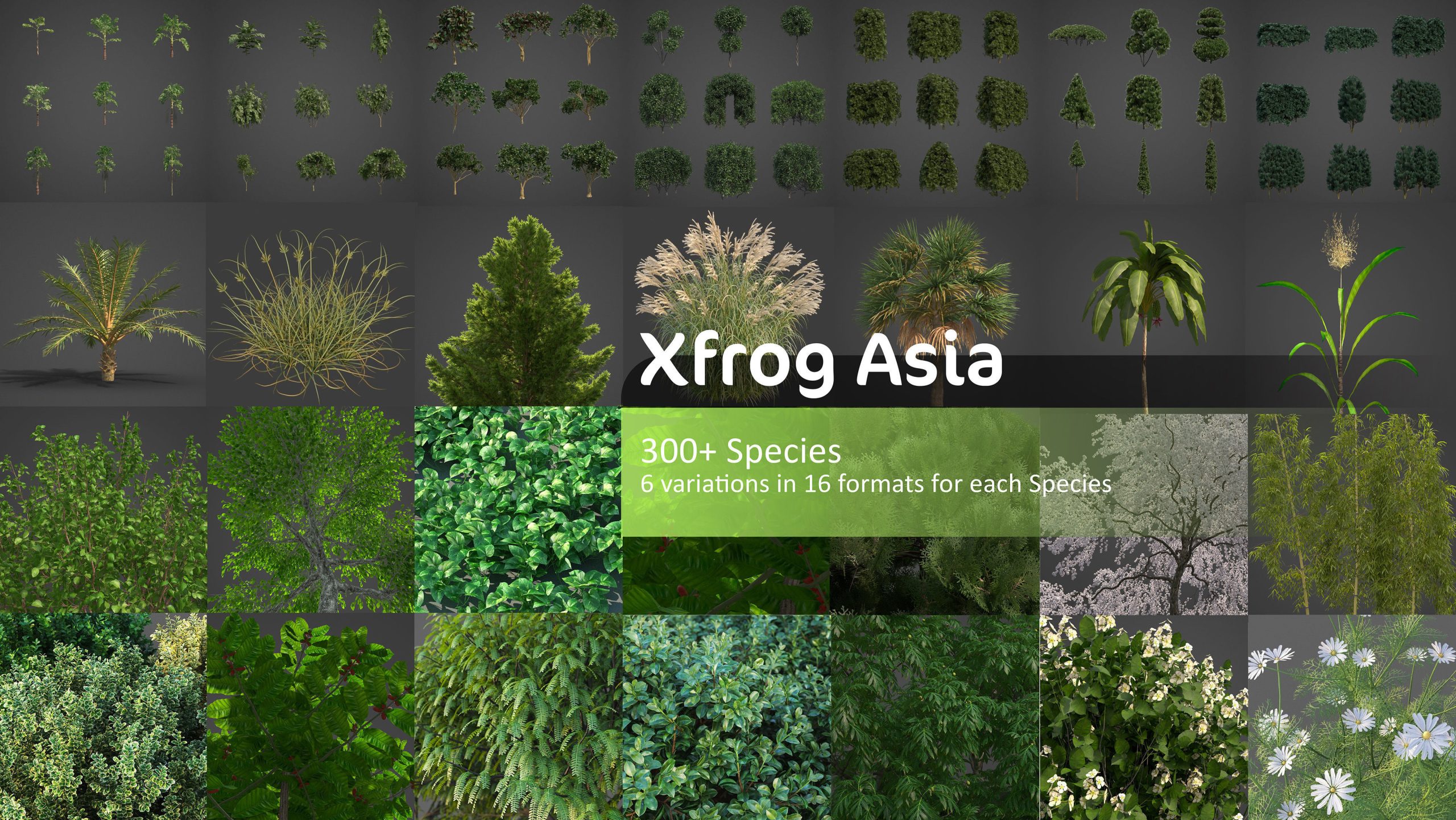 | 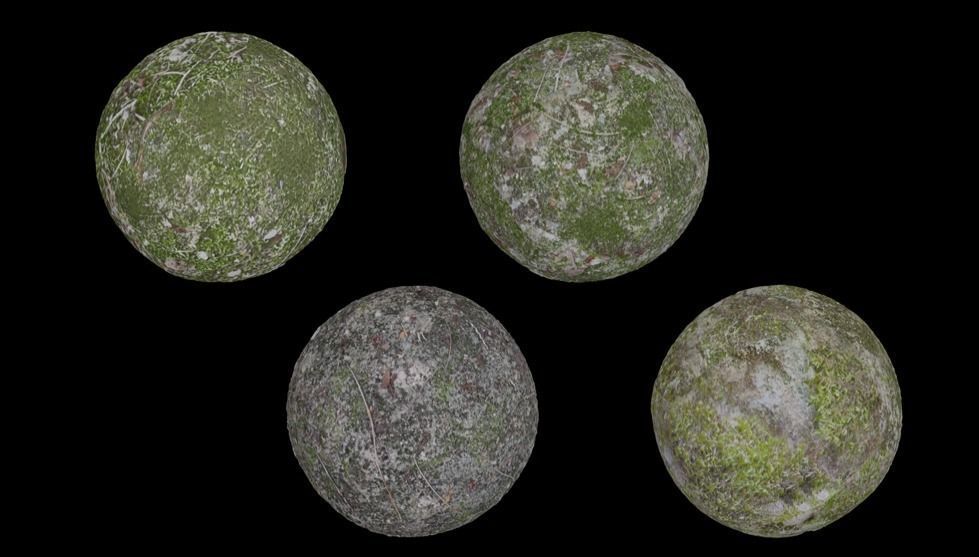 |
| SKU | 3708920 | 2341555 | 3528917 | 4646945 | 3671946 | 3533351 |
| Rating | ||||||
| Price | $50.00 | $9.00 | $19.00 | $19.00 | $199.00 | $99.99 |
| Stock | ||||||
| Availability | ||||||
| Add to cart | ||||||
| Description | ||||||
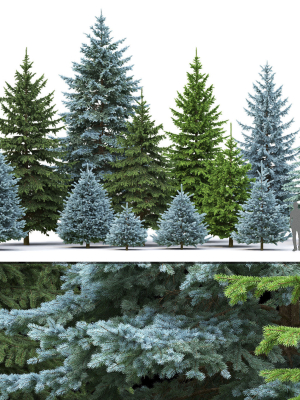
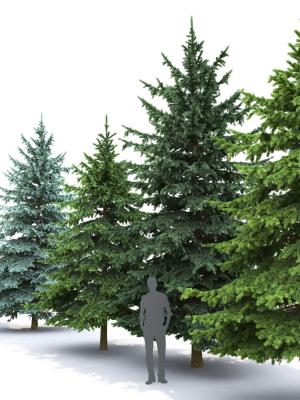
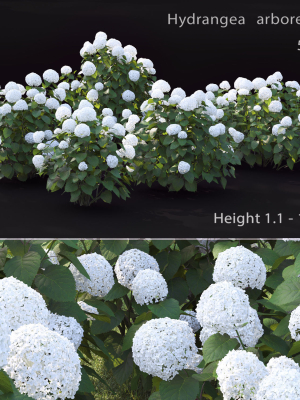
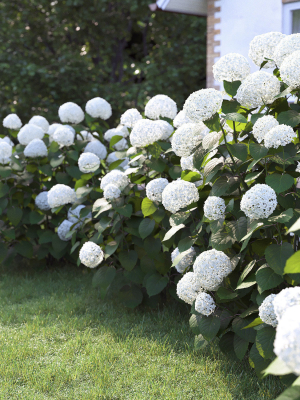
| Content | In the archive 3ds max 2014 (Corona) 3ds max 2014 FBX (Standard) OBJ(Standard) Textures | Hydrangea. There are 5 bushes in the scene Height: 1.1-1.15m There are only bushes in the scene. The grass used in the preview is missing. Have a nice use! | High quality 3d models Plants collection 615 A unique collection of plants can be used for exterior and interiors Formats 3ds max 2013 V-ray 4.0 Corona render 4.0 Default Scanline FBX V-ray Corona render Default Scanline OBJ Standard materials Cinema4D Standard Blender Cycles | High quality 3d models Plants collection 970 A unique collection of plants can be used for exterior and interiors Formats 3ds max 2013 V-ray 4.0 Corona render 4.0 Default Scanline FBX V-ray Corona render Default Scanline OBJ Standard materials Cinema4D Standard Blender Cycles (you need to specify the path to the texture. File > External Data > Find Missing Files. and select texture folder) | Xfrog Asia includes 300+ species from below libraries: Each species contains up to 6 high-res variations (different ages and seasons) in 16 popular 3D formats AGRICULTURE ASIAN TREES BONSAI CACTI & SUCCULENTS FLOWERS GRASS & GROUNDCOVER HOME GARDEN HOUSEPLANTS PREHISTORIC SHRUBS & VINE Xfrog Asia - What's New? Our plants are now better quality than ever, featuring High Resolution Geometry, Season and age variants, and textures of the utmost quality. These High Resolution PBR Textures have highly advanced shaders, individually created for and approved by the manufacturer of every renderer format (not translated, they are actually handcrafted shader networks specific to each renderer.) This means 2021 Shaders are all inspected and approved by each 3D Software manufacturer. Textures are included in an attached zip and formats included are: .3DS, 3DS MAX ARNOLD, 3DS MAX FOREST PACK, 3DS MAX FSTORM, 3DS MAX CORONA, 3DS MAX OCTANE, 3DS MAX REDSHIFT, 3DS MAX STANDARD SHADER, 3DS MAX VRAY, ALEMBIC, BLENDER, CINEMA 4D, CLARISSE, .FBX, LIGHTWAVE, MAYA REDSHIFT, MAYA STANDARD SHADER, MAYA VRAY, MODO, .OBJ, RHINO MAXWELL, TERRAGEN, SKETCHUP THEA, VUE Some plants with * asterisk are created by the very experienced modeler Konstantin Kim and sold exclusively by Xfrog. Kim (aka 3d Mentor) works in 3ds max GrowFX, and sets up shaders for Corona, VRay, and FStorm. ALL plants, for the first time EVER, have GrowFX (gfx) files included, and WIND, and all models and wind can be procedurally edited! Polycounts range from 100k to 600k. The complete species list as below: AGRICULTURE Camellia sinensis - Tea Capsicum annuum - Chili Pepper Coffea arabica - Coffee Colocasia esculenta - Elephant Ear Plant, Taro* Cynara scolymus - Artichoke Fragaria x ananassa - Strawberry Glycine max. - Soybean Gossypium hirsutum - Cotton Hordeum vulgare - Barley Lactuca sativa - Lettuce Lavandula angustifolia - Lavender Lolium perenne - Ryegrass Nicotiana tabacum - Tobacco Oryza ssp. - Rice Solanum lycopersicum - Tomato Sorghum bicolor - Sorghum Spinacia oleracea - Spinach Triticum ssp. - Wheat Vitis vinifera - Grape Vine Zea mays - Corn ASIAN TREES Abies homolepis - Nikko Fir Acer nikoense - Nikko Maple Acer palmatum - Japanese Maple Acer platanoides - Norway Maple Anacardium occidentale - Cashew Artocarpus altilis - Breadfruit Tree Bambusa Vulgaris - Golden Bamboo Bauhinia blakeana - Hong Kong Orchid Tree* Bischofia trifoliata - Bishopwood* Butea Monosperma - Flame of the Forest Buxus sempervirens - Common Boxwood Buxus sempervirens aureomarginata - Golden Leaved Boxwood Buxus sempervirens hedges - Common Boxwood Hedges Carica papaya - Papaya Carpinus betulus - European Hornbeam Carpinus betulus hedges - European Hornbeam Hedges Caryota Urens - Jaggery Palm Cassia Fistula - Golden Shower Tree Castanopsis sieboldii - Itaji Chinkapin* Cedrus deodara - Himalayan Cedar* Celtis sinensis - Chinese Hackberry* Cercidiphyllum japonicum - Katsura Tree Chaenomeles sinensis - Chinese Quince* Chamaecyparis allumii hedges - Allumii False Cypress Hedges Chamaecyparis bushes - False Cypress Bushes Chamaecyparis hedges - False Cypress Hedges Chamaecyparis obtusa - Hinoki False Cypress Citrus aurantifolia - Mexican Lime, Key Lime Citrus limon - Lemon Tree Citrus paradisi - Grapefruit Citrus sinensis - Sweet Orange Citrus sinensis - Sweet Orange Tree Coffea arabica - Coffee Tree Cordya myxa - Lasura / Assyrian Plum* Cornus kousa - Kousa Dogwood Cydonia Oblonga - Quince Dalbergia tonkinensis - Sua* Daphniphyllum teysmannii - Mountain Dove* Diospyros kaki - Japanese Persimmon Diospyros kaki - Japanese Persimmon* Eriobotrya japonica - Japanese Medlar, Loquat Euonymus - Spindles Fatsia japonica - Japanese Arali* Ficus alii - Banana Leaf Fig* Ficus Benghalensis - Banyan Ficus Benjamina - Weeping Fig Ficus carica - Fig Tree Ficus Elastica - Rubber Fig Ficus elastica - Rubber Tree Ficus microcarpa 'Green Island' - Chinese Banyan* Ficus nitida - Indian Laurel* Forsythia - Forsythia Ginkgo biloba - Ginkgo Ginkgo biloba - Maidenhair Tree Hamamelis virginiana - Common Witch-hazel* Hibiscus - Hibiscus Hopea Odorata - Ta-khian* Jasminum Officinale - Common Jasmine Juglans ailantifolia - Japanese Walnut Juglans regia - European Walnut Juglans regia - European Walnut, English Walnut* Juniperus chinensis - Chinese Juniper* Juniperus rigida - Temple Juniper Lagerstroemia indica - Crape Myrtle Lagerstroemia Speciosa - Giant Crape Myrtle Larix kaempferi - Japanese White Larch Ligustrum ovalifolium - Golden Privet Ligustrum vulgare - Common Privet Litchi chinensis - Lychee* Magnolia x soulangeana - Saucer Magnolia Malus floribunda - Japanese Crab Apple Mangifera indica - Mango Tree Melia Azedarach - Chinaberry Mesquite rio salado - South American Mesquite* Murraya Koenigii - Curry Leaf Tree Musa x paradisiaca - Banana Nandina domestica - Heavenly Bamboo* Nannorrhops Ritchiana - Mazari Palm Neolitsea sericea - Neolitsea sericea* Ostrya japonica - Japanese Hop Hornbeam Parrotia Persica - Persian Ironwood Persea americana - Avocado Phellodendron amurense var. Japonica - Amur Corktree Phoenix canariensis - Canary Date Palm Phoenix dactylifera - Date palm Phoenix dactylifera - Date palm* Phoenix Sylvestris - Silver Date Palm Phyllostachys nigra var. Henonis - Hachiku Bamboo Picea koyamai - Koyama Spruce Picea smithiana - Morinda Spruce* Pinus densiflora - Japanese Red Pine* Pinus parviflora - Japanese White Pine Pinus thunbergii - Japanese Black Pine* Pittosporum tobira - Japanese Cheesewood* Platanus occidentalis - American Sycamore Platycladus orientalis - Golden oriental arborvitae* Populus pyramidalis - poplar* Populus tremula - European Aspen* Prunus armeniaca - Apricot Tree Prunus avium - Sweet Cherry Tree Prunus cerasifera var. atropurpurea - Purple Leaf Plum* Prunus laurocerasus - Cherry Laurel Prunus laurocerasus - Cherry Laurel* Prunus pendula - Weeping Cherry* Prunus persica - Peach Tree Prunus subhirtella var. Pendula - Weeping Higan Cherry Prunus yedoensis - Yoshino Cherry Psidium littorale - Strawberry Guava Punica granatum - Pomegranate Quercus glauca - Japanese Blue Oak* Quercus myrsinifolia - Chinese Evergreen Oak* Rhapis excelsa - Lady Palm, Bamboo Palm* Rhizophora Mucronata - Asiatic Mangrove Rhododendron Ponticum - Common Rhododendron Sabal palmetto - Palmetto Saccharum officinarum - Sugar Cane Salix caprea - Goat Willow, Pussy Willow, Great Sallow* Salix Vitellina - Golden willow* Santalum Album - Sandalwood Saraca Indica Ashoka - Ashoka Tree Sophora japonica - Japanese Pagoda Tree* Sorbus aucuparia - European Mountain Ash Sterculia parviflora - Sterculia parviflora* Styphnolobium japonica - Japanese pagoda tree* Styrax japonicus - Japanese Snowbell* Syzygium grande - Sea Apple* Syzygium myrtifolium - Magenta Lily Pilly* Taxus baccata - English Yew Terminalia Catappa - Tropical Almond Thuja orientalis - Golden Oriental Arborvitae Thuja plicata - Western Red Cedar Tilia cordata - Littleleaf Linden Trachycarpus fortunei - Chinese Windmill Palm Ulmus minor - Smooth-leaved Elm Ulmus minor - Smooth-leaved Elm, European Field Elm* Vinca minor - Lesser Perriwinkle Zelkova serrata - Japanese Zelkova Ziziphus jujuba - Jujube, Red Date* BONSAI Acer palmatum - Japanese Maple Juniperus rigida - Temple Juniper Larix kaempferi - Japanese White Larch Picea glauca - White Spruce Pinus parviflora - Japanese White Plum Pinus sylvestris - Scotch Pine Prunus armeniac - Apricot Tree Ulmus minor - Smooth-leaved Elm CACTI & SUCCULENTS Aloe barbadensis - Aloe vera* Euphorbia resinifera - Resin Spurge* FLOWERS Agapanthus campanulatus - Bell Agapanthus Anemone coronaria - Poppy Anemone Anemone hybrida - Windflower* Anthurium andraeanum - Flamingo Lily Antirrhinum sp. - Snapdragon Celosia sp. - Coxcomb Centaurea cyanus - Cornflower Chrysanthemum leucanthemum - Oxeye Daisy Crocus sp. - Crocus Dedranthema morifolium - Pompon Chrysanthemum Dedranthema x grandiflorum - Florists Chrysanthemum Delphinium elatum - Delphinium Dianthus hybridus - Carnation Eryngium alpinum - Sea Holly Euphorbia fulgens - Scarlet Plume Euphorbia milii var. Splendens - Crown of Thorns Euphorbia pulcherrima - Poinsettia Freesia ssp. - Freesia Gardenia sp. - Gardenia Gerbera jamesonii - Gerbera Gerbera sp. - Spider Gerbera Gladiolus communis - Gladiolus Guzmania lingulata - Guzmania Helianthus annus - Sunflower Heliconia stricta - Fire Bird Hibiscus sp. - Hibiscus Hippeastrum ssp. - Amaryllis Hosta longipes (Franch. & Sav.) Matsum. - Hosta* Hyacinthus orientalis - Hyacinth Hydrangea sp. - Hortensia Iris xyphium - Dutch Iris Leucospermum nutans - Nodding Pincushion Lilium hybridum - Lily Lysimachia clethroides - Gooseneck Loosestrife Matricaria chamomilla - German Chamomille* Nelumbo sp. - Lotus Paeonia sp. - Peony Passiflora sp. - Passionflower Pelagonium grandiflorum - Geranium Phalaenopsis amabilis - Moth Orchid Phalaenopsis sp. - Orchid Polygonatum odoratum - Angular Solomon's Seal, Fragrant Solomons Seal* Prothea cynarioides - King Protea Ranunculus sp. - Buttercup Rhododendron indicum - Satsuki Azalea Rodgersia - Fingerleaf* Saintpaulia sp. - African Violet Spathiphyllum sp. - Peace Lily Tagetes sp.- Marigold Tulipa sp. - Tulip Viola wittrockiana - Pansy Vriesea splendens - Flaming Sword Zantedeschia sp. - Calla Lily Zingiber officinale - Ginger GRASS & GROUNDCOVER Cyperus conglomeratus - Dune Grass* Miscanthus sinensis - Chinese silver grass* Pachysandra terminalis - Japanese Spurge, Japanese Pachysandra* Pennisetum orientale - Oriental fountain grass* Sarcococca humilis - Sweetbox* HOME GARDEN Allium cepa - Onion Apium graveolens var. Dulce - Celery Asparagus officinalis - Asparagus Brassica oleracea var. Botrytis - Cauliflower Brassica oleracea var. Capitata - Cabbage Brassica oleracea var. Italica - Broccoli Capsicum annuu - Chili Pepper Citrullus lanatus - Watermelon Cucumis melo - Cantaloupe Cucumis sativus - Cucumber Cucurbita maxima - Squash Cucurbita pepo - Zucchini Daucus carota - Carrot Helianthus annuus - Sunflower Lactuca sativa - Lettuce Phaseolus vulgaris - Bean Pisum sativum - Peas Solanum lycopersicu - Cherry Tomato Solanum melongena - Eggplant Spinacia olerace - Spinach HOUSEPLANTS Aeschynanthus ssp. - Mona Lisa Asparagus plumosus - Asparagus Fern Benjamin Ficus - Ficus benjamina Clivia miniata - Kaffir Lily Codiaeum variegatum var. Pictum - Croton Petra Cycas revoluta - Sago Palm Dendrobium nobile - Dendrobium Nobile Dracaena marginata - Red Edge Dracaena Epidendrum ssp. - Ballerina Epidendrum Euphorbia milii - Crown Of Thorns Guzmania diss. Gemma - Gemma Guzmania Hedera helix ssp. Helix - Common Ivy Kalanchoe blossfeldiana - Kalanchoe Musa x paradisiaca - Banana Saintpaulia ionantha - African Violet Trachycarpus wagnerianus - Miniature Chusan Palm Zamioculcas zamiifolia - Aroid Palm PREHISTORIC Alethopteris serli - Alethopteris Araucaria sp. - Araucaria Asterophyllites equisetiformis - Asterophyllites Asteroxylon mackiei - Asteroxylon Bjuvia simplex - Bjuvia Calamites sp. Equisetites ssp. - Calamites Cordaites angulostriatus - Cordaites Cycadeoidea gigantea - Cycadeoidea Gigantea Macrotaeniopteris magnifolia - Macrotaeniopteris Sigillaria scutellata - Sigillaria Wollemia nobilis - Wollemi Pine SHRUBS & VINE Arthrocnemum macrostachyum* Calligonum polygonoides - Phog* Camellia japonica - Japanese camellia* Carpinus betulus - Hornbeam Cornus mas - Cornelian Cherry Dogwood Cornus sanguinea - Bloodtwig Dogwood Corylus avellana - Hazel Tree Cotoneaster horizontalis - Rockspray Cotoneaster* Crataegus monogyna - Common Hawthorn Epipremnum aureum - Devil's Ivy, Pothos* Euonymus europaea - European Spindle Tree Euonymus fortunei - Fortune’s spindle or winter creeper* Ficus carica - Fig Tree Ficus pumila - Creeping Fig* Frangula alnus - European Buckthorn Gardenia jasminoides - Gardenia Jasminoides, Cape Jasmine* Ilex pedunculosa - Longstalk Holly* Ligustrum vulgare - Common Privet Perovskia atriplicifolia - Russian Sage* Platycladus orientalis - Golden oriental arborvitae* Populus tremula - European Aspen Prunus padus - European Bird Cherry Prunus spinosa - Blackthorn Retama raetam - Retama raetam* Rhazya stricta - Eshvarak* Rhododendron japonicum - Japanese Azalea* Rosa centifolia - Hundred-Leaved Rose Salix cinerea - Grey Willow Salix purpurea - Purple Willow Skimmia japonica - Japanese Skimmia* Sorbus aucuparia - European Mountain Ash Spiraea japonica - Japanese Spirea* Spiraea nipponica - Snowmound* Syringa vulgaris - Common Lilac Viburnum davidii - David viburnum* Viburnum opulus - European Cranberry Bush Wisteria sinensis - Chinese wisteria, Wisteria sinensis* | This is soil moss at Namsan Outdoor Botanical Garden. Namsan Outdoor Botanical Garden is a botanical garden and arboretum located in Itaewon-dong, Yongsan-gu, Seoul. It is located in the middle of the Namsan Dulle-gil Trail, which is favored by many people, and if you go up the mountain path inside the Dulle-gil from the outdoor botanical garden, you will find Namsan Tower. |
| Weight | N/A | N/A | N/A | N/A | N/A | N/A |
| Dimensions | N/A | N/A | N/A | N/A | N/A | N/A |
| Additional information | ||||||
| Sold | 0 | 0 | 0 | 0 | 0 | 0 |
| Shipping |