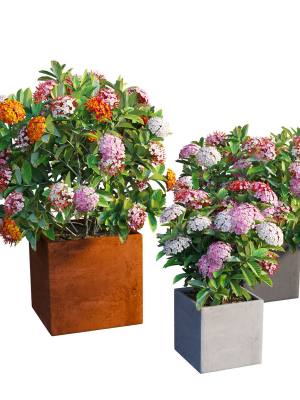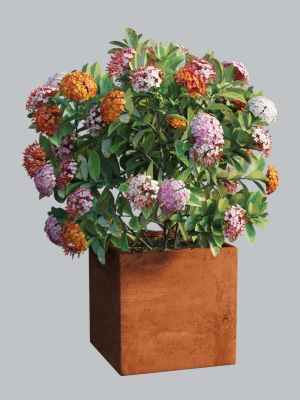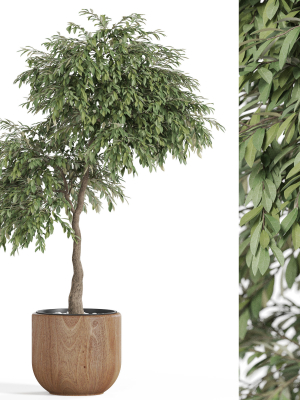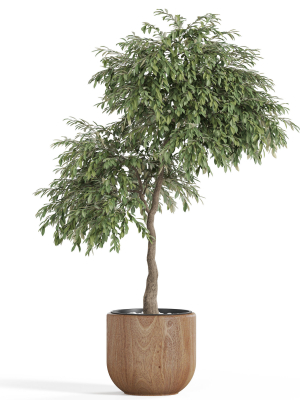
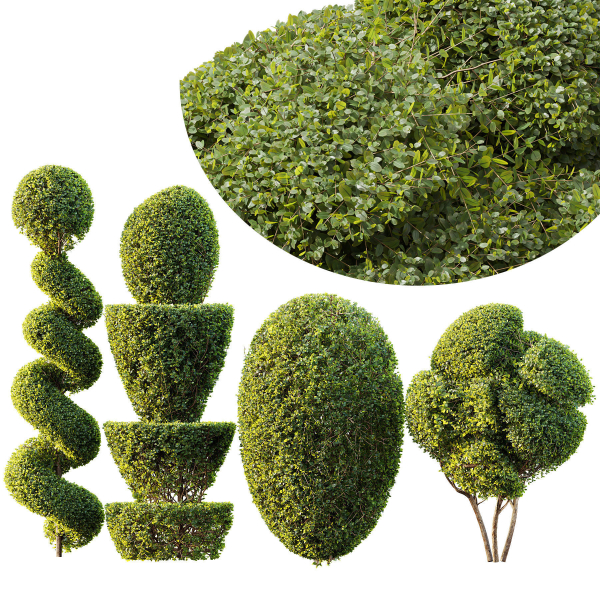
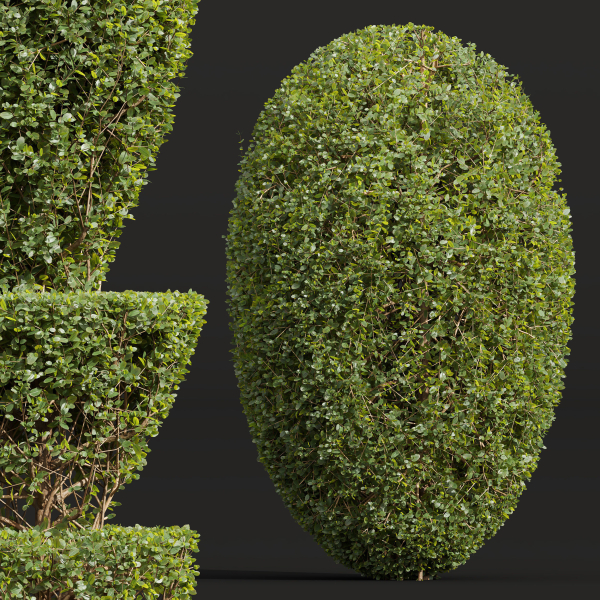
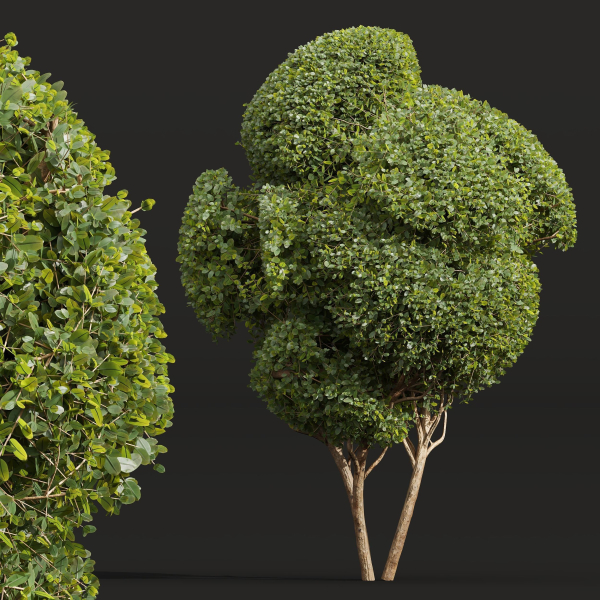
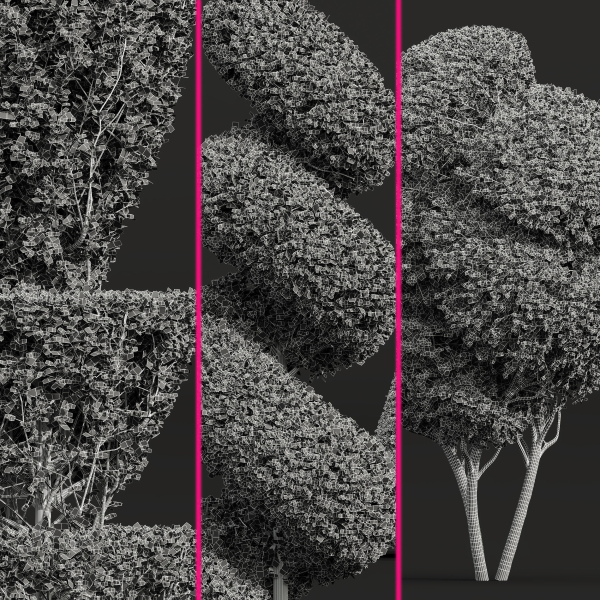
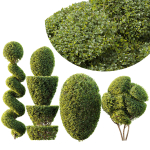
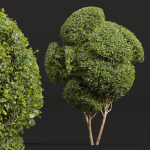
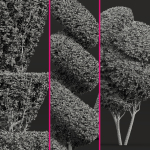
Ficus Concinna Bonsai Pruned 7
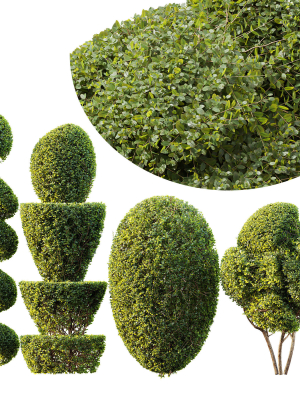
Ficus Concinna Bonsai Pruned 7
Product details
Ficus Concinna Bonsai Pruned 7 4 Different 3D models in the scene Height: 2.1m, 2.2m, 3.1m, 3.3m 1- Materials is archive (material library) Corona mtl + Vray mtl + Standard mtl 2-Polys: 1389k + Verts: 2987k 3- 4K texture + 4K material 4- JPEG (texture), MAX + OBJ + MTL + FBX 2012 5- 3dmodels: MAX + OBJ + FBX 2012 6- Corona render + Vray render (Renderer Engine-MAX + FBX) Scanline render (Renderer Engine-MAX + OBJ) 7- Models have unwrapped overlapping and maps supported traditional 3ds Max texturing. (tiling coordinates) Note: To use the max file you need to use at 3dsmax 2015 Units: Millimeter Clean Topology (quad mesh) You Can Add Turbo Smooth If you have any problems for setting up the models, send me a message here.
Shipping and Returns
Shipping cost is based on weight. Just add products to your cart and use the Shipping Calculator to see the shipping price.
We want you to be 100% satisfied with your purchase. Items can be returned or exchanged within 30 days of delivery.
Quick Comparison
| Settings | Ficus Concinna Bonsai Pruned 7 remove | High Quality Bamboo Bush 07 remove | Solidago flower remove | Shrubs Collection vol 241-Blender remove | sambucus nigra c remove | viburnum opulus a remove |
|---|---|---|---|---|---|---|
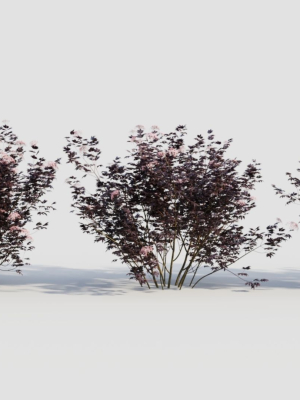
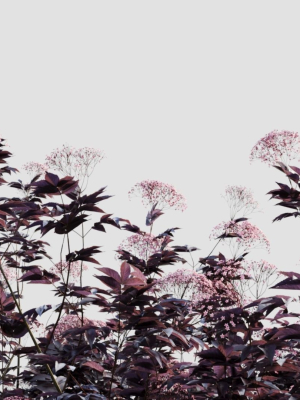
| Name | Ficus Concinna Bonsai Pruned 7 remove | High Quality Bamboo Bush 07 remove | Solidago flower remove | Shrubs Collection vol 241-Blender remove | sambucus nigra c remove | viburnum opulus a remove |
| Image | 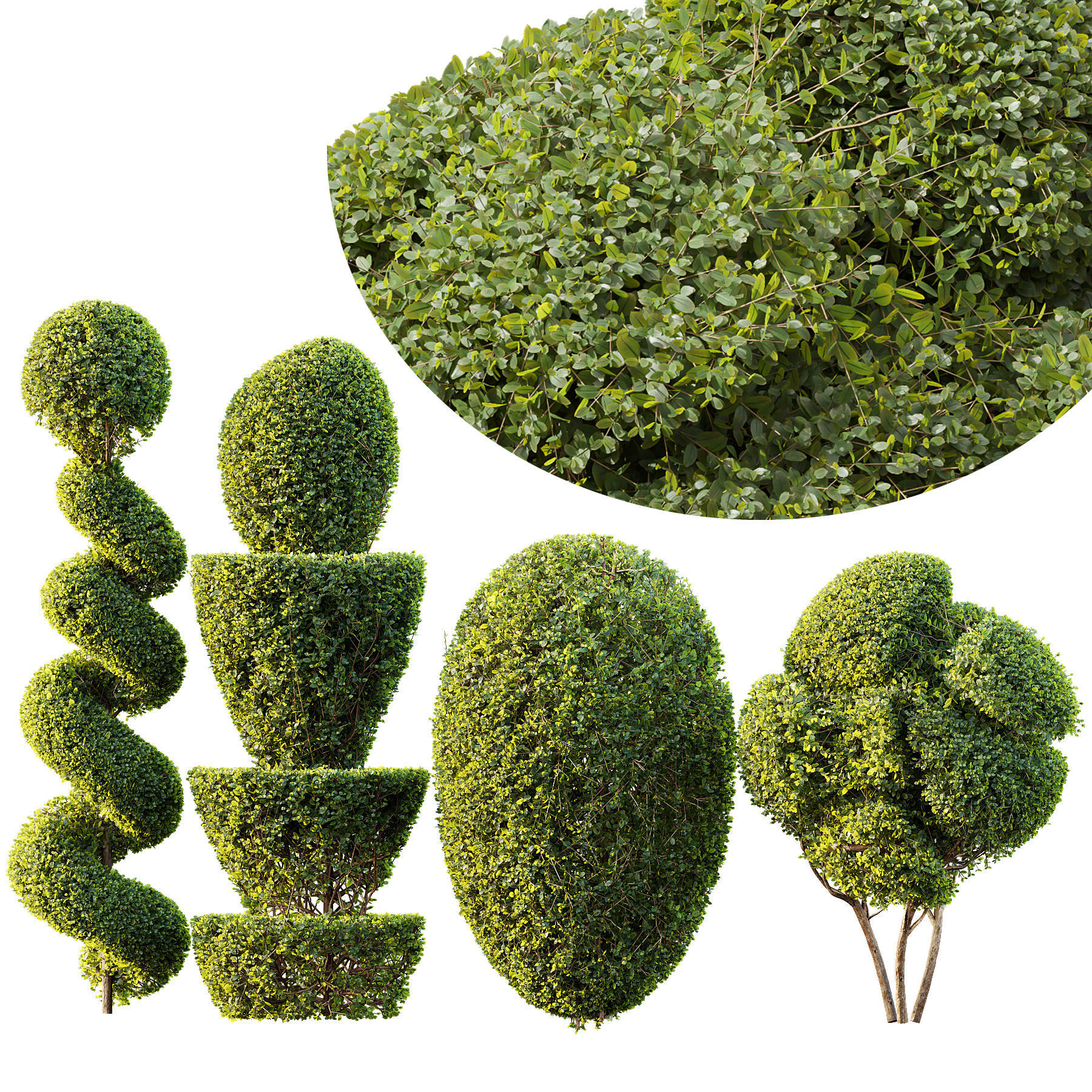 | 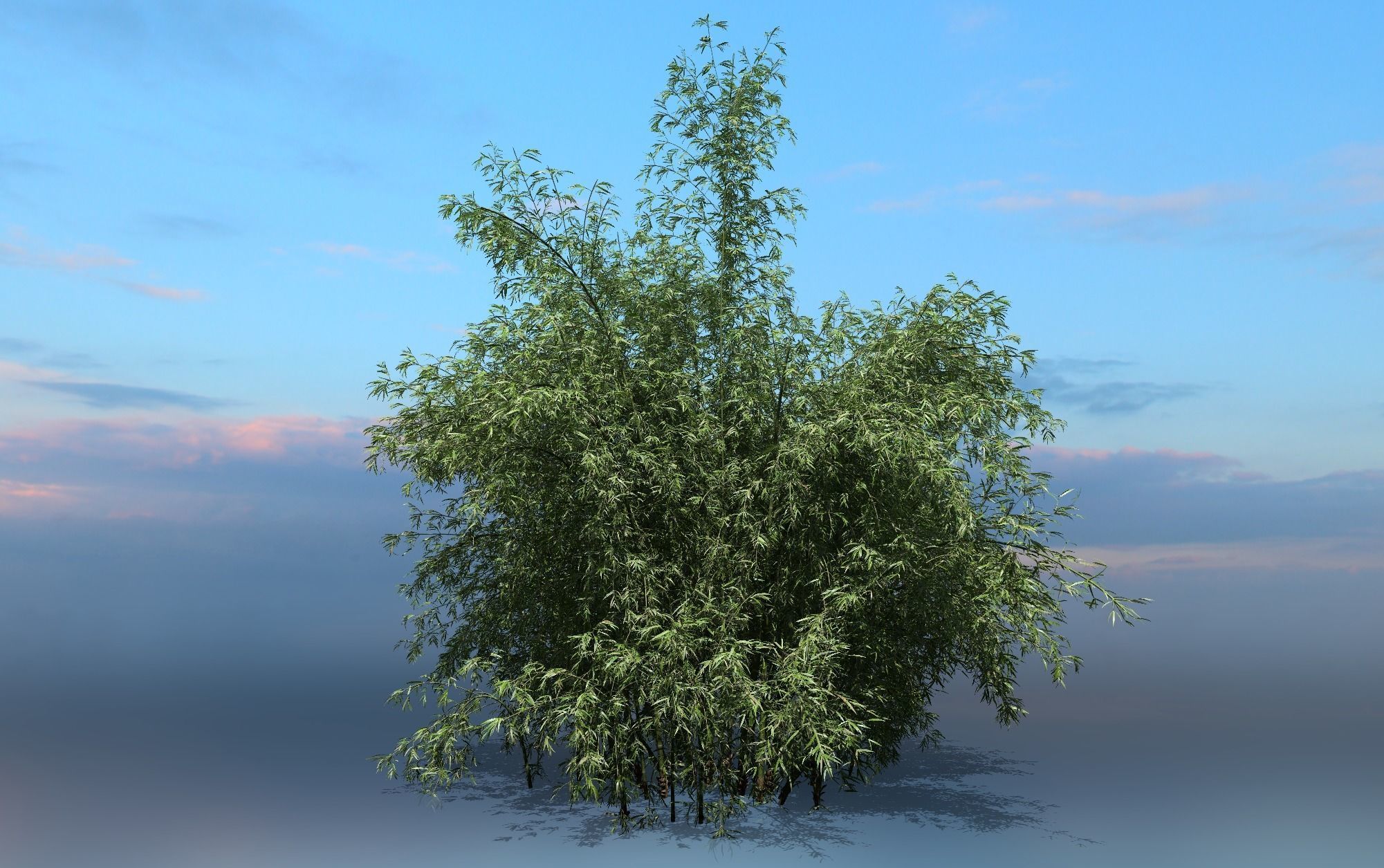 | 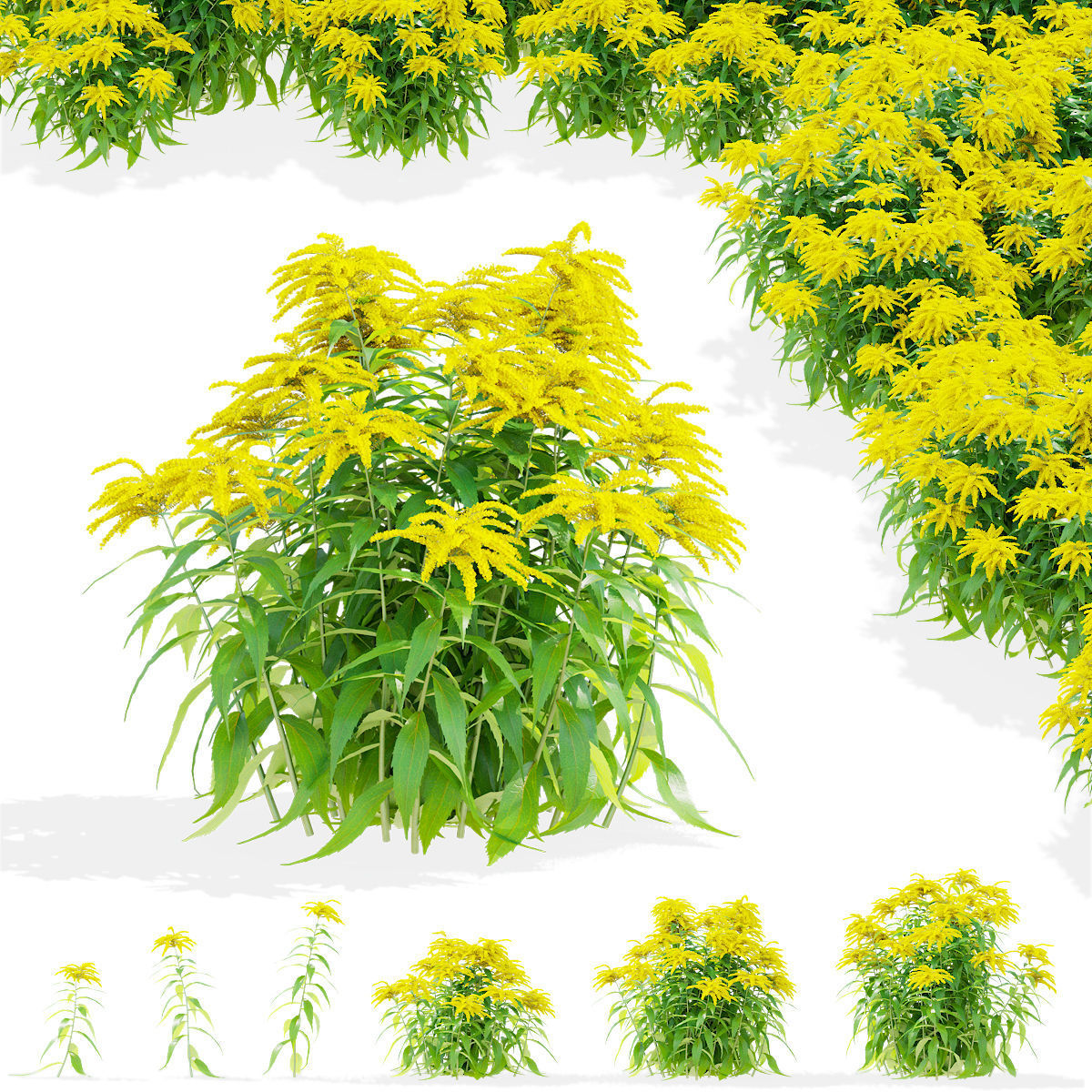 | 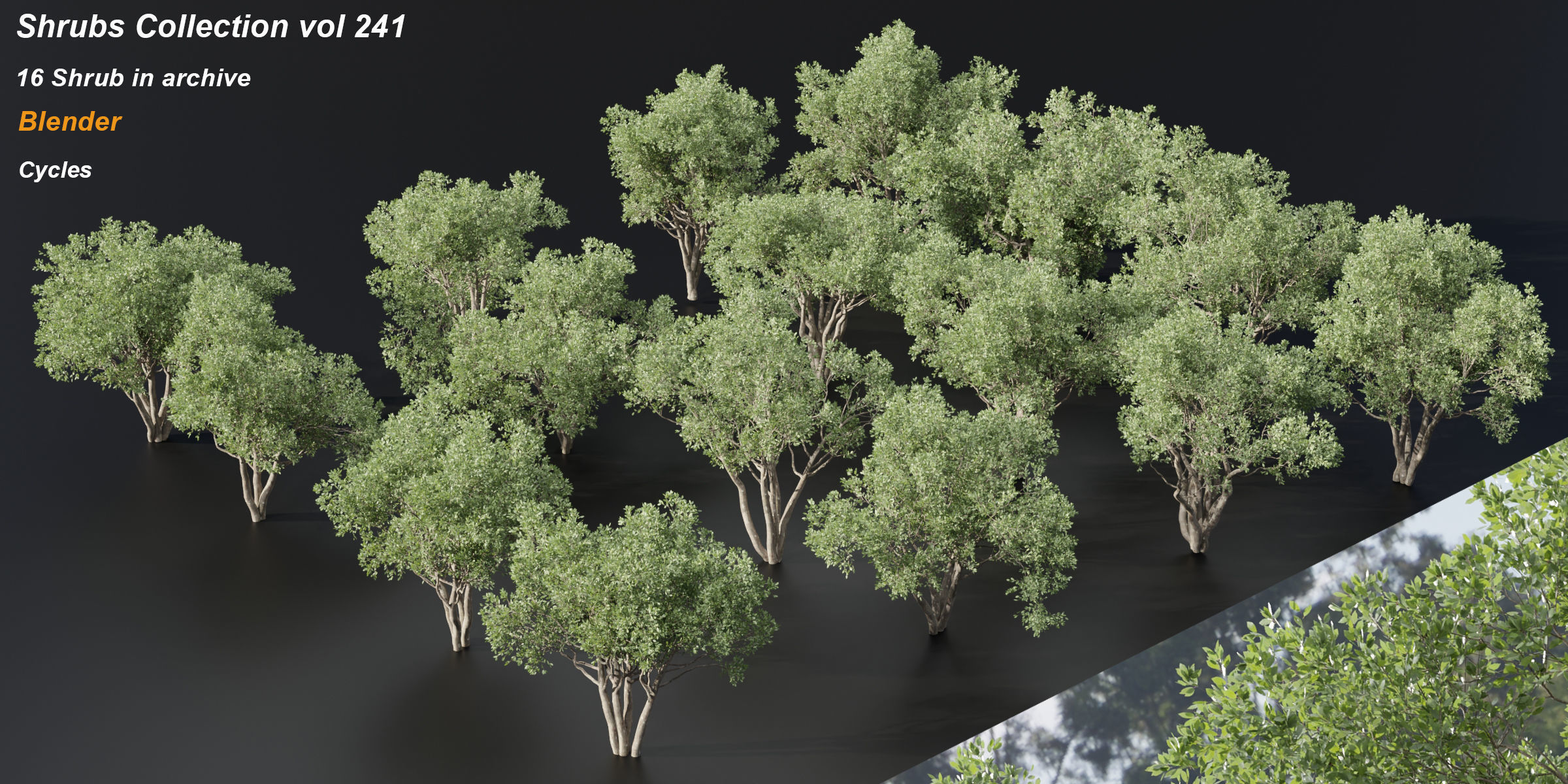 | 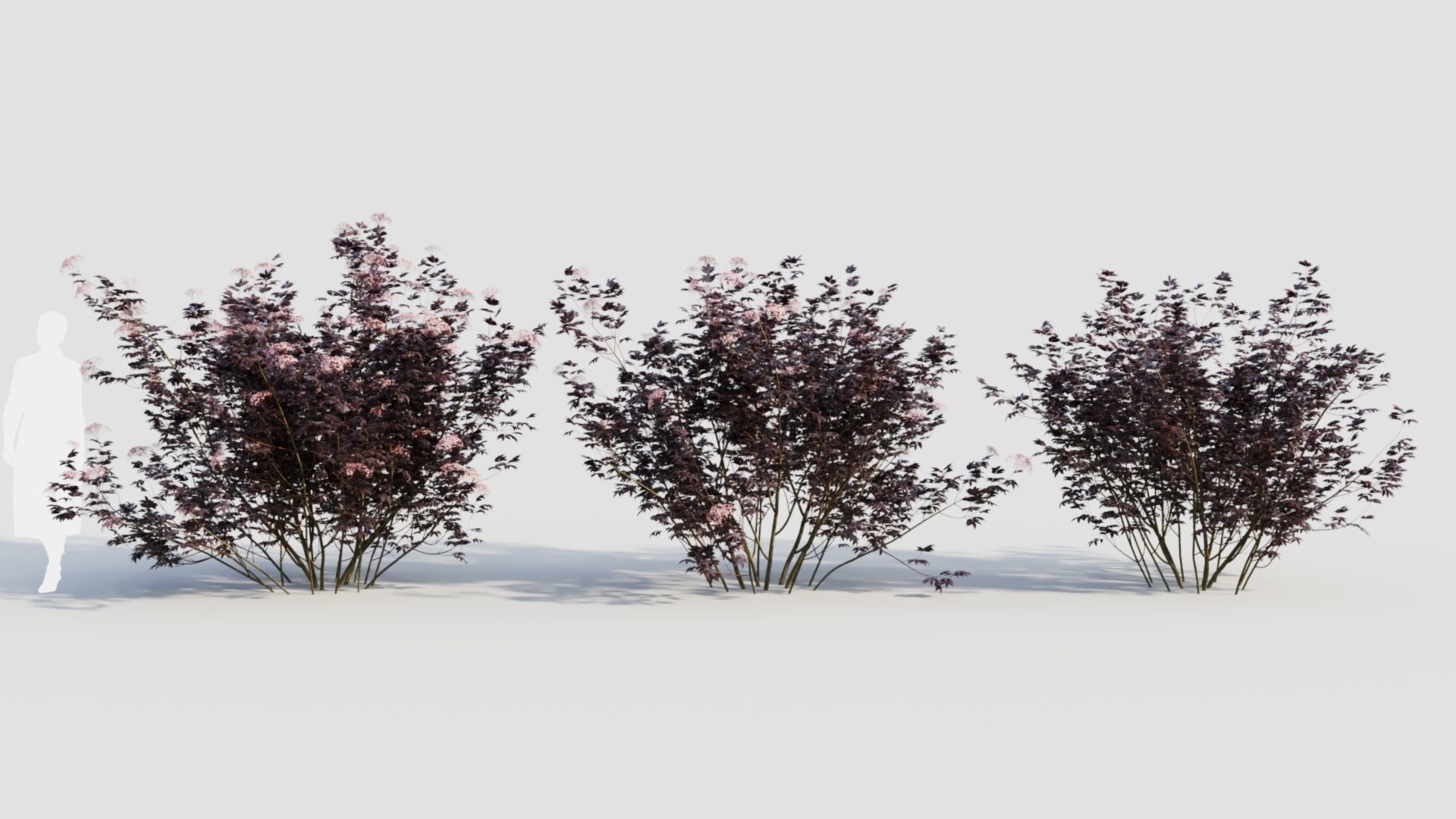 | 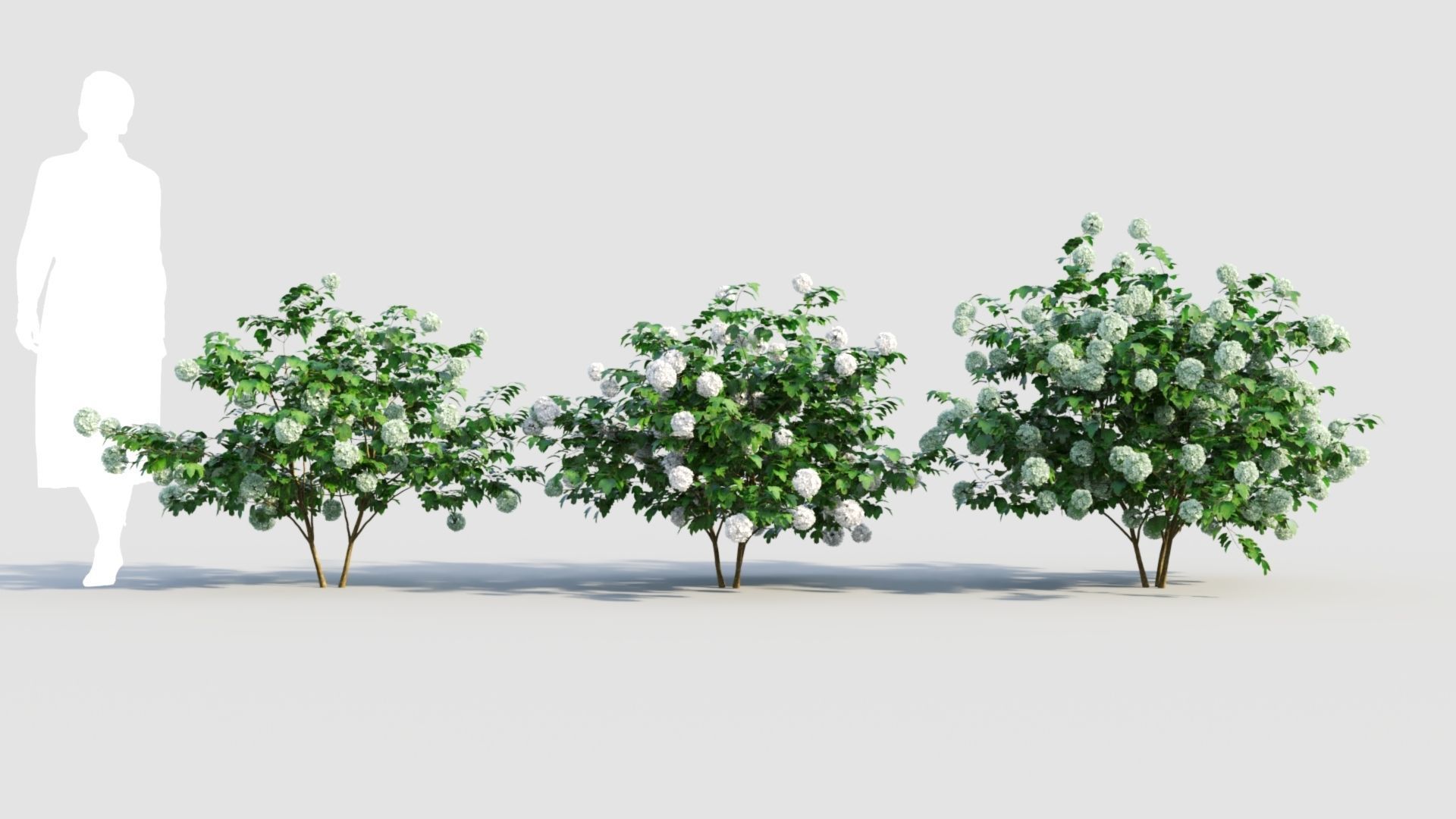 |
| SKU | 4917085 | 5394627 | 4138326 | 5210011 | 5332095 | 5332463 |
| Rating | ||||||
| Price | $7.00 | $15.00 | $10.00 | $12.00 | $10.00 | $10.00 |
| Stock | ||||||
| Availability | ||||||
| Add to cart | ||||||
| Description | ||||||
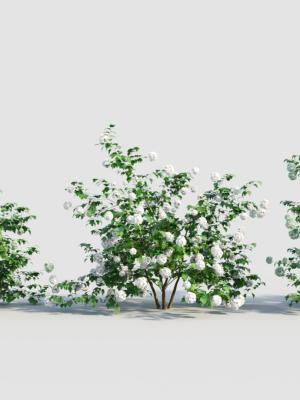
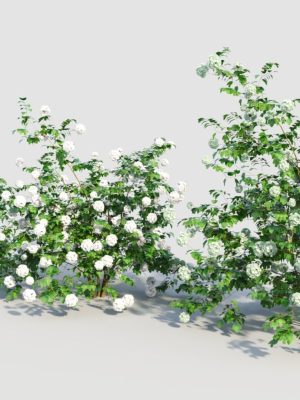
| Content | Ficus Concinna Bonsai Pruned 7 4 Different 3D models in the scene Height: 2.1m, 2.2m, 3.1m, 3.3m 1- Materials is archive (material library) Corona mtl + Vray mtl + Standard mtl 2-Polys: 1389k + Verts: 2987k 3- 4K texture + 4K material 4- JPEG (texture), MAX + OBJ + MTL + FBX 2012 5- 3dmodels: MAX + OBJ + FBX 2012 6- Corona render + Vray render (Renderer Engine-MAX + FBX) Scanline render (Renderer Engine-MAX + OBJ) 7- Models have unwrapped overlapping and maps supported traditional 3ds Max texturing. (tiling coordinates) Note: To use the max file you need to use at 3dsmax 2015 Units: Millimeter Clean Topology (quad mesh) You Can Add Turbo Smooth If you have any problems for setting up the models, send me a message here. | A group of high quality Bamboo Includes materials (standard) and textures (4K). The file format is FBX/C4D(standard) | Total Polys 1 388 530 Verts 2 499 905 Solidago virgaurea 001 Polys: 17214 Size: X: 36 cm. Y: 29 cm. Z: 41 cm. Solidago virgaurea 002 Polys: 17818 Size: X: 31 cm. Y: 31 cm. Z: 54 cm. Solidago virgaurea 003 Polys: 17599 Size: X: 30 cm. Y: 40 cm. Z: 64 cm. Solidago virgaurea 004 Polys: 327092 Size: X: 69 cm. Y: 69 cm. Z: 52 cm. Solidago virgaurea 005 Polys: 502241 Size: X: 75 cm. Y: 77 cm. Z: 65 cm. Solidago virgaurea 006 Polys: 506566 Size: X: 80 cm. Y: 87 cm. Z: 75 cm. Archive include: 3dsMax 2012 Vray 3dsMax 2012 Сorona OBJ by material FBX 2009 standart material FBX 2012 standart material FBX ( 6 separeted files) Collada DAE ( 6 separeted files) for Lumion V-ray mat Сorona mat Textures Have a nice use! | Shrubs Collection vol 241-Blender Embark on a visual journey with these intricately crafted 3D natural shrub models. Immerse yourself in the beauty of virtual reality with these 16 stunning nature-inspired assets, meticulously designed with precision. Elevate your projects and storytelling with these high-quality models created using advanced rendering techniques. Enhance your designs with a touch of realism and bring nature's beauty into your creative endeavors. There are 16 different shrubs in archive. All textures are packed Materials: PBR Blender 3.3 Render(native): Cycles FBX+OBJ HDRI environments included Polygons (Total): 1941703 Vertices (Total): 4935590 To access the 3dsmax file of this product, you can refer to the following link: https://www.cgtrader.com/3d-models/plant/other/shrubs-collection-vol-241 | Sambucus nigra is a species complex of flowering plants in the family Adoxaceae native to most of Europe.Common names include elder, elderberry, black elder, European elder, European elderberry, and European black elderberry.It grows in a variety of conditions including both wet and dry fertile soils, primarily in sunny locations. The plant is widely grown as an ornamental shrub or small tree. max (3ds Max 2020 corona) max (3ds Max 2020 vray) fbx (Multi Format) OBJ (Multi Format) blender(Multi Format) The file pack includes map If any appearance modifications are needed, please contact me first. I will provide feedback as soon as I see the email. | The European Cranberrybush (scientific name: Viburnum opulus) is a deciduous shrub belonging to the Adoxaceae family. It is native to Europe, North Africa, and Central Asia and is widely distributed in temperate climate zones. This plant is widely cultivated for its beautiful flowers and fruits and is commonly used in landscaping and ornamental gardening. max (3ds Max 2020 corona) max (3ds Max 2020 vray) fbx (Multi Format) OBJ (Multi Format) blender(Multi Format) skp(Multi Format) The file pack includes map If any appearance modifications are needed, please contact me first. I will provide feedback as soon as I see the email. |
| Weight | N/A | N/A | N/A | N/A | N/A | N/A |
| Dimensions | N/A | N/A | N/A | N/A | N/A | N/A |
| Additional information | ||||||
| Sold | 0 | 0 | 0 | 0 | 0 | 0 |
| Shipping |