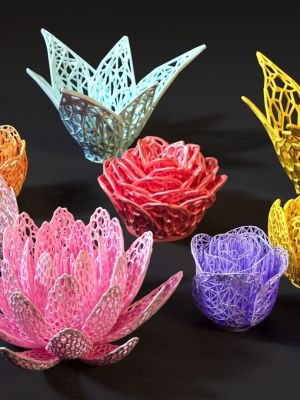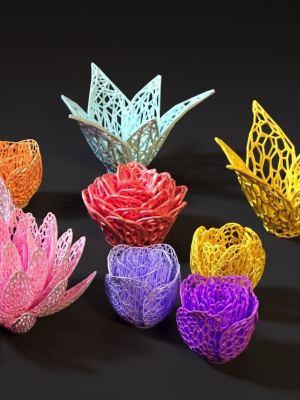
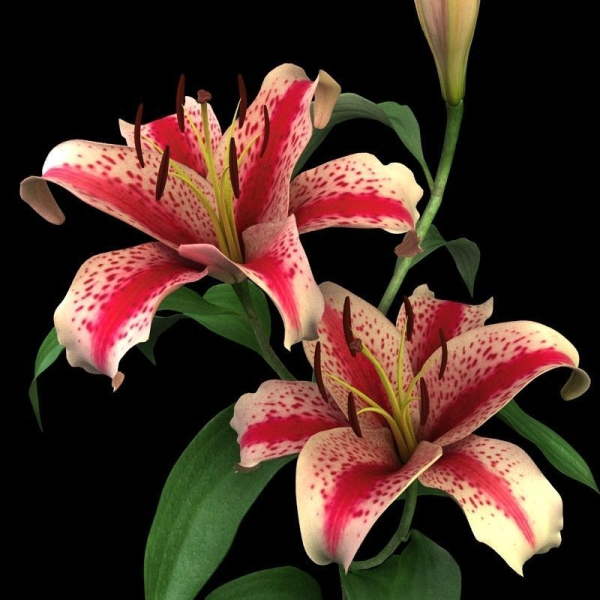
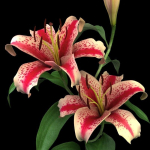
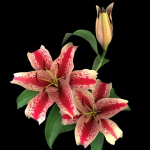
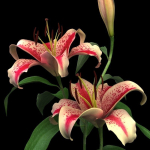
lily red spot
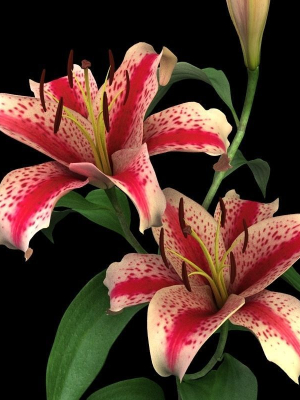
lily red spot
Product details
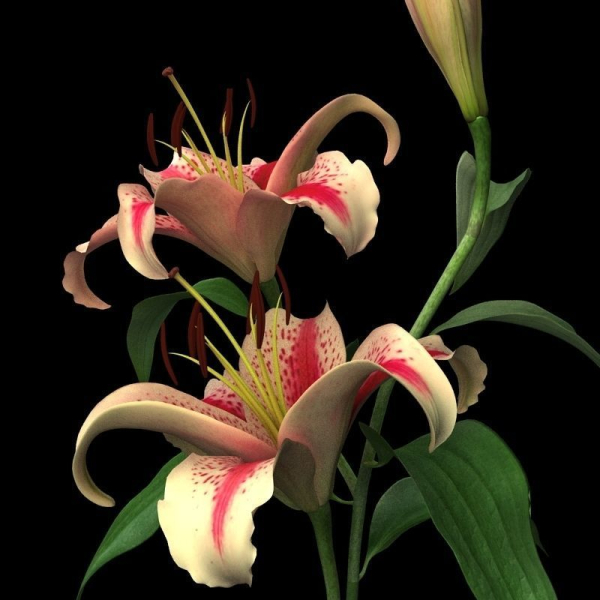
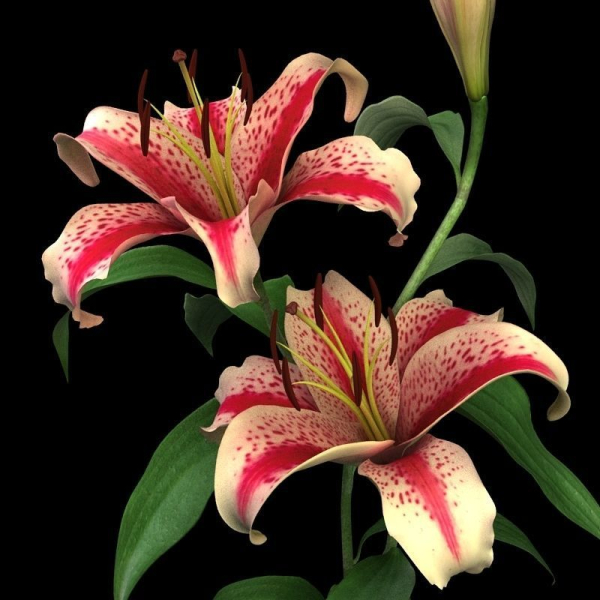
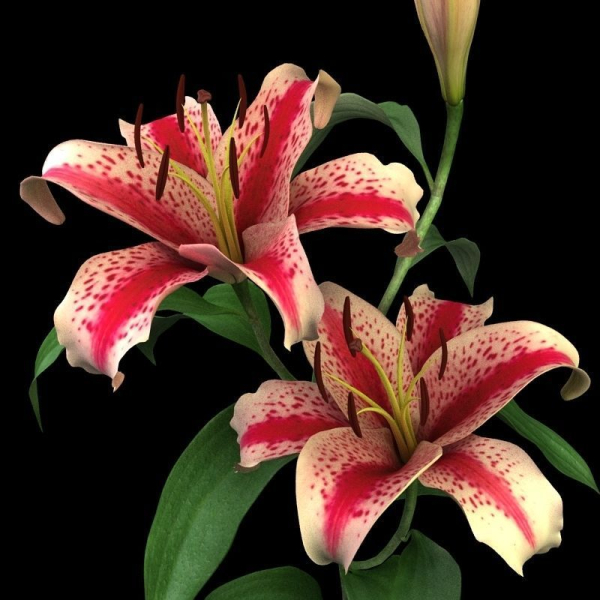
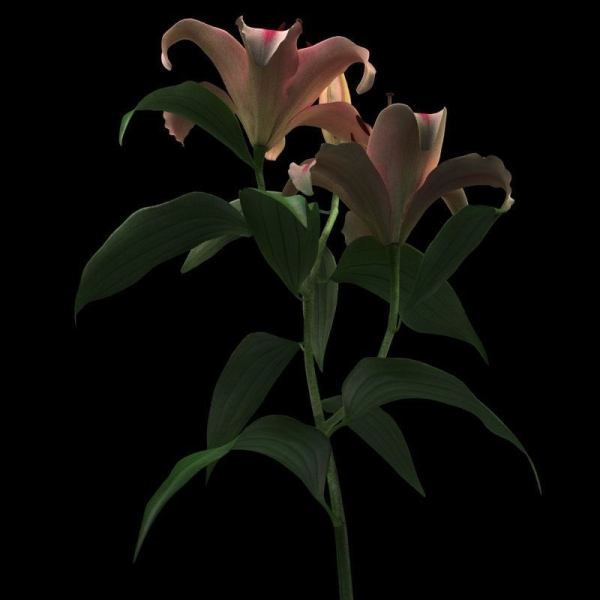
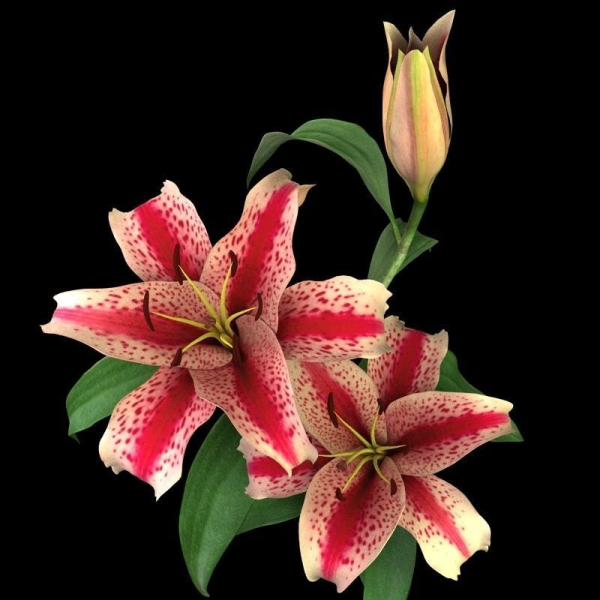
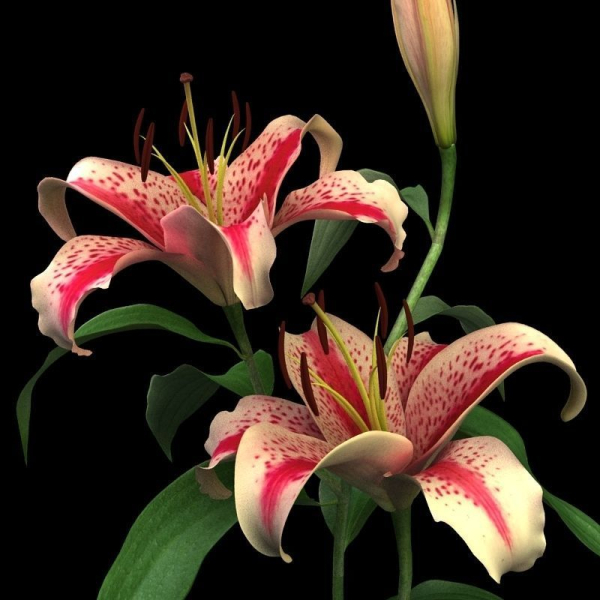
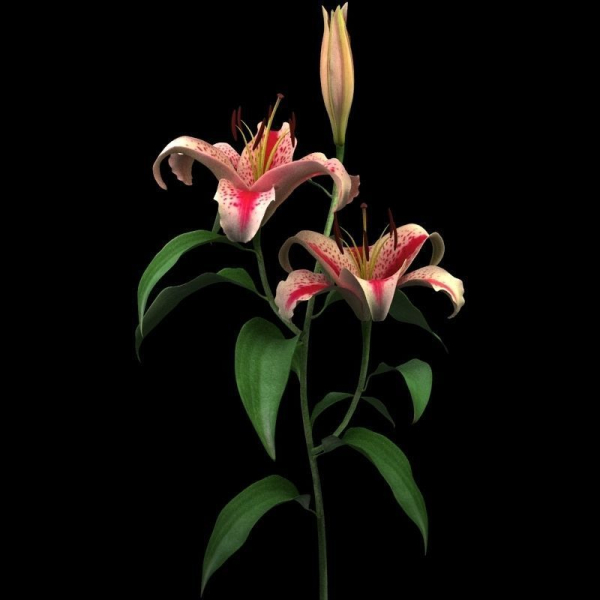
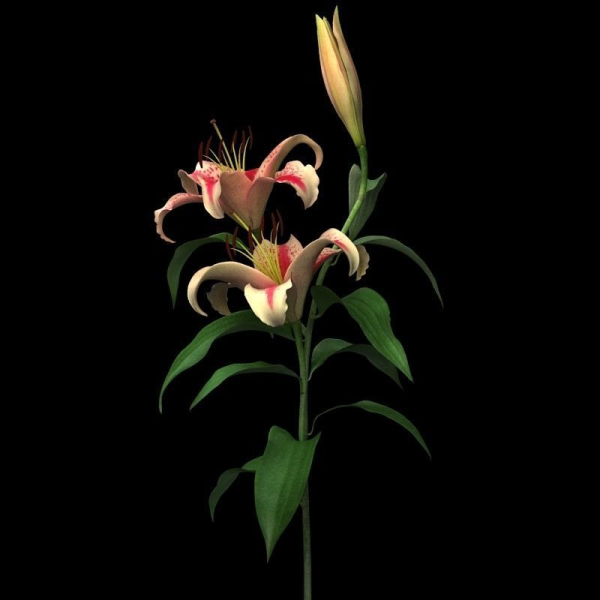
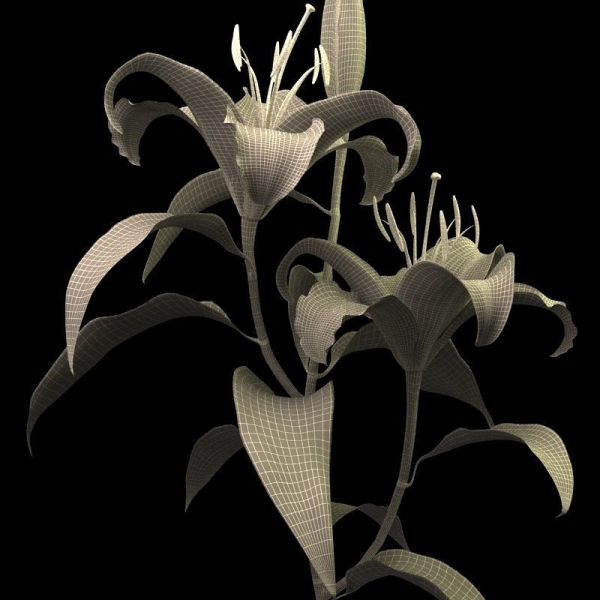
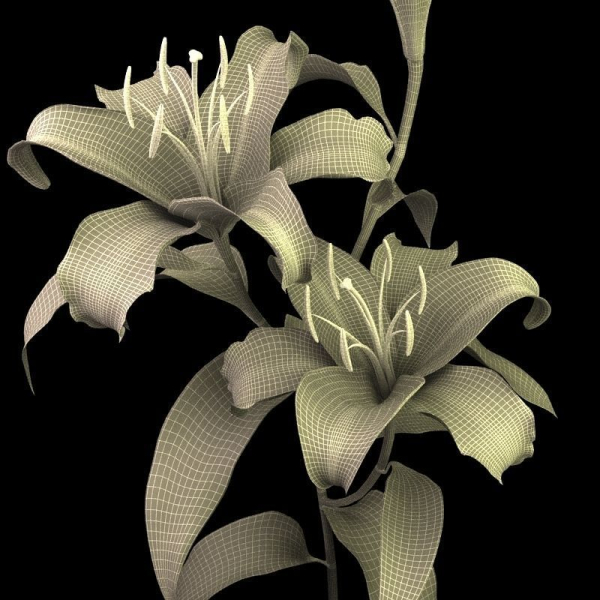
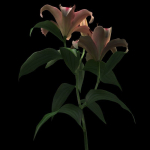
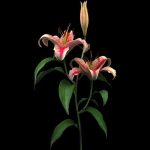
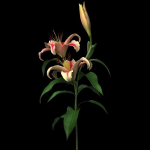
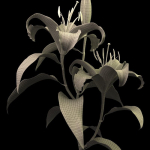
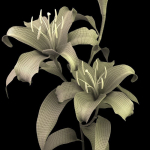
Hi, my friends, This is my lily product,I like flowers, and make some models in my spare time. All files have been archived.I have used vray to render scene and make shaders,if you do not install vray, you can use my .OBJ file and my textures.I have shot a picture of this model in 3ds max ,you can find it when you preview this product, you can see different object has different color , so if you download .obj file , you must seperate this model to several geometries according to this picture,only in this way you can asign textures correctly Thank you , that is all.Hope you like it
Shipping and Returns
Shipping cost is based on weight. Just add products to your cart and use the Shipping Calculator to see the shipping price.
We want you to be 100% satisfied with your purchase. Items can be returned or exchanged within 30 days of delivery.
Quick Comparison
| Settings | lily red spot remove | indoor plant - set 23 remove | plants collection vol 17-Blender remove | Anthurium Flower Tray remove | Corals 2 and plants remove | Decor bouquet of flowers in a glass vase remove |
|---|---|---|---|---|---|---|
| Name | lily red spot remove | indoor plant - set 23 remove | plants collection vol 17-Blender remove | Anthurium Flower Tray remove | Corals 2 and plants remove | Decor bouquet of flowers in a glass vase remove |
| Image | 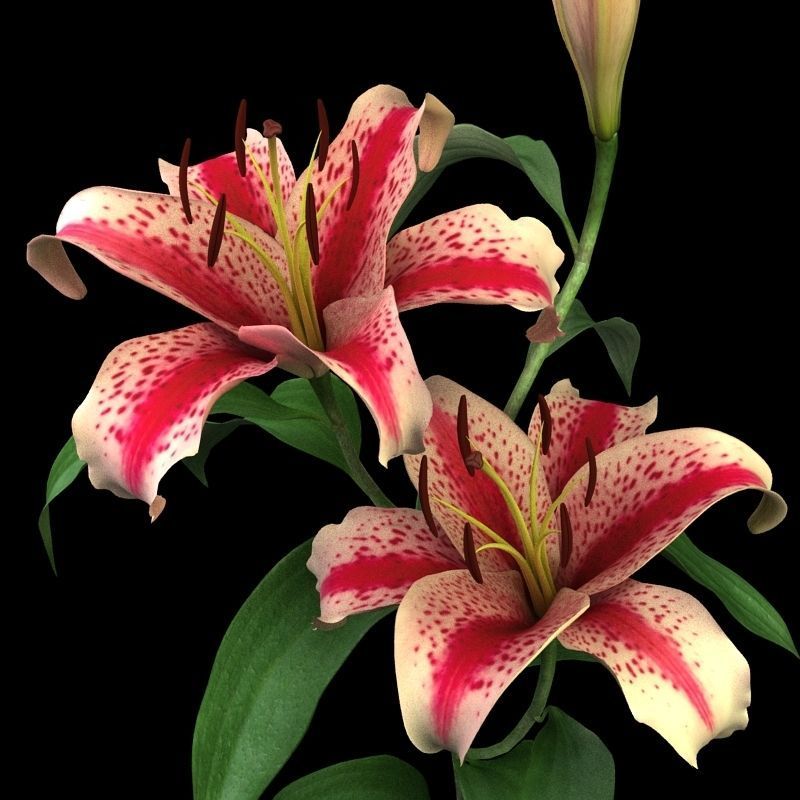 | 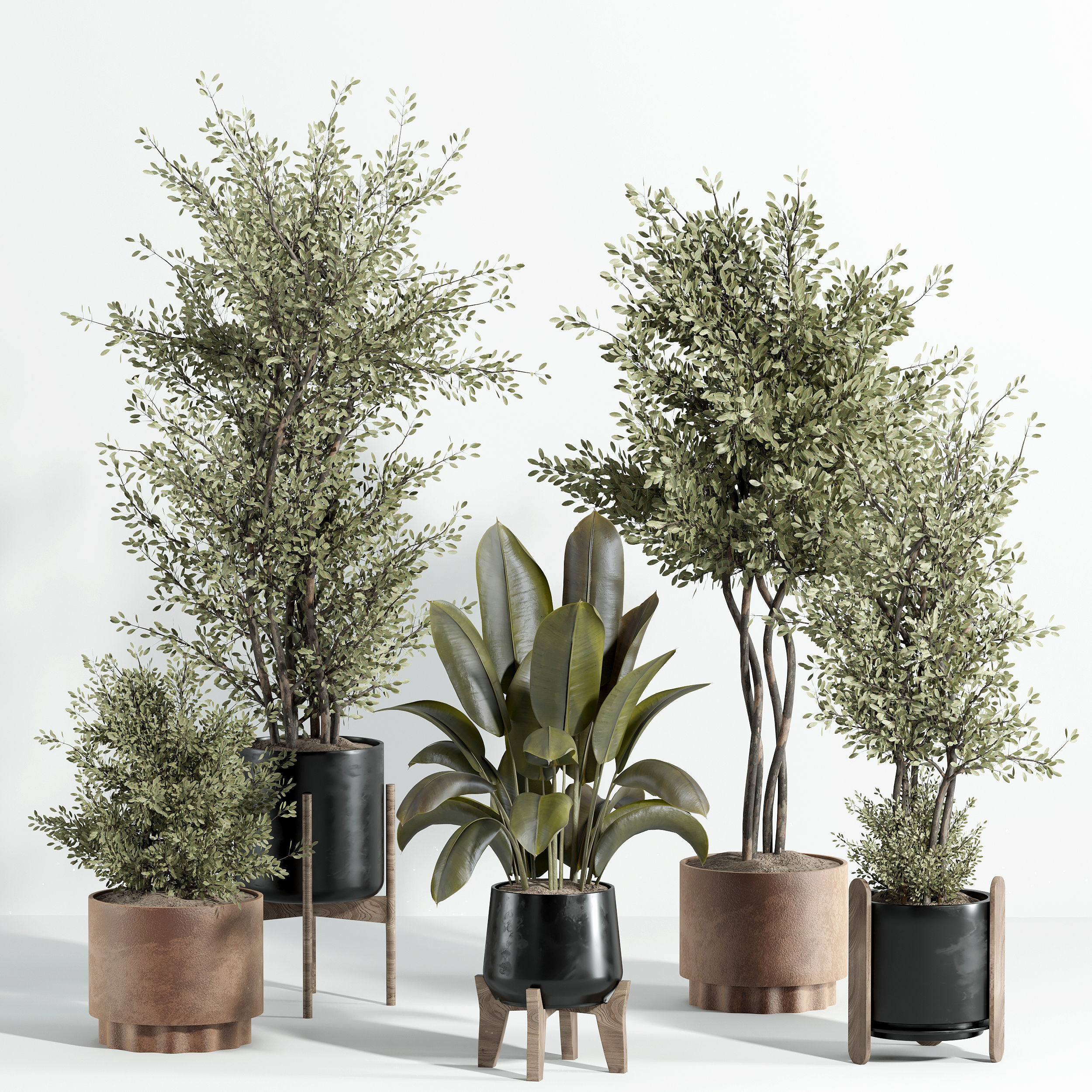 | 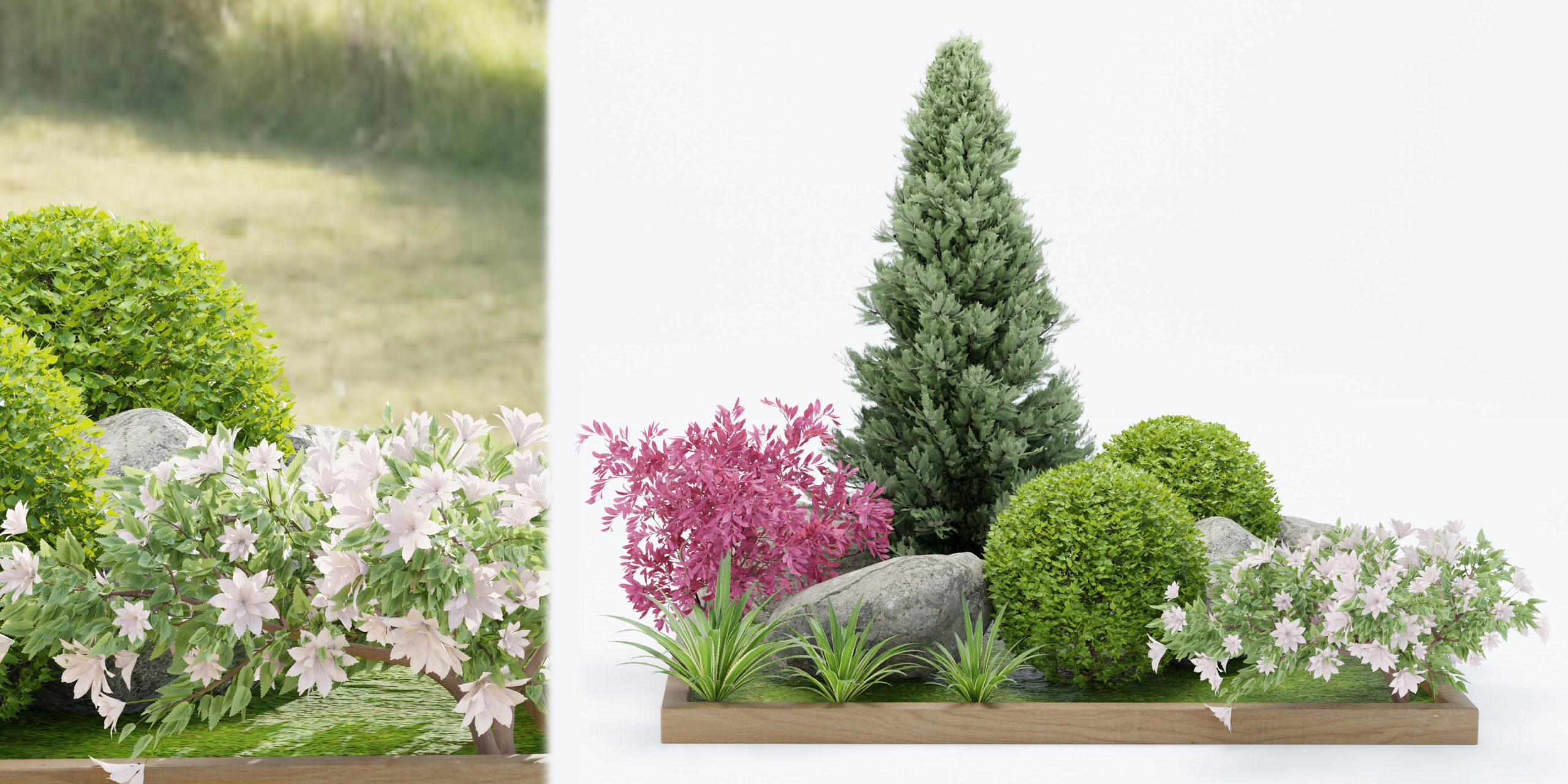 | 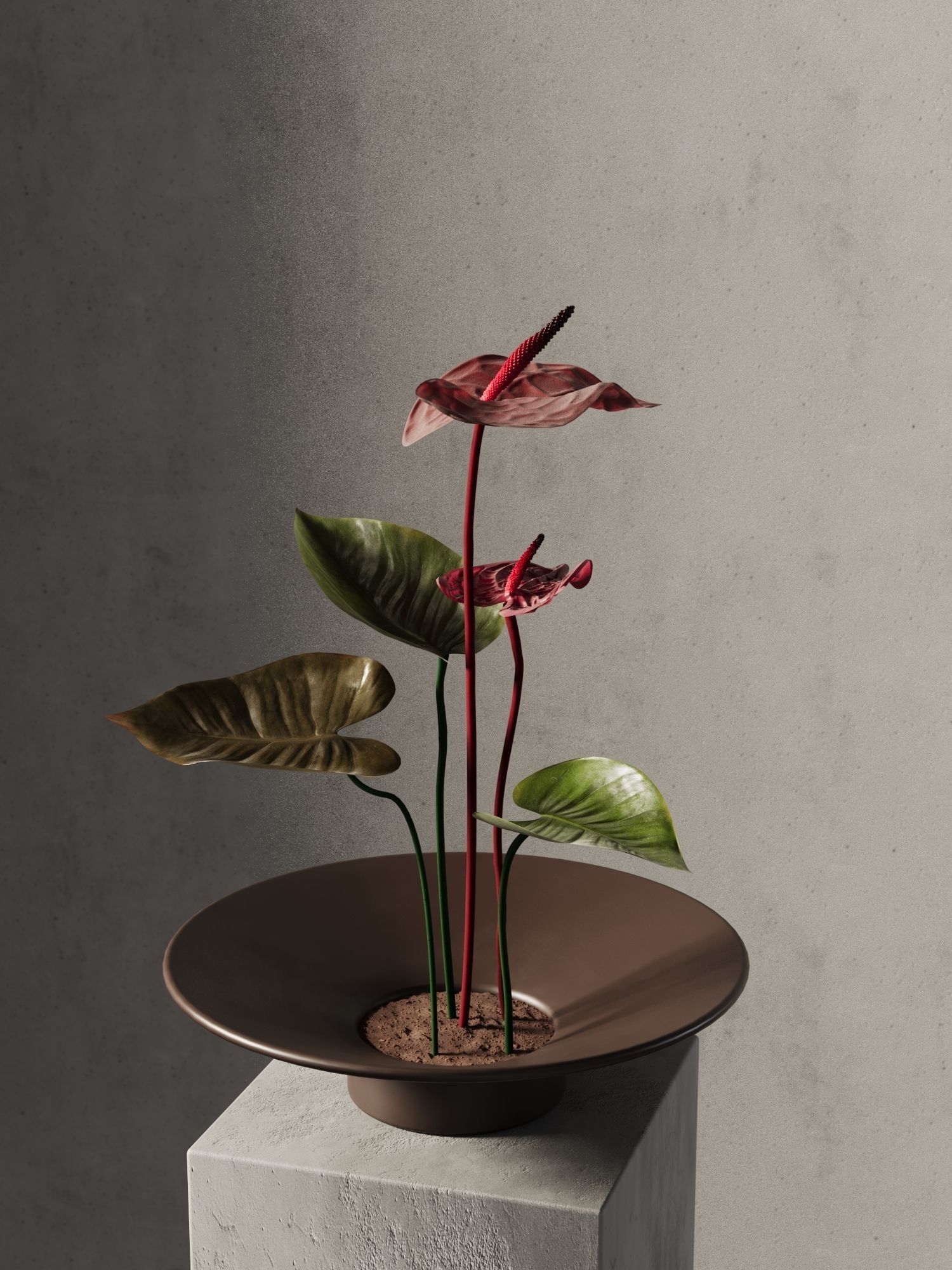 | 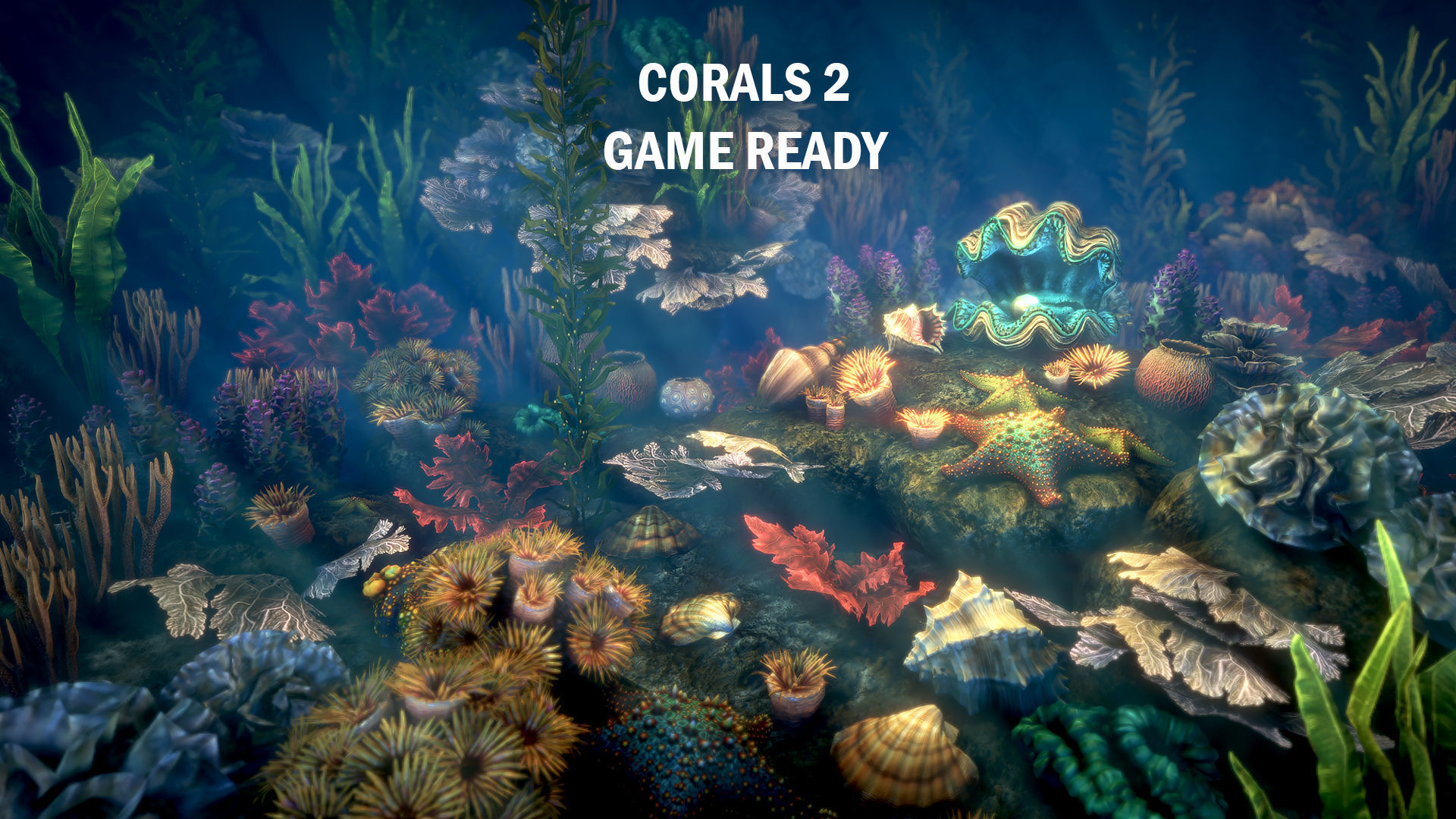 | 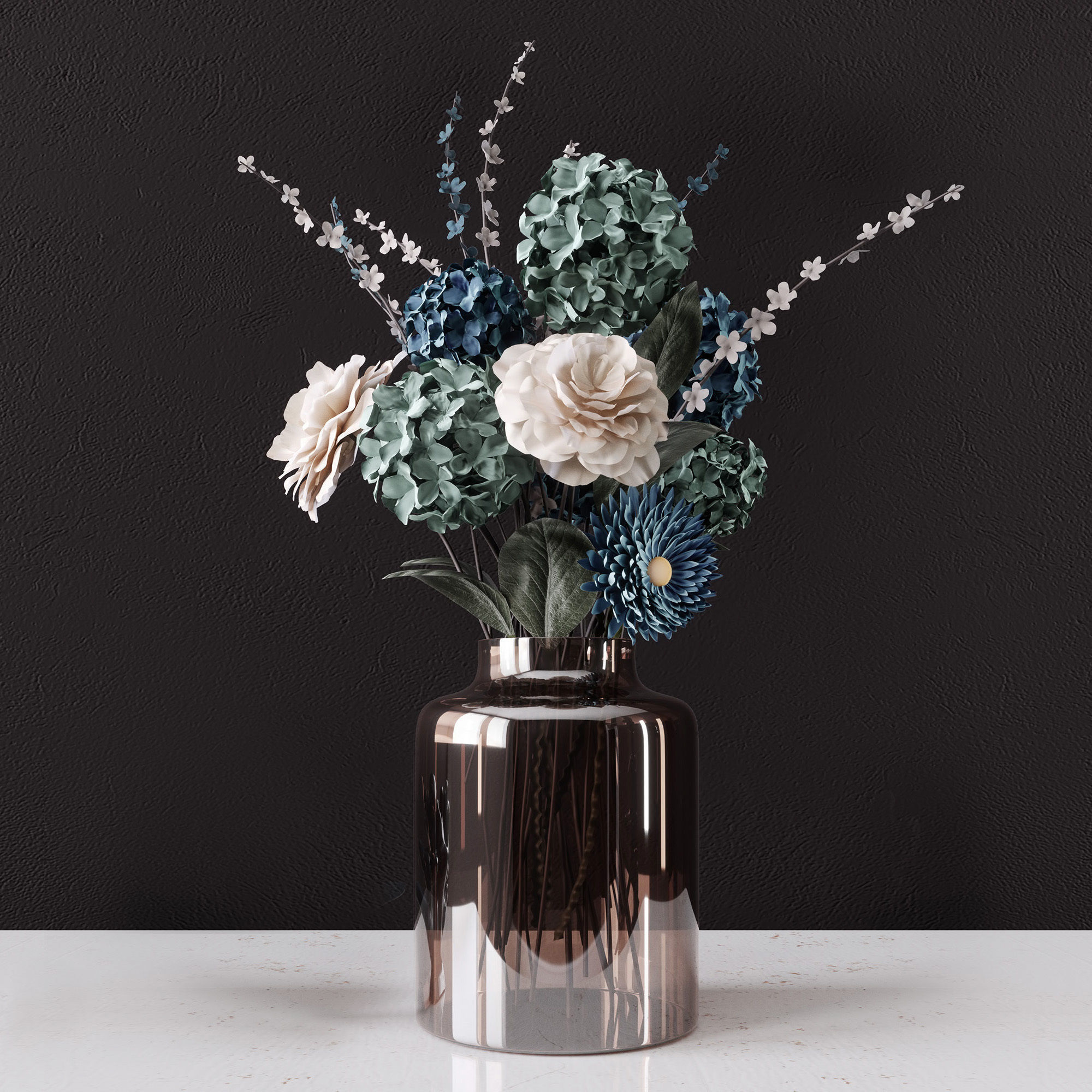 |
| SKU | 1863812 | 4686665 | 4683831 | 4572479 | 2624085 | 2033354 |
| Rating | ||||||
| Price | $10.00 | $5.99 | $6.95 | $16.80 | $26.00 | $12.00 |
| Stock | ||||||
| Availability | ||||||
| Add to cart | ||||||
| Description | ||||||
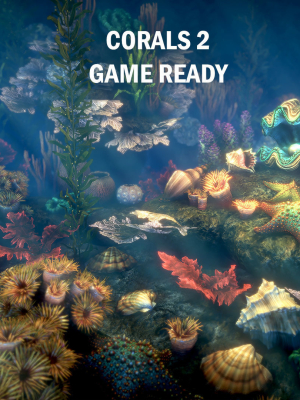
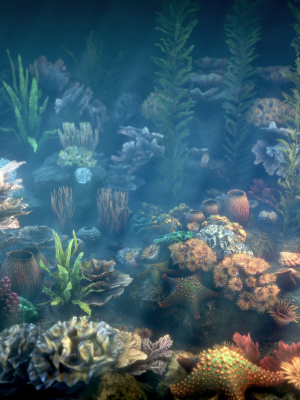
| Content | Hi, my friends, This is my lily product,I like flowers, and make some models in my spare time. All files have been archived.I have used vray to render scene and make shaders,if you do not install vray, you can use my .OBJ file and my textures.I have shot a picture of this model in 3ds max ,you can find it when you preview this product, you can see different object has different color , so if you download .obj file , you must seperate this model to several geometries according to this picture,only in this way you can asign textures correctly Thank you , that is all.Hope you like it | Name: indoor plant - set 23 Type: model Format: 3Ds Max 2018 Export: OBJ Render: VRay + Corona Polys: 395728 Verts: 681274 Units: Millimeters Dimension: 1102.6 x 900.04 x 1024.12 Date: 2023.8.3 | plants collection vol 17-Blender There are several different plant models and are made with the best quality materials. Poly (Total): 564472 Verts (Total): 826477 To access the 3ds max file of this product, you can refer to the following link: https://www.cgtrader.com/3d-models/plant/other/plants-collection-vol-17 Thank you so much for visiting my store. Enjoy using this model. | Anthurium Flower Tray. This 3d model Anthurium Flower Tray has a fully textured, detailed design that allows for close-up renders. Every model has been checked with the appropriate software. *IMPORTANT NOTICE: PLEASE MAKE SURE THAT YOU'VE GOT THE LATEST VERSION OF ARCHIVING SOFTWARE. NOT ALL OF OUR PRODUCTS INCLUDE MTL FILE WITH OBJ AT THE MOMENT, BUT YOU CAN REQUEST AND WE PREPARE IT AS SOON AS POSSIBLE. Note: The product comes without scene, camera or lights, include only 3dmodel. Camera and lights setting include only for primary view on all Beinspirations. Polygons: 18740 Vertices: 19170 File formats available on request: 3dmax * Corona 3dmax * Vray OBJ Cinema4D + Maxwell FBX Hope you like it! Also check out my other models, just click on my user name to see complete gallery or on our website. | Here you can find a lot of corals, shels, seaweeds and starfishes. All seaweeds have vertex colors for animation by vertex shader. | A photorealistic model of a delicate decorative bouquet of flowers in a vase Victoria. High-quality polygonal model, includes ready model with tuned materials for VRay and Corona renders and converted model in fbx and obj formats; materials of the model are made by procedural maps in 3ds max and model have only one texture for leaf; optimized, 3d model high detailed enough for close-up renders; one multi-subobject material with a unique name for all objects in the scene; file format: - max2011-Vray3.2, max2011-Corona1.6, fbx, c4dR20. |
| Weight | N/A | N/A | N/A | N/A | N/A | N/A |
| Dimensions | N/A | N/A | N/A | N/A | N/A | N/A |
| Additional information | ||||||
| Sold | 0 | 0 | 0 | 0 | 0 | 0 |
| Shipping |