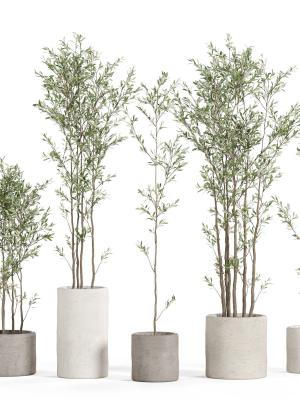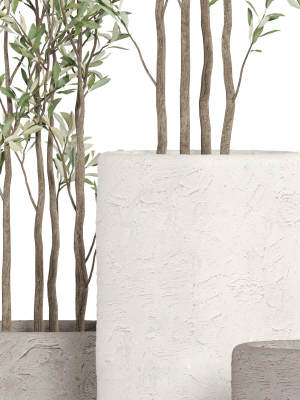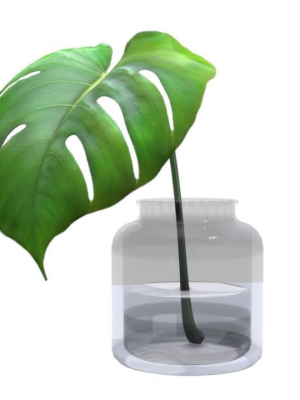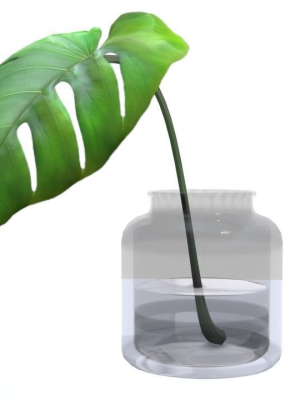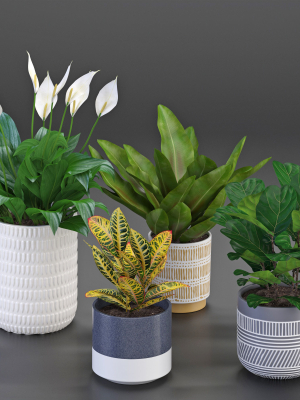
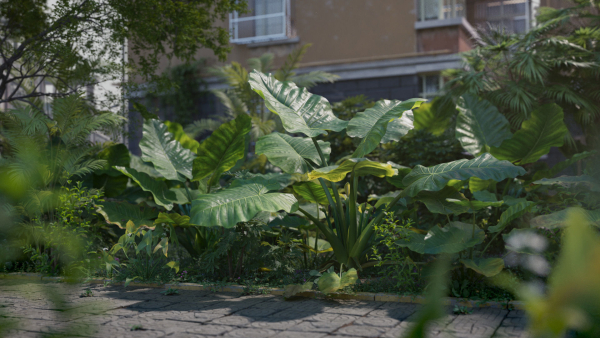
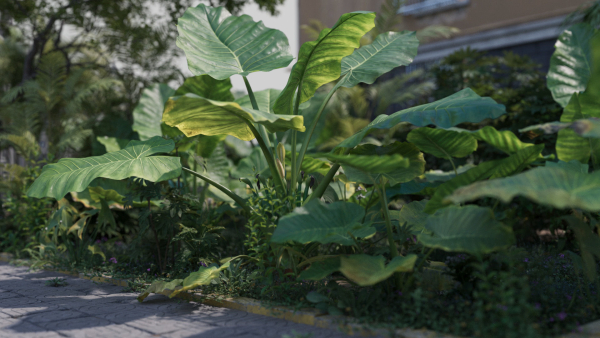
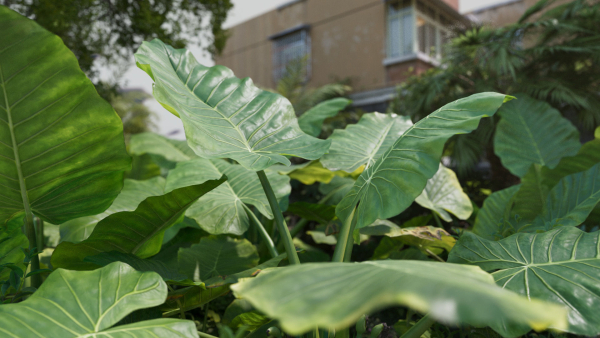
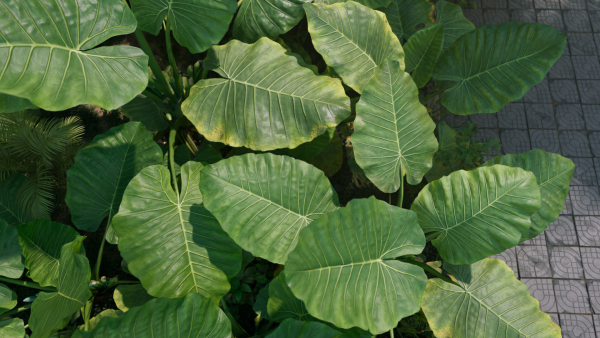
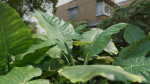
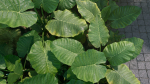
3D Taro Collection plants in garden near building
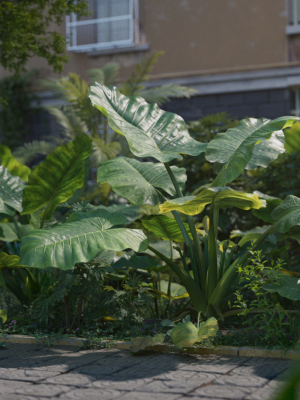
3D Taro Collection plants in garden near building
Product details
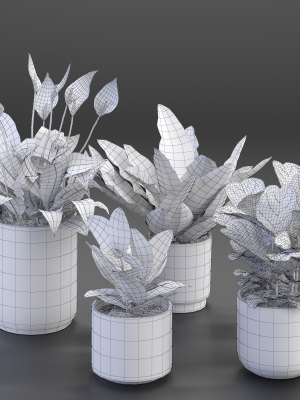
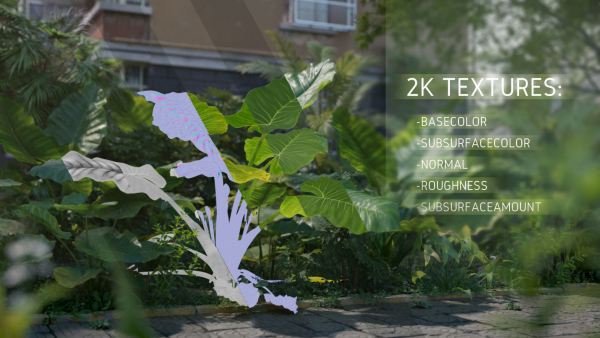
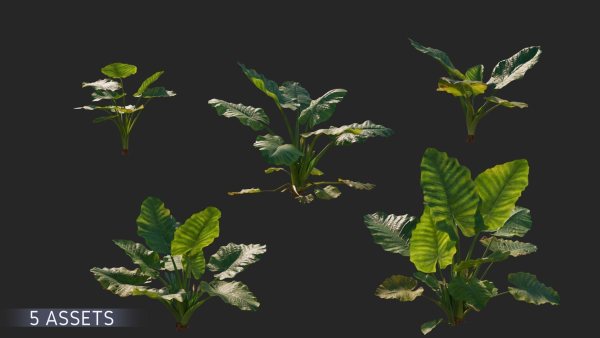
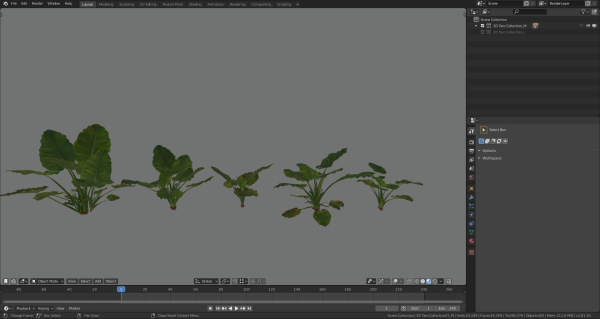
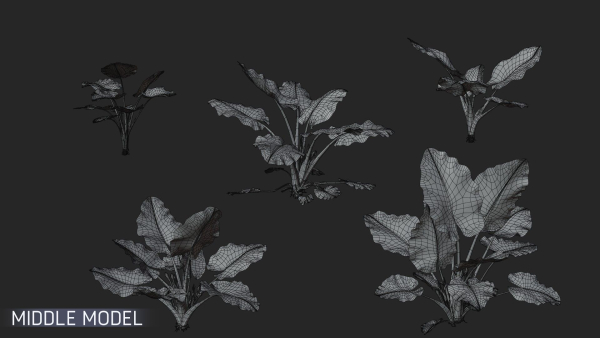
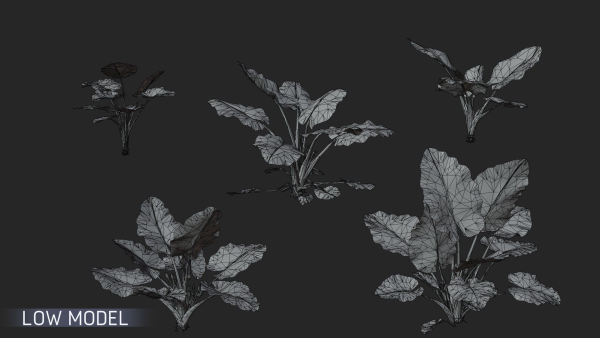
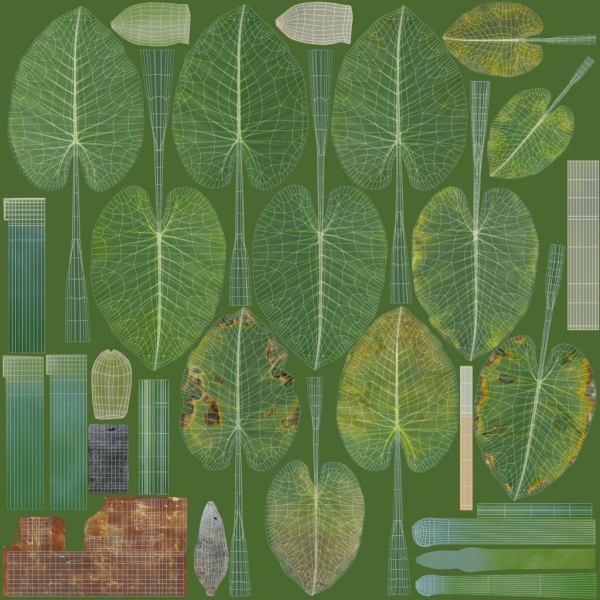
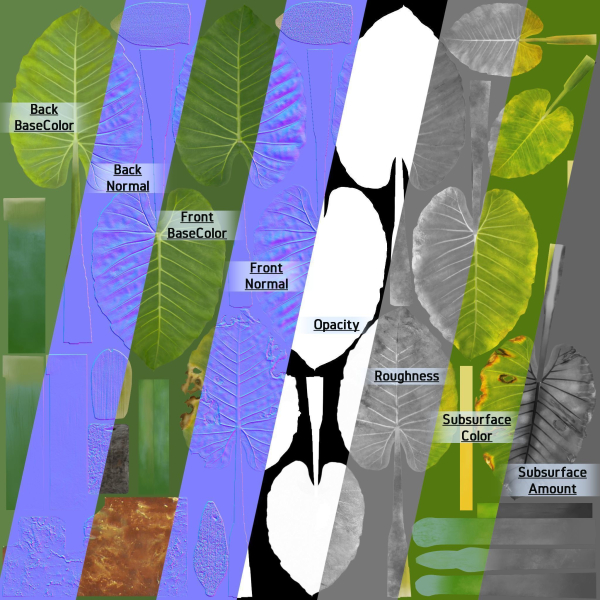
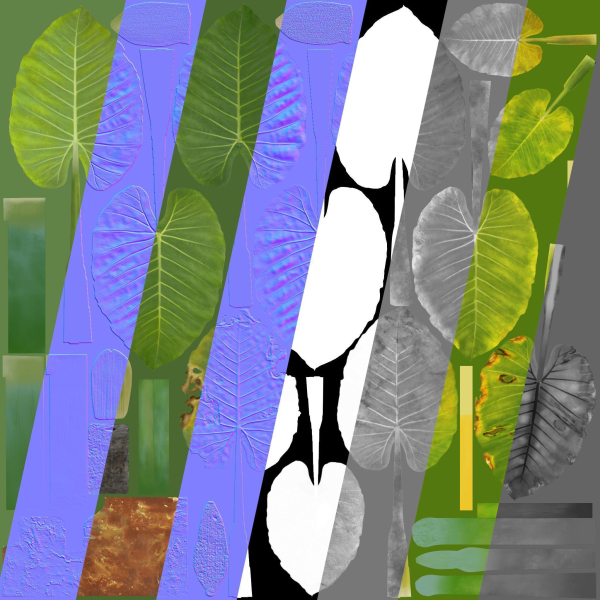
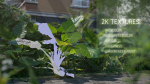
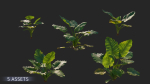
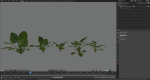
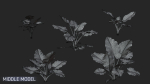
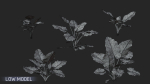
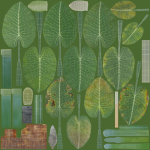
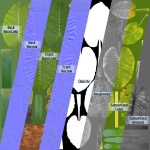
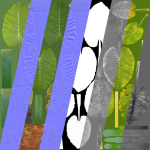
Introduction This is a set of realistic Alocasia models with 5 varying shapes, made with Blender 2.81a. There are medium polys with the support for close shot and low polys. The 2K PBR maps possess plentiful colors, accurate physical properties, and rich details, which can add realism to your scenes. Features The model is made at real-world scale. No part-name confusion when importing several models into a scene. No external add-ons needed. No lights and cameras. Just put the model into the scene to render without cleaning. 9 pieces of 2K PBR texture maps. Medium poly and low poly are available; 10 objects in total. No N-Gons. Overlapping Unwrapped UVs. Blender project, fbx and obj file. Neither animation nor rigging. Specification Medium Polys: vertices 54,191; edges 48,246; faces 96,378 Low Polys: vertices 20,227; edges 25,556; faces 33,357
Shipping and Returns
Shipping cost is based on weight. Just add products to your cart and use the Shipping Calculator to see the shipping price.
We want you to be 100% satisfied with your purchase. Items can be returned or exchanged within 30 days of delivery.
Quick Comparison
| Settings | 3D Taro Collection plants in garden near building remove | Philodendron xanadu remove | Plants collection 596 remove | Plant w03 remove | Plants collection 970 remove | Plants collection 940 remove |
|---|---|---|---|---|---|---|
| Name | 3D Taro Collection plants in garden near building remove | Philodendron xanadu remove | Plants collection 596 remove | Plant w03 remove | Plants collection 970 remove | Plants collection 940 remove |
| Image | 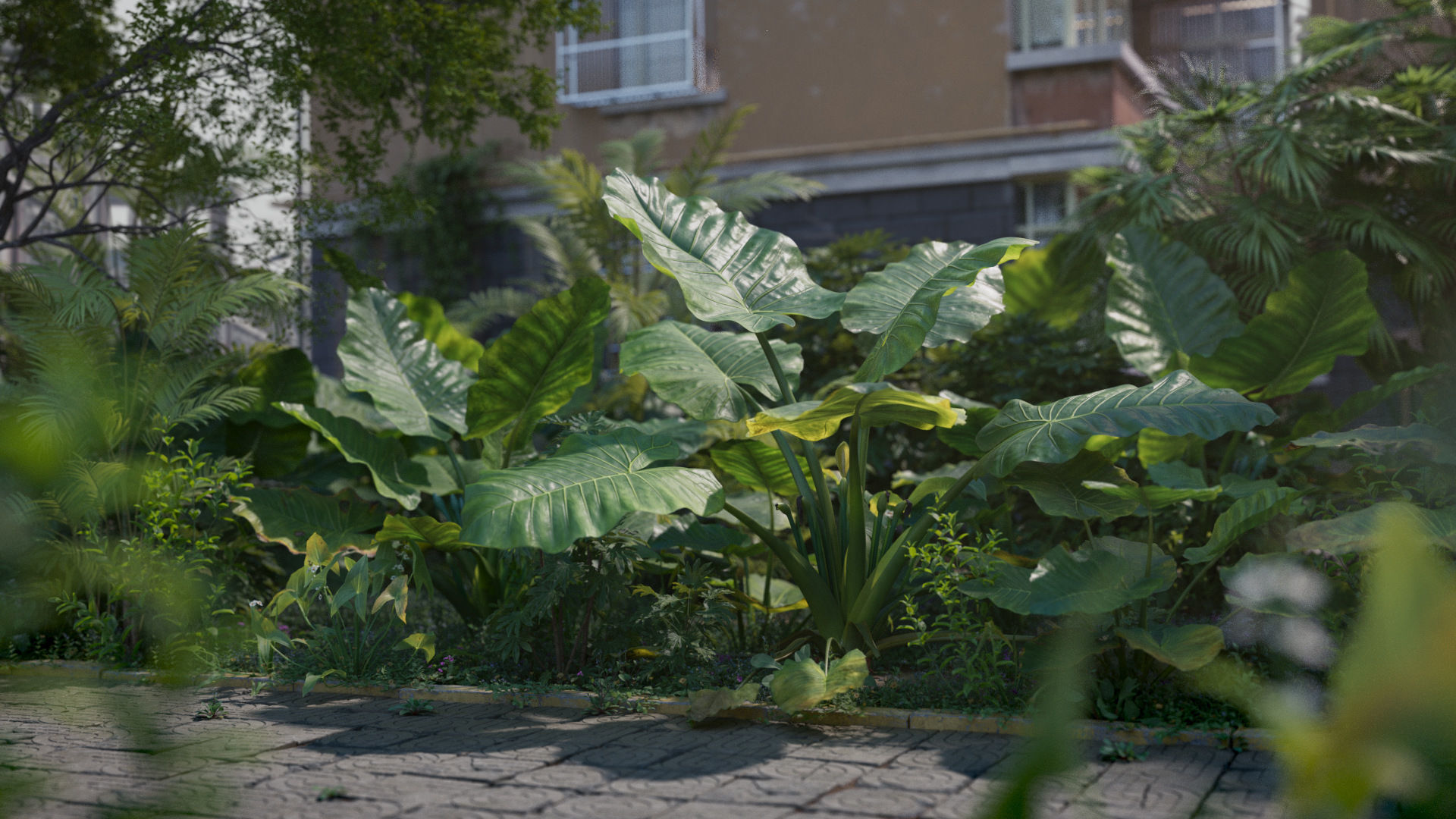 | 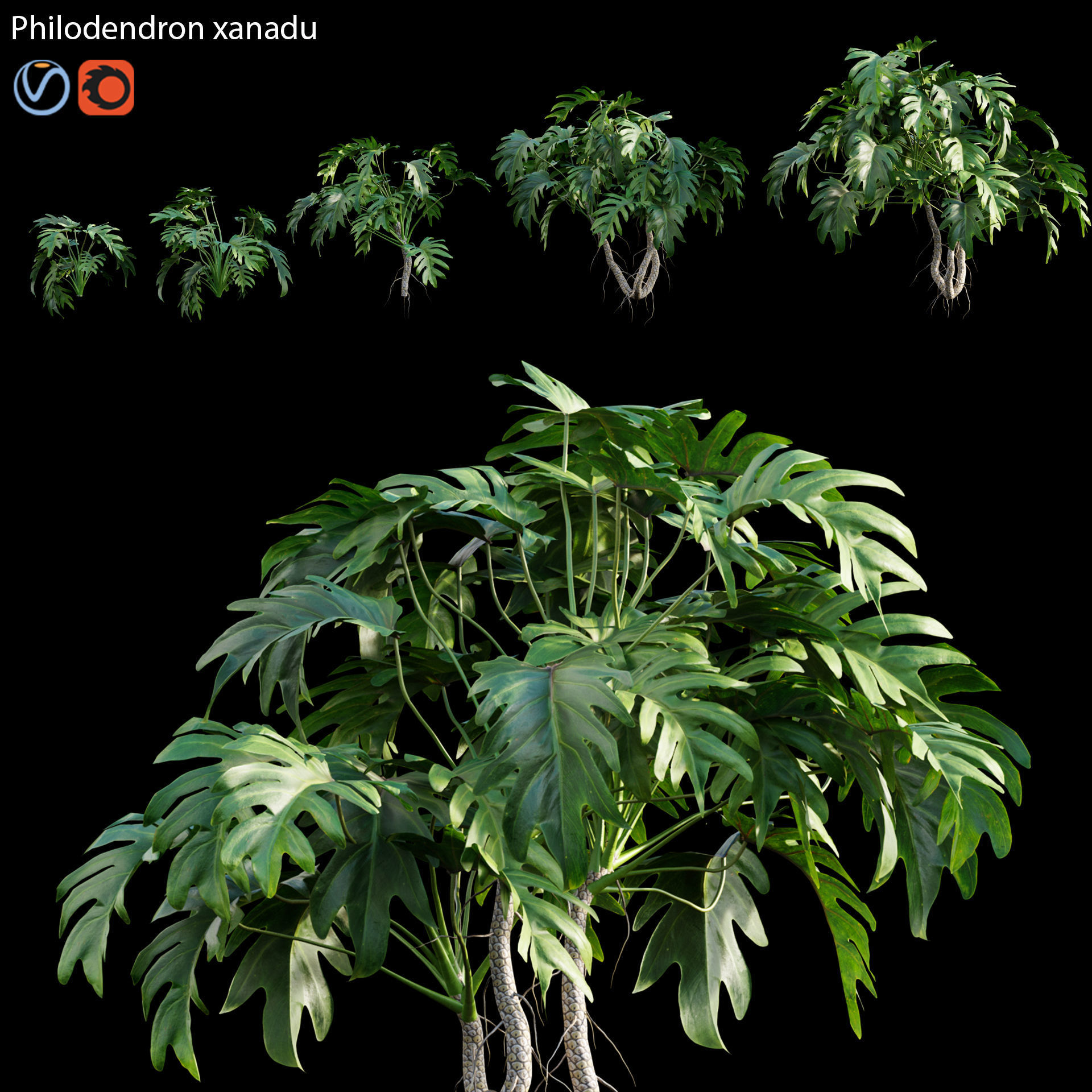 | 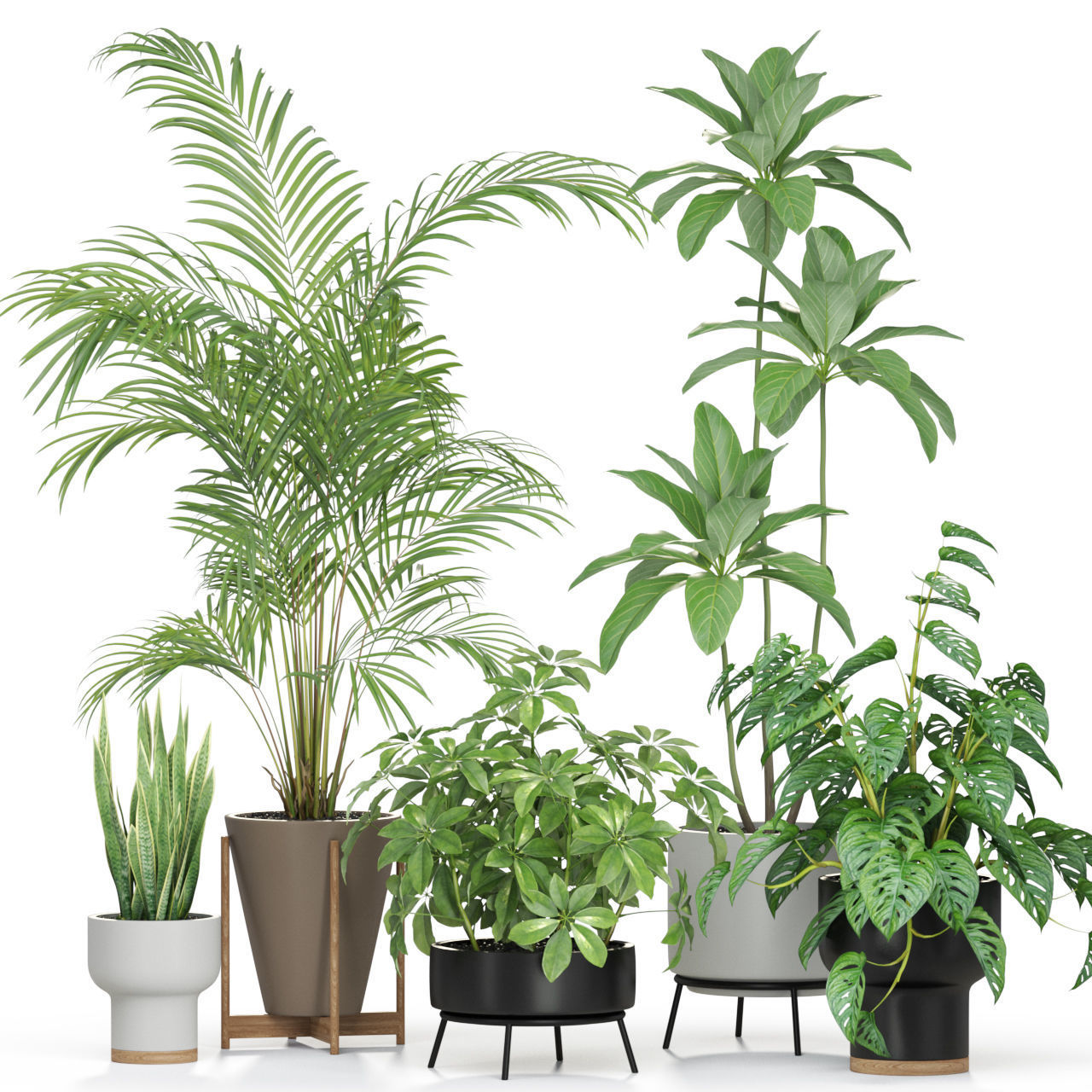 | 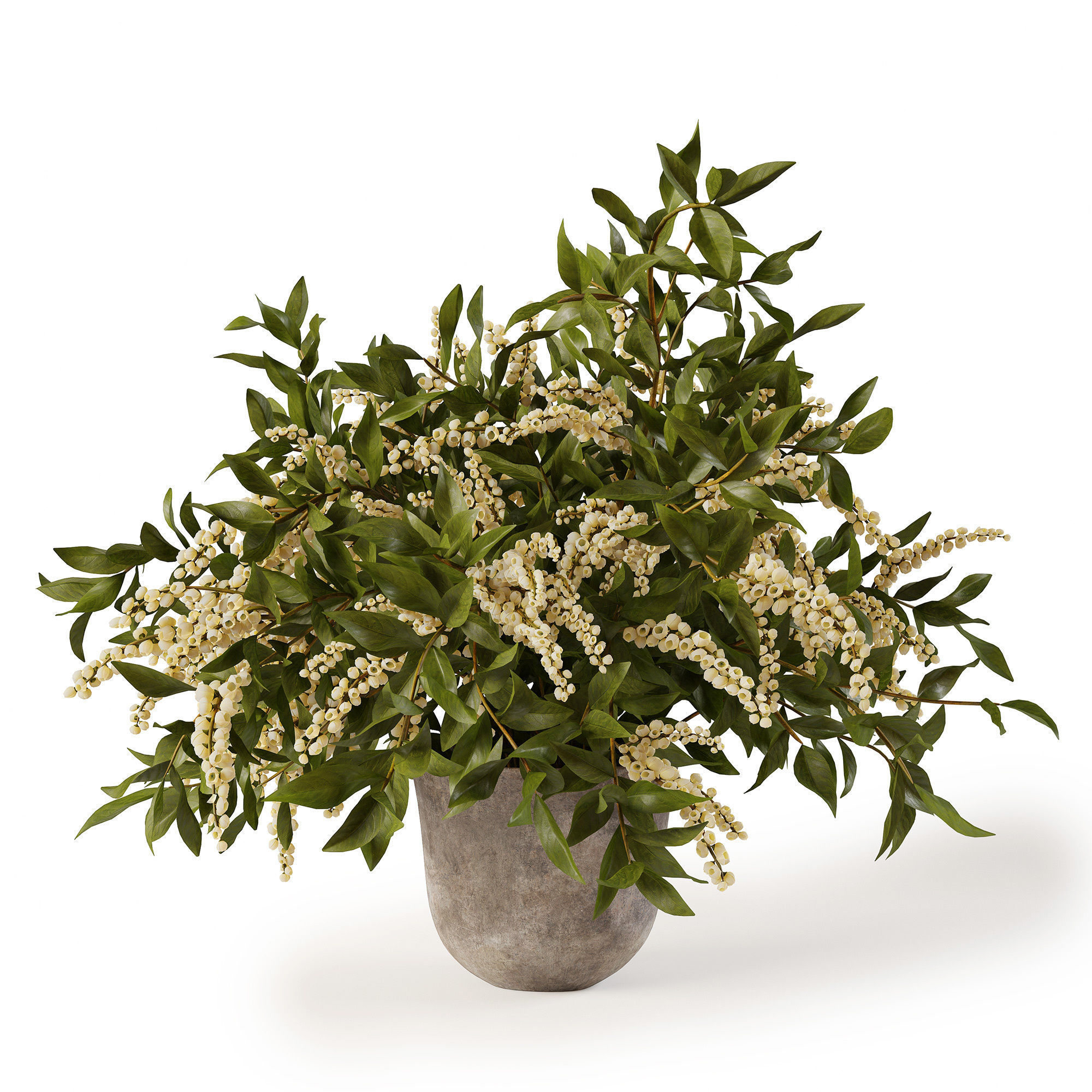 | 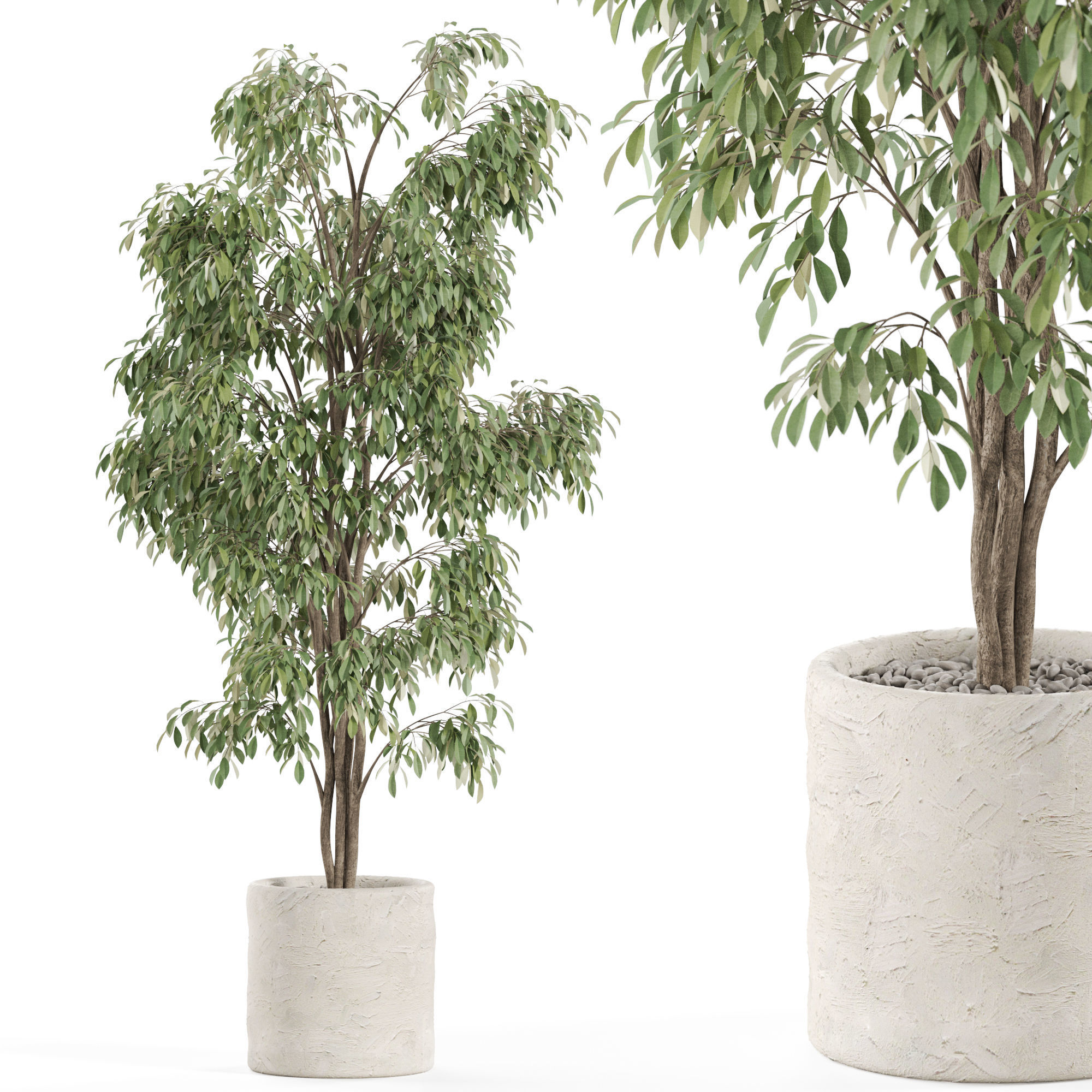 | 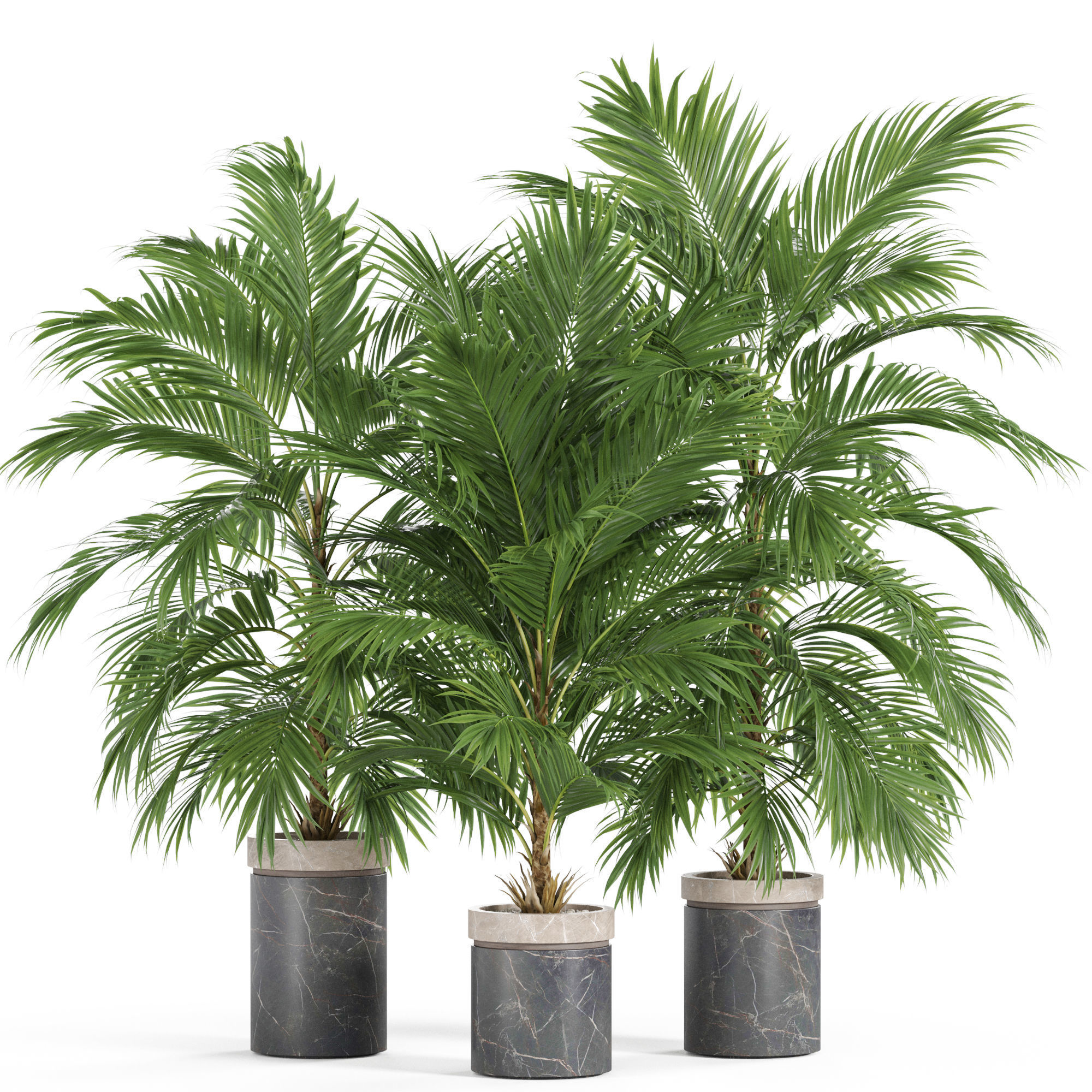 |
| SKU | 2643995 | 2577853 | 3336461 | 3339984 | 4646945 | 4506682 |
| Rating | ||||||
| Price | $35.00 | $10.00 | $19.00 | $15.00 | $19.00 | $19.00 |
| Stock | ||||||
| Availability | ||||||
| Add to cart | ||||||
| Description | ||||||
| Content | Introduction This is a set of realistic Alocasia models with 5 varying shapes, made with Blender 2.81a. There are medium polys with the support for close shot and low polys. The 2K PBR maps possess plentiful colors, accurate physical properties, and rich details, which can add realism to your scenes. Features The model is made at real-world scale. No part-name confusion when importing several models into a scene. No external add-ons needed. No lights and cameras. Just put the model into the scene to render without cleaning. 9 pieces of 2K PBR texture maps. Medium poly and low poly are available; 10 objects in total. No N-Gons. Overlapping Unwrapped UVs. Blender project, fbx and obj file. Neither animation nor rigging. Specification Medium Polys: vertices 54,191; edges 48,246; faces 96,378 Low Polys: vertices 20,227; edges 25,556; faces 33,357 | In the archive 3ds max 2014 (Corona) 3ds max 2014 (Vray) FBX (Standard) OBJ(Standard) Textures | High quality 3d models Plants collection 596 A unique collection of plants can be used for exterior and interiors Formats 3ds max 2013 V-ray 4.0 Corona render 4.0 Default Scanline FBX V-ray Corona render Default Scanline OBJ Standard materials Cinema4D Standard Blender Cycles | Plant in the pot Size: height 700mm, width 900mm, depth 1050mm Pot size: 200hx250mm Archived: Max 2014, obj, fbx, vray mtl, textures, preview mesh | High quality 3d models Plants collection 970 A unique collection of plants can be used for exterior and interiors Formats 3ds max 2013 V-ray 4.0 Corona render 4.0 Default Scanline FBX V-ray Corona render Default Scanline OBJ Standard materials Cinema4D Standard Blender Cycles (you need to specify the path to the texture. File > External Data > Find Missing Files. and select texture folder) | High quality 3d models Plants collection 940 A unique collection of plants can be used for exterior and interiors Formats 3ds max 2013 V-ray 4.0 Corona render 4.0 Default Scanline FBX V-ray Corona render Default Scanline OBJ Standard materials Cinema4D Standard Blender Cycles (you need to specify the path to the texture. File > External Data > Find Missing Files. and select texture folder) |
| Weight | N/A | N/A | N/A | N/A | N/A | N/A |
| Dimensions | N/A | N/A | N/A | N/A | N/A | N/A |
| Additional information | ||||||
| Sold | 0 | 0 | 0 | 0 | 0 | 0 |
| Shipping |