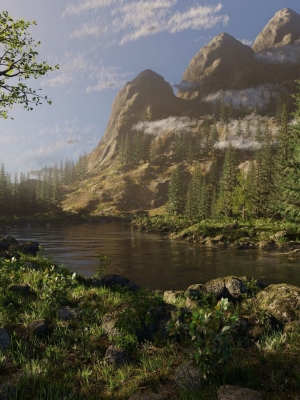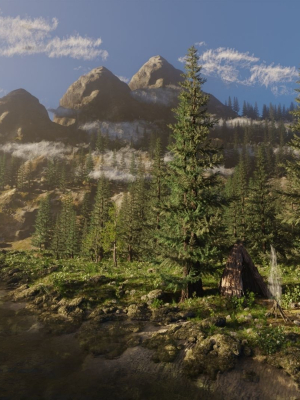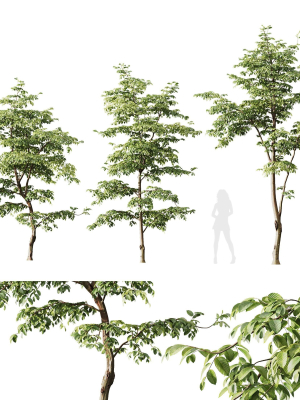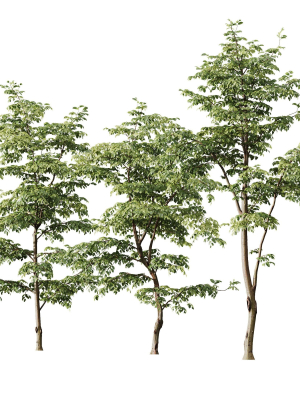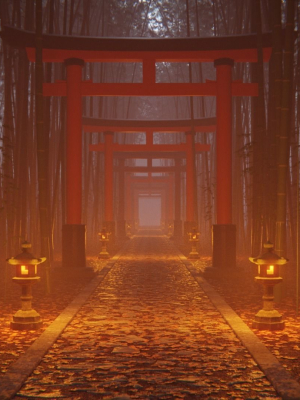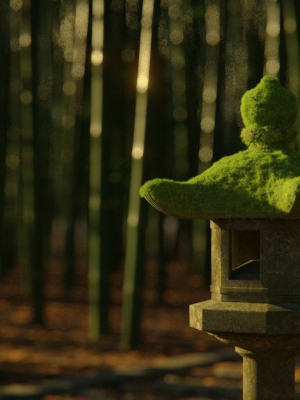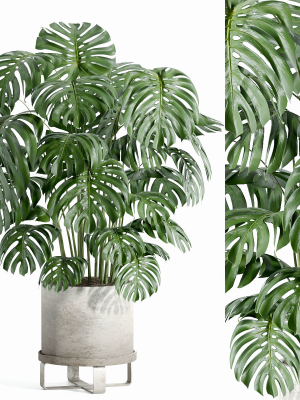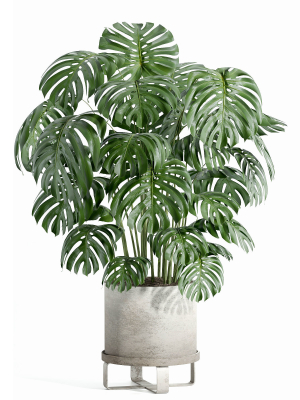

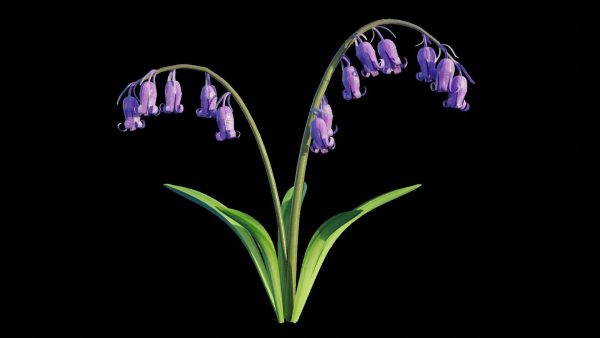
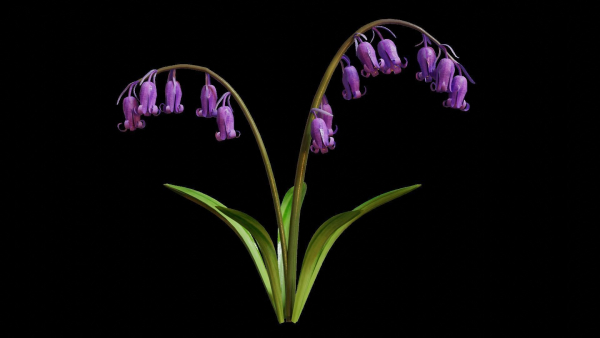
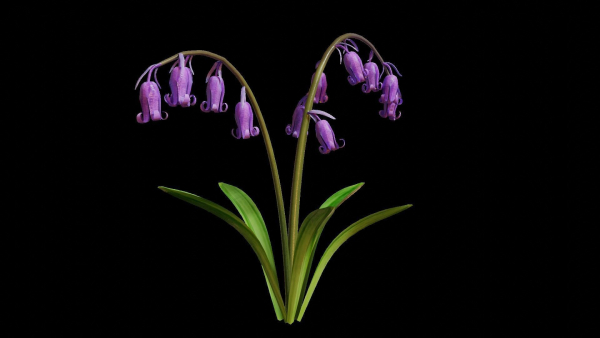
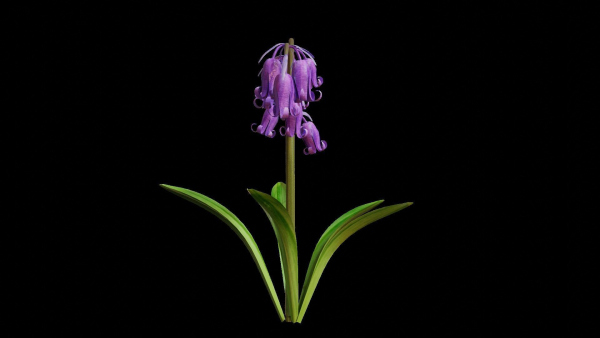
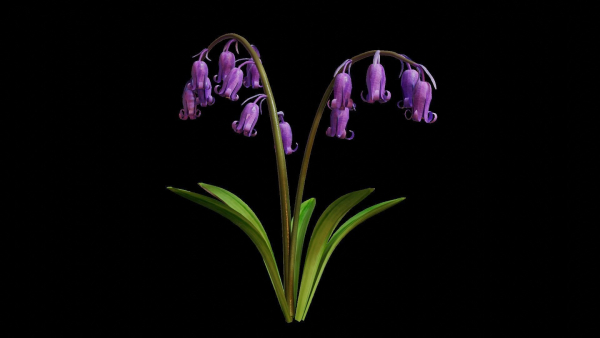
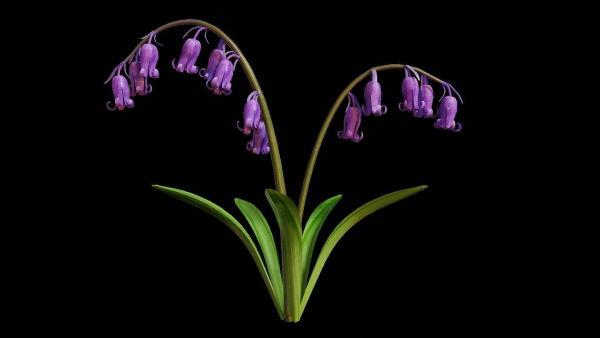
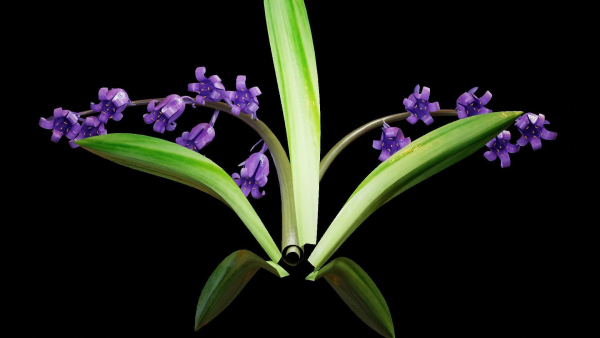






Blue Bell flower
$19.00
751 people are viewing this right now
Blue Bell flower
$19.00
Product details
Shipping and Returns
Product details
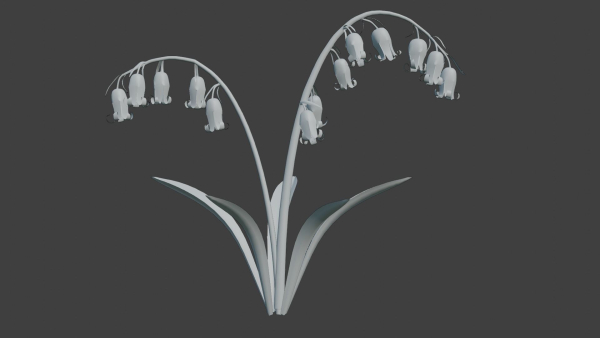
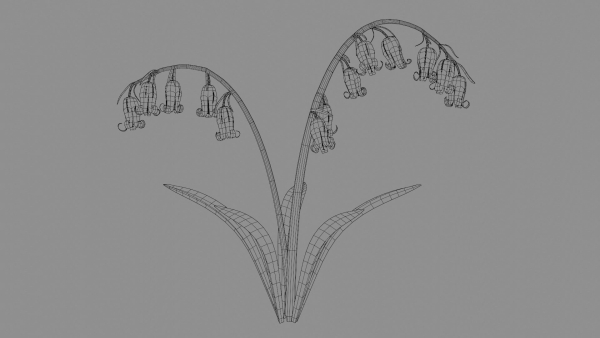
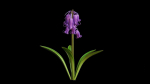
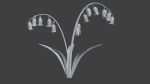
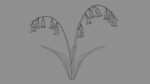
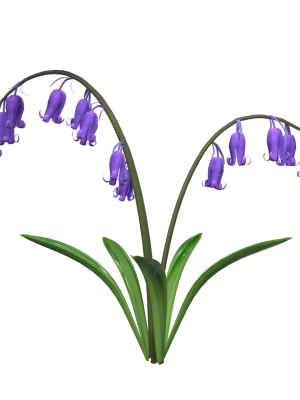
3d model of Blue bell flower. The file was created in Blender2.9. Detailed design that allows for close-up renders. Inside the buildings looks neat aswell and clear wireframe. Easy to adjust, Just put the model in you scene. Texture : (4096×4096) Diffuse, roughness,and normal. ** Face:268,392 Vert: 271,615 Tris:536,782** Archive includes files with extension .fbx , .obj,.blender,.dae, and zip file. For more information, Don’t hesitage to ask 🙂
Shipping and Returns
Shipping cost is based on weight. Just add products to your cart and use the Shipping Calculator to see the shipping price.
We want you to be 100% satisfied with your purchase. Items can be returned or exchanged within 30 days of delivery.
Quick Comparison
| Settings | Blue Bell flower remove | Plants collection 949 remove | Pinus sylvestris collection remove | River Mountains Scene remove | Ceiba Pentandra Two tree set remove | Plants collection 683 remove |
|---|---|---|---|---|---|---|
| Name | Blue Bell flower remove | Plants collection 949 remove | Pinus sylvestris collection remove | River Mountains Scene remove | Ceiba Pentandra Two tree set remove | Plants collection 683 remove |
| Image | 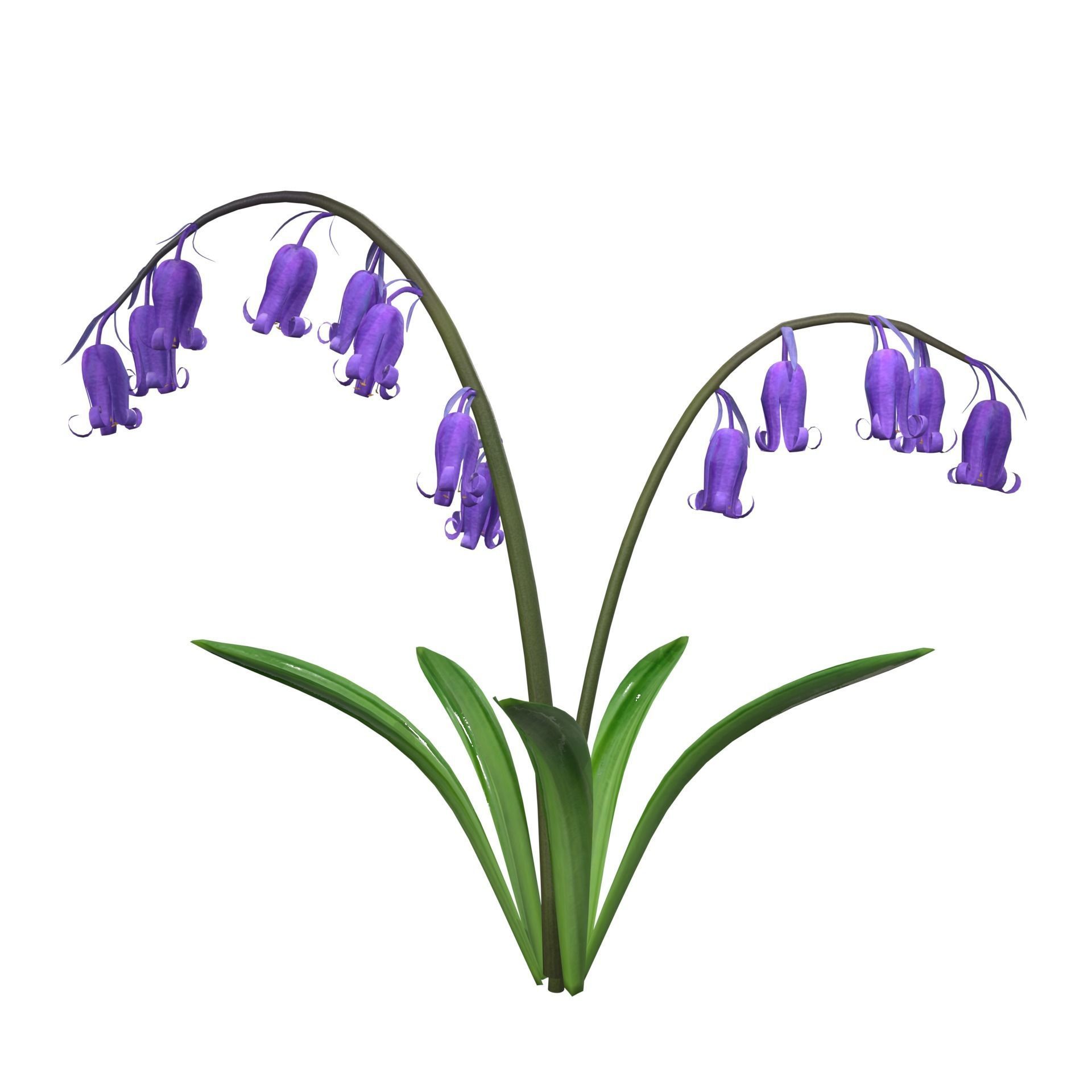 | 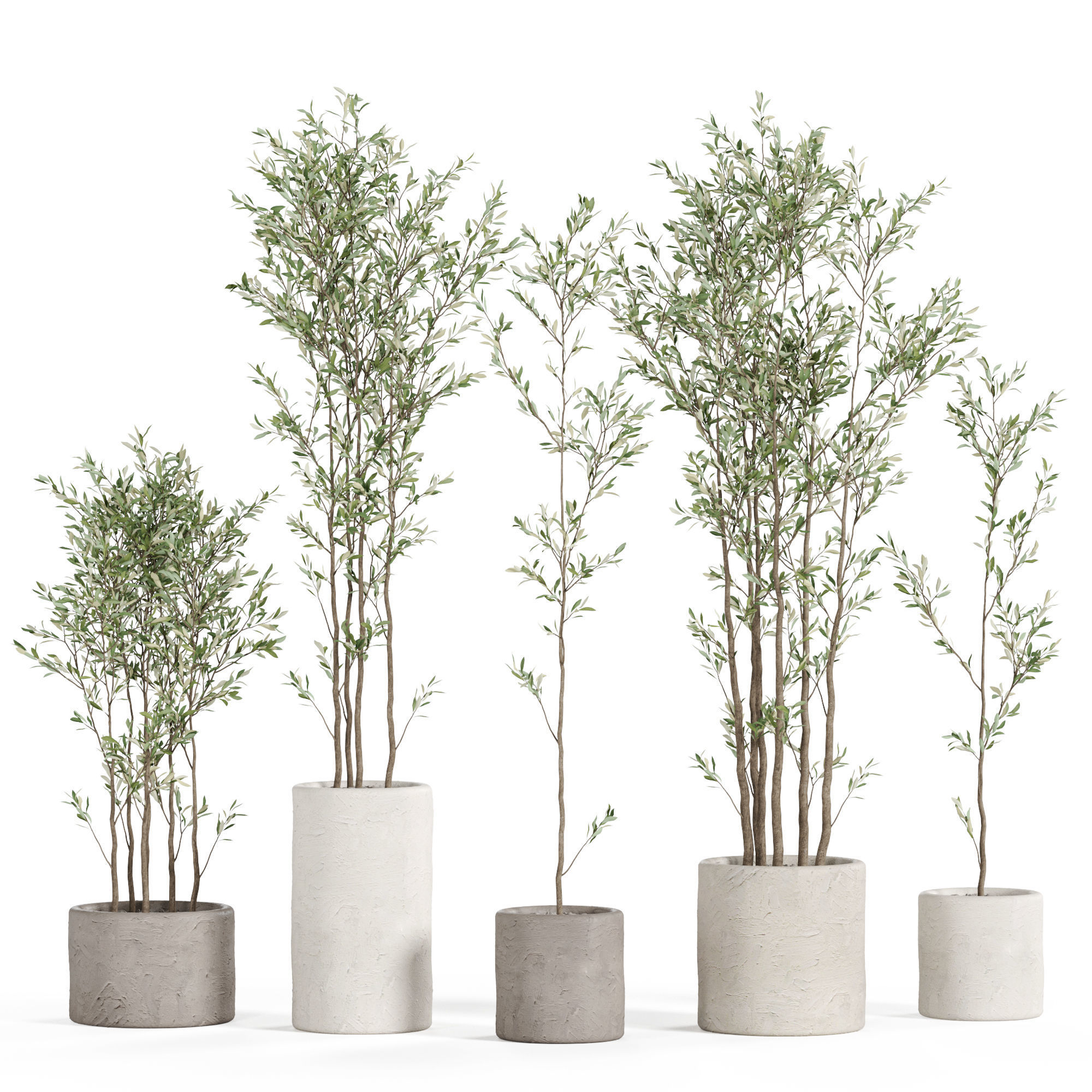 | 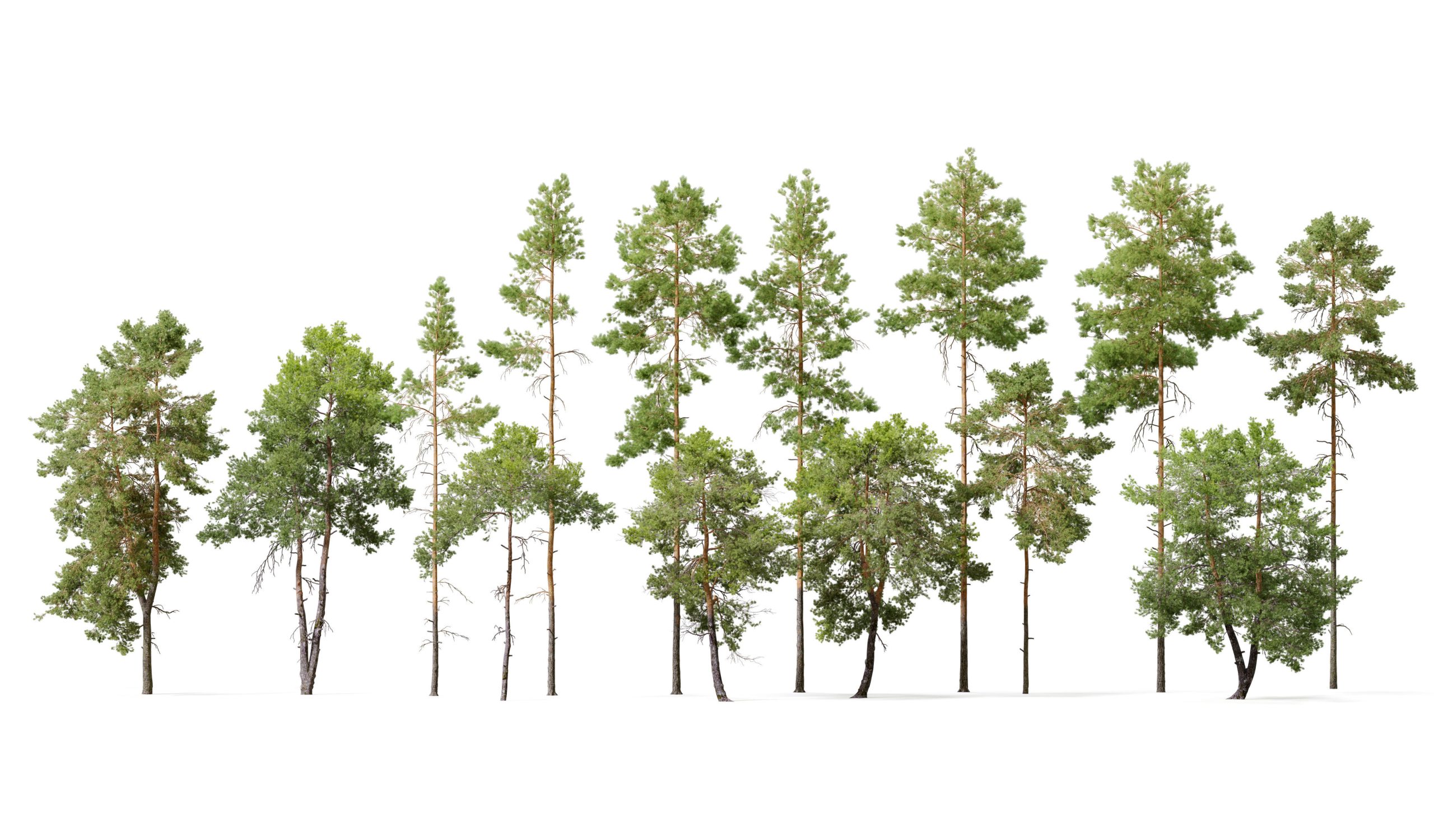 | 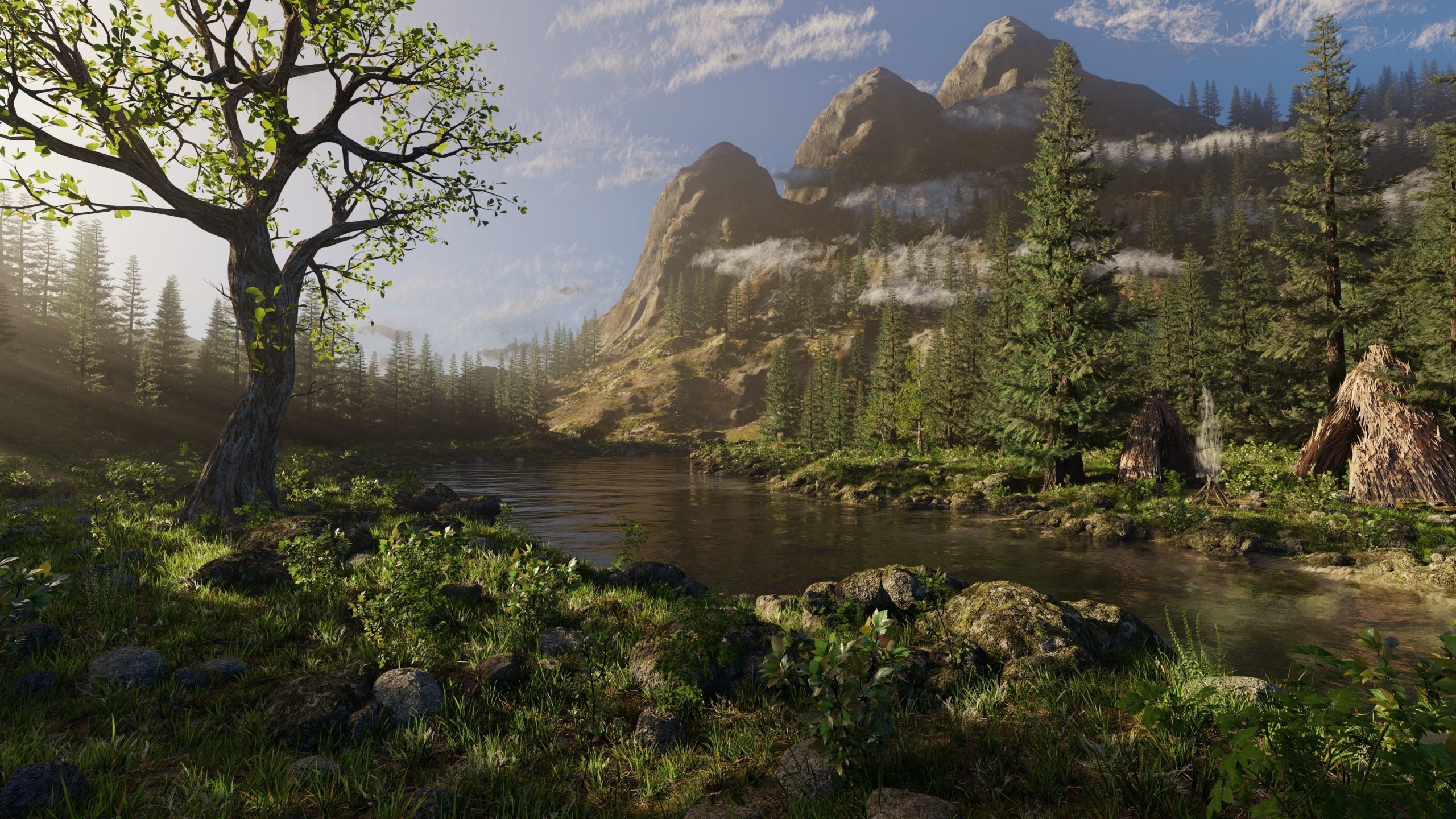 | 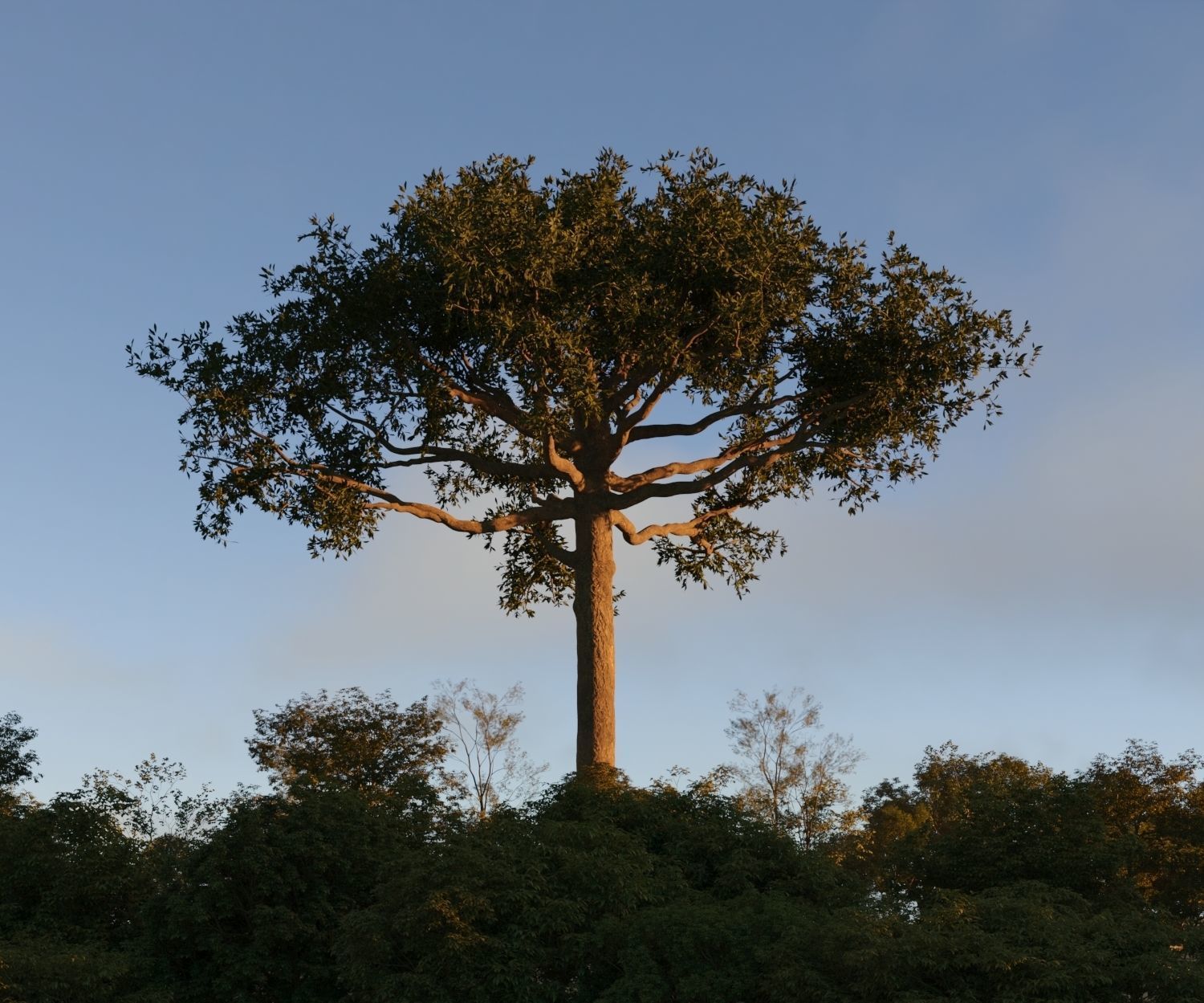 | 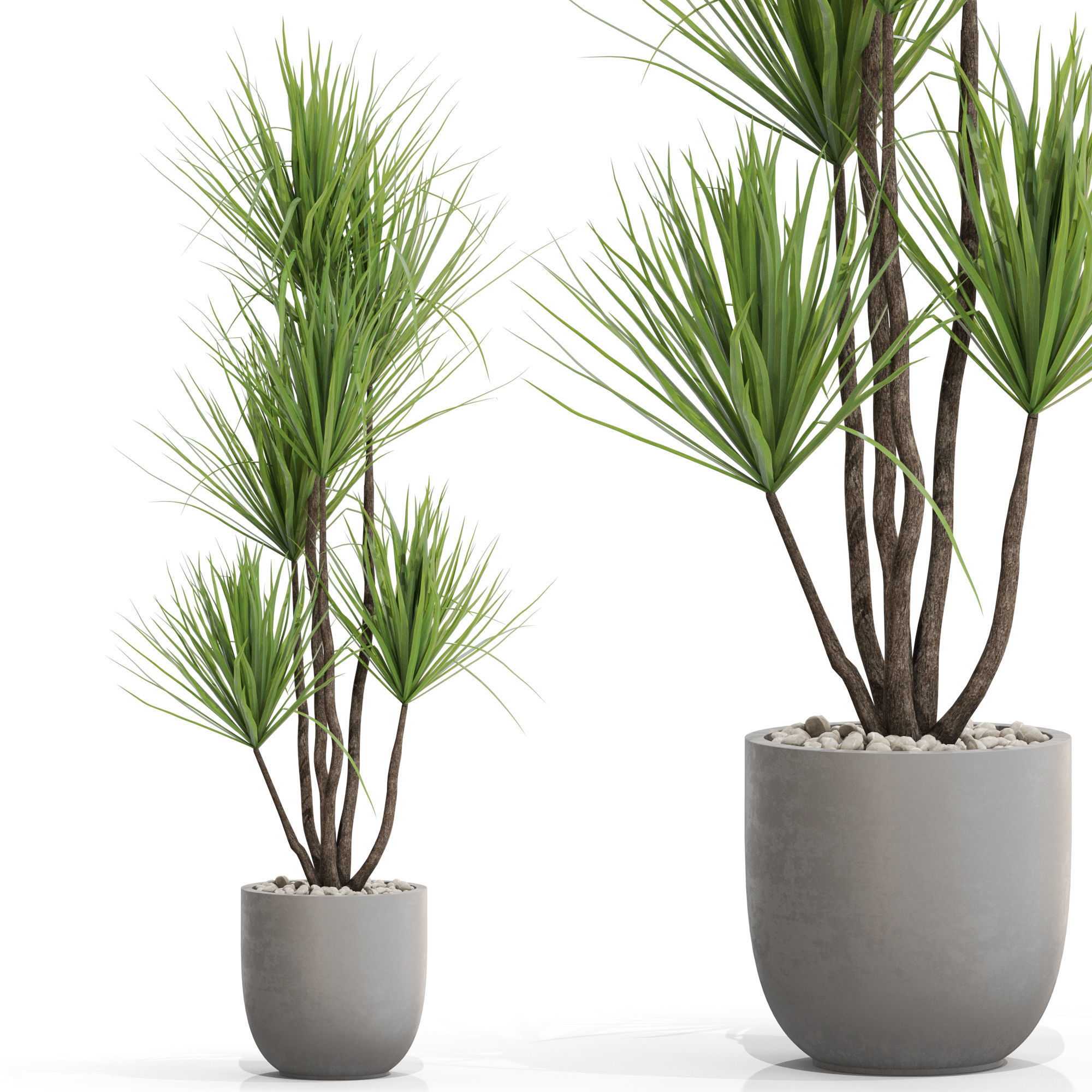 |
| SKU | 3123388 | 4525856 | 4125249 | 3772277 | 3555237 | 3739626 |
| Rating | ||||||
| Price | $19.00 | $19.00 | $30.00 | $44.00 | $25.00 | $19.00 |
| Stock | ||||||
| Availability | ||||||
| Add to cart | ||||||
| Description | ||||||
| Content | 3d model of Blue bell flower. The file was created in Blender2.9. Detailed design that allows for close-up renders. Inside the buildings looks neat aswell and clear wireframe. Easy to adjust, Just put the model in you scene. Texture : (4096x4096) Diffuse, roughness,and normal. ** Face:268,392 Vert: 271,615 Tris:536,782** Archive includes files with extension .fbx , .obj,.blender,.dae, and zip file. For more information, Don't hesitage to ask :) | High quality 3d models Plants collection 949 A unique collection of plants can be used for exterior and interiors Formats 3ds max 2013 V-ray 4.0 Corona render 4.0 Default Scanline FBX V-ray Corona render Default Scanline OBJ Standard materials Cinema4D Standard Blender Cycles (you need to specify the path to the texture. File > External Data > Find Missing Files. and select texture folder) | This collection contais 14 pine trees in addintion. | River Mountains Scene Made In Blender3D v3.1 Note: Only for Blender3d (uses particle system). Texture Detail: Ground 1: 4096*4096 (Diffuse,Normal,Ao,roughness,specular and Displacement maps). Ground 2: 4096*4096 (Diffuse,Normal,Ao,roughness,specular and Displacement maps). Ground 3: 4096*4096 (Diffuse,Normal,Ao,roughness,specular and Displacement maps). Mountain 1: 4096*4096 (Diffuse,Normal,Ao,roughness,specular and Displacement maps). Mountain 2: 4096*4096 (Diffuse,Normal,Ao,roughness,specular and Displacement maps). Mountain 3: 2048*2048 (Diffuse,Normal,Ao,roughness,specular and Displacement maps). Rocks: 4096*4096 (Diffuse,Normal,Ao,roughness,specular and Displacement maps). Grass: 2641*1679 (Diffuse and Normal maps). Pine Trees: (Bark): 4096*4096 (Diffuse,Normal,Ao and Displacement maps). | Leaves: 4096*4096 (Diffuse,Normal,roughness and Displacement maps). Plants 2: 512*512 (Diffuse,Normal and roughness maps). Plants 4: 4096*4096 (Diffuse,Normal,roughness and Displacement maps). Trees: (Bark): 4096*4096 (Diffuse,Normal,Specular and Displacement maps). (Leaves): 2641*1679 (Diffuse and Normal maps). Poly count: Verts: 9,061,815 | Polygon: 8,038,788 | Tris: 13,689,742. Check out my other models: Cgtrader.com/mohdarbaaz3. | This collection gives you 2 detailed Ceibas. 20-25 m height in 3ds max 2016 native format and obj, Also include Vray and Corona shader. | High quality 3d models Plants collection 683 A unique collection of plants can be used for exterior and interiors Formats 3ds max 2013 V-ray 4.0 Corona render 4.0 Default Scanline FBX V-ray Corona render Default Scanline OBJ Standard materials Cinema4D Standard Blender Cycles (you need to specify the path to the texture. File > External Data > Find Missing Files. and select texture folder) |
| Weight | N/A | N/A | N/A | N/A | N/A | N/A |
| Dimensions | N/A | N/A | N/A | N/A | N/A | N/A |
| Additional information | ||||||
| Sold | 0 | 0 | 0 | 0 | 0 | 0 |
| Shipping |