Brumble Tunnel Close-Up
Brumble Tunnel Close-Up
Product details
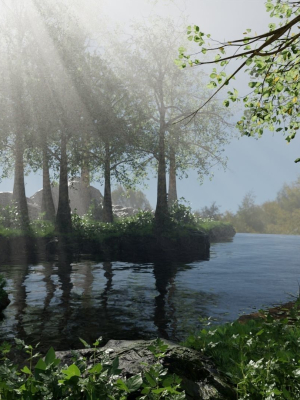
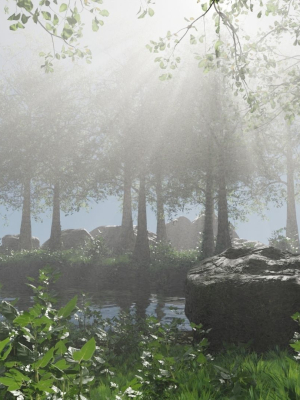
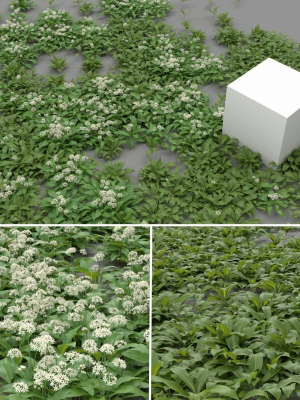
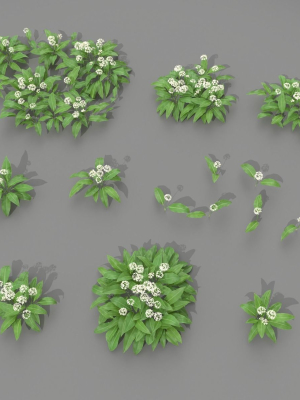
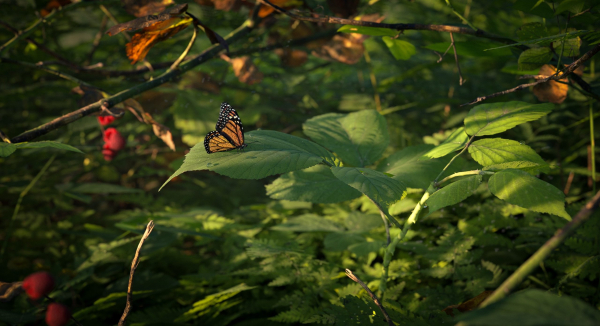
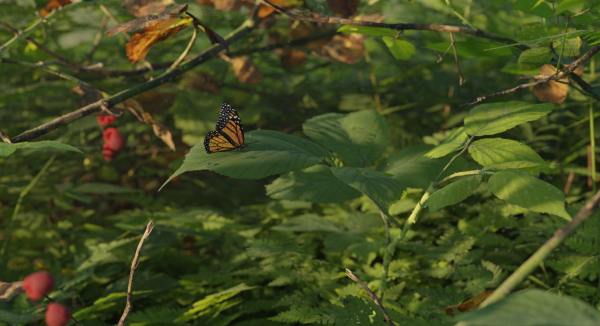
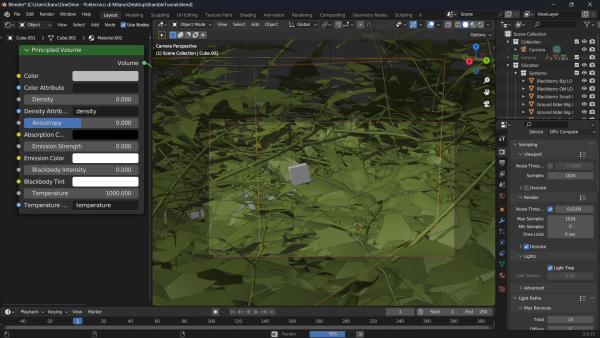
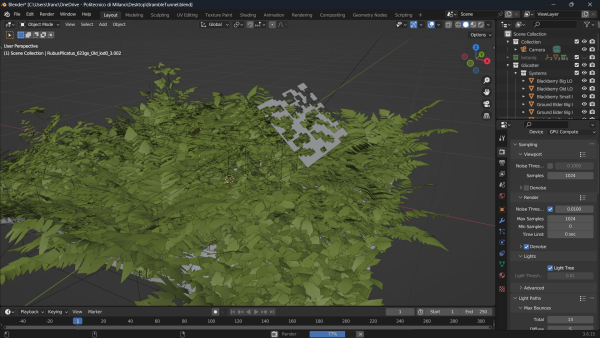
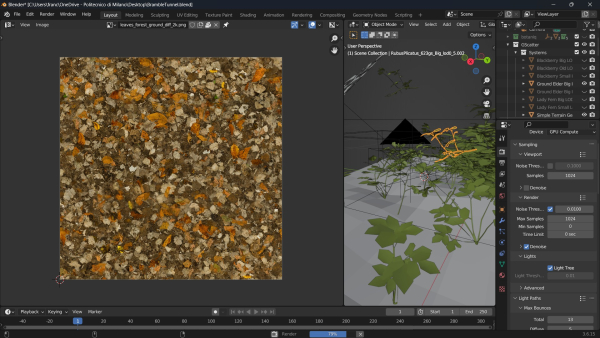
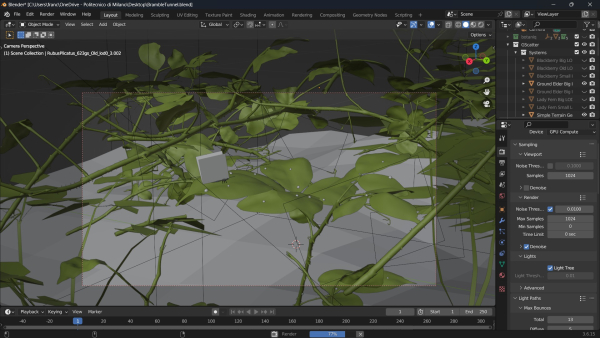
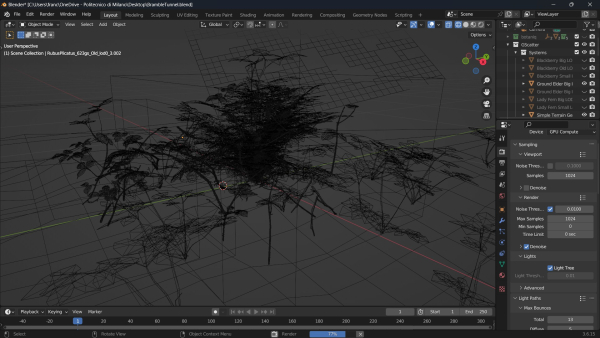
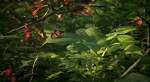
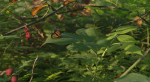
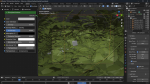
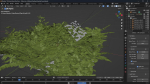
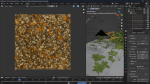
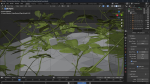
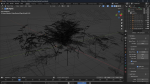
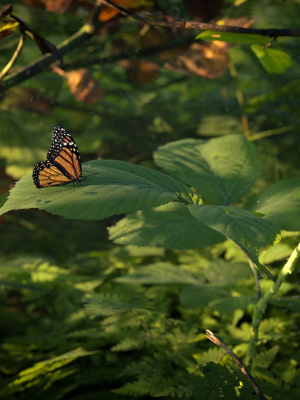
This scene, crafted in Blender 3.6, depicts a bramble tunnel using the Botaniq and Graswald add-ons. The environment immerses the viewer in a dense, overgrown tunnel of brambles, where thorny vines and wild vegetation intertwine to create a natural passage. The foreground showcases a monarch butterfly, perched on a large green bramble leaf, basking in soft sunlight that filters through the foliage. The Botaniq add-on was used to generate the varied plant life. The Graswald add-on brings further realism to the scene, adding small twigs, scattered branches, and ground cover, capturing the untamed, rugged nature of a bramble-filled forest. The tunnel-like effect is achieved by layering the vegetation, with leaves and vines closing in from above, creating a sense of enclosure and depth. The lighting is subtle, illuminating the butterfly and nearby leaves while casting soft shadows, adding to the secluded, tranquil atmosphere of the bramble tunnel.
Shipping and Returns
Shipping cost is based on weight. Just add products to your cart and use the Shipping Calculator to see the shipping price.
We want you to be 100% satisfied with your purchase. Items can be returned or exchanged within 30 days of delivery.
Quick Comparison
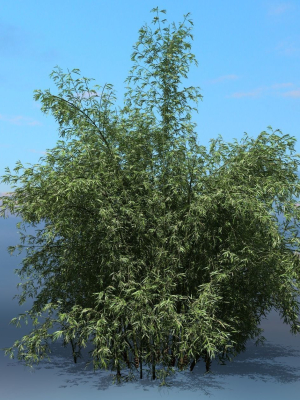
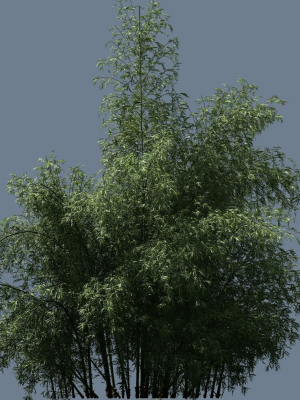
| Settings | Brumble Tunnel Close-Up remove | Red Desert Pack remove | High Quality Bamboo Bush 07 remove | High Quality Bamboo Bush 01 remove | Optimized Nature Collection remove | British Forest 3d Scene remove |
|---|---|---|---|---|---|---|
| Name | Brumble Tunnel Close-Up remove | Red Desert Pack remove | High Quality Bamboo Bush 07 remove | High Quality Bamboo Bush 01 remove | Optimized Nature Collection remove | British Forest 3d Scene remove |
| Image | 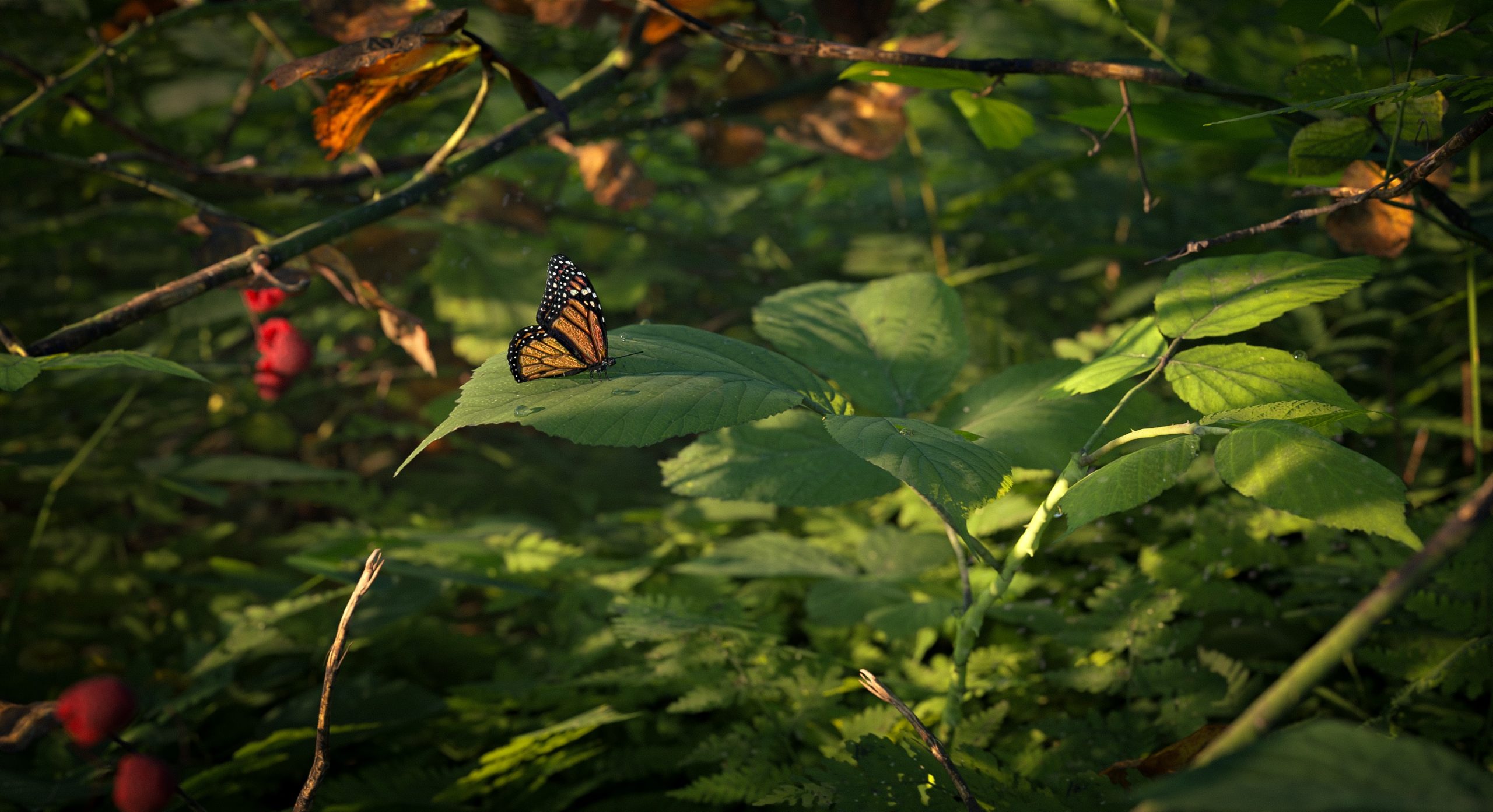 | 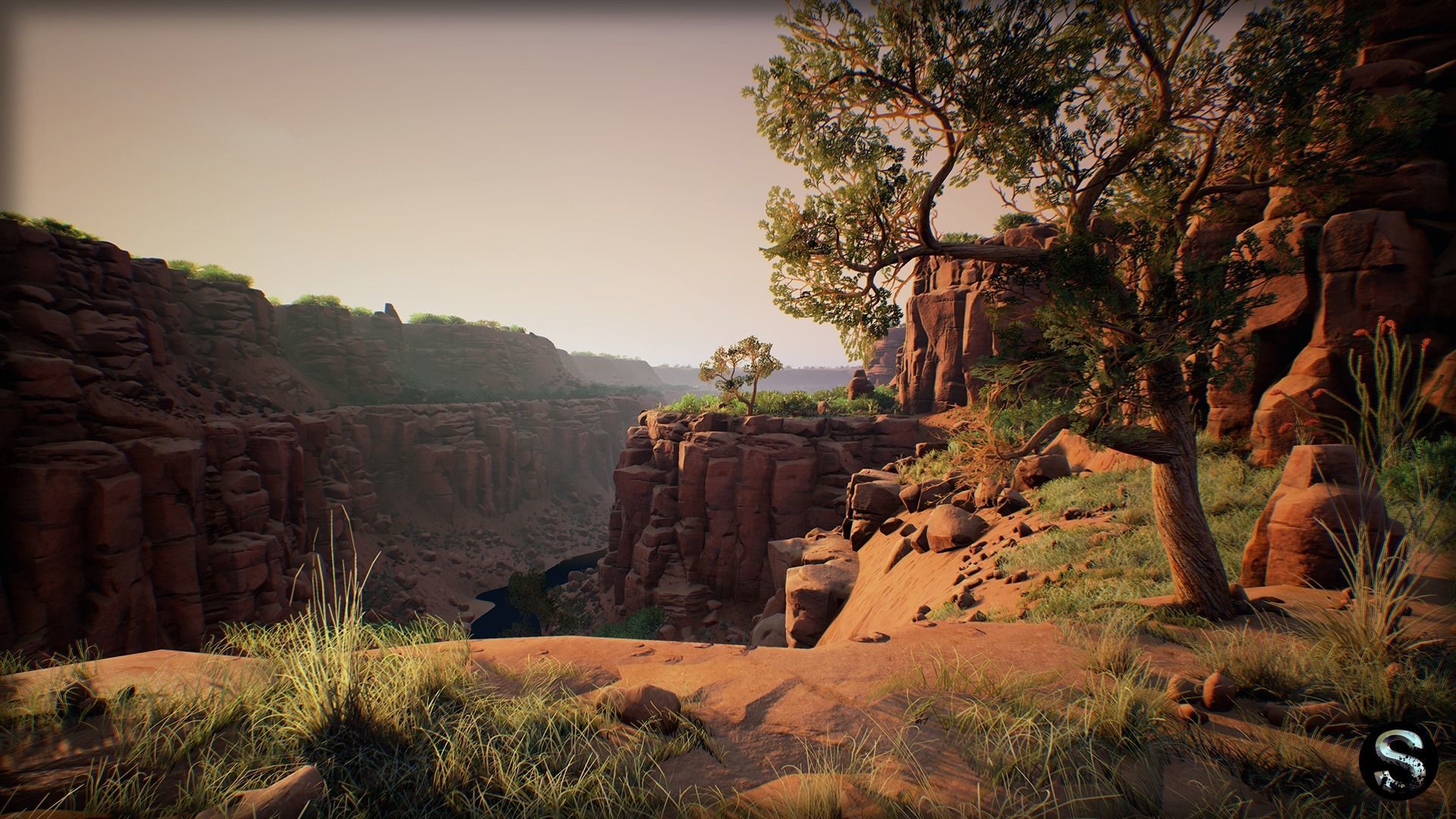 | 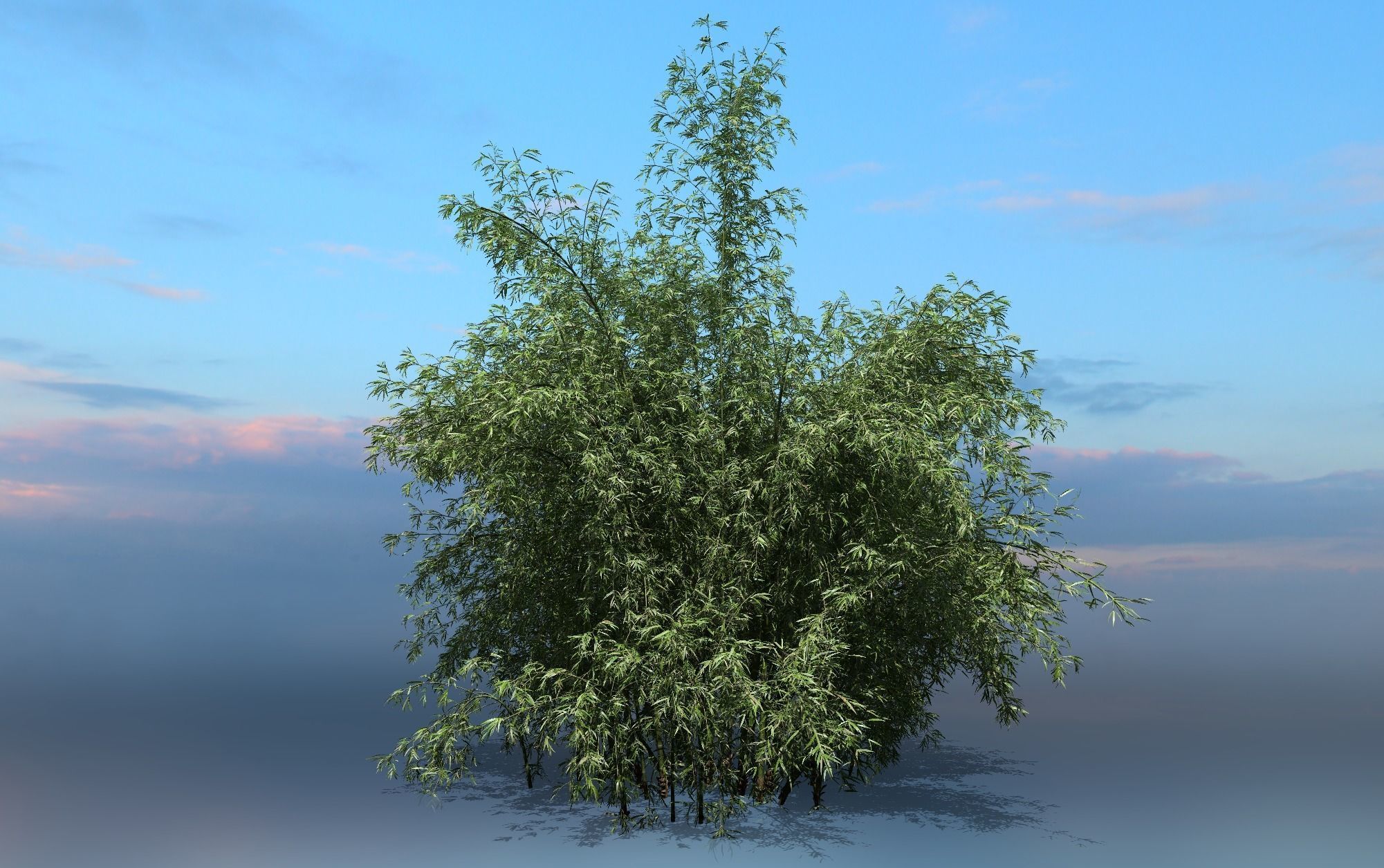 | 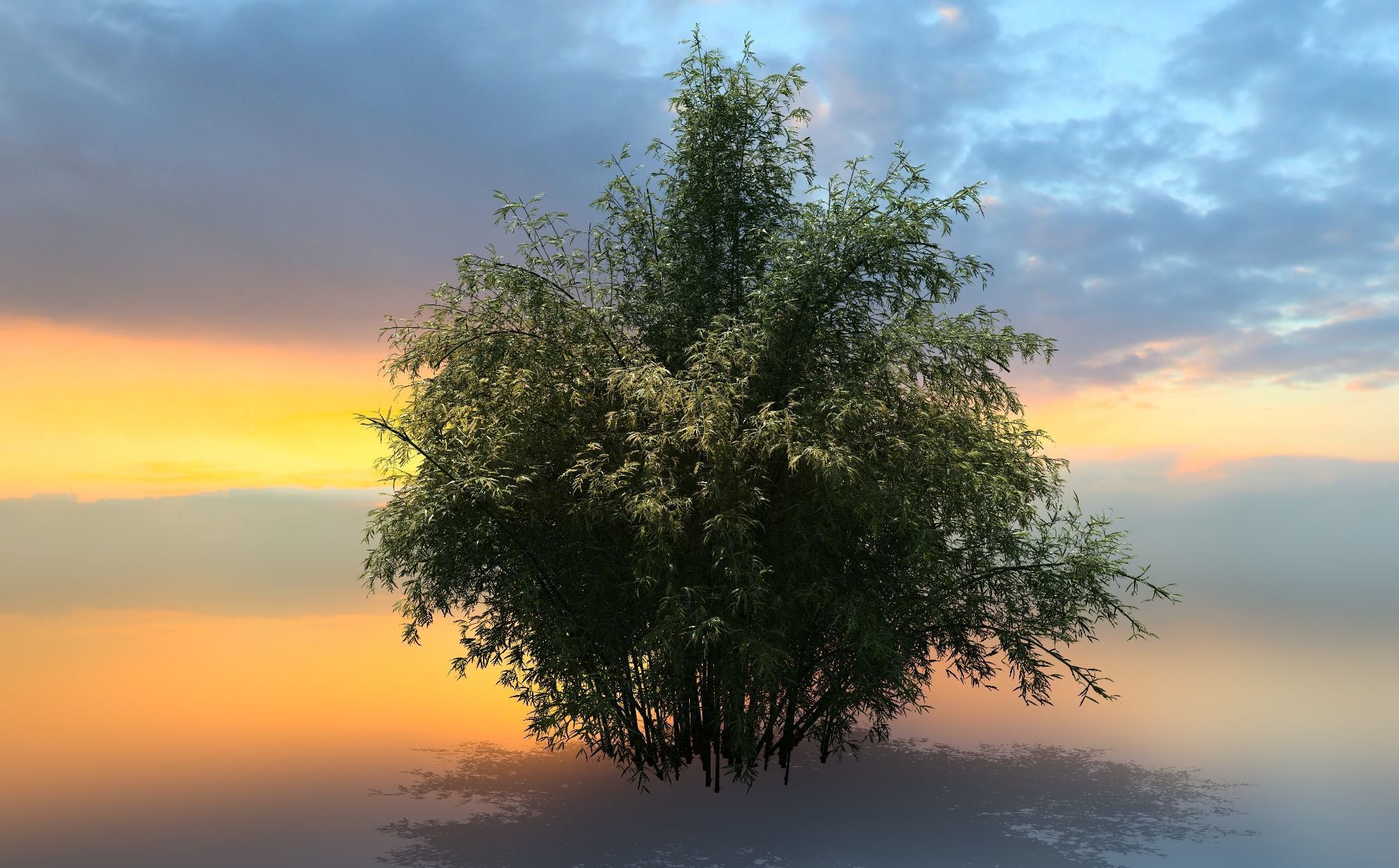 | 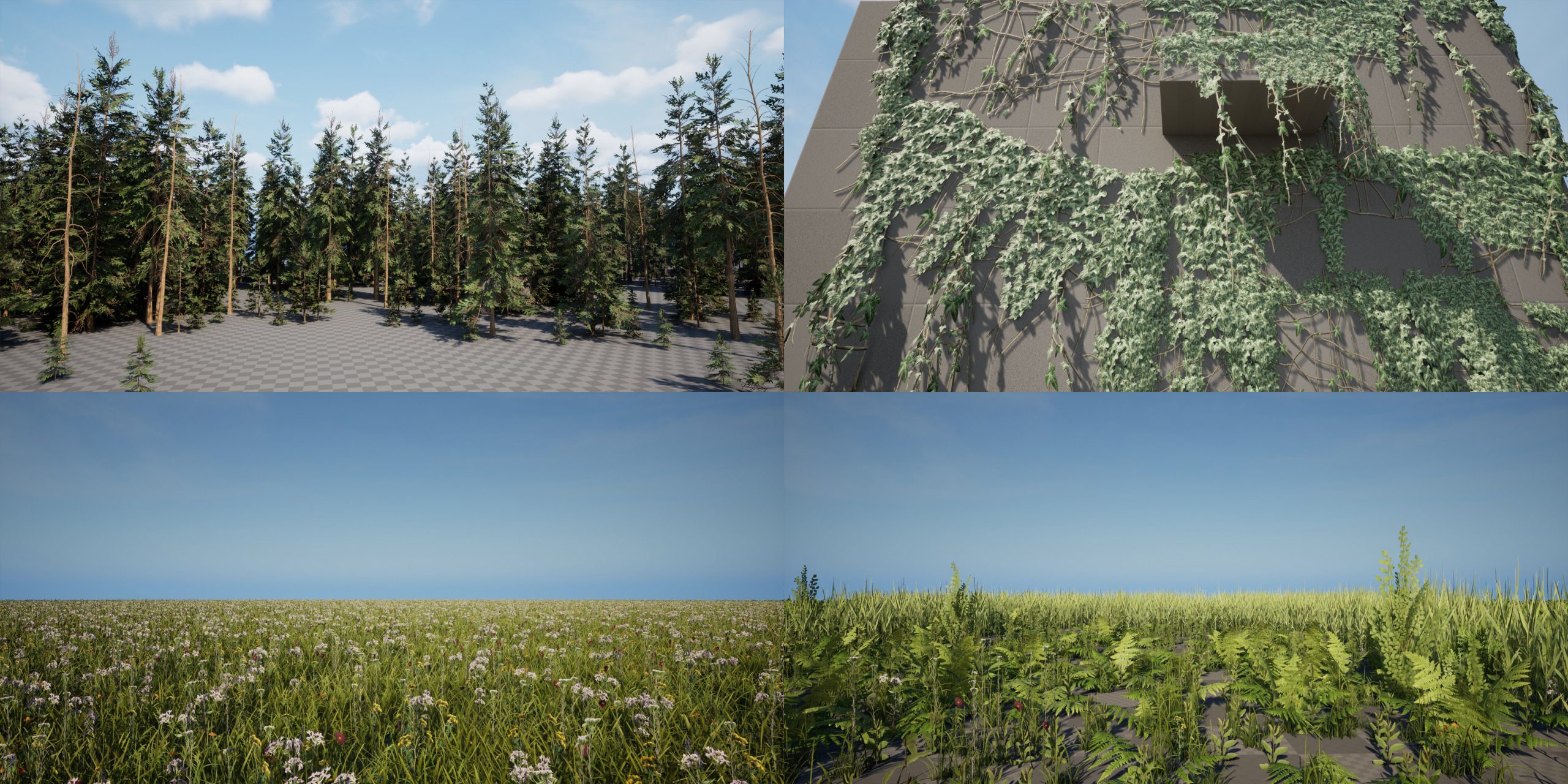 | 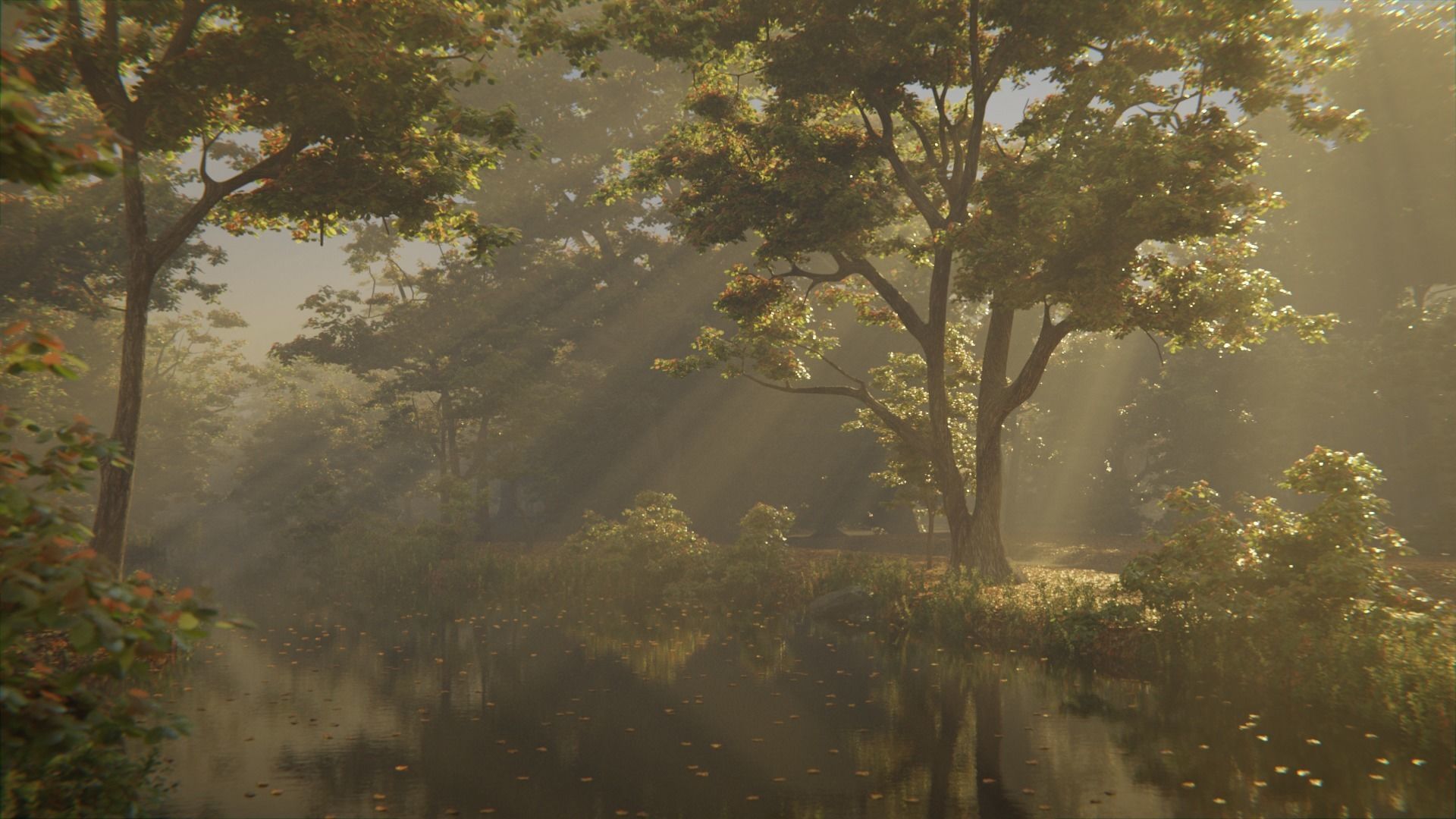 |
| SKU | 4992137 | 4517403 | 5394627 | 5394557 | 4816087 | 4465883 |
| Rating | ||||||
| Price | $35.00 | $80.00 | $15.00 | $15.00 | $39.99 | $25.00 |
| Stock | ||||||
| Availability | ||||||
| Add to cart | ||||||
| Description | ||||||
| Content | This scene, crafted in Blender 3.6, depicts a bramble tunnel using the Botaniq and Graswald add-ons. The environment immerses the viewer in a dense, overgrown tunnel of brambles, where thorny vines and wild vegetation intertwine to create a natural passage. The foreground showcases a monarch butterfly, perched on a large green bramble leaf, basking in soft sunlight that filters through the foliage. The Botaniq add-on was used to generate the varied plant life. The Graswald add-on brings further realism to the scene, adding small twigs, scattered branches, and ground cover, capturing the untamed, rugged nature of a bramble-filled forest. The tunnel-like effect is achieved by layering the vegetation, with leaves and vines closing in from above, creating a sense of enclosure and depth. The lighting is subtle, illuminating the butterfly and nearby leaves while casting soft shadows, adding to the secluded, tranquil atmosphere of the bramble tunnel. | Package high quality nature. Pak is ideal for the creation of a post apocalyptic or Wild West game. Desert plants that grow in Arizona and Mexico (Cholla, JoshuaTree, MurphysAgave, Opuntia, Saguaro, etc.) Attention ---- This package does not contain a scene for the 3d package, the scene only works on the Unreal engine (the screenshots are made in UE4) Pack includes a fully ready projects on UnrealEngine4 This pack includes: 77 textures Texture Sizes from 8x8 to 4096x4096 75 meshes flora 37 meshes cliff and stone Range of Tris (Min and Max) - 64-36729 tris All meshes have a LOD and Collision | A group of high quality Bamboo Includes materials (standard) and textures (4K). The file format is FBX/C4D(standard) | A group of high quality Bamboo Includes materials (standard) and textures (4K). The file format is FBX/C4D(standard)/(OCTANE) | Optimized Nature Pack 3D Models : Very good choice for mobile games and AAA quality games development. The textures are included in the rar file and the size is 4096x4096 and 2048x2048. Alpha map is included in Base Color + Opacity Map if you need - DirectX BaseColor,Normal,Roughness,Opacity,ARM Rendered Unreal Engine 5! Formats: FBX Textures/TGA/ | British Forest 3d Scene Available Formats: .blend, .fbx, .obj, .mtl. Polygons: 11,360,554 Vertices: 14,550,037 The Scene is Ready to render in Blender using Cycles. *Particle Sytems used: * Background Trees Moss Ground Leaves Grass Tree Branches Models Included: 8 Different Trees Fence Rocks Grass Plants Flowers All the models you can see in the images. All models are organized in collections and properly named. |
| Weight | N/A | N/A | N/A | N/A | N/A | N/A |
| Dimensions | N/A | N/A | N/A | N/A | N/A | N/A |
| Additional information | ||||||
| Sold | 0 | 0 | 0 | 0 | 0 | 0 |
| Shipping |