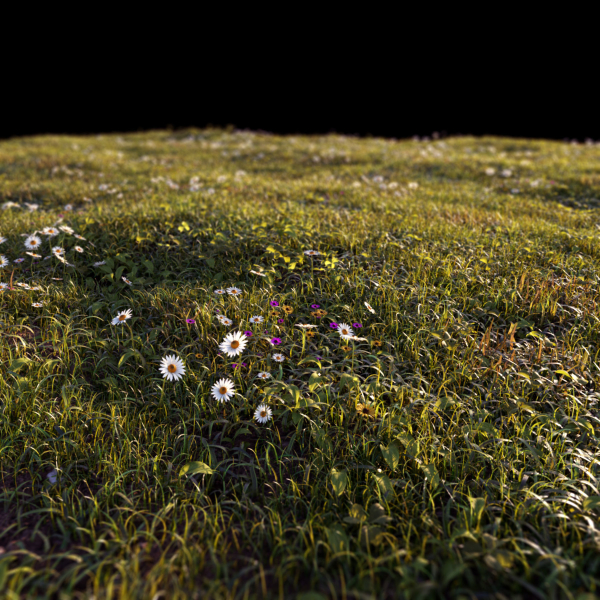
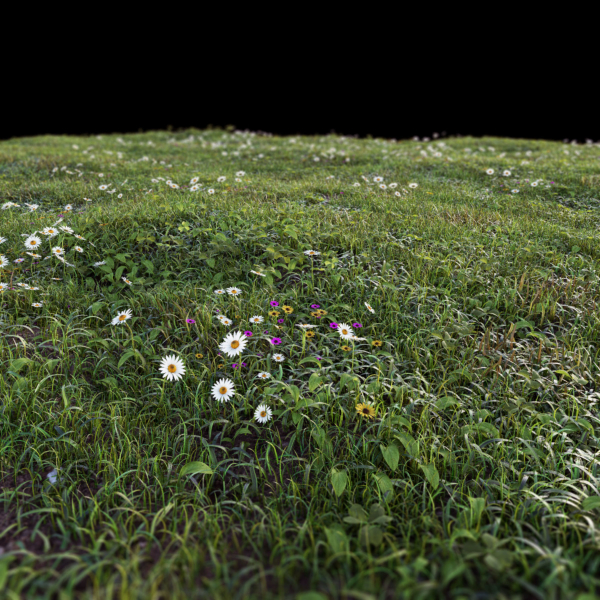
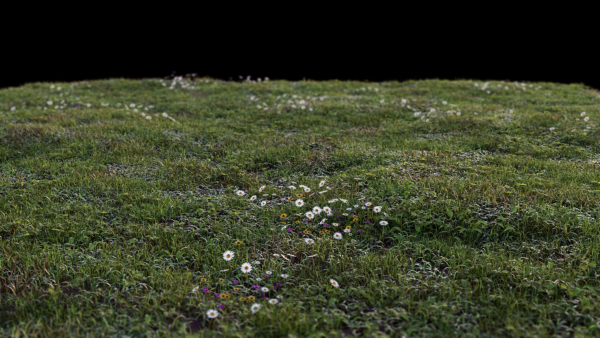
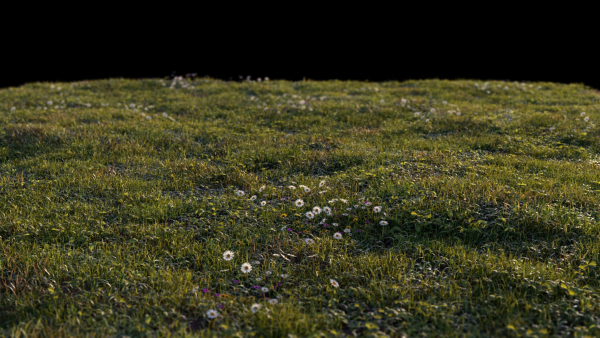
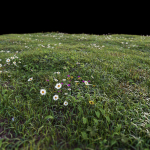
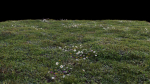
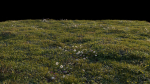
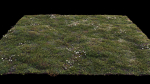
Grass setup – Chaos scatter for Cinema 4D and Corona
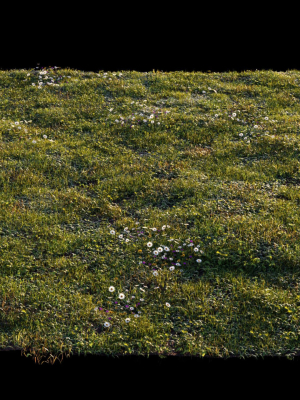
Grass setup – Chaos scatter for Cinema 4D and Corona
Product details
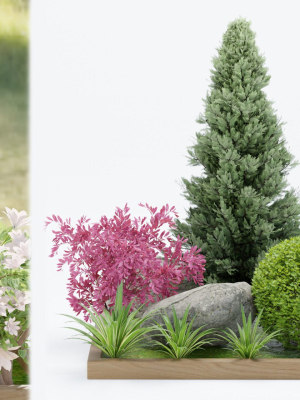
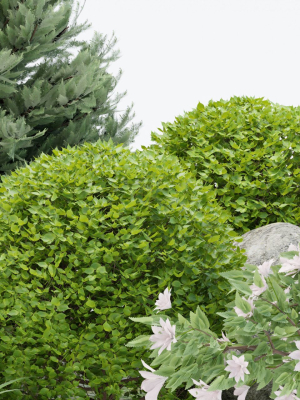
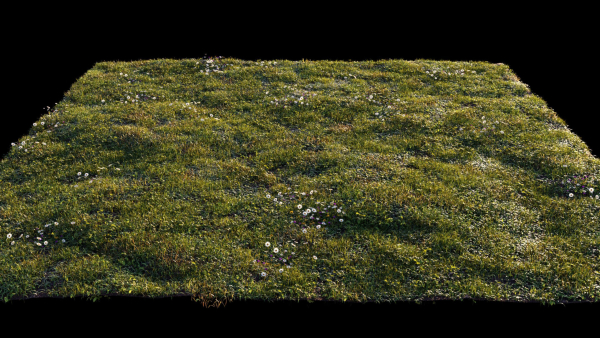
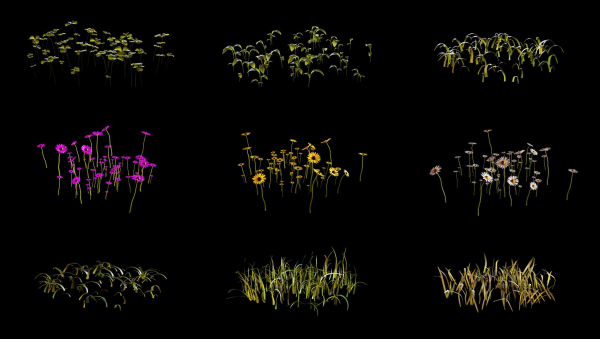
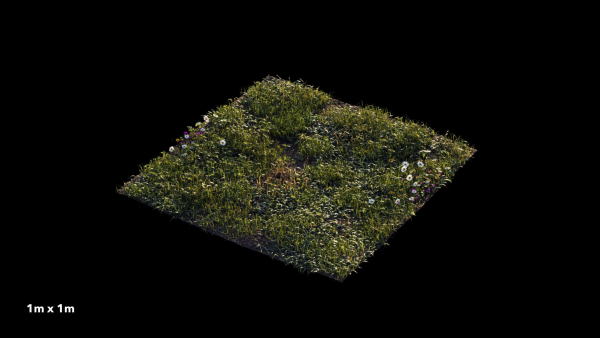
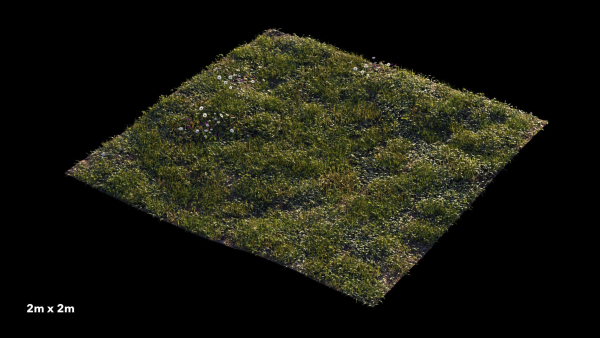
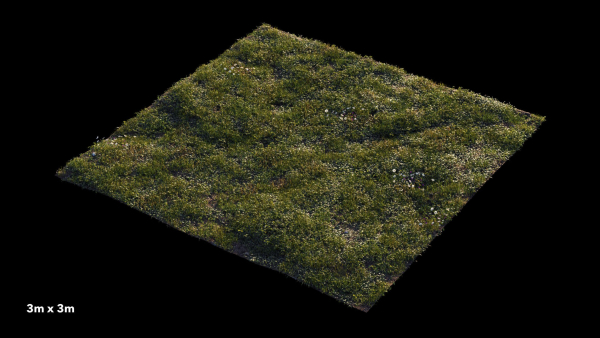
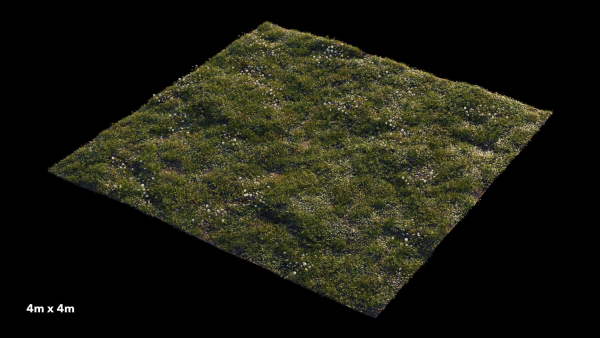
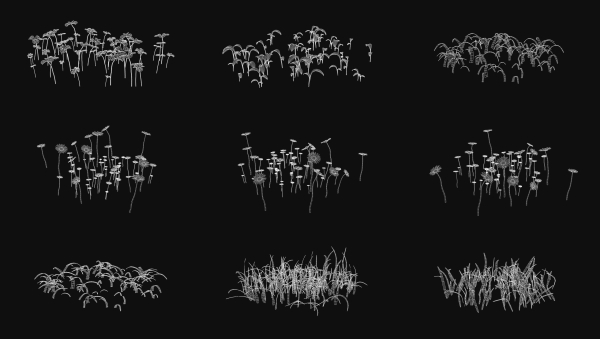
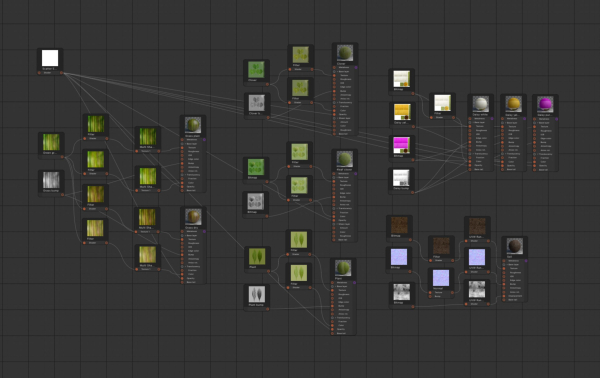
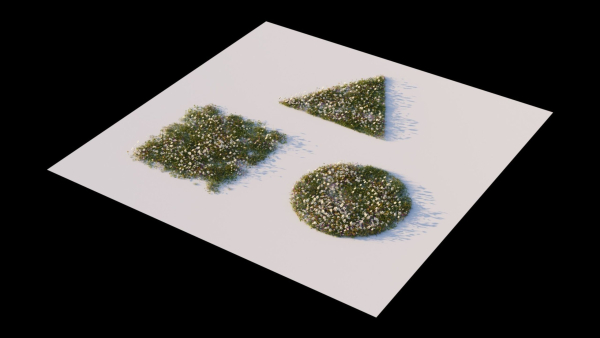
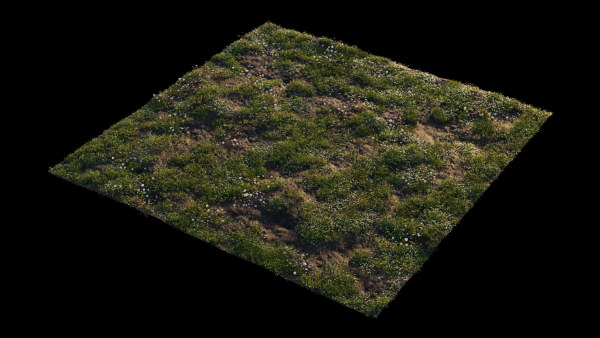
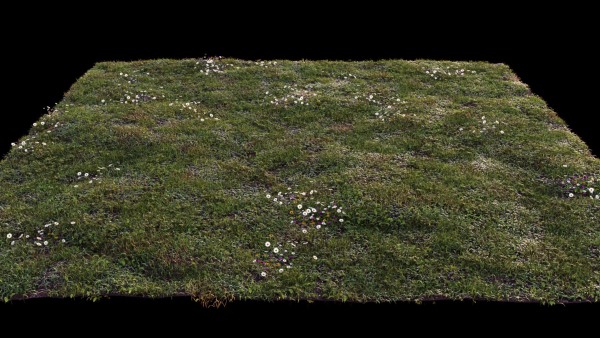
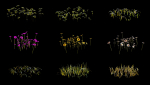
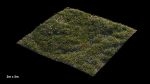
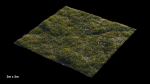
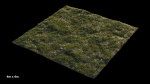
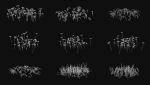
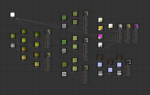
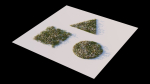
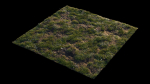
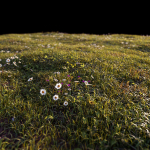
Create realistic, outstanding and effortless grass and lawns in your images with this easy to use Chaos Scatter setup, useful for both wide shots and closeup shots, ready to render with Cinema 4D 2023 and Corona 9! This product includes: C4D project files with a 4mx4m grass surface and Chaos scatter setup 9 Physical materials (node editable) 15 high quality textures (4000px resolution) 5 camera settings Render settings and VFB settings 9 different 3d models ready to be scattered in your custom surfaces FBX and OBJ interchange files with UVW maps The 100% of what you see in the rendering is created from scratch. The renders need no post-production. A few more info about this product Adjust the clone count and the amount of each single 3d asset to get the result that meets your needs Adjust the slope sensitivity to ensure that the grass only grows in flat areas (useful when using wavy grounds) Adjust the Multishader Hue Random value to get stronger color variations Change the Random seed value to generate different combinations Get perfect trimmed edges and avoid greenery to go out of bounds with Corona Scatter Edge Trimming shader setup in all materials Fill the Areas box with your Splines to create paths or flowerbeds Instructions and helpful tips when using the setup in your custom scene Put the surface you want to cover with grass in the Chaos scatter’s “Distribute On” box Adjust the clone count according to the surface size The best clone count is more or less 200 for each square meter, so if you have a 2m x2m surface = 800 clones; 3m x3m surface = 1.800 clones; 4m x 4m surface = 3.200 clones; 10m x 10m surface = 20.000 clones Make sure your surface is not perfectly smooth but a little wavy Make sure your grass has a low sun backlight to trigger a proper translucency effect If you have no sunlight in your scene, adjust the tone mapping to get a perfect look: higher exposure, more contrast, warmer white balance Enable Camera Clipping to make the grass exist only in camera field of view and get faster render time ENJOY IT!
Shipping and Returns
Shipping cost is based on weight. Just add products to your cart and use the Shipping Calculator to see the shipping price.
We want you to be 100% satisfied with your purchase. Items can be returned or exchanged within 30 days of delivery.
Quick Comparison
| Settings | Grass setup - Chaos scatter for Cinema 4D and Corona remove | Rose garden-Bundle 08 remove | Home plants remove | Chrysanthemum flower Plant set 04 remove | New Plant High detail Climbing Roses Cube Columns remove | Magnolia flowers in vase remove |
|---|---|---|---|---|---|---|
| Name | Grass setup - Chaos scatter for Cinema 4D and Corona remove | Rose garden-Bundle 08 remove | Home plants remove | Chrysanthemum flower Plant set 04 remove | New Plant High detail Climbing Roses Cube Columns remove | Magnolia flowers in vase remove |
| Image | 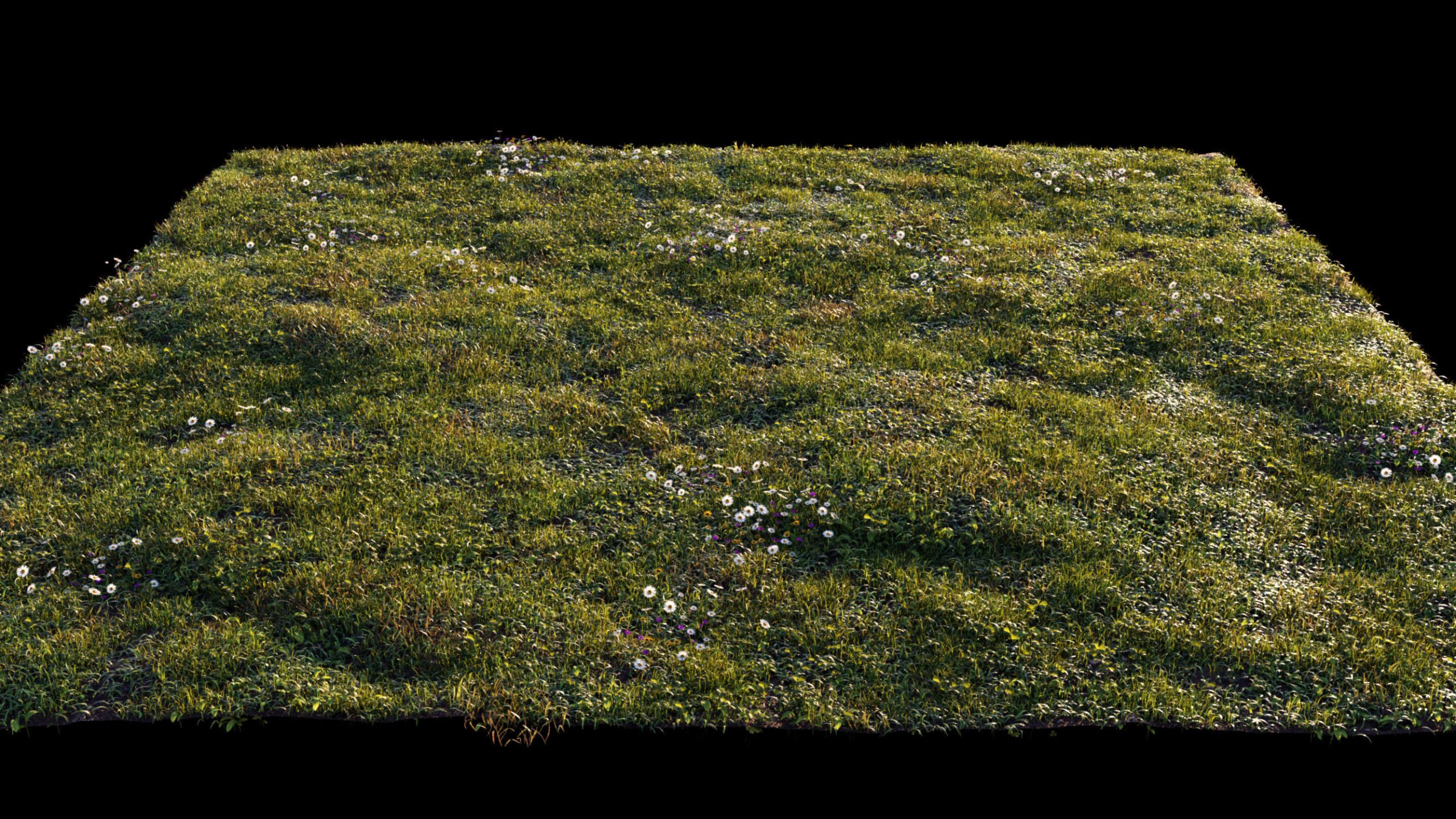 | 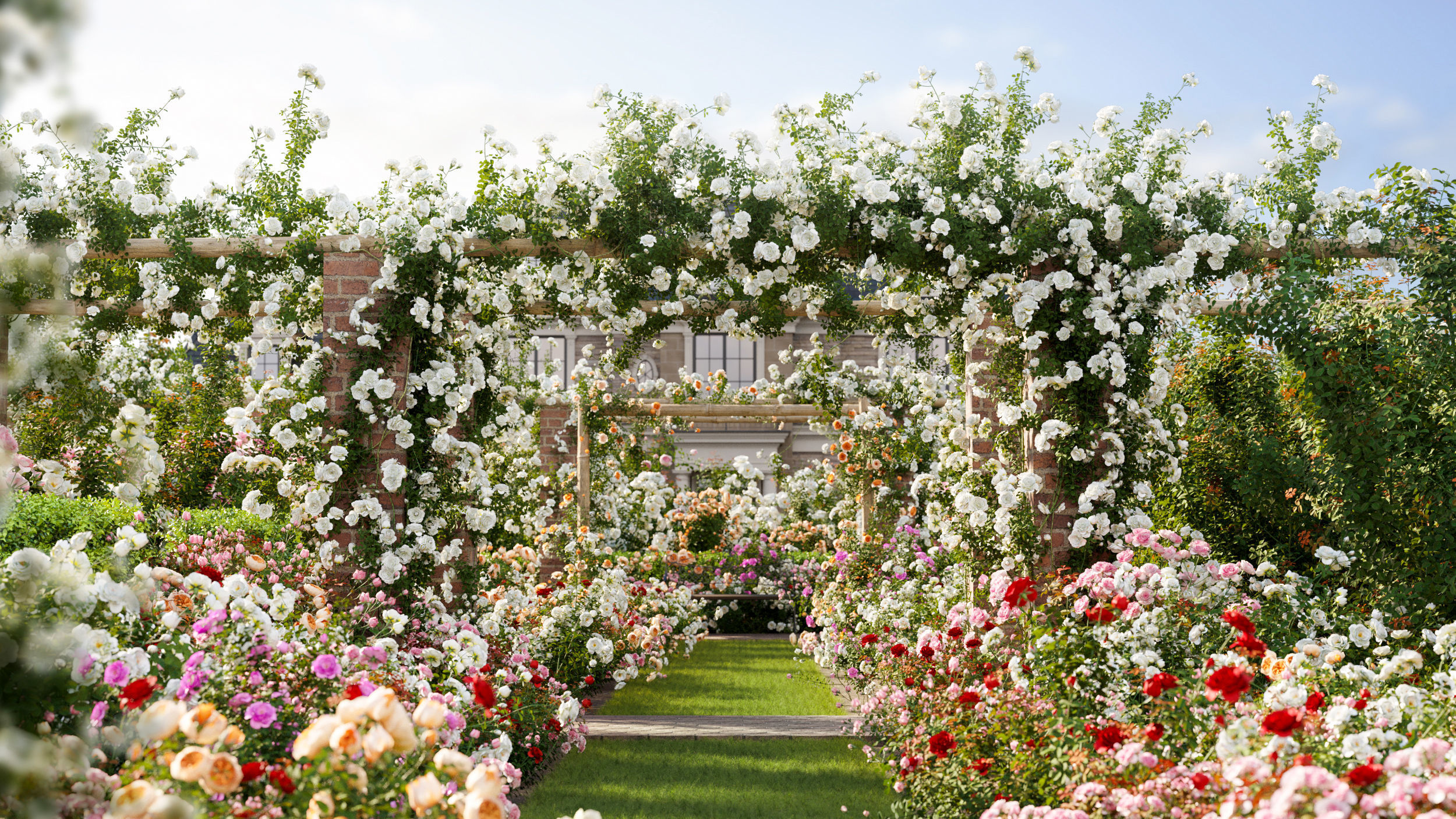 | 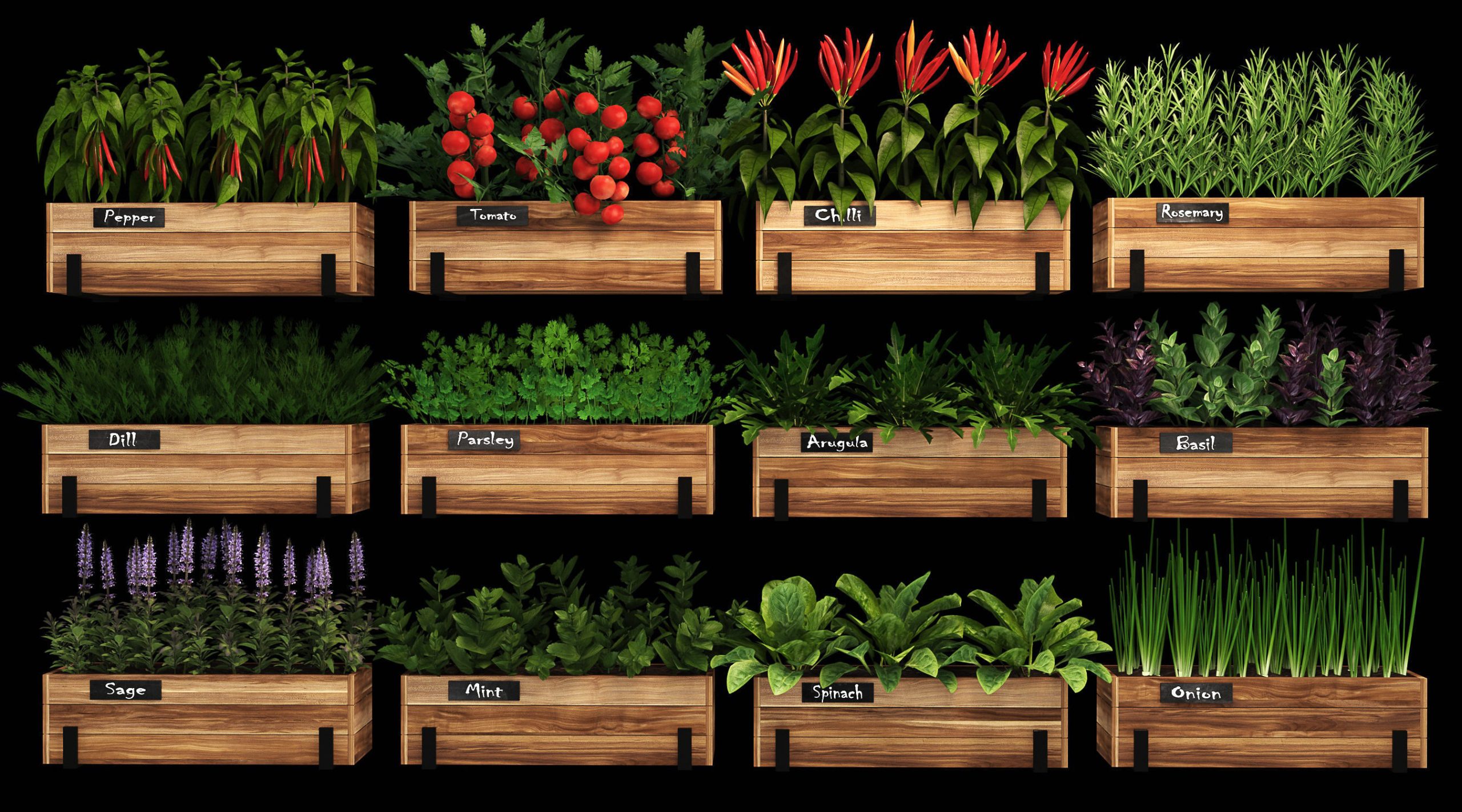 | 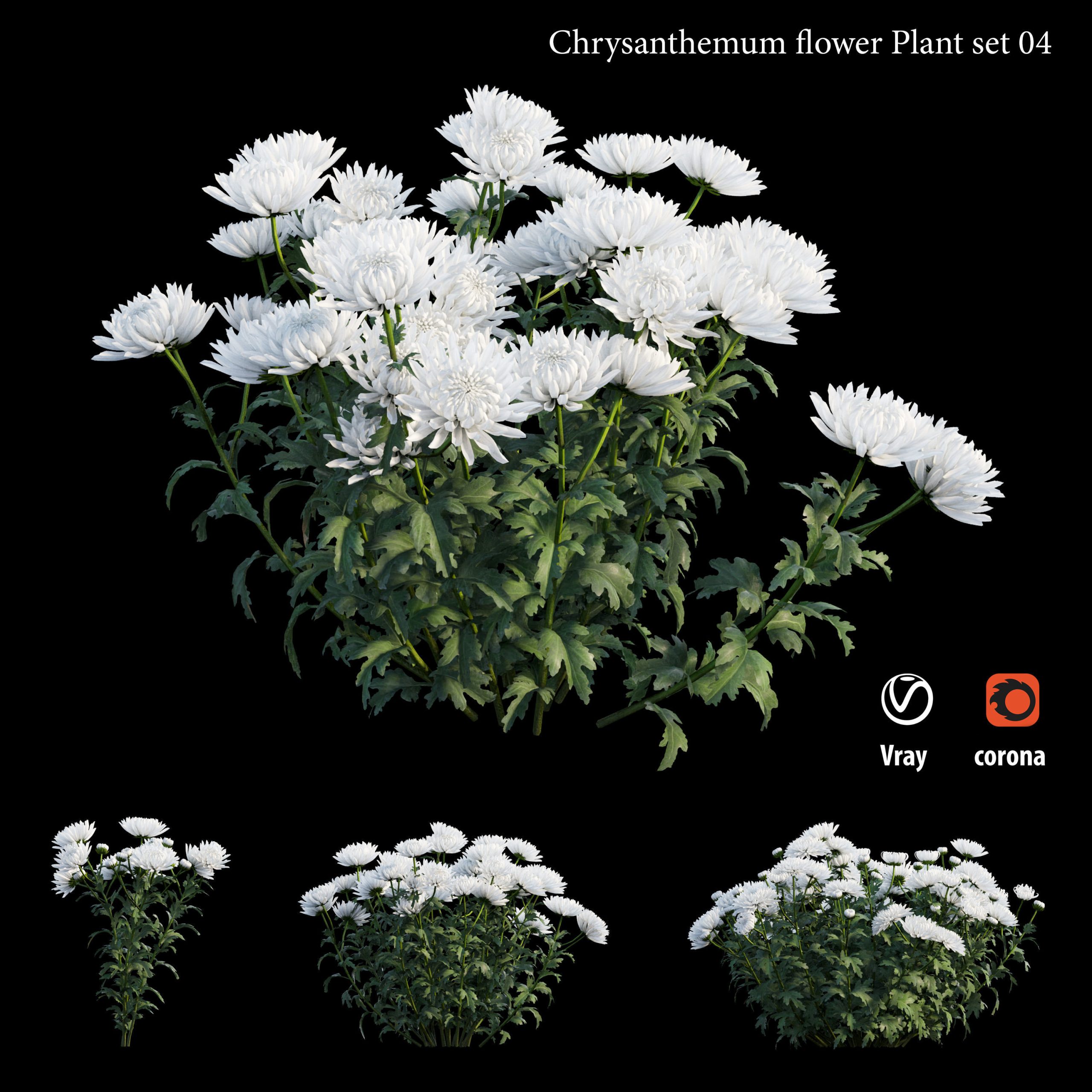 | 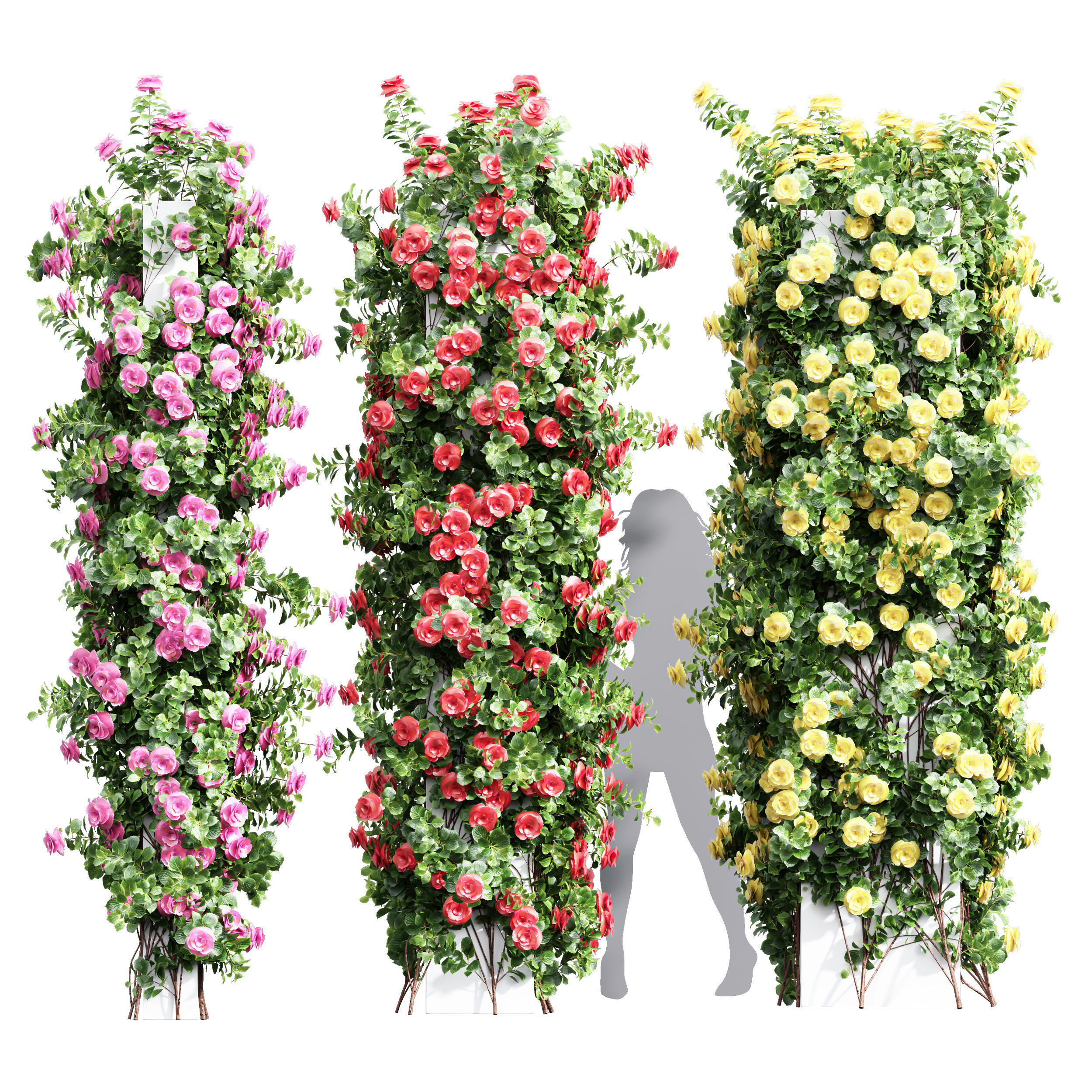 |  |
| SKU | 4711651 | 2638870 | 2462687 | 2337374 | 3783327 | 149806 |
| Rating | ||||||
| Price | $20.00 | $69.00 | $13.00 | $10.00 | $5.00 | $19.00 |
| Stock | ||||||
| Availability | ||||||
| Add to cart | ||||||
| Description | ||||||
| Content | Create realistic, outstanding and effortless grass and lawns in your images with this easy to use Chaos Scatter setup, useful for both wide shots and closeup shots, ready to render with Cinema 4D 2023 and Corona 9! This product includes: C4D project files with a 4mx4m grass surface and Chaos scatter setup 9 Physical materials (node editable) 15 high quality textures (4000px resolution) 5 camera settings Render settings and VFB settings 9 different 3d models ready to be scattered in your custom surfaces FBX and OBJ interchange files with UVW maps The 100% of what you see in the rendering is created from scratch. The renders need no post-production. A few more info about this product Adjust the clone count and the amount of each single 3d asset to get the result that meets your needs Adjust the slope sensitivity to ensure that the grass only grows in flat areas (useful when using wavy grounds) Adjust the Multishader Hue Random value to get stronger color variations Change the Random seed value to generate different combinations Get perfect trimmed edges and avoid greenery to go out of bounds with Corona Scatter Edge Trimming shader setup in all materials Fill the Areas box with your Splines to create paths or flowerbeds Instructions and helpful tips when using the setup in your custom scene Put the surface you want to cover with grass in the Chaos scatter's “Distribute On” box Adjust the clone count according to the surface size The best clone count is more or less 200 for each square meter, so if you have a 2m x2m surface = 800 clones; 3m x3m surface = 1.800 clones; 4m x 4m surface = 3.200 clones; 10m x 10m surface = 20.000 clones Make sure your surface is not perfectly smooth but a little wavy Make sure your grass has a low sun backlight to trigger a proper translucency effect If you have no sunlight in your scene, adjust the tone mapping to get a perfect look: higher exposure, more contrast, warmer white balance Enable Camera Clipping to make the grass exist only in camera field of view and get faster render time ENJOY IT! | List of Species: 1.Rosa Altissimo 2.Rosa bonica Meidomonac 3.Rosa Chrysler Imperial 4.Rosa Climbing Golden Showers 5.Rosa Climbing Iceberg 6.Rosa David Austin Ronald Dahl 7.Rosa Eden Climbing 8.Rosa floribunda white 9.Rosa Radgor KNOCK OUT 10.Rosa Royal Sunset In the archive 3ds max 2014 (Corona) 3ds max 2014 (Vray) FBX (Standard) Textures | Home plants in pots) There are pepper, tomato, onion, rosemary, chilli, sage, mint, basil, arugula, spinach, parsley, dill 3ds max 2013, obj, fbx 2013 and folder with textures | Chrysanthemum flower Plant set 04 use software : 3dsmax ( corona /vray/fstorm/arnold ) and support animated - sketchup 2008 - Cinema 4D(vray/corona/default) - Blender -Maya - rhino - Modo - vrmesh( vray for revit /sketchup). Supports animated for 3dsmax 3 tree and with 1 color height 0.5 -1m Fbx and obj (Vray 4.2 and corona 5) Executed in 3d max 2013 All textures and materials needed for the rendering found in the archive Smoothing modifier is stored in the stack for convenience | New_Plant_High_detail_Climbing_Roses_Cube_Columns 3 Different Color : RED _ PINK _ YELLOW Height: 3300mm & 3300mm & 3300mm Materials is archive (material library) Corona mtl + Vray mtl + Standard mtl Polys: 720k + Verts: 1011k 4K texture + 4K material JPEG (texture), MAX , OBJ + MTL + FBX 3dmodels: MAX + OBJ + FBX 2012 Corona render + Vray (Renderer Engine-MAX + FBX) Scanline render (Renderer Engine-MAX + OBJ) Models has unwrapped overlapping and maps is real world scale Note: To use the max file you need to use at 3dsmax 2015 Units: militometer Clean Topology (quad mesh) You Can Use Turbo Smooth | Introduction Terrific bouquet of magnolia branches in a vase of glass. All 3 branches are different. Branches have turbosmooth with 1 iteration, visible only when the render. Flowers and buds of additional smoothing is not required. .max 2014 .max 2011 The model is made in 3dsMax 2014 and has original UVW Mapping. The model consists of four groups: Magnolia branch 1 Magnolia branch 2 Magnolia branch 3 Vase with Water All pivots are placed in the right places. Overall dimensions of model: X = 961 mm Y = 961 mm Z = 740 mm Vase: D = 175 mm H = 300 mm The archive contains all the textures. All materials have the correct names. |
| Weight | N/A | N/A | N/A | N/A | N/A | N/A |
| Dimensions | N/A | N/A | N/A | N/A | N/A | N/A |
| Additional information | ||||||
| Sold | 0 | 0 | 0 | 0 | 0 | 0 |
| Shipping |