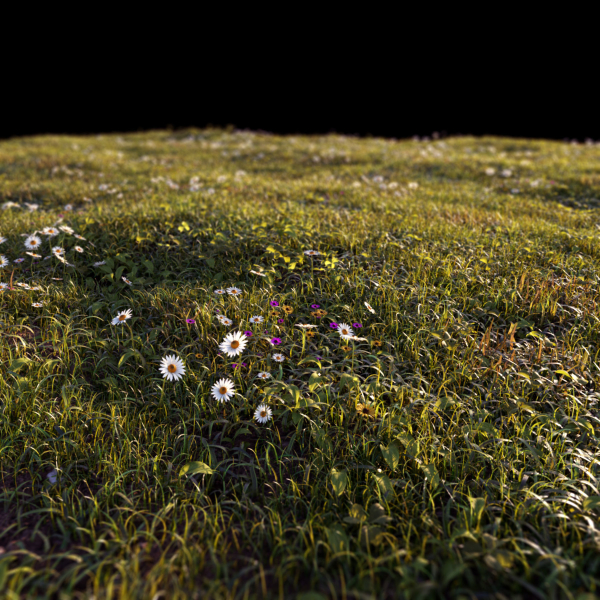
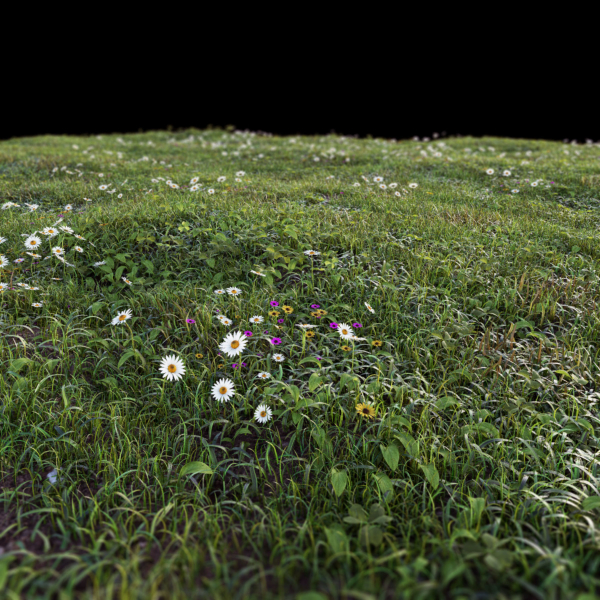
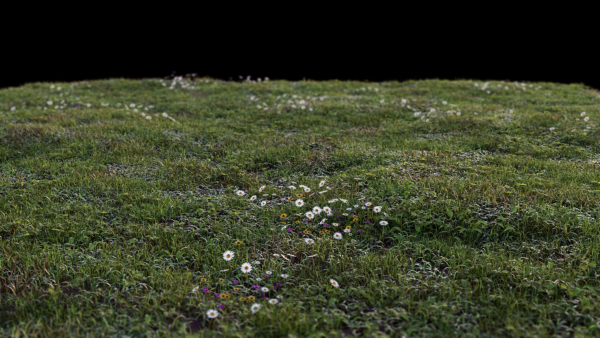
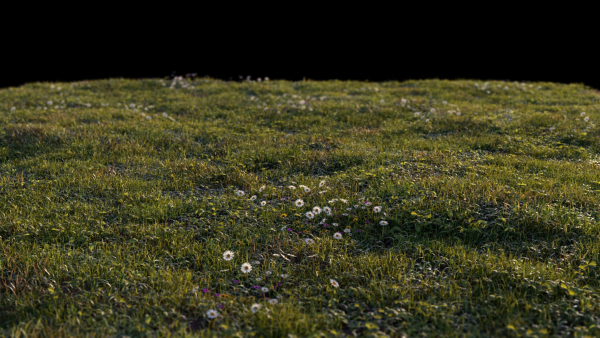
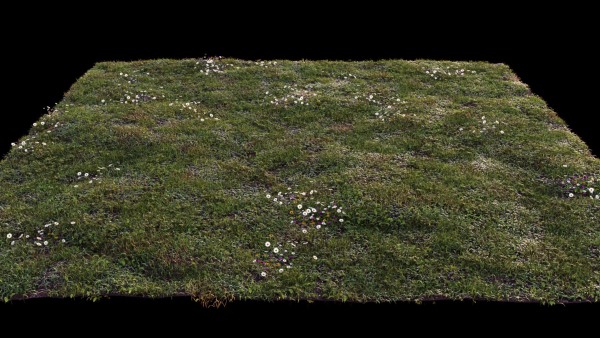
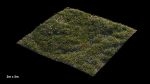
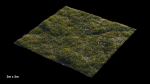
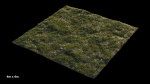
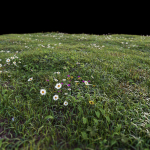
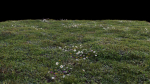
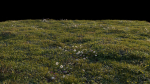
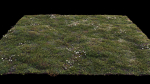
Grass setup – Chaos scatter for Cinema 4D and Corona
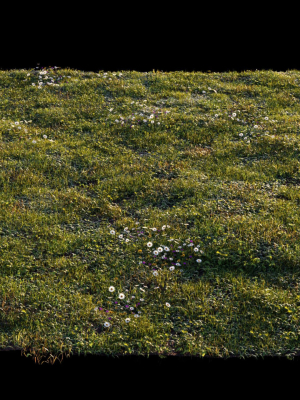
Grass setup – Chaos scatter for Cinema 4D and Corona
Product details
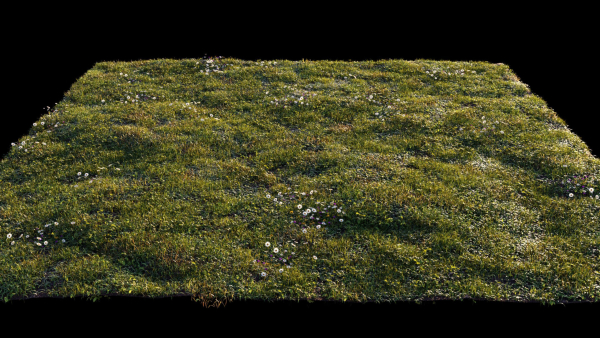
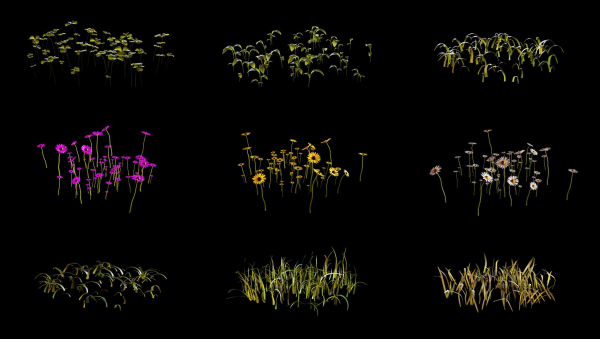
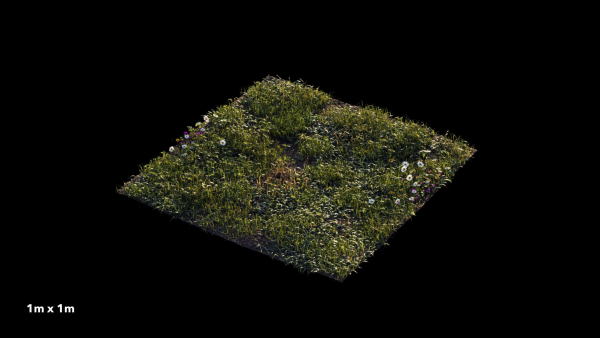
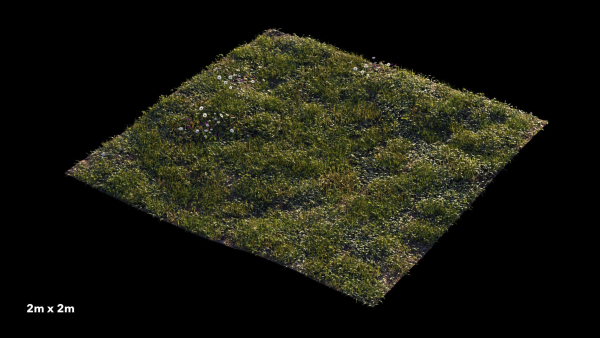
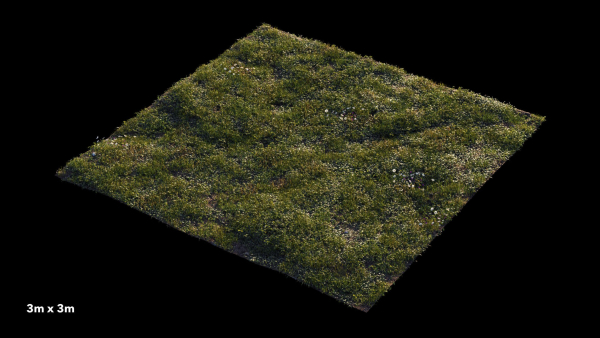
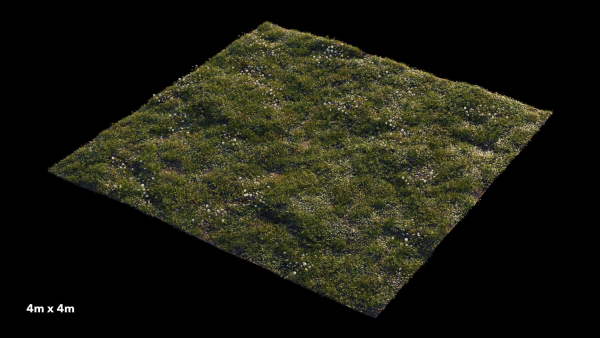
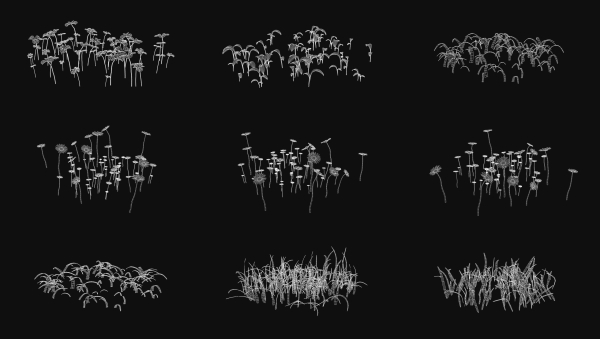
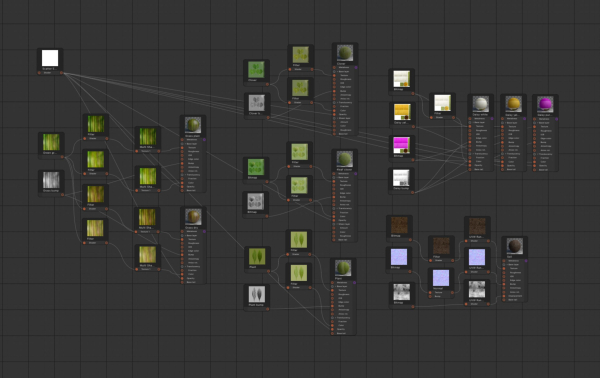
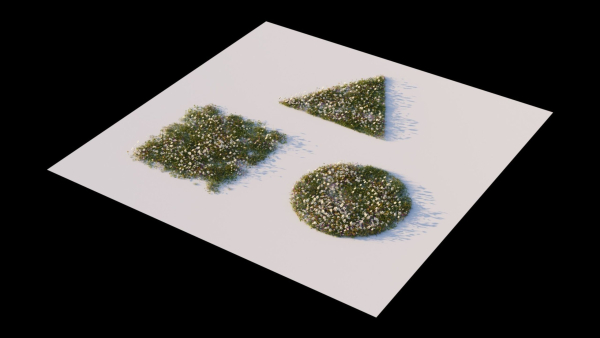
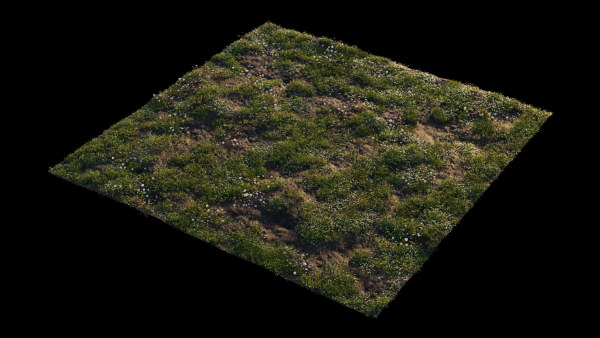
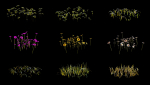
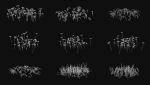
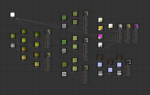
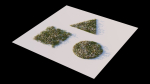
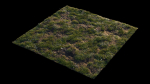
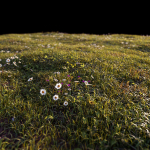
Create realistic, outstanding and effortless grass and lawns in your images with this easy to use Chaos Scatter setup, useful for both wide shots and closeup shots, ready to render with Cinema 4D 2023 and Corona 9! This product includes: C4D project files with a 4mx4m grass surface and Chaos scatter setup 9 Physical materials (node editable) 15 high quality textures (4000px resolution) 5 camera settings Render settings and VFB settings 9 different 3d models ready to be scattered in your custom surfaces FBX and OBJ interchange files with UVW maps The 100% of what you see in the rendering is created from scratch. The renders need no post-production. A few more info about this product Adjust the clone count and the amount of each single 3d asset to get the result that meets your needs Adjust the slope sensitivity to ensure that the grass only grows in flat areas (useful when using wavy grounds) Adjust the Multishader Hue Random value to get stronger color variations Change the Random seed value to generate different combinations Get perfect trimmed edges and avoid greenery to go out of bounds with Corona Scatter Edge Trimming shader setup in all materials Fill the Areas box with your Splines to create paths or flowerbeds Instructions and helpful tips when using the setup in your custom scene Put the surface you want to cover with grass in the Chaos scatter’s “Distribute On” box Adjust the clone count according to the surface size The best clone count is more or less 200 for each square meter, so if you have a 2m x2m surface = 800 clones; 3m x3m surface = 1.800 clones; 4m x 4m surface = 3.200 clones; 10m x 10m surface = 20.000 clones Make sure your surface is not perfectly smooth but a little wavy Make sure your grass has a low sun backlight to trigger a proper translucency effect If you have no sunlight in your scene, adjust the tone mapping to get a perfect look: higher exposure, more contrast, warmer white balance Enable Camera Clipping to make the grass exist only in camera field of view and get faster render time ENJOY IT!
Shipping and Returns
Shipping cost is based on weight. Just add products to your cart and use the Shipping Calculator to see the shipping price.
We want you to be 100% satisfied with your purchase. Items can be returned or exchanged within 30 days of delivery.
Quick Comparison
| Settings | Grass setup - Chaos scatter for Cinema 4D and Corona remove | Collection Indoor Plants 020 remove | Anthurium Flower Tray remove | Glass Vases with Leaves 2 remove | Bushes of dry ears of wheat for landscape design 1207 remove | 5 Different SETS of Trees SET VOL13 remove |
|---|---|---|---|---|---|---|
| Name | Grass setup - Chaos scatter for Cinema 4D and Corona remove | Collection Indoor Plants 020 remove | Anthurium Flower Tray remove | Glass Vases with Leaves 2 remove | Bushes of dry ears of wheat for landscape design 1207 remove | 5 Different SETS of Trees SET VOL13 remove |
| Image | 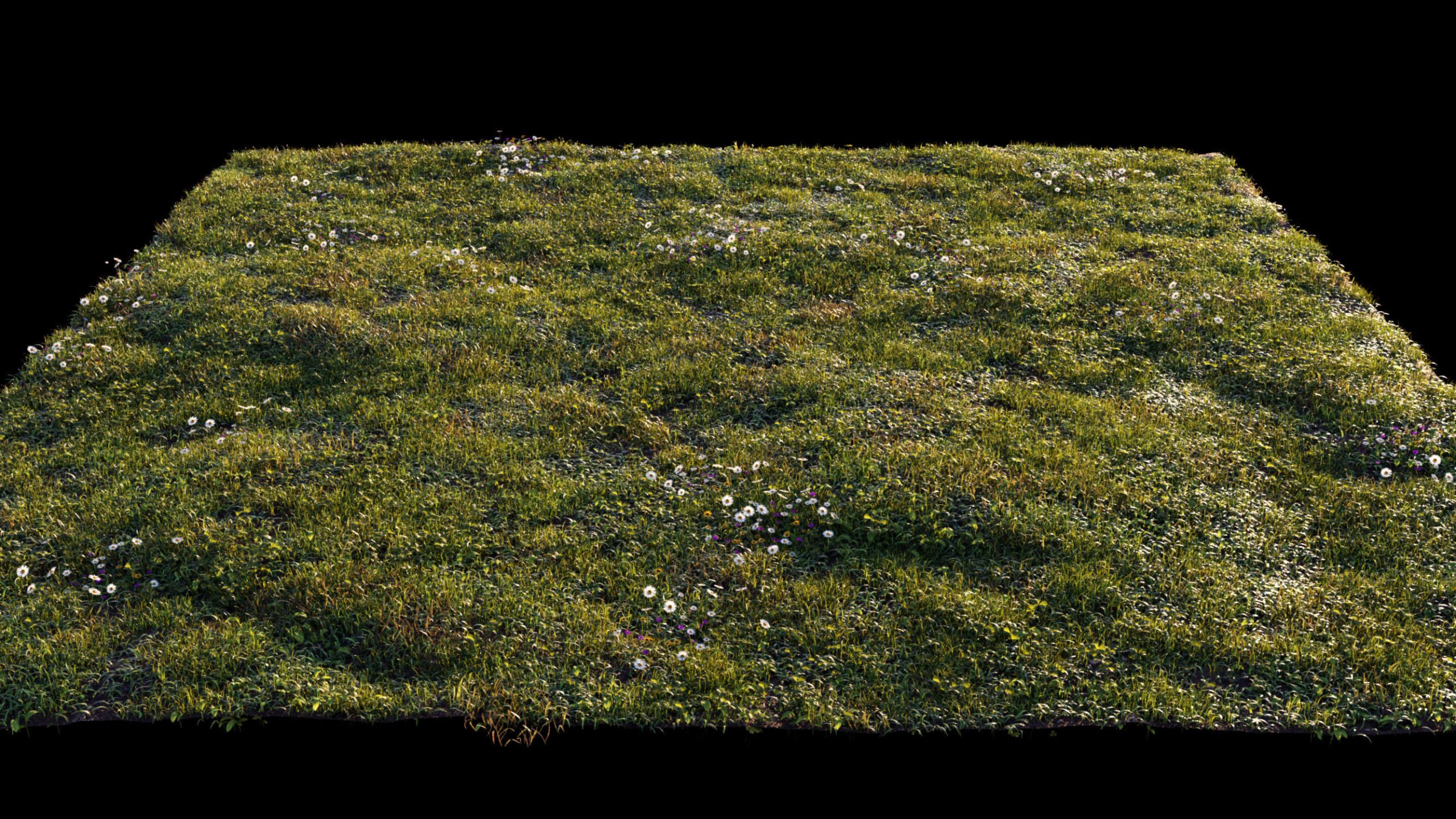 | 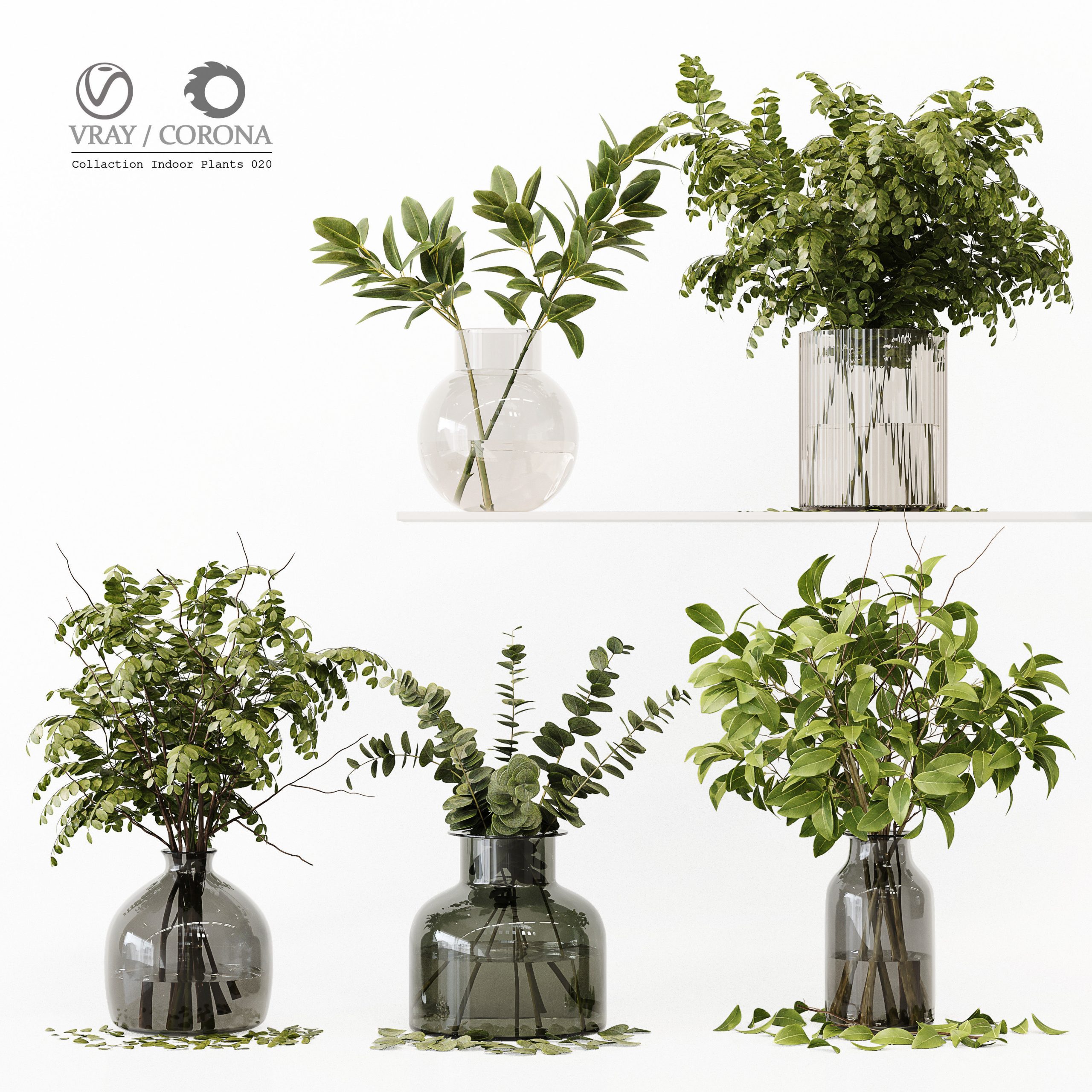 | 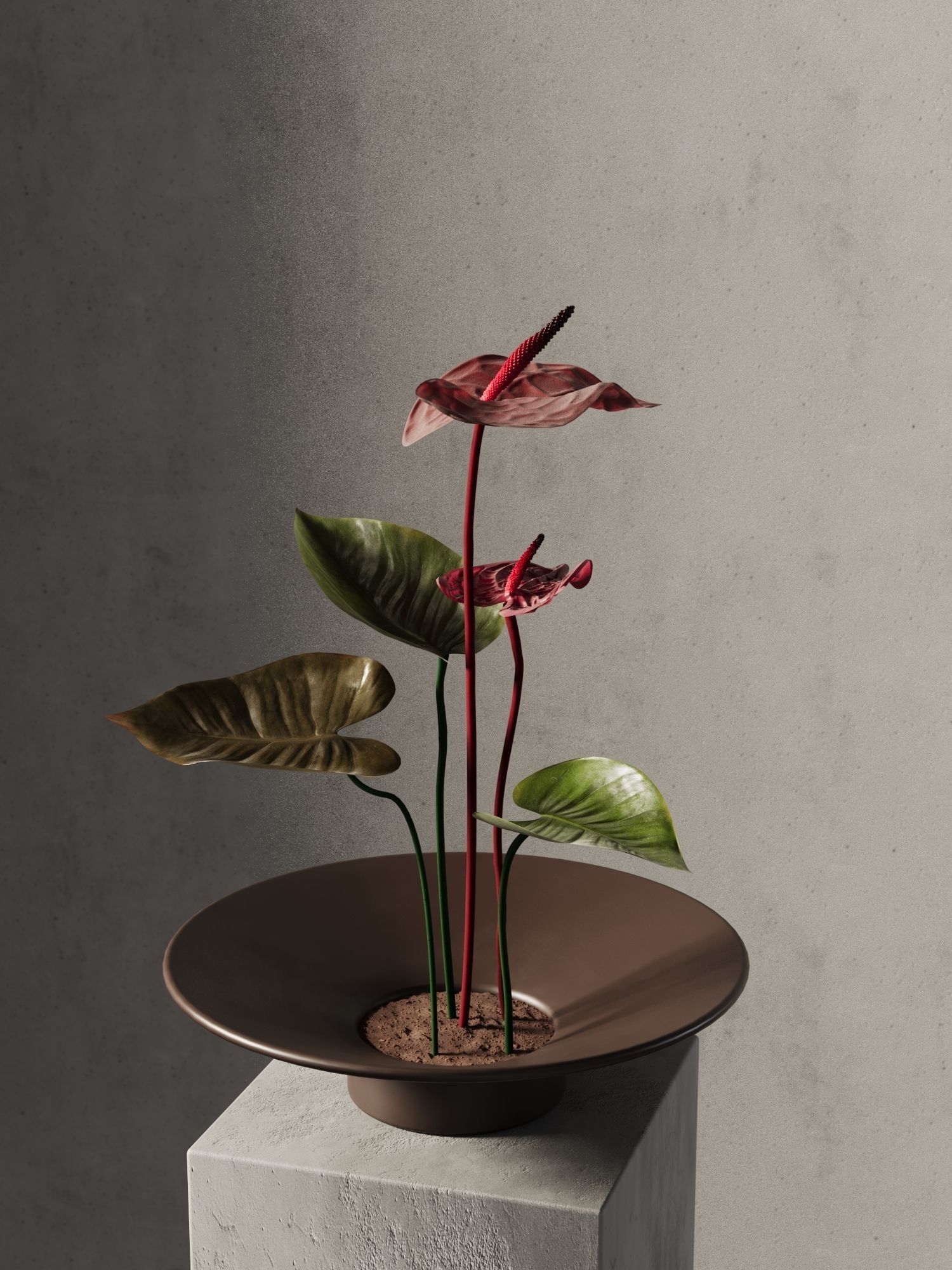 | 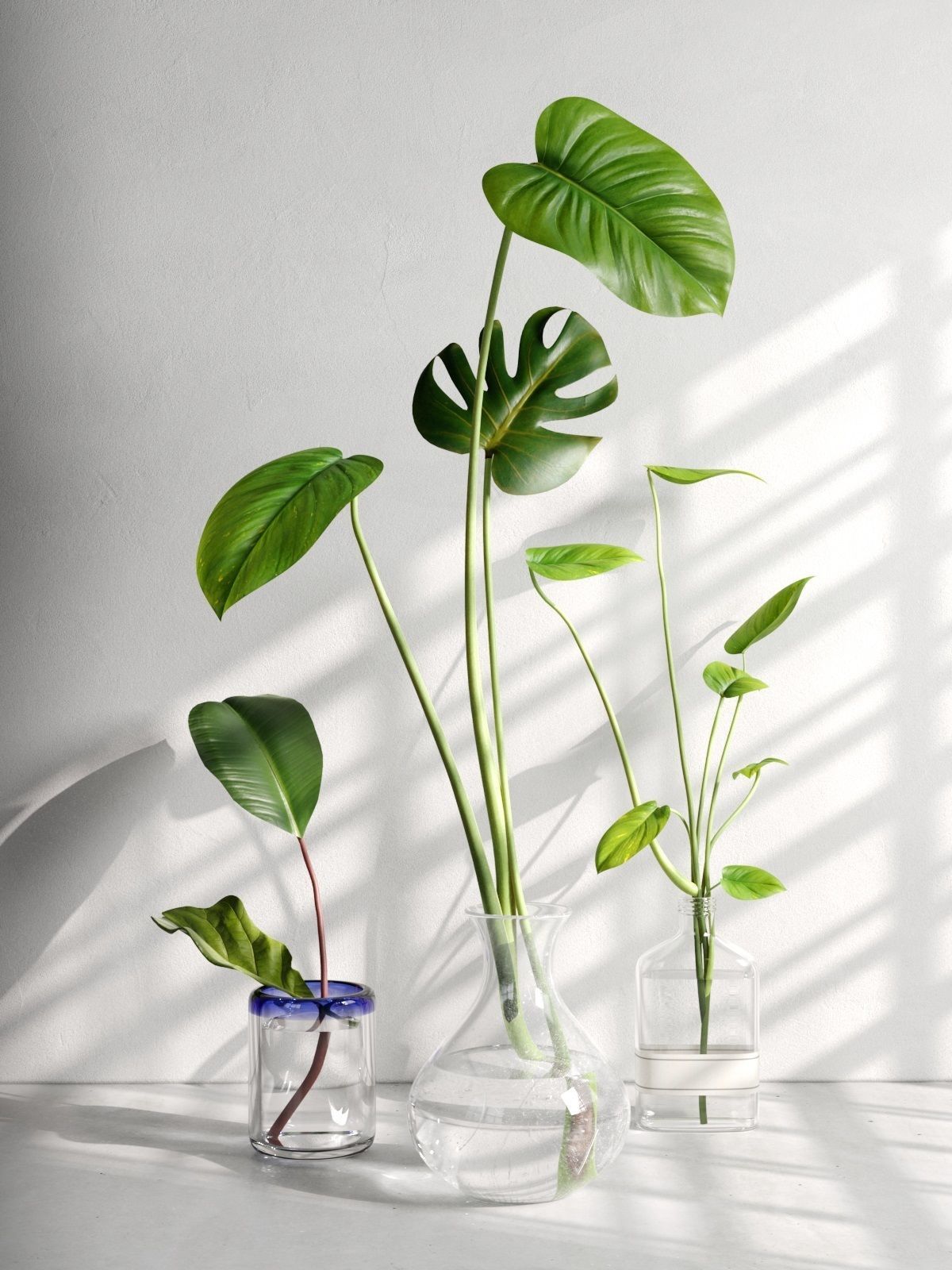 | 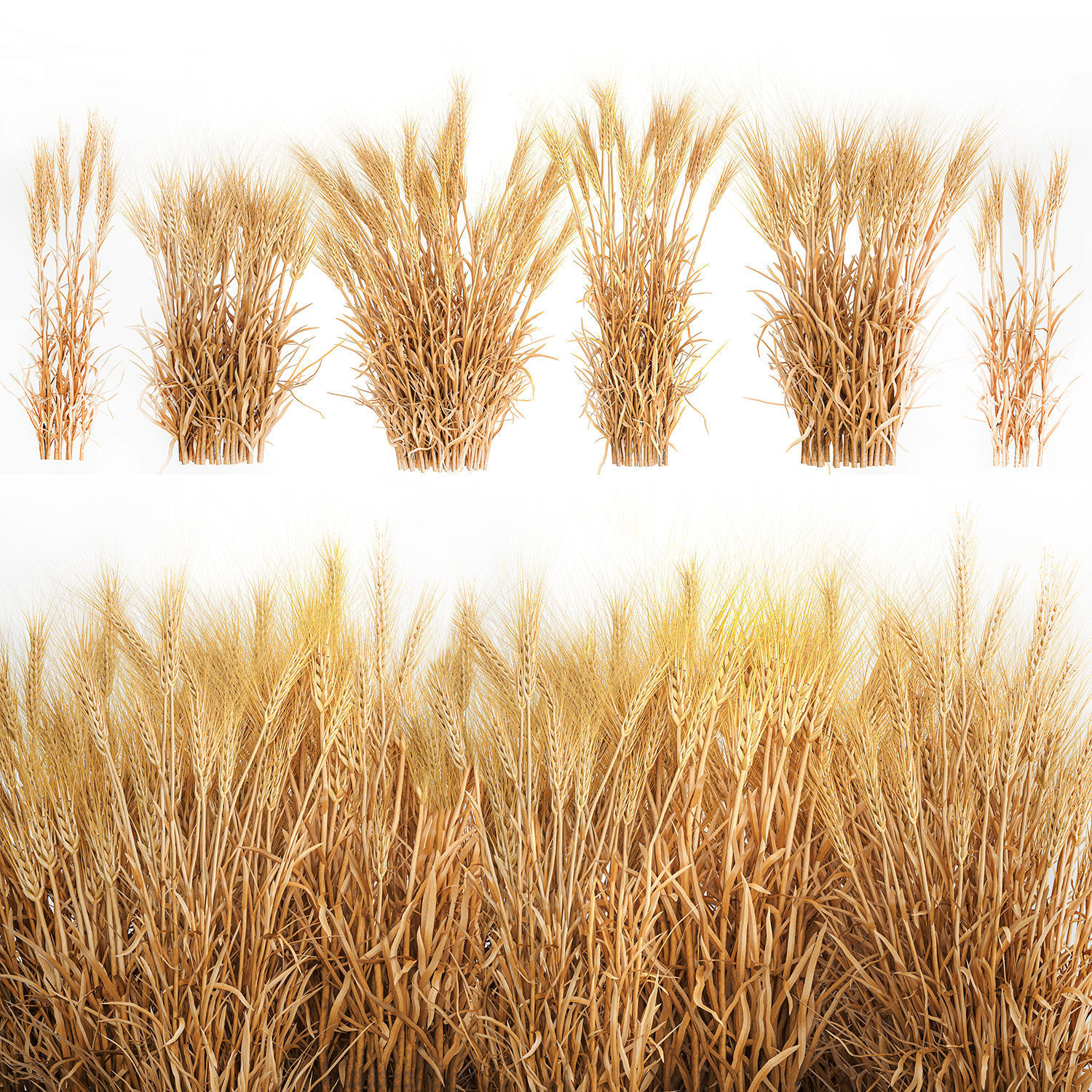 | 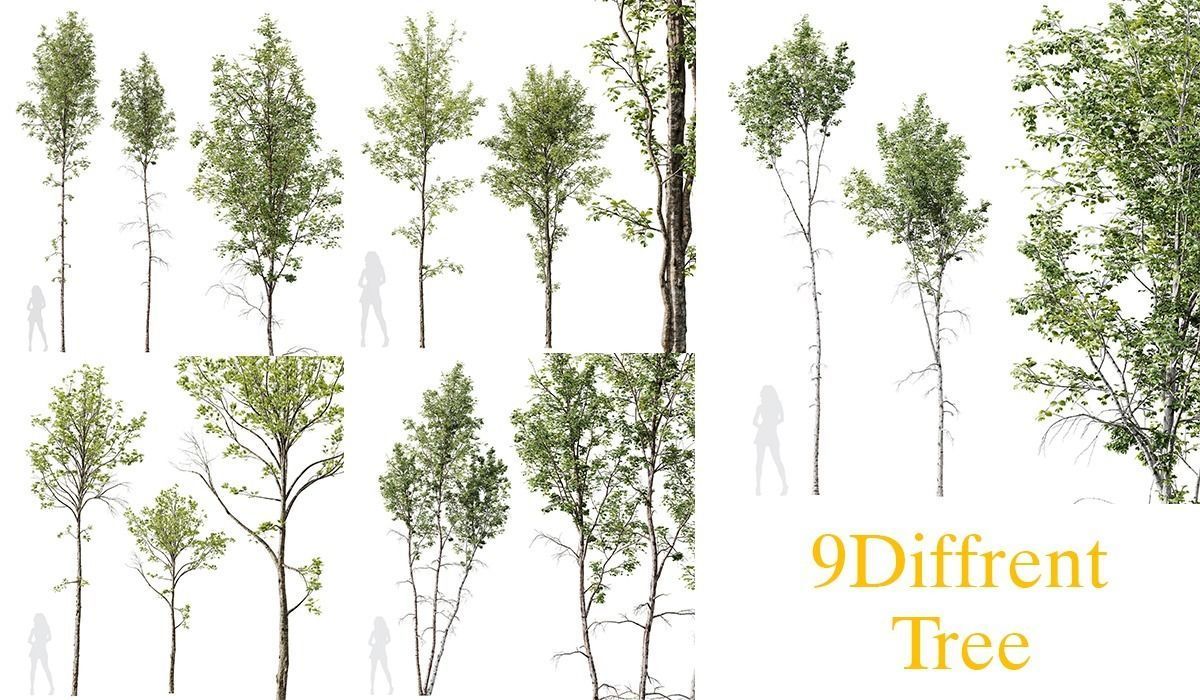 |
| SKU | 4711651 | 3967718 | 4572479 | 2932294 | 4321429 | 4719337 |
| Rating | ||||||
| Price | $20.00 | $7.20 | $16.80 | $19.20 | $14.00 | $11.00 |
| Stock | ||||||
| Availability | ||||||
| Add to cart | ||||||
| Description | ||||||
| Content | Create realistic, outstanding and effortless grass and lawns in your images with this easy to use Chaos Scatter setup, useful for both wide shots and closeup shots, ready to render with Cinema 4D 2023 and Corona 9! This product includes: C4D project files with a 4mx4m grass surface and Chaos scatter setup 9 Physical materials (node editable) 15 high quality textures (4000px resolution) 5 camera settings Render settings and VFB settings 9 different 3d models ready to be scattered in your custom surfaces FBX and OBJ interchange files with UVW maps The 100% of what you see in the rendering is created from scratch. The renders need no post-production. A few more info about this product Adjust the clone count and the amount of each single 3d asset to get the result that meets your needs Adjust the slope sensitivity to ensure that the grass only grows in flat areas (useful when using wavy grounds) Adjust the Multishader Hue Random value to get stronger color variations Change the Random seed value to generate different combinations Get perfect trimmed edges and avoid greenery to go out of bounds with Corona Scatter Edge Trimming shader setup in all materials Fill the Areas box with your Splines to create paths or flowerbeds Instructions and helpful tips when using the setup in your custom scene Put the surface you want to cover with grass in the Chaos scatter's “Distribute On” box Adjust the clone count according to the surface size The best clone count is more or less 200 for each square meter, so if you have a 2m x2m surface = 800 clones; 3m x3m surface = 1.800 clones; 4m x 4m surface = 3.200 clones; 10m x 10m surface = 20.000 clones Make sure your surface is not perfectly smooth but a little wavy Make sure your grass has a low sun backlight to trigger a proper translucency effect If you have no sunlight in your scene, adjust the tone mapping to get a perfect look: higher exposure, more contrast, warmer white balance Enable Camera Clipping to make the grass exist only in camera field of view and get faster render time ENJOY IT! | Collection Indoor Plants 020 ——————————————— High quality model Detailed enough for close up renders ——————————————— In the archive: 3Dmax 2014 (V-ray + Corona) + OBJ Polys: 511.472 Verts: 497.099 System units: mm The models have a Turbo Smooth modifier ——————————————— Have a nice render | Anthurium Flower Tray. This 3d model Anthurium Flower Tray has a fully textured, detailed design that allows for close-up renders. Every model has been checked with the appropriate software. *IMPORTANT NOTICE: PLEASE MAKE SURE THAT YOU'VE GOT THE LATEST VERSION OF ARCHIVING SOFTWARE. NOT ALL OF OUR PRODUCTS INCLUDE MTL FILE WITH OBJ AT THE MOMENT, BUT YOU CAN REQUEST AND WE PREPARE IT AS SOON AS POSSIBLE. Note: The product comes without scene, camera or lights, include only 3dmodel. Camera and lights setting include only for primary view on all Beinspirations. Polygons: 18740 Vertices: 19170 File formats available on request: 3dmax * Corona 3dmax * Vray OBJ Cinema4D + Maxwell FBX Hope you like it! Also check out my other models, just click on my user name to see complete gallery or on our website. | Glass Vases with Leaves 2. This 3d model Glass Vases with Leaves 2 has a fully textured, detailed design that allows for close-up renders. Every model has been checked with the appropriate software. *IMPORTANT NOTICE: PLEASE MAKE SURE THAT YOU'VE GOT THE LATEST VERSION OF ARCHIVING SOFTWARE. NOT ALL OF OUR PRODUCTS INCLUDE MTL FILE WITH OBJ AT THE MOMENT, BUT YOU CAN REQUEST AND WE PREPARE IT AS SOON AS POSSIBLE. Note: The product comes without scene, camera or lights, include only 3dmodel. Camera and lights setting include only for primary view on all Beinspirations. Dimension: H - 77 cm Polygons: 69149 Vertices: 69641 File formats available on request: 3dmax * Corona 3dmax * Vray OBJ Cinema4D + Vray FBX Hope you like it! Also check out my other models, just click on my user name to see complete gallery or on our website. | Decorative set of plants from six bushes of dry ears of wheat for decor and landscape design, field. Triticum, spikelet Wheat, spikelet, dry wheat. Eco style, eco design, decorative, decoration, natural decor Rye, Oats Wheat, spikelet, Triticum, spikelet, Eco style, eco design, decorative, decoration, natural decor, bouquet, green flowers, eco style, natural decor, flower, flowers, Dried flower, eco style bouquet, eco decor, Eco style, eco design, decorative, decoration, nature decor, dry wheat, dry, bouquet of spikelets, bouquet of wheat, rye, oats, outdoor, field, bush, bushes, dry, dried flowers, nature decor, wheat bushes, bush Bushes of dry ears of wheat for landscape design | 5 Different SETS of Tree at an exceptional price which includes 9 different tree models. List of models: HQ Plants Betula Pendula03. 1Models HQ Plants Betula Pendula02. 2Models HQ Plants Betula Pendula. 2Models Plants Alnus Glutinosa02. 2Models Plants Acer Pseudoplatanus03. 2Models General specifications of the files: Materials is archive (material library) Corona mtl + Vray mtl + Standard mtl 4K texture + 4K material JPEG (texture), MAX , OBJ + MTL + FBX 2012 + Blender 2.9 + Maya 2018 3dmodels: MAX + OBJ + FBX 2012 + Blender 2.9 + Maya 2018 Corona render + Vray (Renderer Engine-MAX + FBX) Scanline render (Renderer Engine-MAX + OBJ) Models has unwrapped overlapping and maps supported traditional 3ds Max texturing. (tiling coordinates) Note: To use the max file you need to use at 3dsmax 2015 Units: Millimeter Clean Topology (quad mesh) You Can Add Turbo Smooth |
| Weight | N/A | N/A | N/A | N/A | N/A | N/A |
| Dimensions | N/A | N/A | N/A | N/A | N/A | N/A |
| Additional information | ||||||
| Sold | 0 | 0 | 0 | 0 | 0 | 0 |
| Shipping |