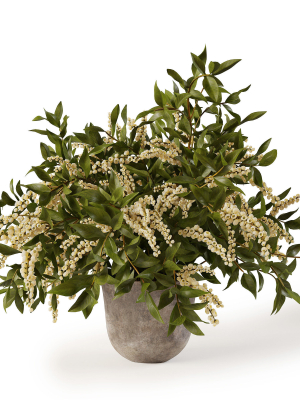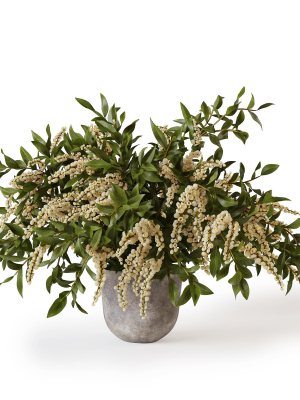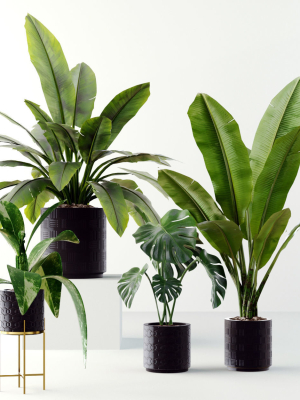
Indoor
$15.00
282 people are viewing this right now
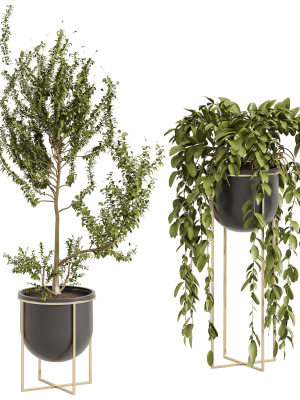
Indoor
$15.00
Product details
Shipping and Returns
Product details
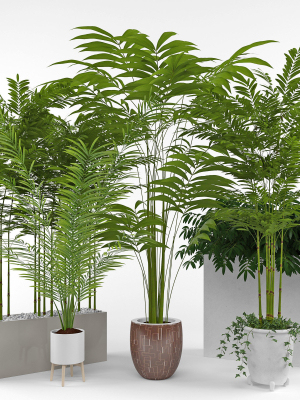
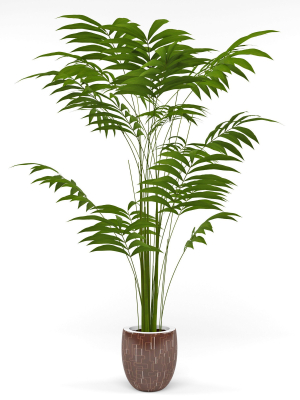
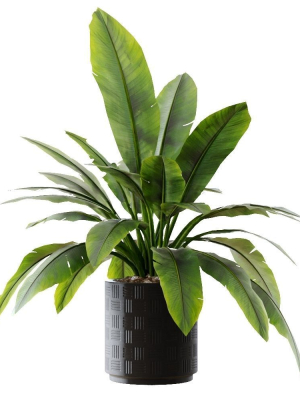
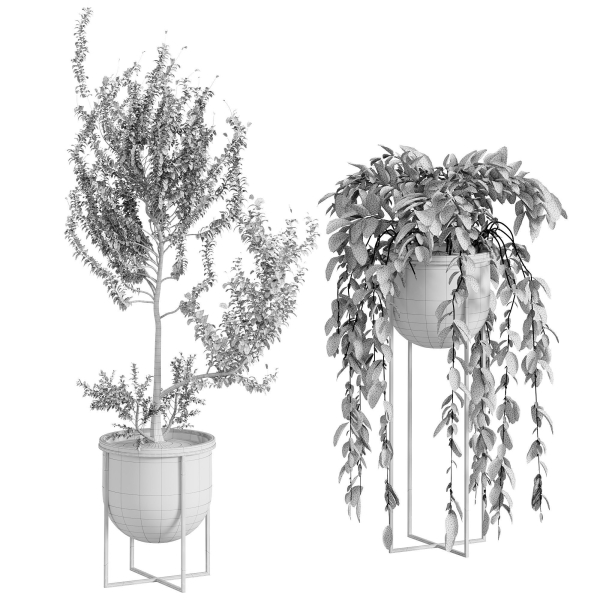
Name: Indoor Plant 002 Version: 2015 Preview: No Units: Millimeters Dimension: 1364.04 x 660.4 x 1377.77 Polys: 233 720 XForm: Yes Box Trick: No Model Parts: 11 Render: Corona Formats: 3Ds Max 2015, OBJ,
Shipping and Returns
Shipping cost is based on weight. Just add products to your cart and use the Shipping Calculator to see the shipping price.
We want you to be 100% satisfied with your purchase. Items can be returned or exchanged within 30 days of delivery.
Quick Comparison
| Settings | Indoor remove | Collection Indoor Plants 020 remove | Hanging pot flowers remove | House plant 3 remove | wisterial tree 10 set 02 remove | Plants collection 810 remove |
|---|---|---|---|---|---|---|
| Name | Indoor remove | Collection Indoor Plants 020 remove | Hanging pot flowers remove | House plant 3 remove | wisterial tree 10 set 02 remove | Plants collection 810 remove |
| Image | 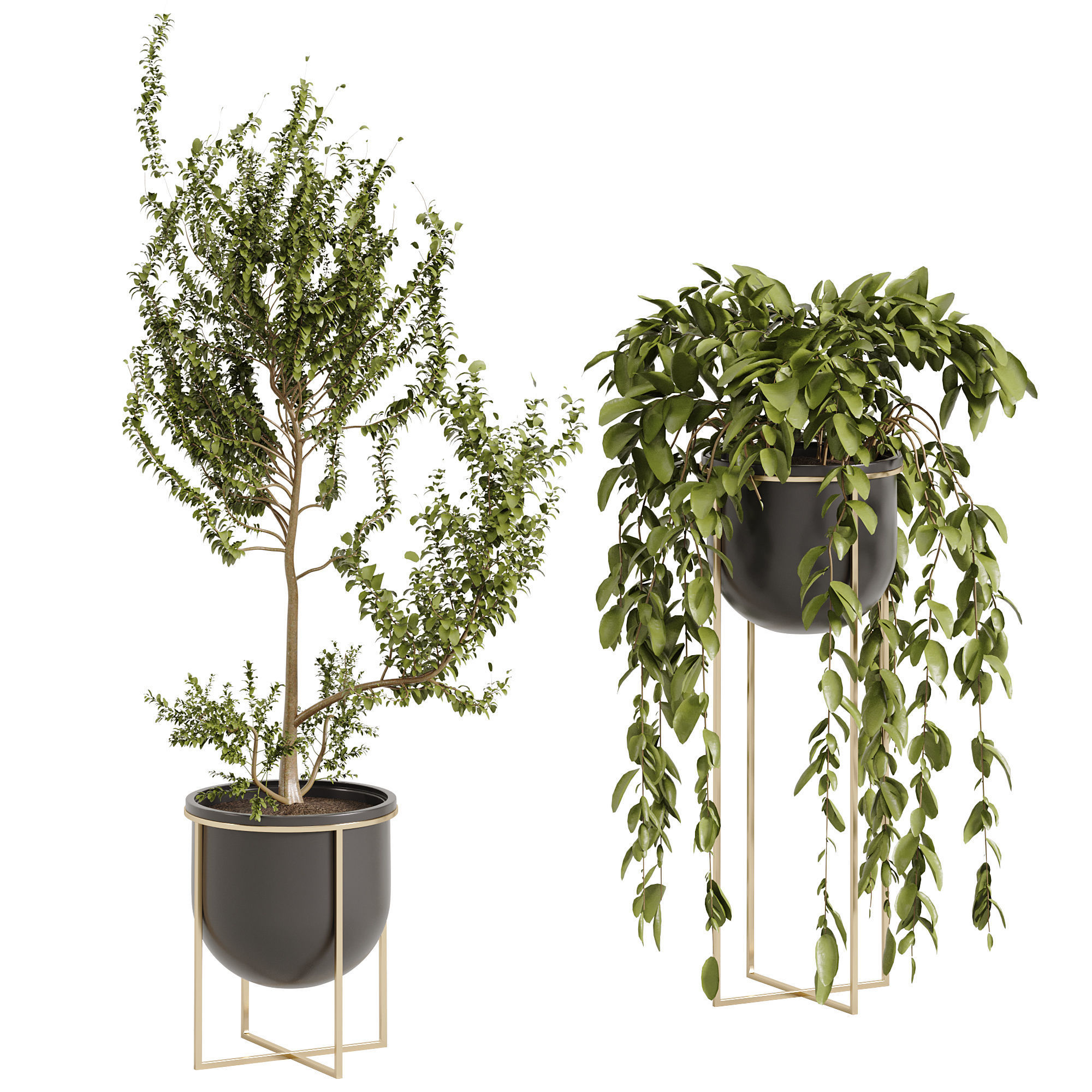 | 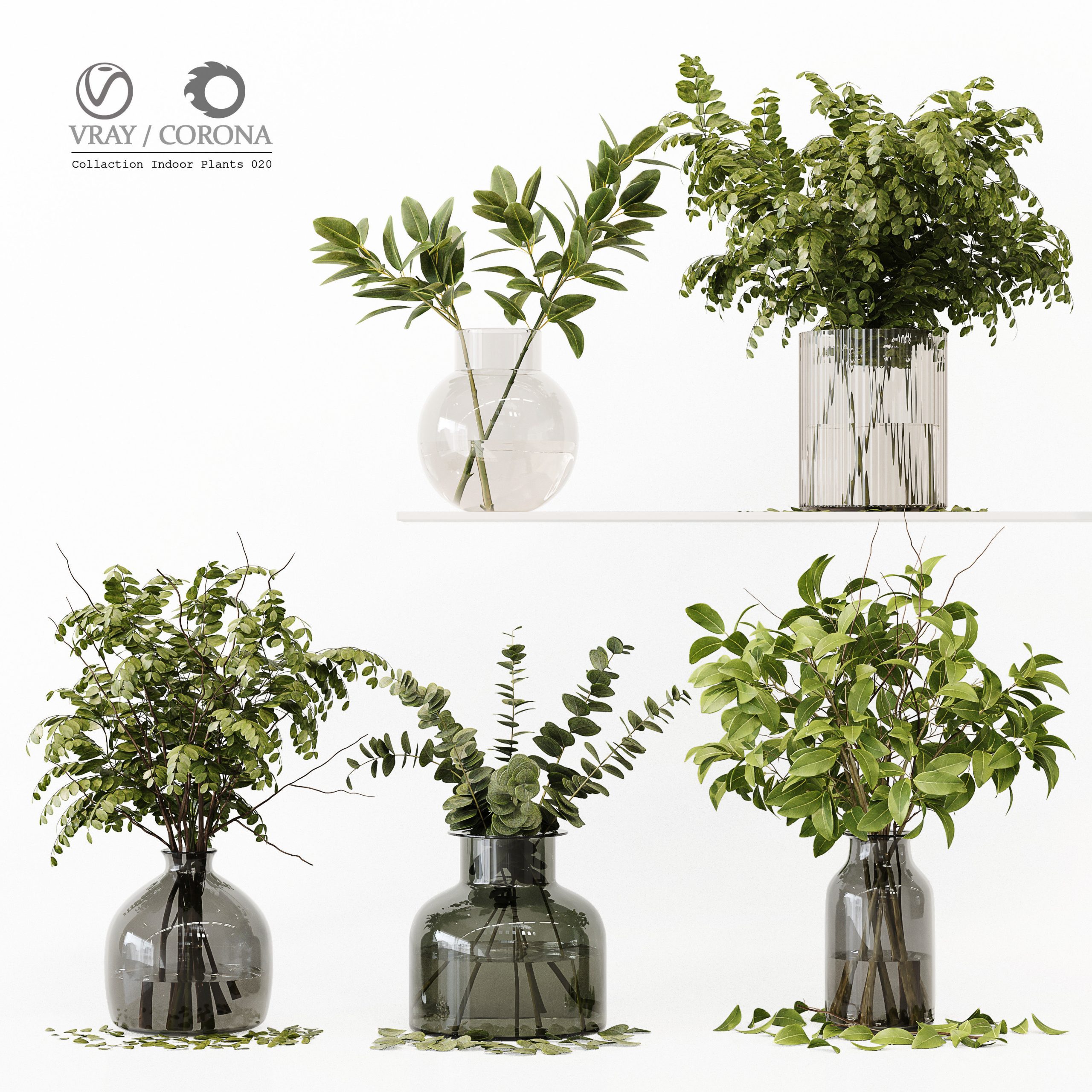 | 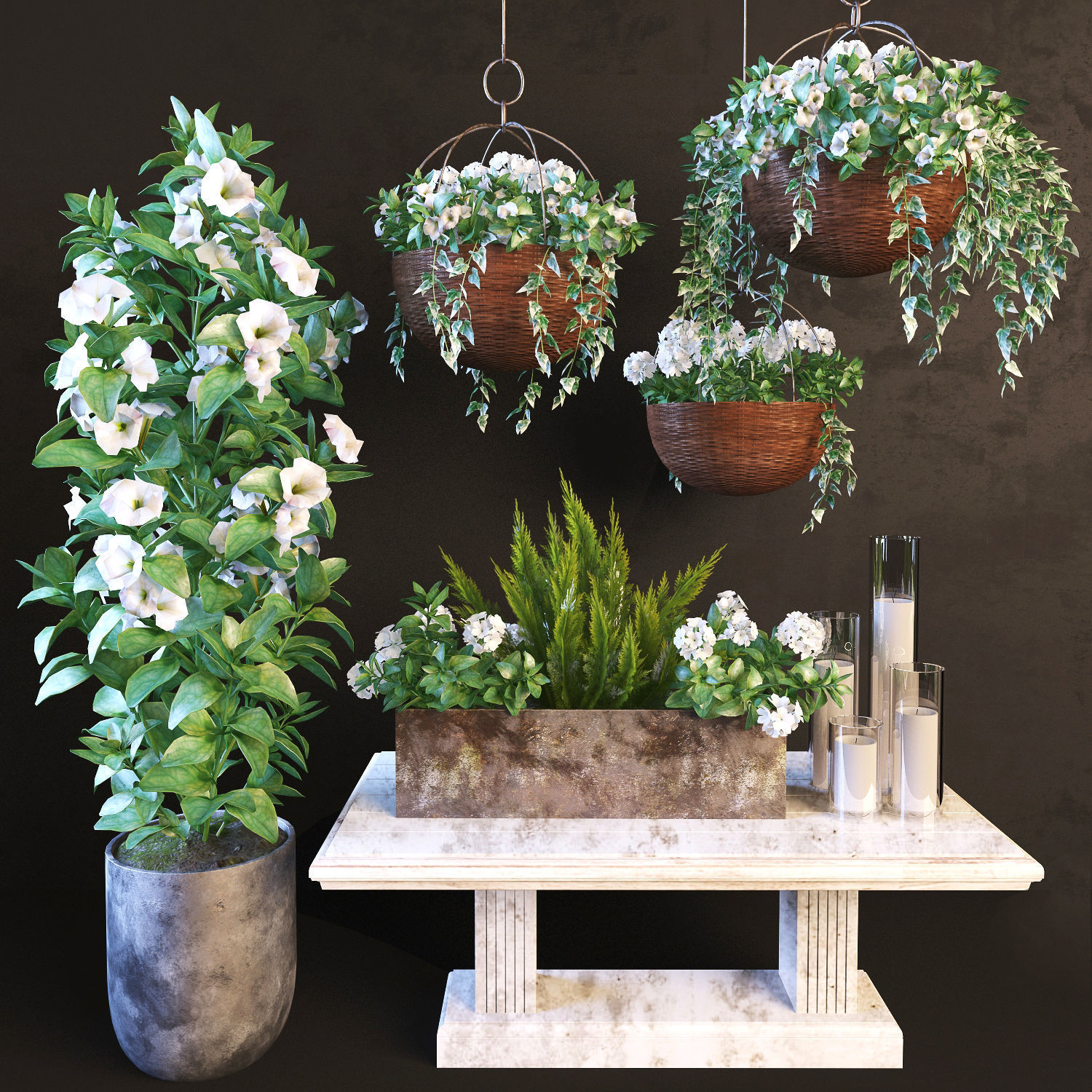 | 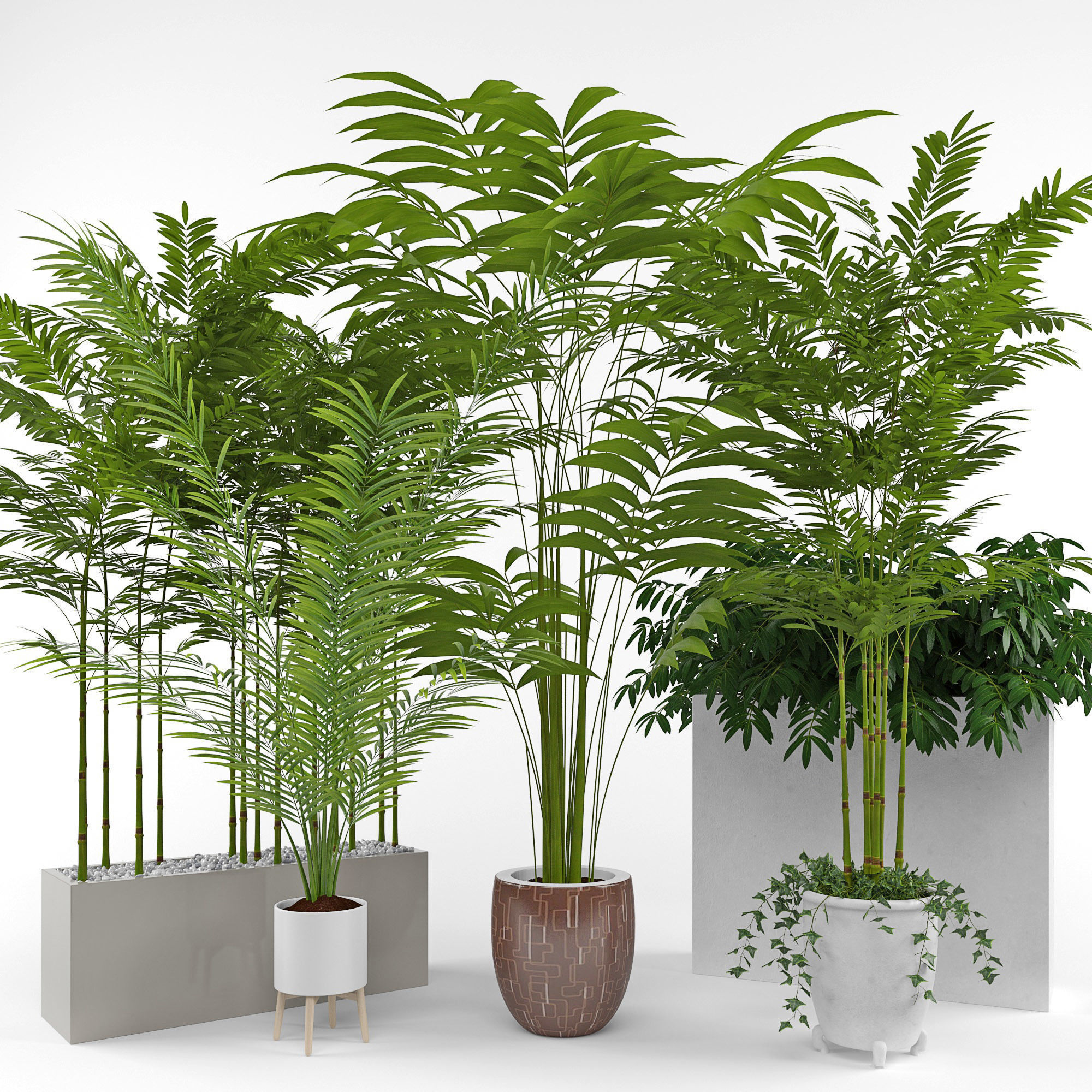 | 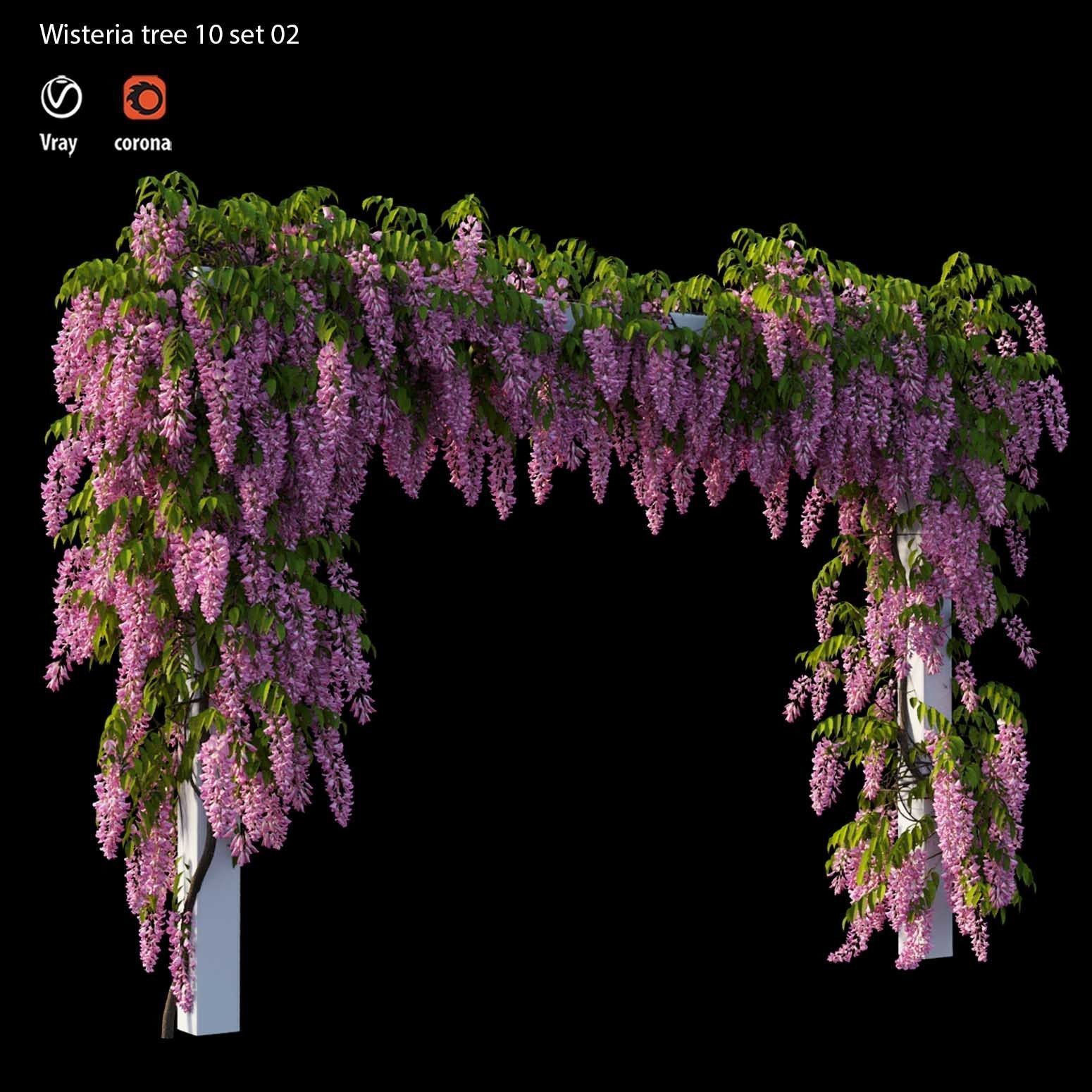 | 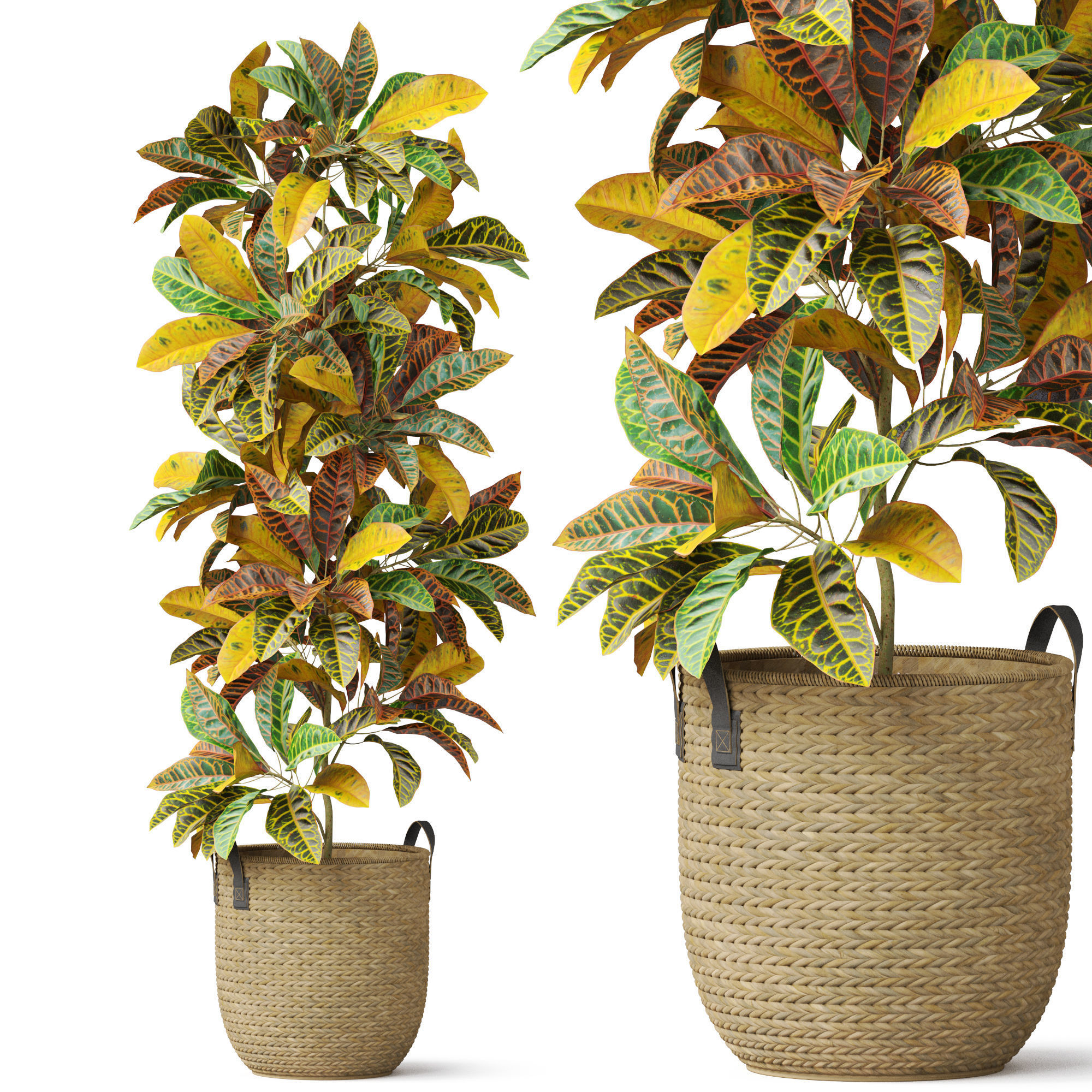 |
| SKU | 4711373 | 3967718 | 880459 | 908702 | 2847075 | 3996534 |
| Rating | ||||||
| Price | $15.00 | $7.20 | $21.00 | $13.00 | $9.00 | $19.00 |
| Stock | ||||||
| Availability | ||||||
| Add to cart | ||||||
| Description | ||||||
| Content | Name: Indoor Plant 002 Version: 2015 Preview: No Units: Millimeters Dimension: 1364.04 x 660.4 x 1377.77 Polys: 233 720 XForm: Yes Box Trick: No Model Parts: 11 Render: Corona Formats: 3Ds Max 2015, OBJ, | Collection Indoor Plants 020 ——————————————— High quality model Detailed enough for close up renders ——————————————— In the archive: 3Dmax 2014 (V-ray + Corona) + OBJ Polys: 511.472 Verts: 497.099 System units: mm The models have a Turbo Smooth modifier ——————————————— Have a nice render | 2011 max & VRay 2015 max & Corona obj and folder with textures Wish Happy Holidays and flowers around! | Houseplant 3 Polys: 1 315 426 verts: 1 544 838 In the archive 3d max 2012 vray FBX, .mat_vray textures All file paths have been deleted | wisterial tree 10 set 02 1 tree and with 4 color Fbx and obj (Vray 4.2 and corona 5) Executed in 3d max 2013 All textures and materials needed for the rendering found in the archive Smoothing modifier is stored in the stack for convenience | High quality 3d models Plants collection 810 A unique collection of plants can be used for exterior and interiors Formats 3ds max 2013 V-ray 4.0 Corona render 4.0 Default Scanline FBX V-ray Corona render Default Scanline OBJ Standard materials Cinema4D Standard Blender Cycles (you need to specify the path to the texture. File > External Data > Find Missing Files. and select texture folder) |
| Weight | N/A | N/A | N/A | N/A | N/A | N/A |
| Dimensions | N/A | N/A | N/A | N/A | N/A | N/A |
| Additional information | ||||||
| Sold | 0 | 0 | 0 | 0 | 0 | 0 |
| Shipping |