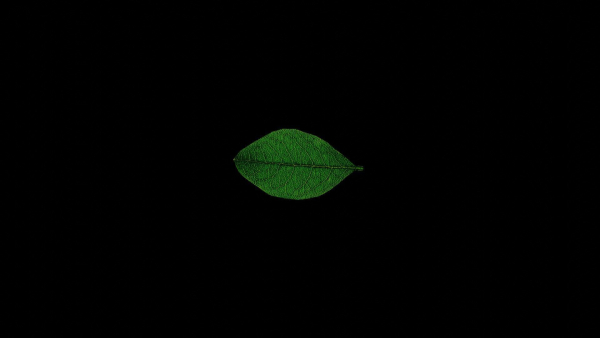


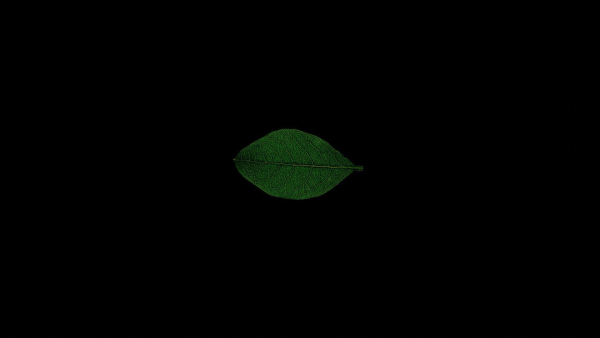




Leaf realistic
$2.00
834 people are viewing this right now
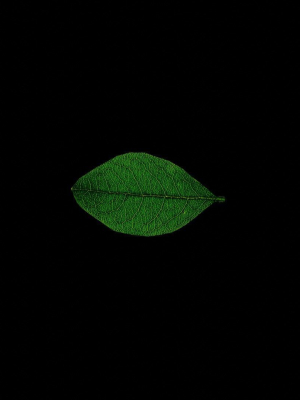
Leaf realistic
$2.00
Product details
Shipping and Returns
Product details
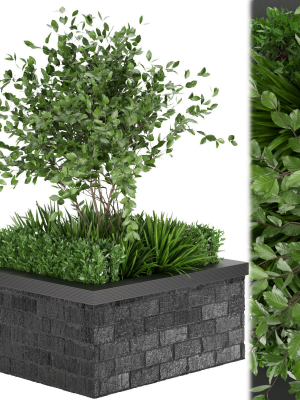
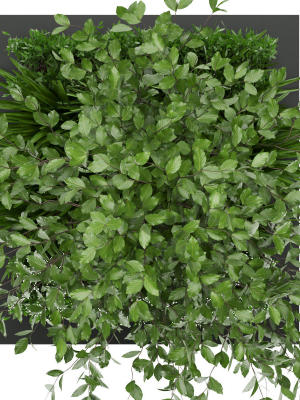
Realistic leaves are one of the most important things to get right when creating realistic trees in a CG scene. They are also one of the hardest things to get right. In this tutorial I will talk you through the process of creating great looking leaves that are also very efficient in terms of polygon usage. Load in the diffuse map of the leaf texture as reference and match up the UV of the plane to match the front side of the leaf in the image. Once you’re done the UV should look like this.
Shipping and Returns
Shipping cost is based on weight. Just add products to your cart and use the Shipping Calculator to see the shipping price.
We want you to be 100% satisfied with your purchase. Items can be returned or exchanged within 30 days of delivery.
Quick Comparison
| Settings | Leaf realistic remove | Fir Tree remove | Ncaved House MOLD Architects remove | River Mountains Scene remove | Ceiba Pentandra Two tree set remove | Maple-tree 13 remove |
|---|---|---|---|---|---|---|
| Name | Leaf realistic remove | Fir Tree remove | Ncaved House MOLD Architects remove | River Mountains Scene remove | Ceiba Pentandra Two tree set remove | Maple-tree 13 remove |
| Image | 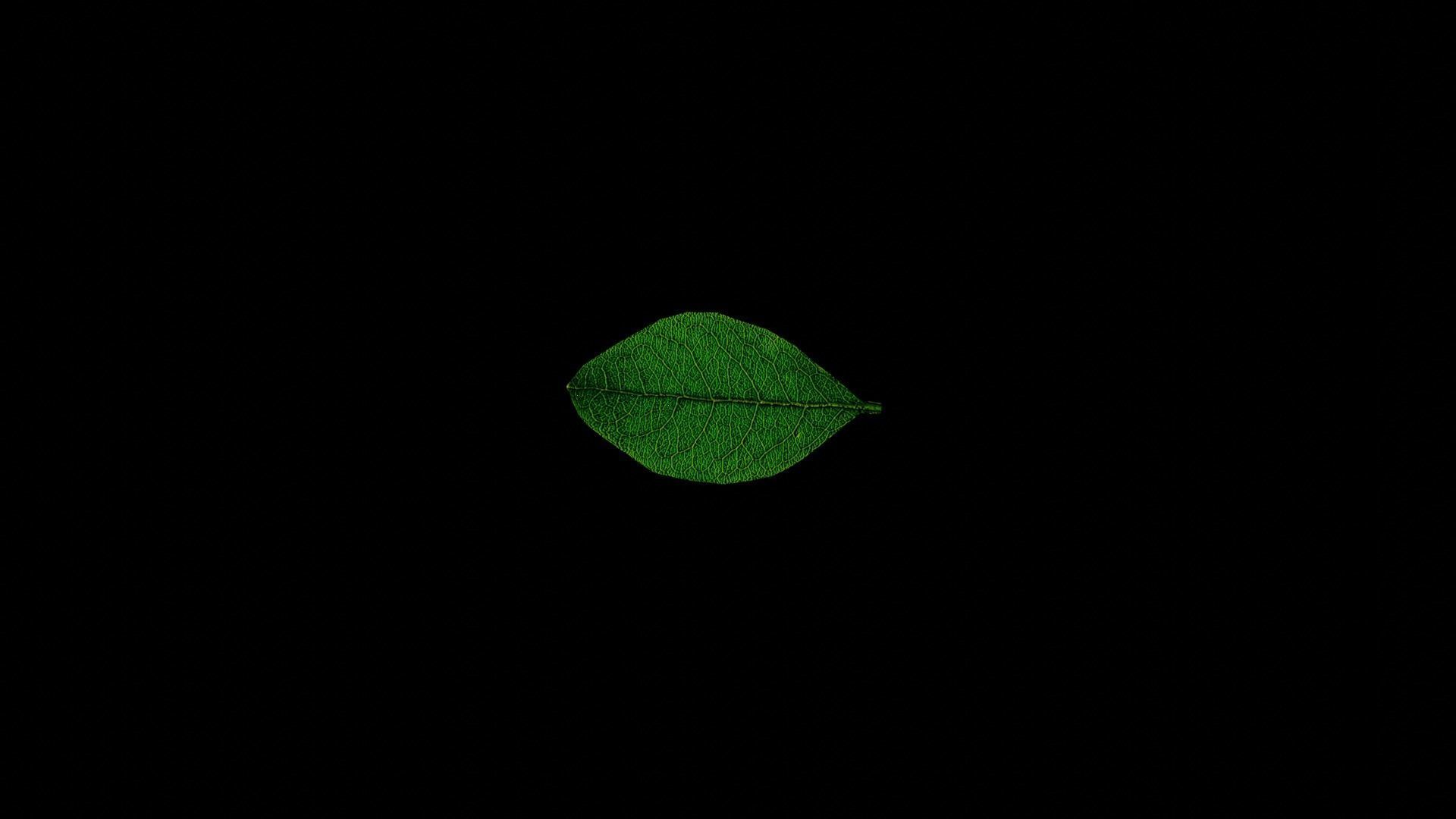 | 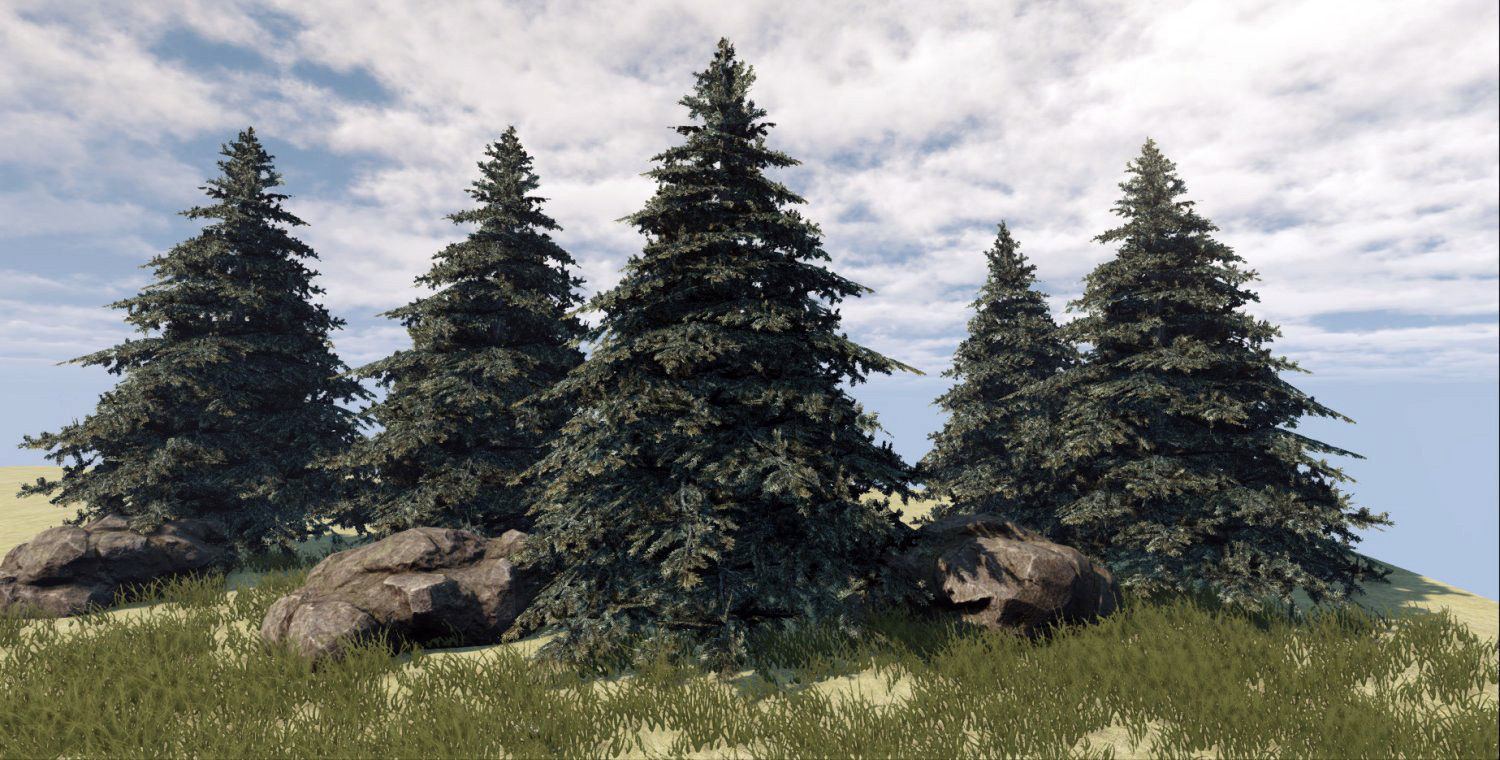 | 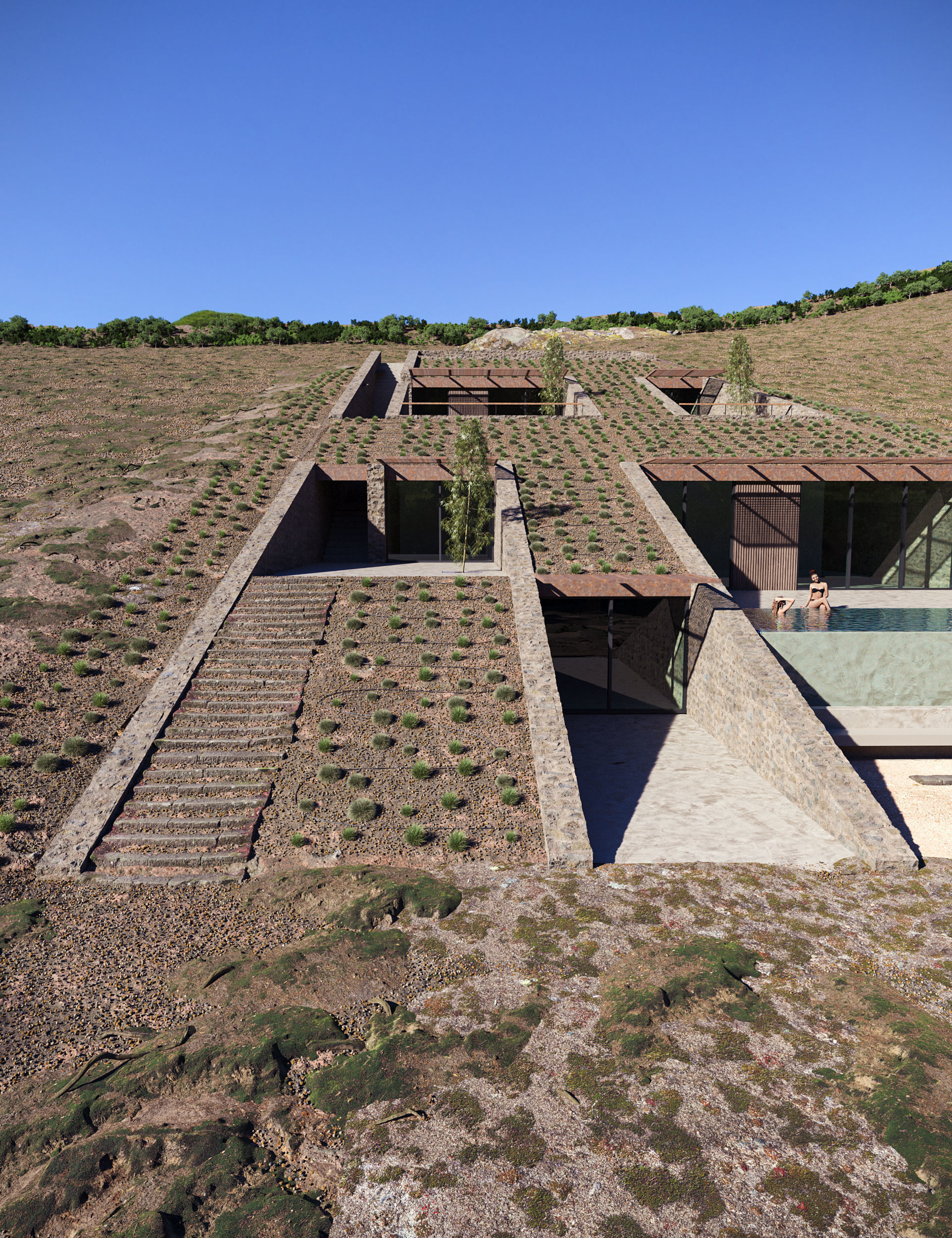 | 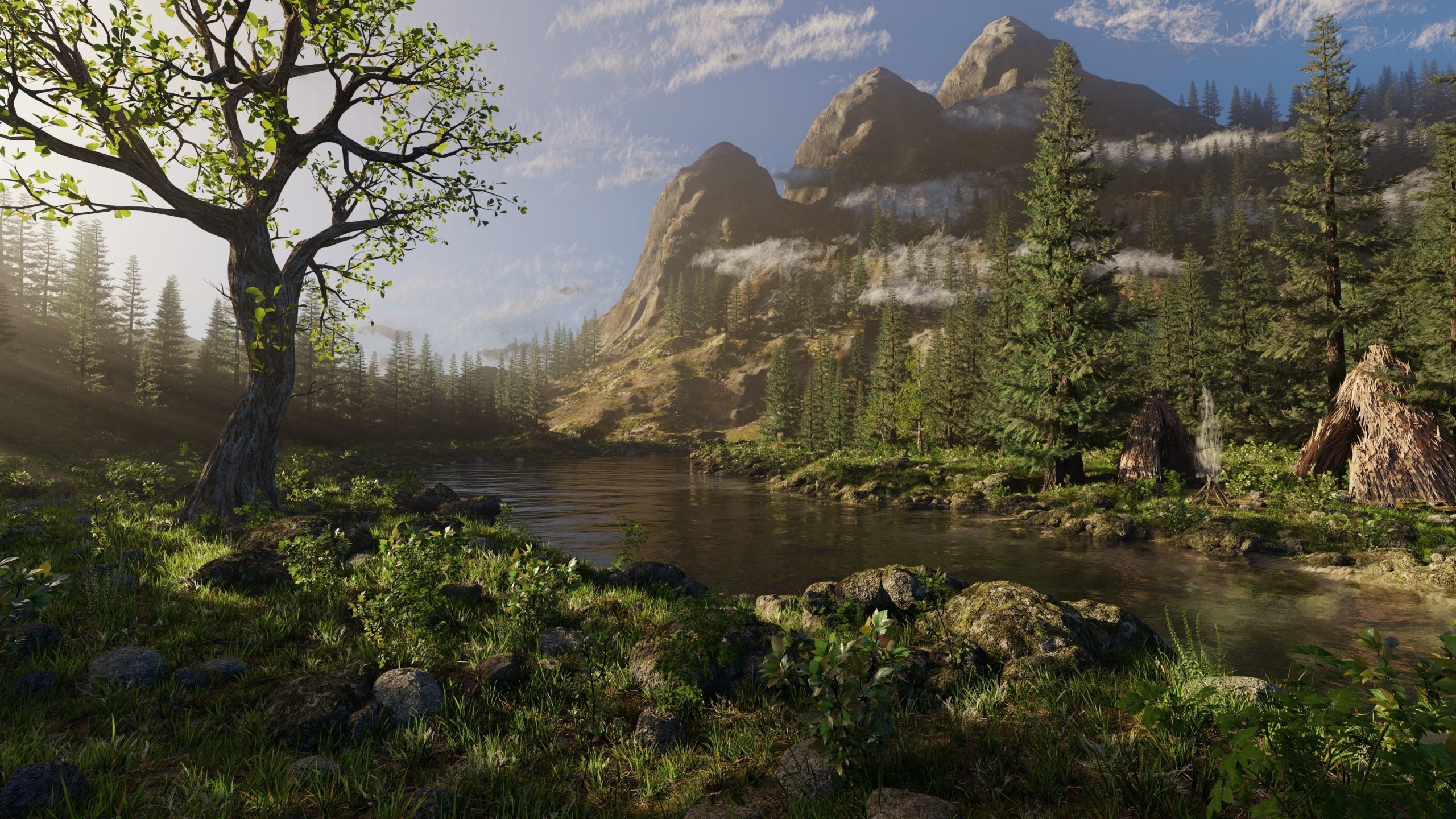 | 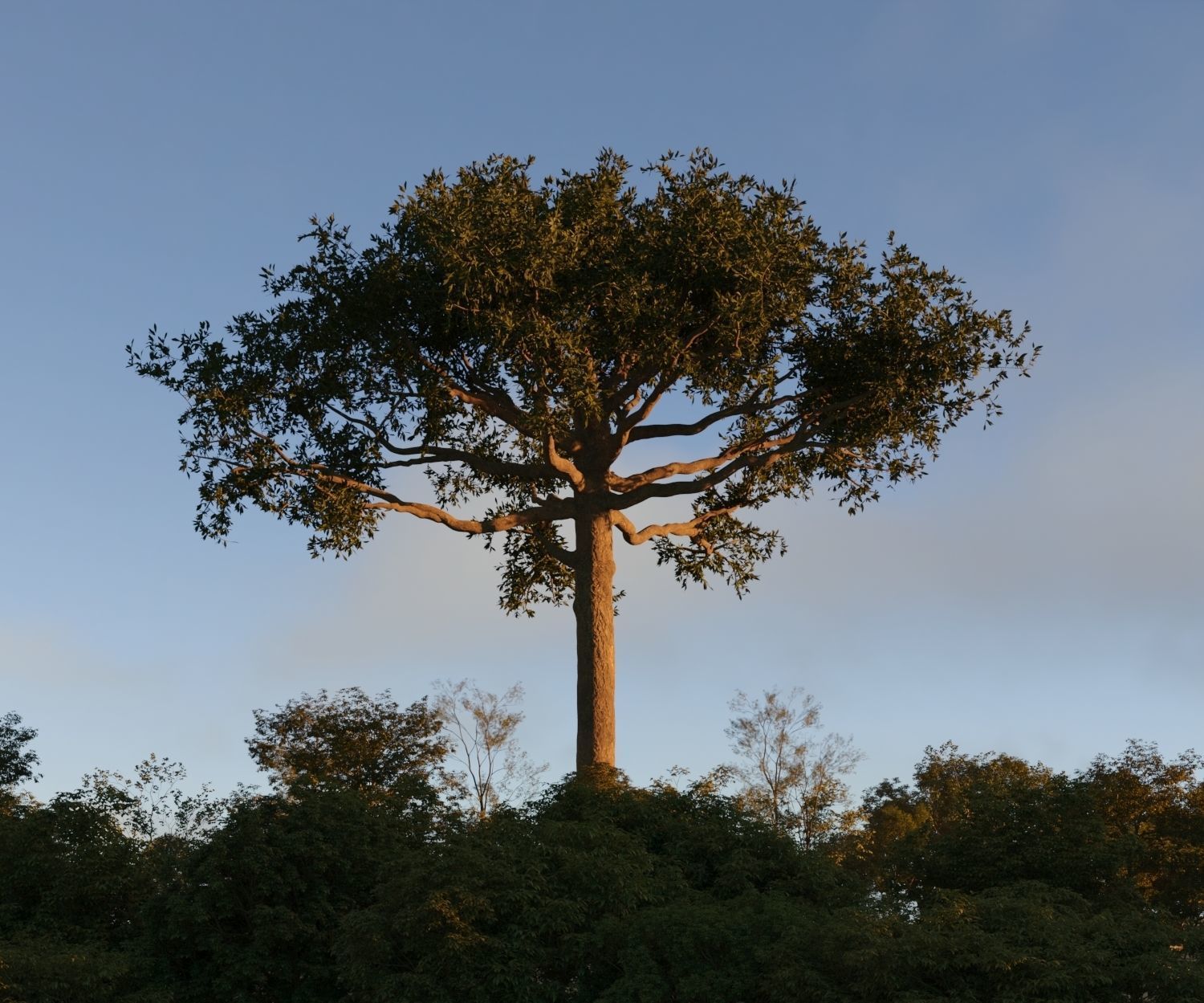 | 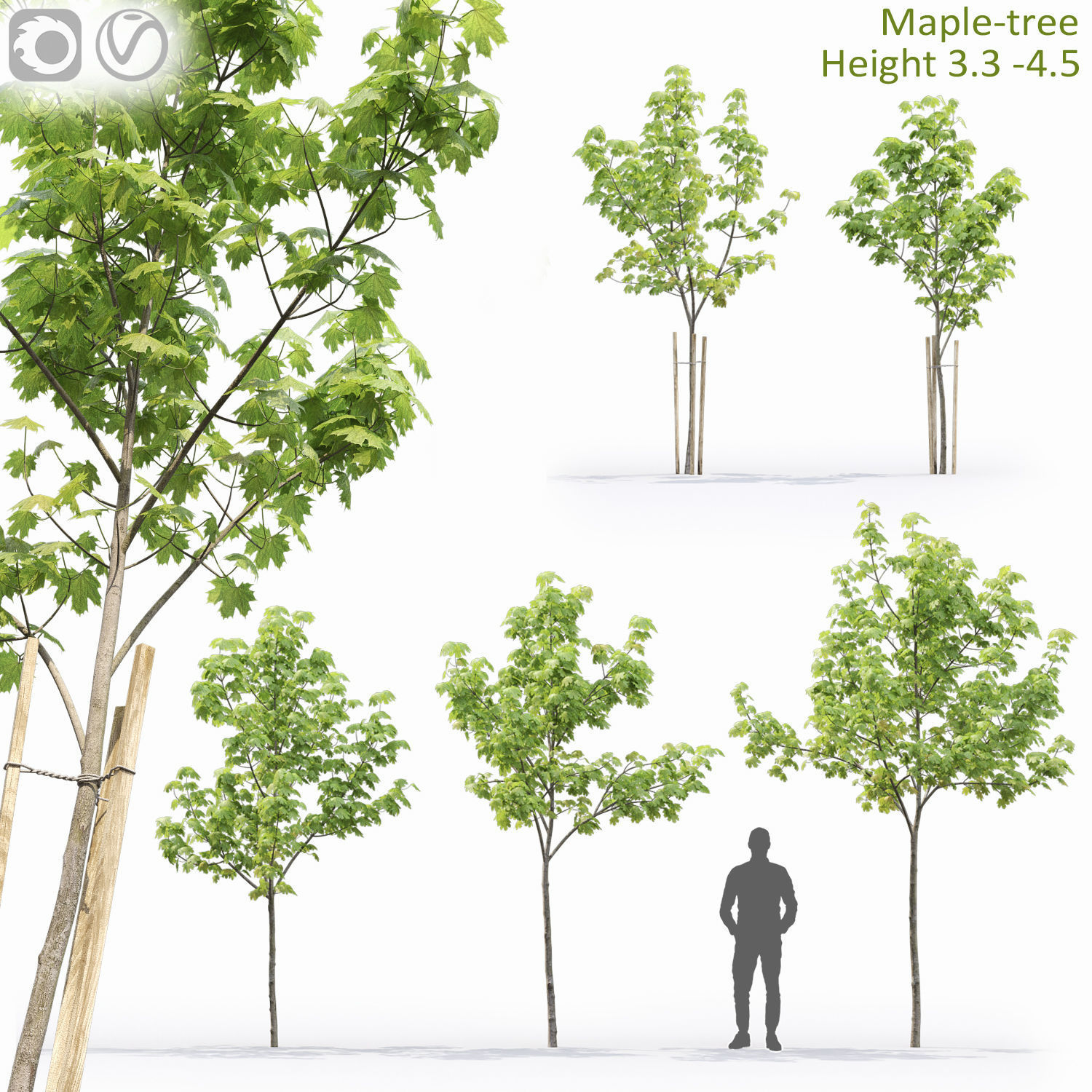 |
| SKU | 3598083 | 120631 | 4705377 | 3772277 | 3555237 | 3065753 |
| Rating | ||||||
| Price | $2.00 | $10.00 | $84.00 | $44.00 | $25.00 | $9.00 |
| Stock | ||||||
| Availability | ||||||
| Add to cart | ||||||
| Description | ||||||
| Content | Realistic leaves are one of the most important things to get right when creating realistic trees in a CG scene. They are also one of the hardest things to get right. In this tutorial I will talk you through the process of creating great looking leaves that are also very efficient in terms of polygon usage. Load in the diffuse map of the leaf texture as reference and match up the UV of the plane to match the front side of the leaf in the image. Once you're done the UV should look like this. | Fir Tree Tris: 3185 Vert: 5811 Textures: Bark - 256x512 Normal/Diffuse/Specular Leaf -1024x1024 Normal/Diffuse(3 items)/Opacity | *Ncaved House MOLD Architects * I provide all the 3D scene files in the package: 1- Revit 2024 model for Ncaved House MOLD Architects: Architectural Plans Elevations Sections 3d views Presentation Templets 2- Final renders with 3ds max 2024 and Corona 10 , d5 render 2.5 also included Lighting Cameras Materials Landscaping Rendering setting 3- 3d rendering Images Rendering with Corona Renderer 10 and d5 Render 2.5 as per the preview 4- The model also included with Fbx , Obj, 3ds max 2024 revit 2024 and IFC file Note :Itoo ForestPack and Chaos Scatter has ben used All the best .. | River Mountains Scene Made In Blender3D v3.1 Note: Only for Blender3d (uses particle system). Texture Detail: Ground 1: 4096*4096 (Diffuse,Normal,Ao,roughness,specular and Displacement maps). Ground 2: 4096*4096 (Diffuse,Normal,Ao,roughness,specular and Displacement maps). Ground 3: 4096*4096 (Diffuse,Normal,Ao,roughness,specular and Displacement maps). Mountain 1: 4096*4096 (Diffuse,Normal,Ao,roughness,specular and Displacement maps). Mountain 2: 4096*4096 (Diffuse,Normal,Ao,roughness,specular and Displacement maps). Mountain 3: 2048*2048 (Diffuse,Normal,Ao,roughness,specular and Displacement maps). Rocks: 4096*4096 (Diffuse,Normal,Ao,roughness,specular and Displacement maps). Grass: 2641*1679 (Diffuse and Normal maps). Pine Trees: (Bark): 4096*4096 (Diffuse,Normal,Ao and Displacement maps). | Leaves: 4096*4096 (Diffuse,Normal,roughness and Displacement maps). Plants 2: 512*512 (Diffuse,Normal and roughness maps). Plants 4: 4096*4096 (Diffuse,Normal,roughness and Displacement maps). Trees: (Bark): 4096*4096 (Diffuse,Normal,Specular and Displacement maps). (Leaves): 2641*1679 (Diffuse and Normal maps). Poly count: Verts: 9,061,815 | Polygon: 8,038,788 | Tris: 13,689,742. Check out my other models: Cgtrader.com/mohdarbaaz3. | This collection gives you 2 detailed Ceibas. 20-25 m height in 3ds max 2016 native format and obj, Also include Vray and Corona shader. | There are 5 young maple trees in the scene. Height: 3.1 - 4.5 m Polygons: 493 614 Leaves using opacity map. Used vertex color. Enjoy your use! |
| Weight | N/A | N/A | N/A | N/A | N/A | N/A |
| Dimensions | N/A | N/A | N/A | N/A | N/A | N/A |
| Additional information | ||||||
| Sold | 0 | 0 | 0 | 0 | 0 | 0 |
| Shipping |