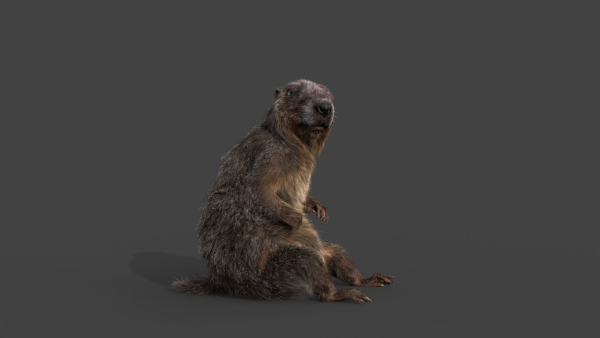
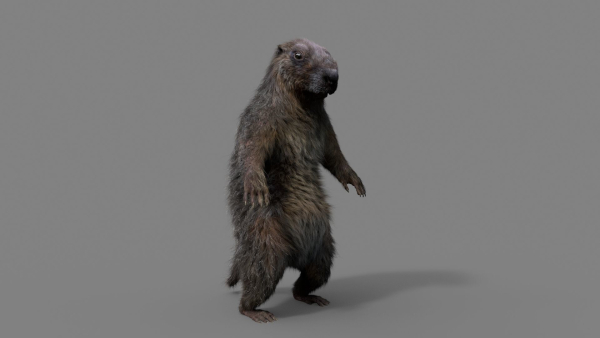
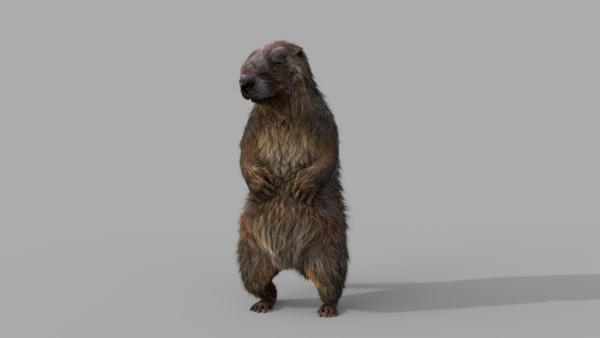
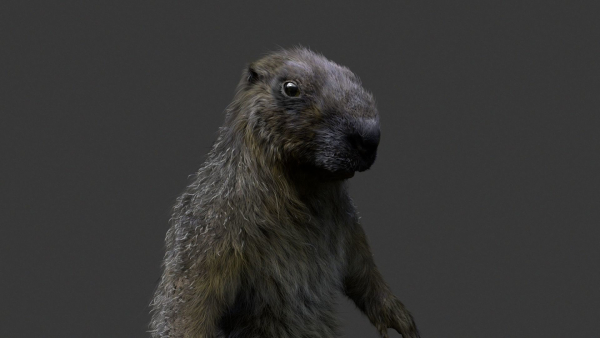
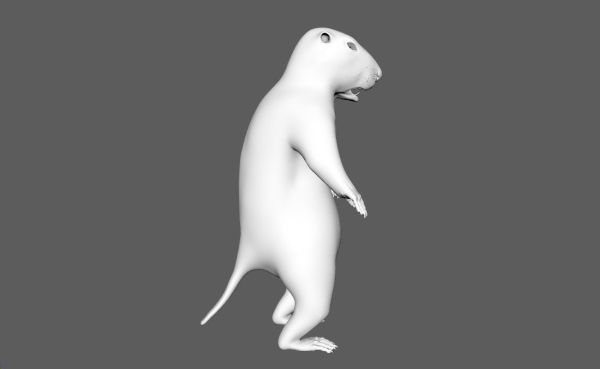
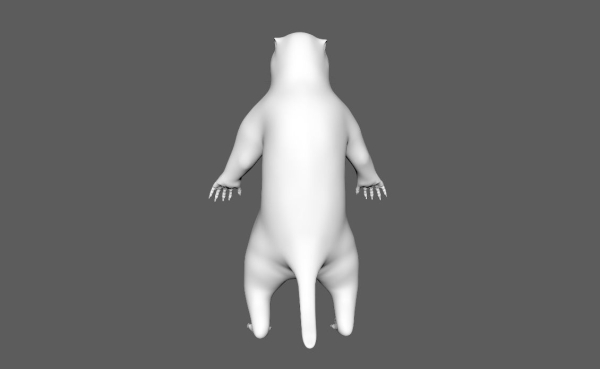
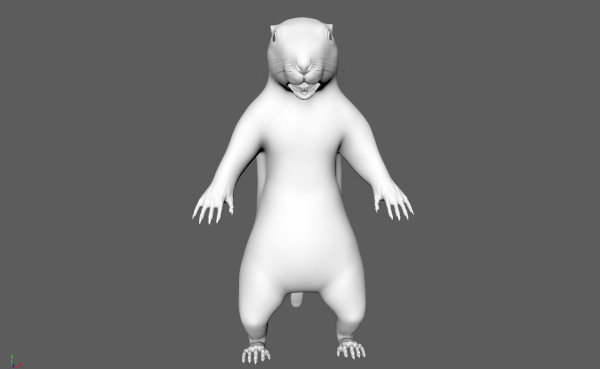
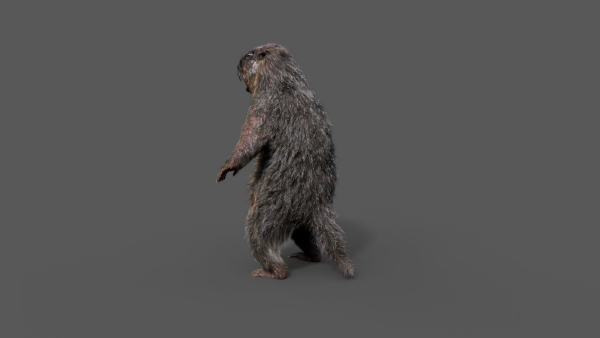
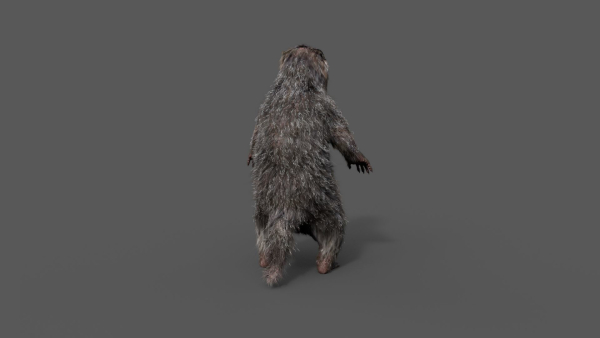
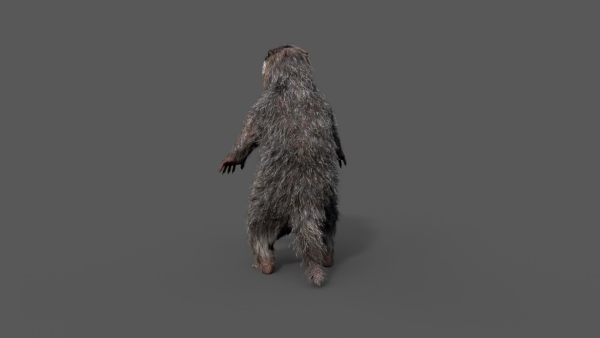
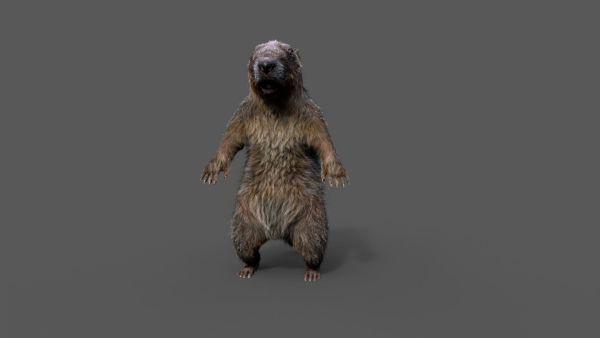
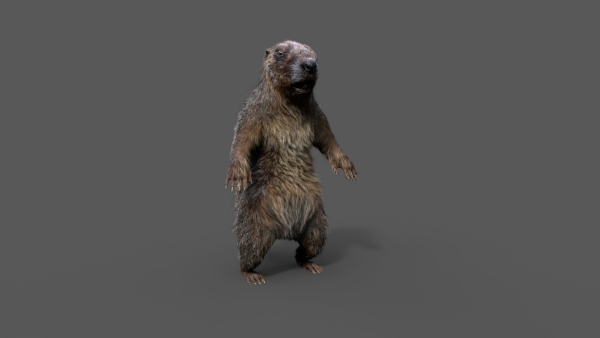
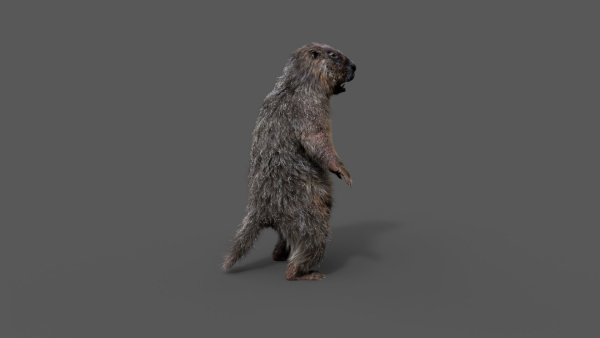
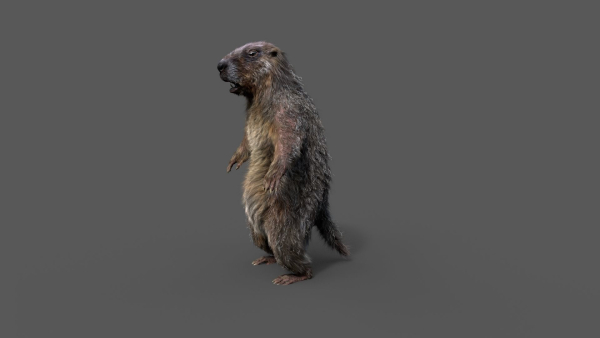
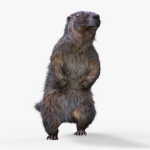
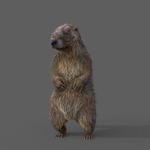
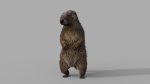
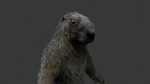
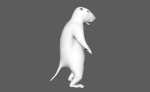
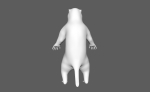
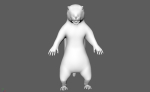
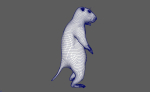
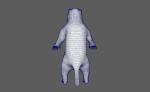
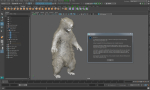
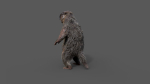
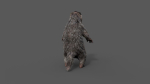
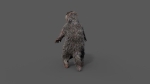
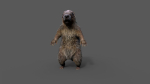
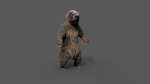
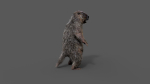
Marmot groundhog
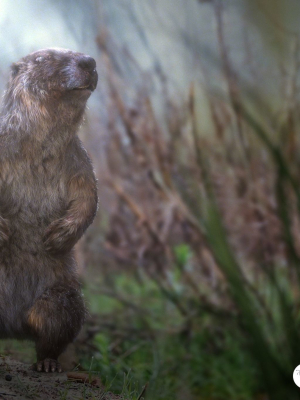
Marmot groundhog
Product details
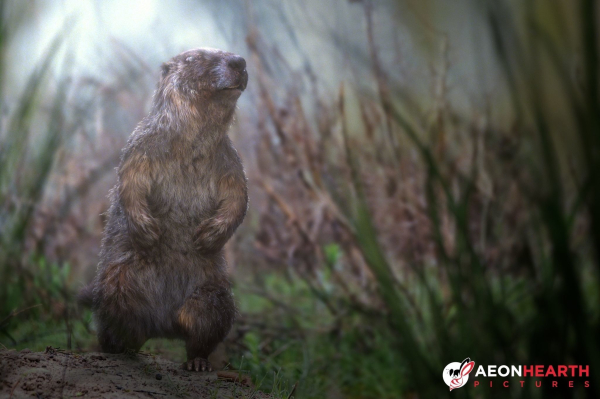
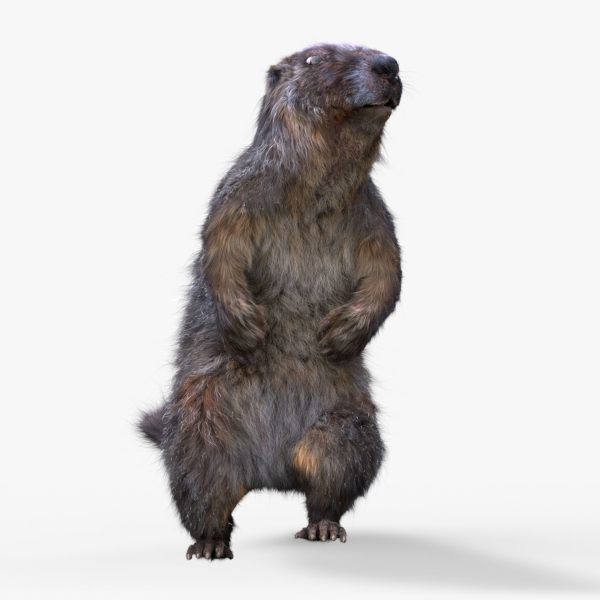
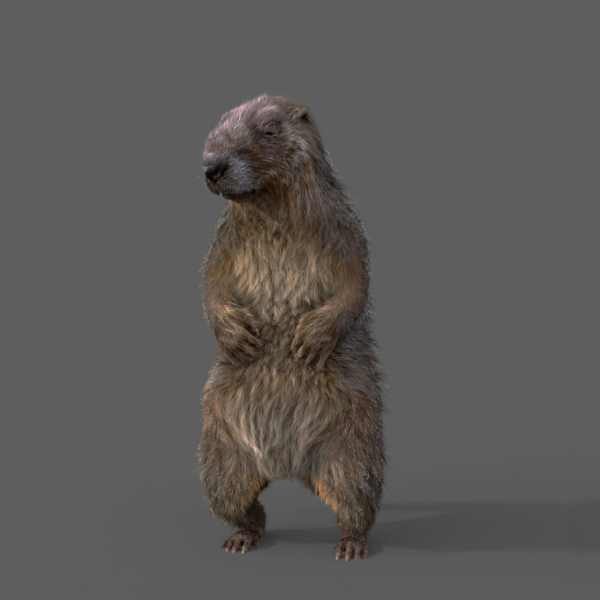
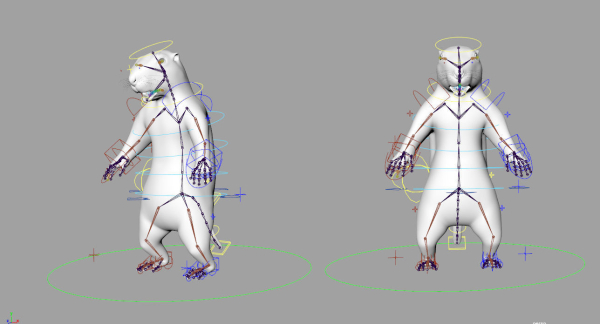
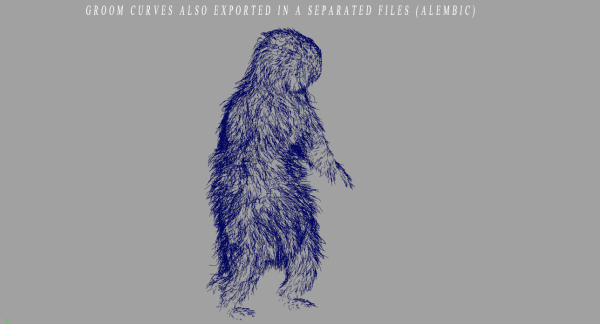
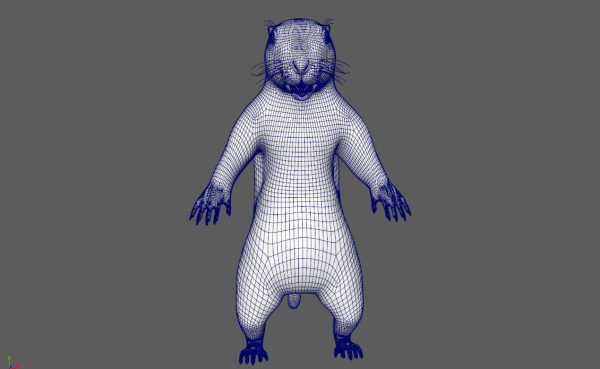
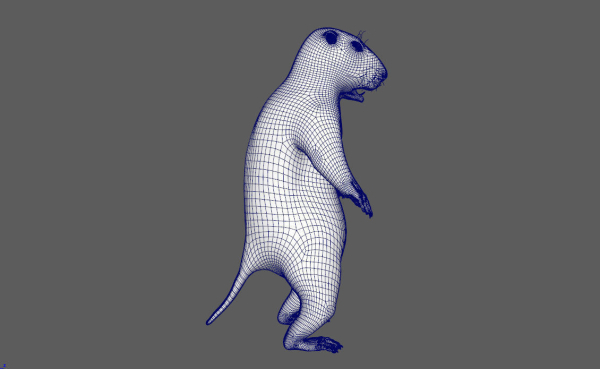
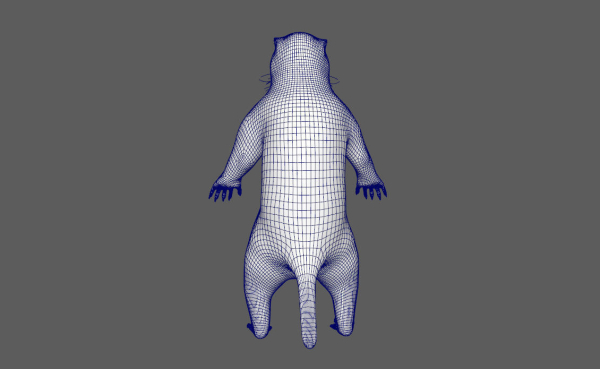
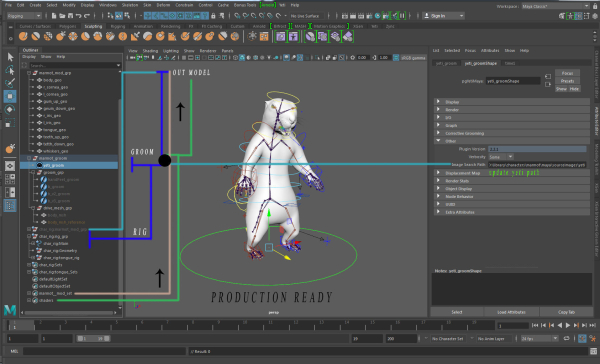
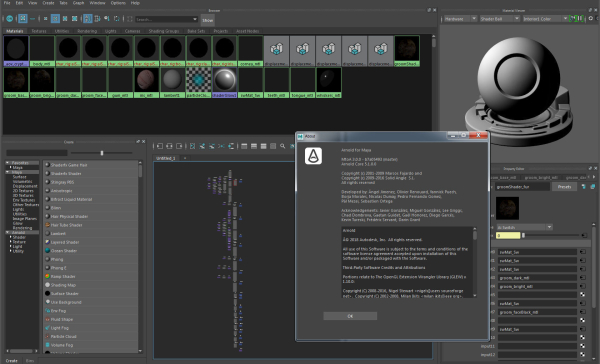
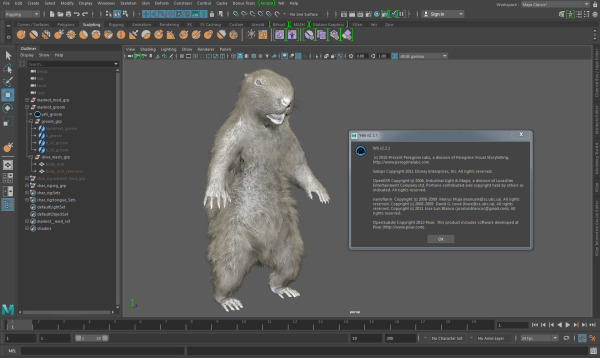
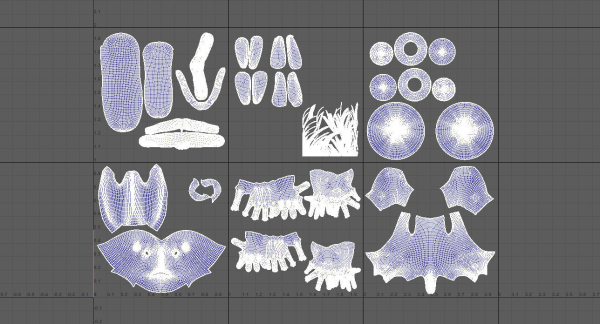
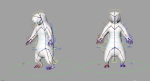
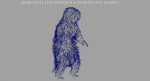
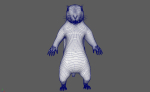
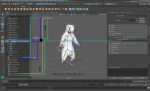
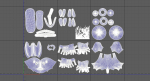
Realistic Marmot Model Update day 10/08/2022 to: Maya 2022, Yeti 4.1.0, Arnold Core 7, MtoA 5.0.0 Maya 2020, Yeti 4.1.0 Production workflow, easy to integrate in your pipeline No Overlapping Uv’s subdivided in more tiles for more resolution Production Topology Rigged ( In a separate file, Referenced in the main Scene) Shader setup in Arnold ( Arnold core 5.1.0.0) Groom in Yeti ( v2.2.1) Unit of measurement in centimetres Scale 1:1 File Formats: Main Scene (.ma) Rig Scene (.ma) Pose files exported in a separated file (.abc) Rest Pose in ( FBX , OBJ , ABC) Rig: Main Control scalable Arm Controls FK/IK switchable Hip Controls FK/IK switchable Spline FK/IK switchable Neck and Head FK Tail FK/IK switchable Groom: Yeti Groom with clean texture path: Attribute editor custom pointing textures path Custom Id Setup for more control Shaders: Arnold 5.1.1 Shaders Body Shader ( Standard Surface ) Groom Shader ( Standard Hair ) Textures: Displacement 8K resolution (RAW) Diffuse 4K resolution (SRGB) Roughness 4K resolution (RAW) Normals 4K resolution (RAW) SSS Weight 4K resolution (SRGB) height 4K resolution (RAW) Groom Root Color 4K resolution (SRGB) Groom Base Color 4K resolution (SRGB) Groom Tip Color 4K resolution (SRGB) NO POSTWORK ON THESE RENDERS (ARNOLD) Common Issues: 1) TEXTURES CONNECTIONS Because of the UDIM textures and YETI , it was not possible to set relative path. To change the absolute path: UDIM TEXTURES Windows/General Editors/File Path editors and replace the texture folder path YETI TEXTURES Select the yeti node in the outline editor and look in the attribute editor ( be sure it is the pgYetiMaya node type) In the attribute editor go to Other/ Image Search path. Replace the folder path with the yeti texture folder
Shipping and Returns
Shipping cost is based on weight. Just add products to your cart and use the Shipping Calculator to see the shipping price.
We want you to be 100% satisfied with your purchase. Items can be returned or exchanged within 30 days of delivery.
Quick Comparison
| Settings | Marmot groundhog remove | Green Mountain Pack remove | Cave constructor remove | Tower Italian remove | Meadow Grass 02 remove | Ground Leaves Pack remove |
|---|---|---|---|---|---|---|
| Name | Marmot groundhog remove | Green Mountain Pack remove | Cave constructor remove | Tower Italian remove | Meadow Grass 02 remove | Ground Leaves Pack remove |
| Image | 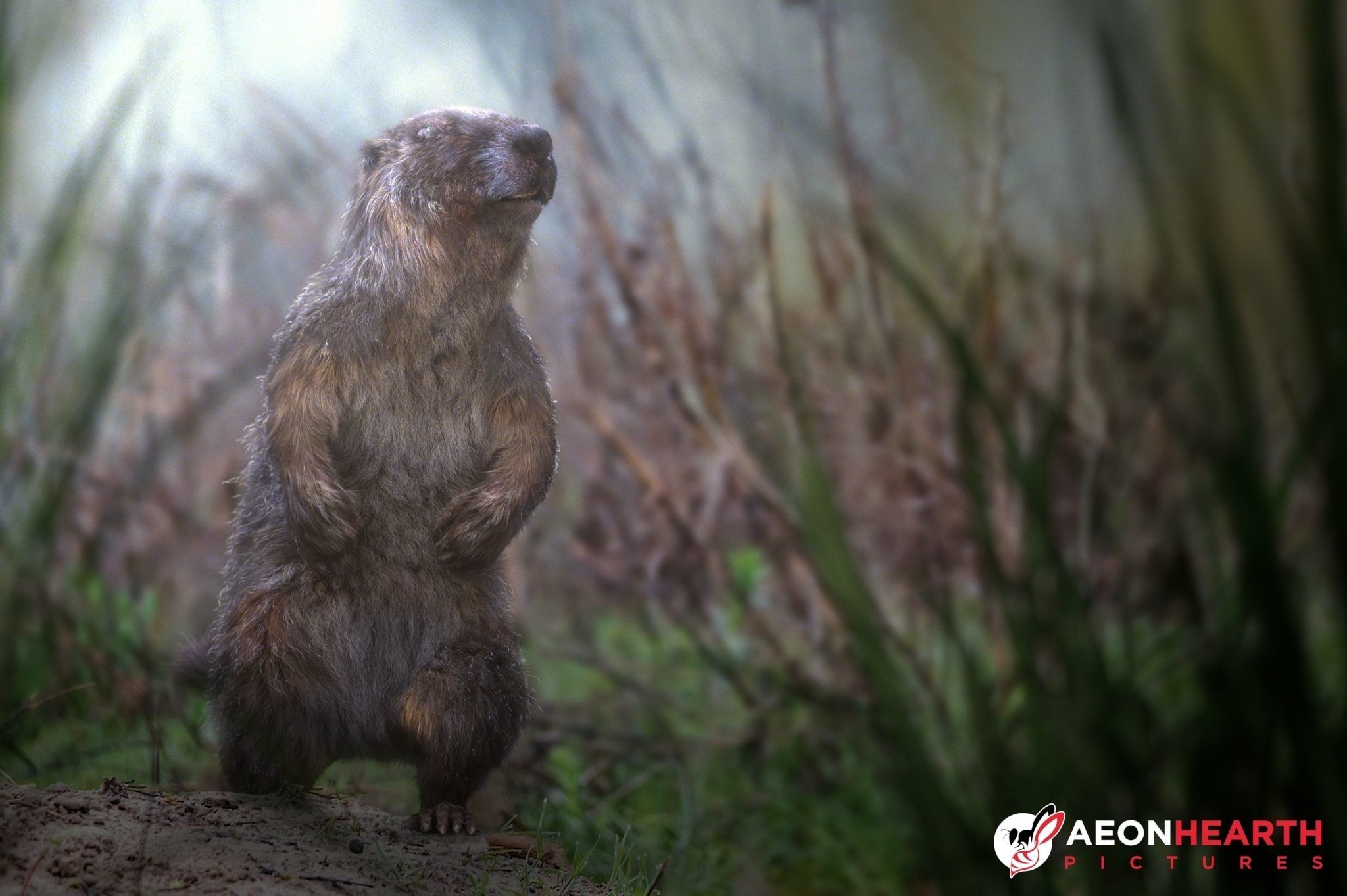 | 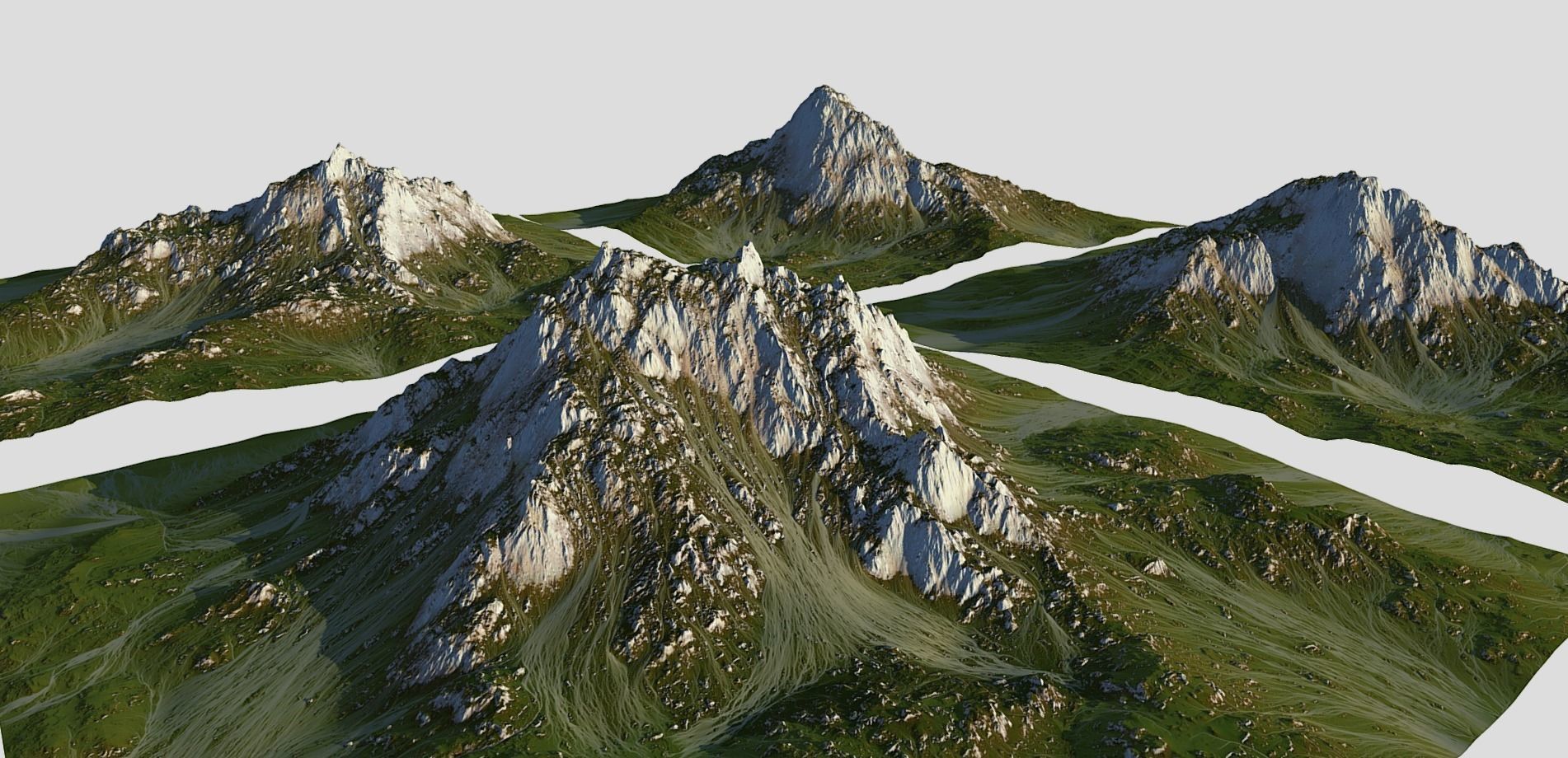 | 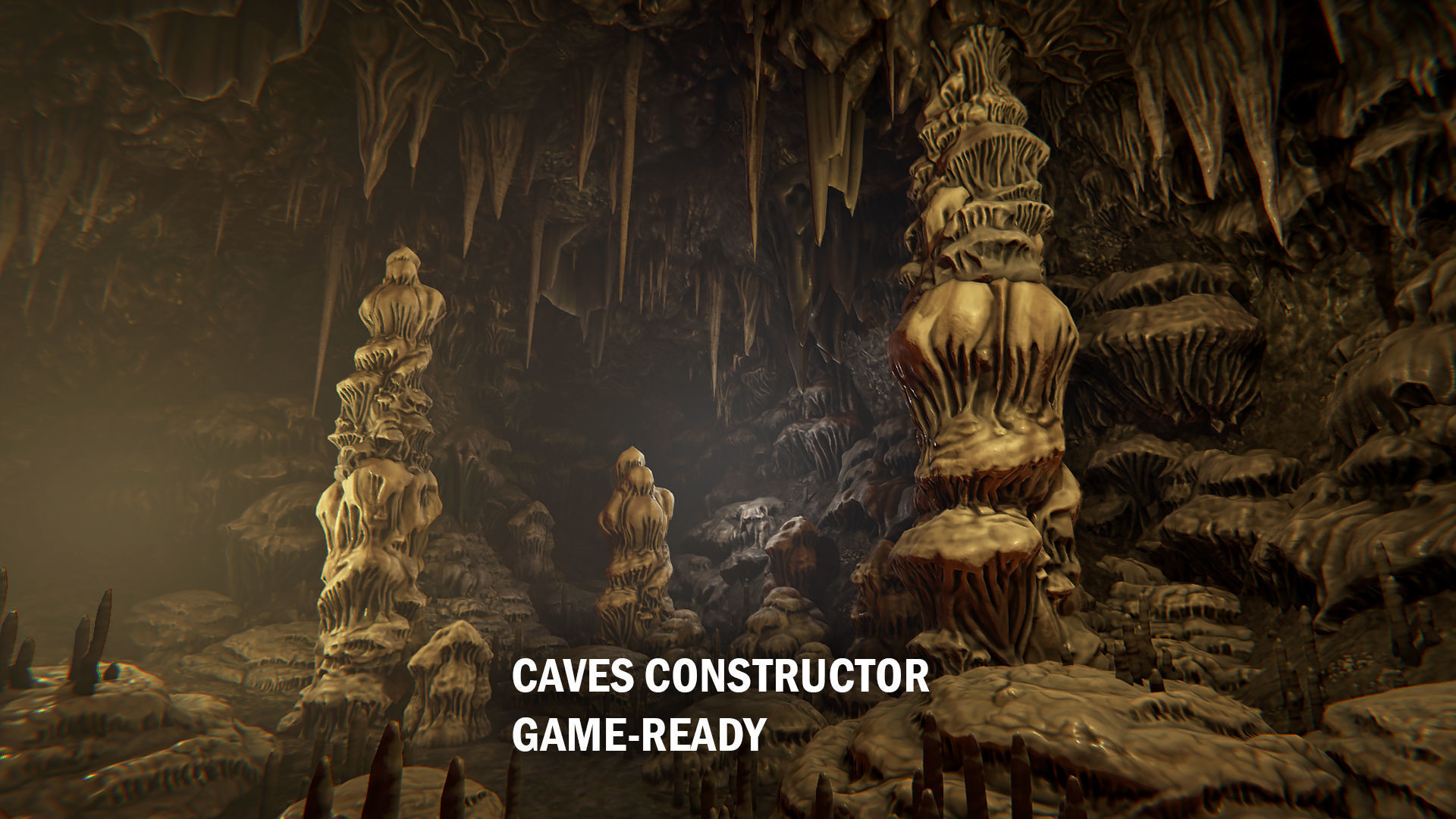 | 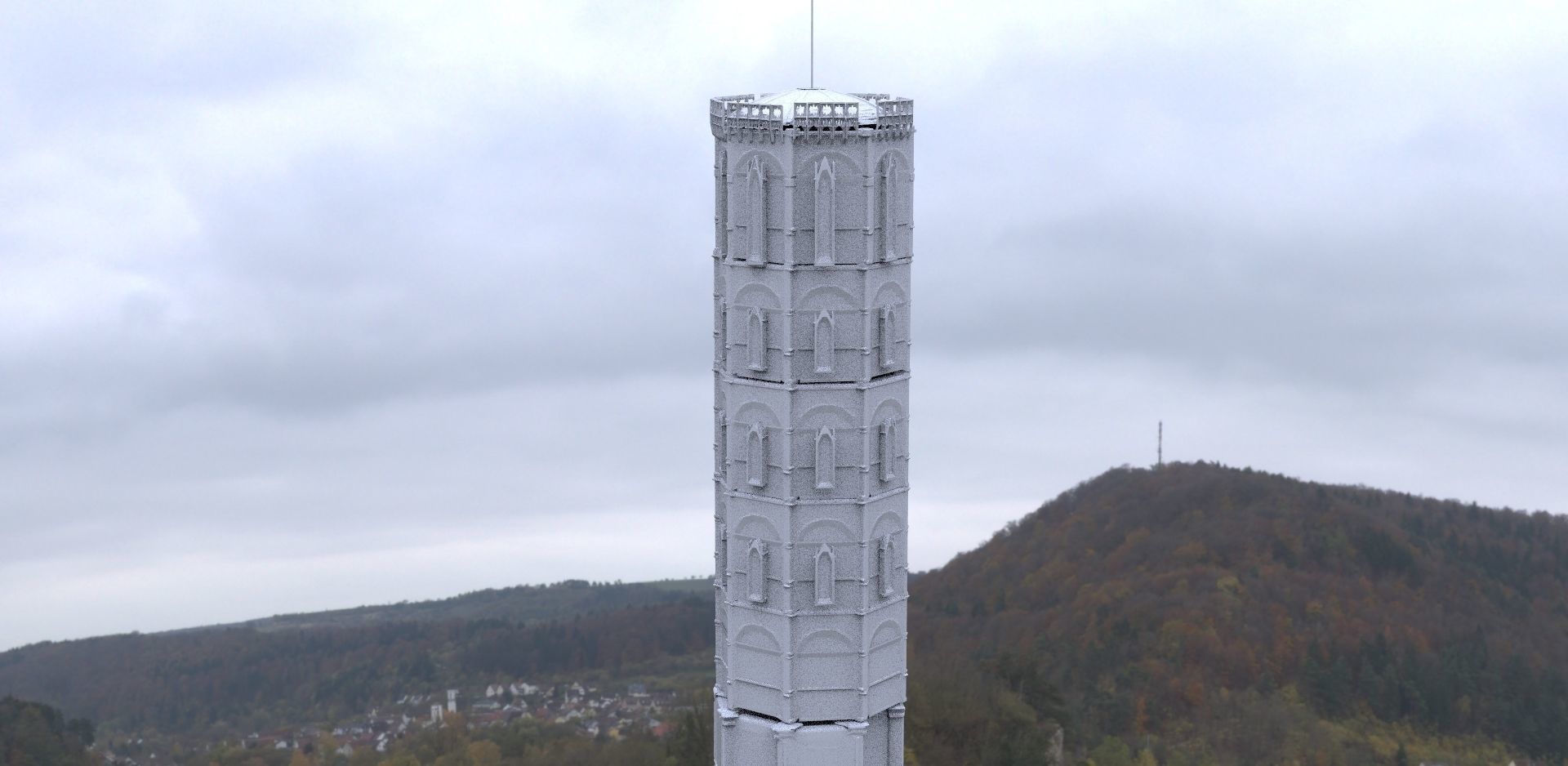 | 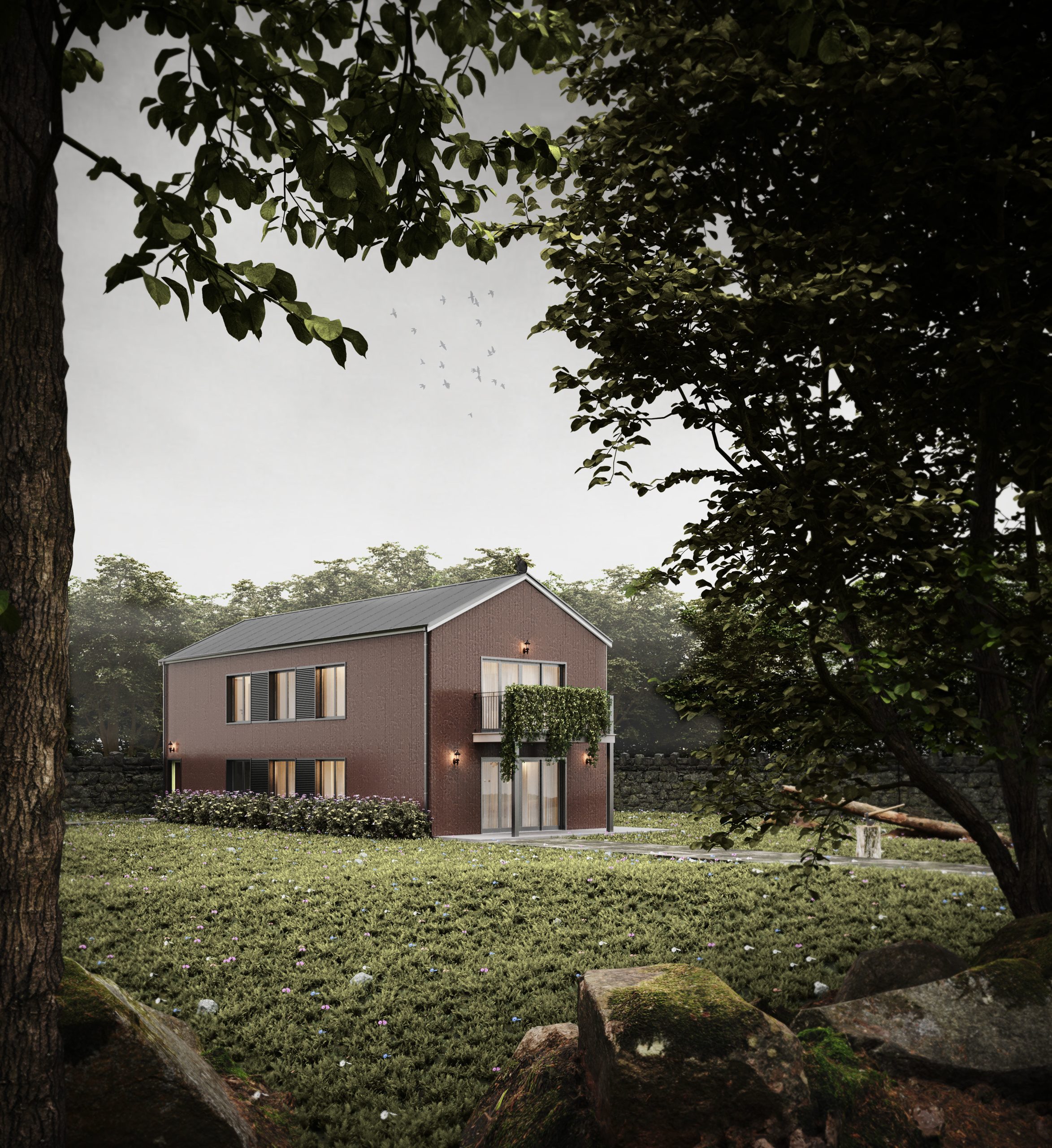 | 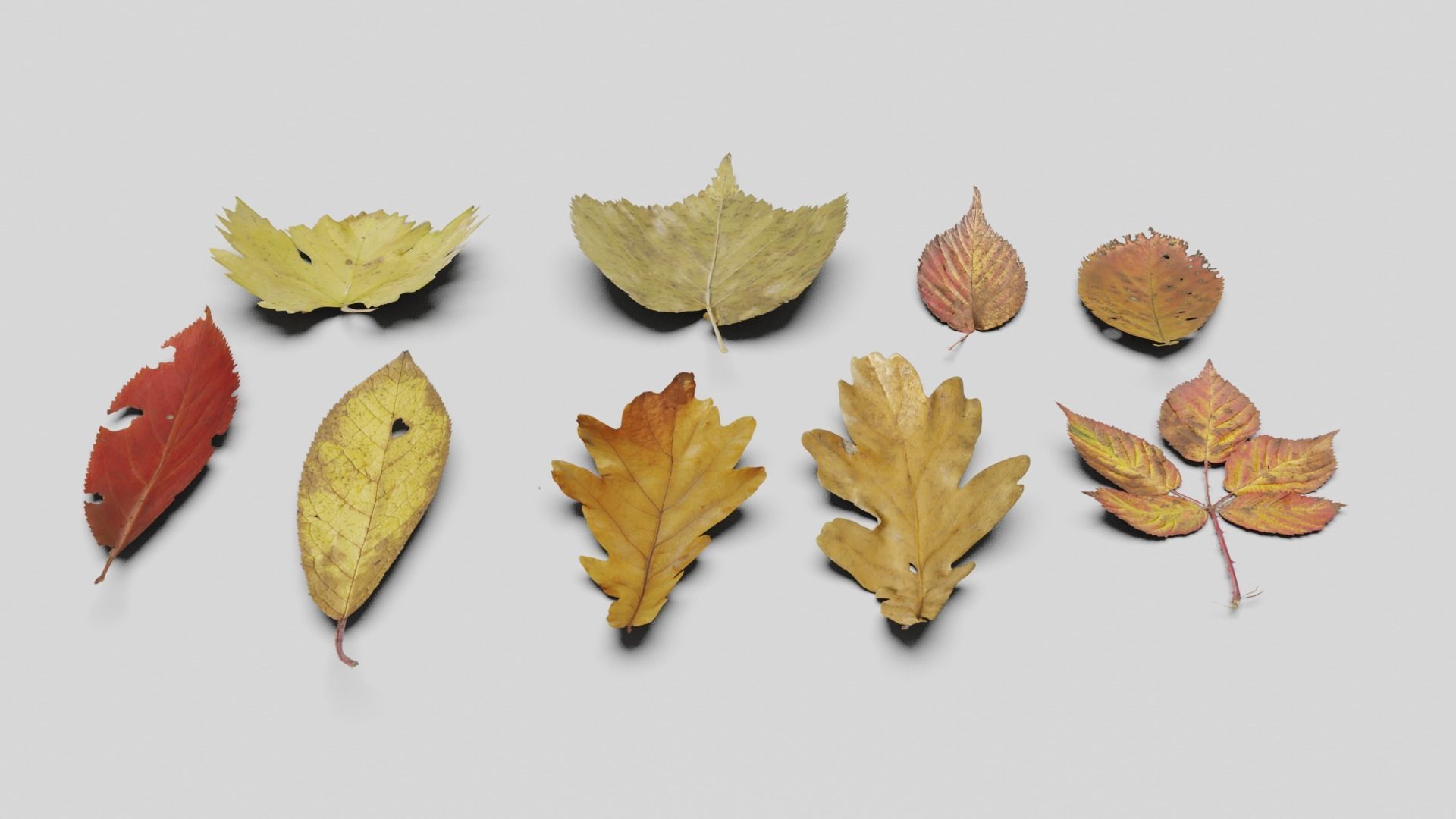 |
| SKU | 2119932 | 868877 | 971439 | 3070335 | 3723404 | 2427667 |
| Rating | ||||||
| Price | $370.00 | $50.00 | $30.00 | $3.00 | $10.00 | $4.00 |
| Stock | ||||||
| Availability | ||||||
| Add to cart | ||||||
| Description | ||||||
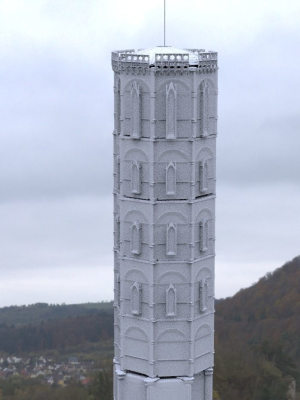
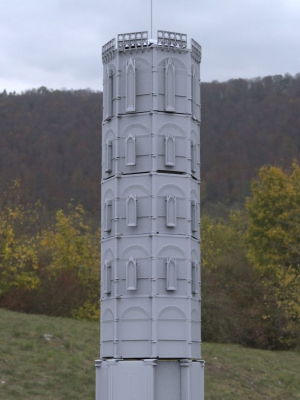
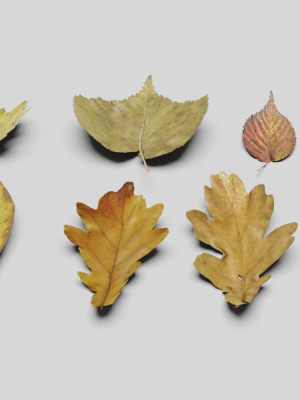
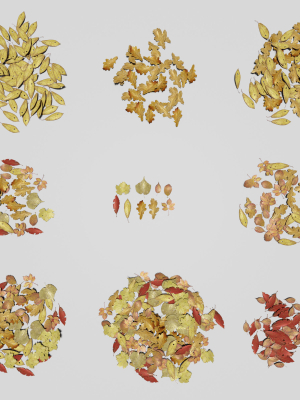
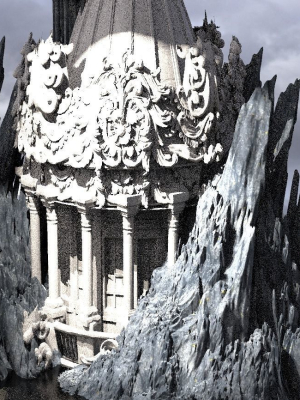
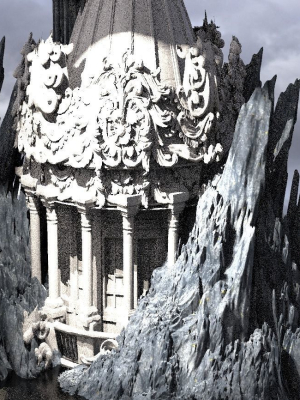
| Content | Realistic Marmot Model Update day 10/08/2022 to: Maya 2022, Yeti 4.1.0, Arnold Core 7, MtoA 5.0.0 Maya 2020, Yeti 4.1.0 Production workflow, easy to integrate in your pipeline No Overlapping Uv's subdivided in more tiles for more resolution Production Topology Rigged ( In a separate file, Referenced in the main Scene) Shader setup in Arnold ( Arnold core 5.1.0.0) Groom in Yeti ( v2.2.1) Unit of measurement in centimetres Scale 1:1 File Formats: Main Scene (.ma) Rig Scene (.ma) Pose files exported in a separated file (.abc) Rest Pose in ( FBX , OBJ , ABC) Rig: Main Control scalable Arm Controls FK/IK switchable Hip Controls FK/IK switchable Spline FK/IK switchable Neck and Head FK Tail FK/IK switchable Groom: Yeti Groom with clean texture path: Attribute editor custom pointing textures path Custom Id Setup for more control Shaders: Arnold 5.1.1 Shaders Body Shader ( Standard Surface ) Groom Shader ( Standard Hair ) Textures: Displacement 8K resolution (RAW) Diffuse 4K resolution (SRGB) Roughness 4K resolution (RAW) Normals 4K resolution (RAW) SSS Weight 4K resolution (SRGB) height 4K resolution (RAW) Groom Root Color 4K resolution (SRGB) Groom Base Color 4K resolution (SRGB) Groom Tip Color 4K resolution (SRGB) NO POSTWORK ON THESE RENDERS (ARNOLD) Common Issues: 1) TEXTURES CONNECTIONS Because of the UDIM textures and YETI , it was not possible to set relative path. To change the absolute path: UDIM TEXTURES Windows/General Editors/File Path editors and replace the texture folder path YETI TEXTURES Select the yeti node in the outline editor and look in the attribute editor ( be sure it is the pgYetiMaya node type) In the attribute editor go to Other/ Image Search path. Replace the folder path with the yeti texture folder | 4 Grass mountain 3d models ready for your project! -4096pix Textures (color/light/normal/height/splat/snow and other) | Here you find a lot of cave elements which youcan use to construct your own dungeon. All materials are PBR, all textures size is 2048x2048. Triangles count (by asset groups): Walls elements - 22100 tris Ceiling elements - 8250 tris Floor elements - 9800 tris Stalactites - 3700 tris Stalactite strips - 1600 tris Stalagmites - 9800 tris Little stalagmites - 390 tris | Tower Italian 3d model! | Please read the description before purchasing. The house is not included, nor is the scene. It was only used to show how the grass looks in a real scene. Grass - Meadow - Lawn for Corona Render (Included CoronaScatter) What the scene includes: 2 rocks 5 dried leaves 7 types of grass 5 flowers (red, blue, white and purple) Plane of 8 meters x 7.9 meters What the file includes: 3DsMax 2019 file with Corona Renderer 6 It works the same for me in the Corona 3 version -OBJ file + MTL Screenshots of the settings of each CoronaScatter 14 textures polygons: Polys: 19.456 Verts: 64.351 | Made in blender3D v2.81 Lowpoly Ground Leaves Pack 3D model. Dead leaves on ground 3d model. Texture : 4680*1966 (Diffuse, Normal, Height map, Metallic and Smoothness). Polycount: 7,360 Verts | 4,795 Polygon/faces |8,188 Tris. *Formats: * Blend, Obj, Fbx, Dae, Abc and Gltf/Glb. Check out my other models: Cgtrader.com/mohdarbaaz3. |
| Weight | N/A | N/A | N/A | N/A | N/A | N/A |
| Dimensions | N/A | N/A | N/A | N/A | N/A | N/A |
| Additional information | ||||||
| Sold | 0 | 0 | 0 | 0 | 0 | 0 |
| Shipping |