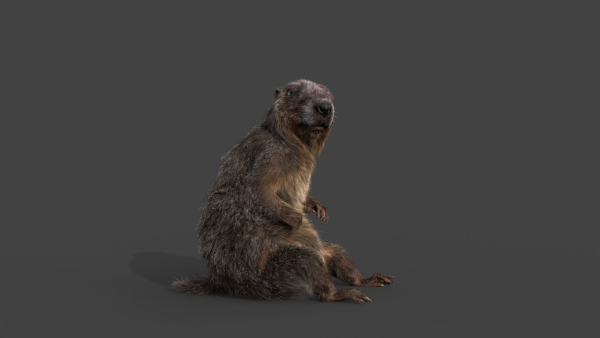
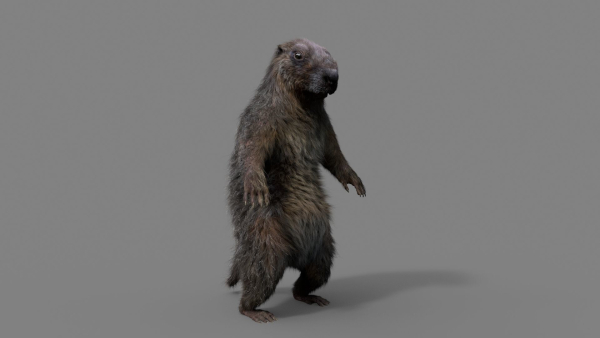
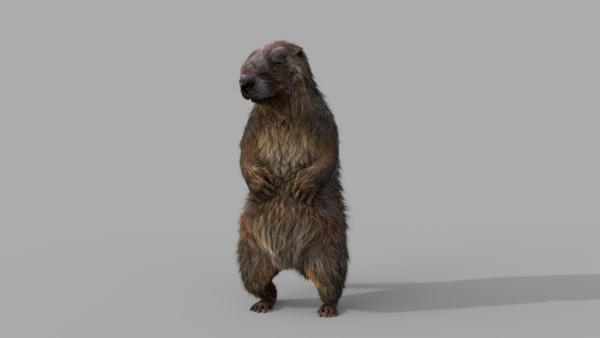
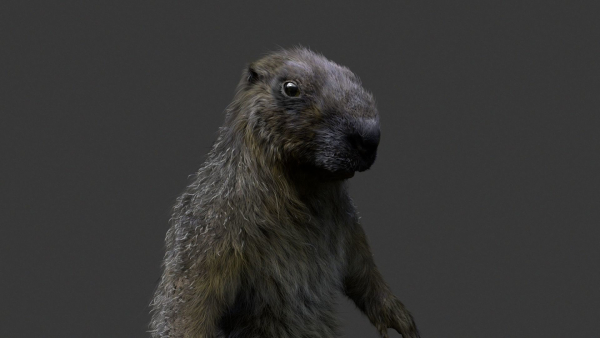
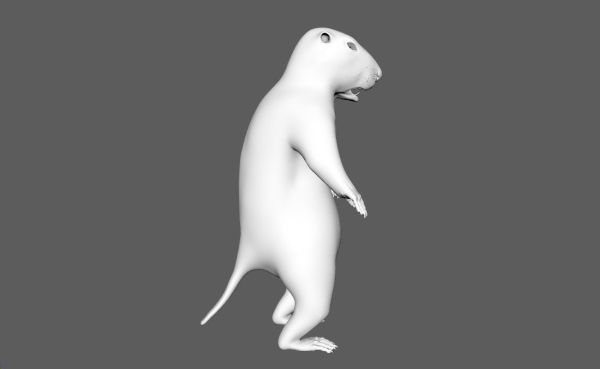
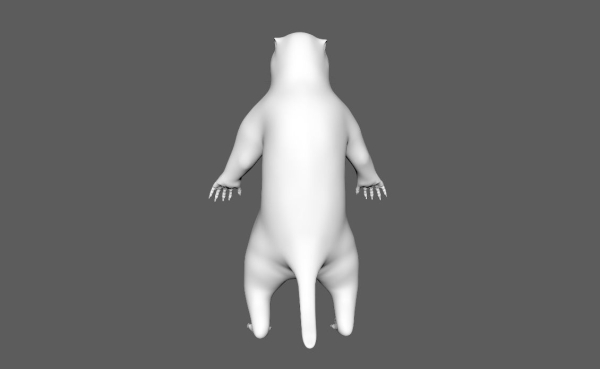
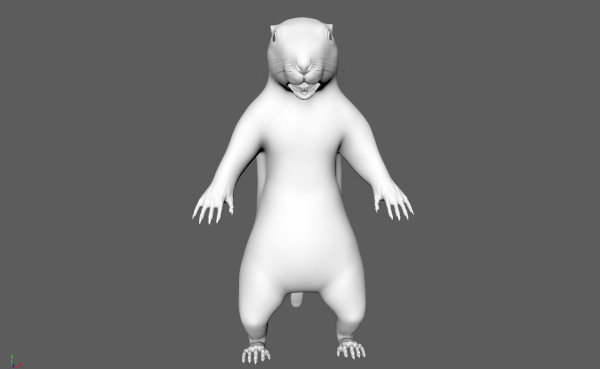
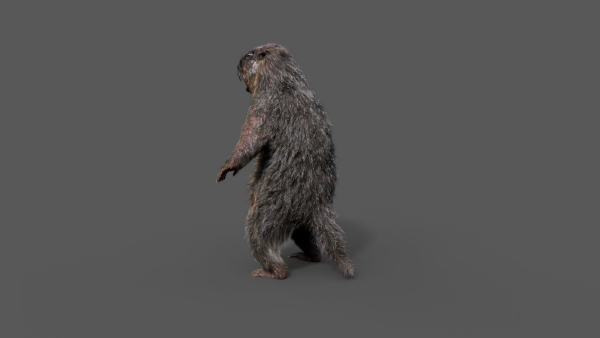
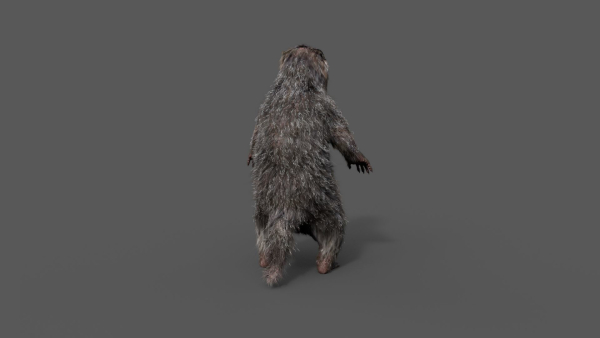
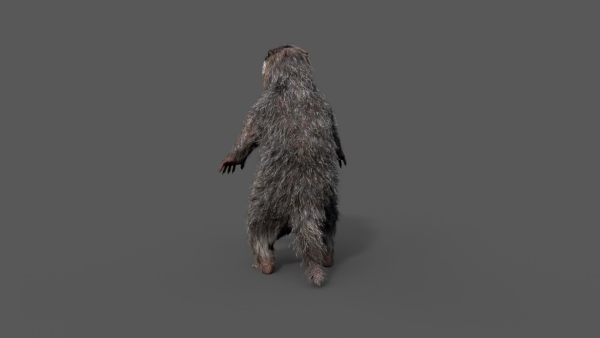
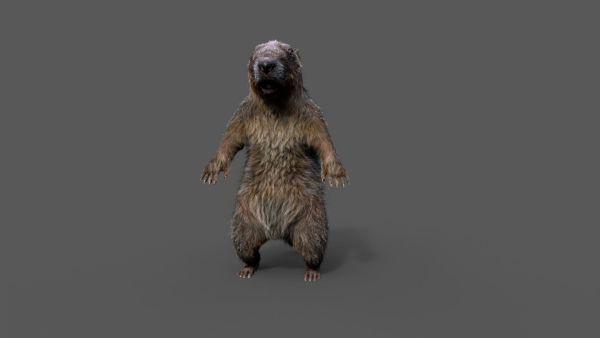
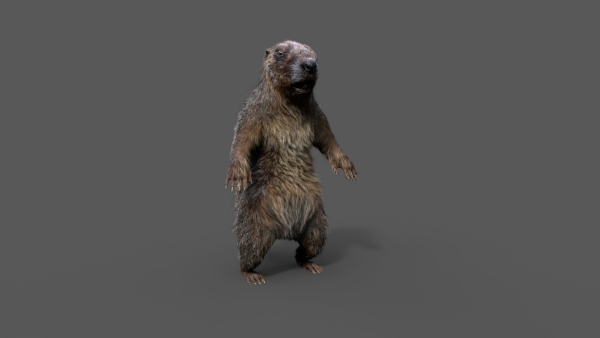
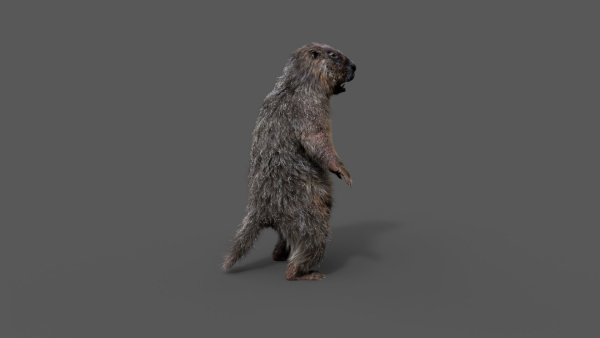
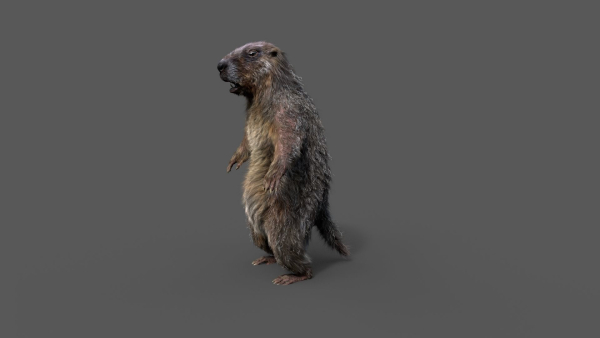

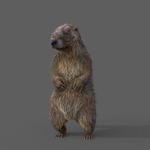
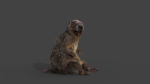
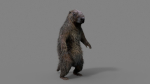
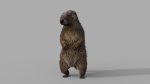
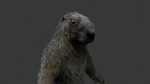
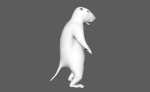
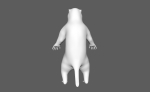
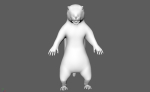
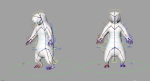
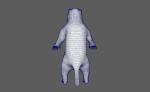
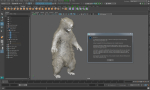
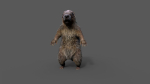
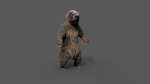
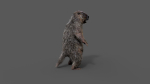
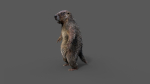
Marmot groundhog
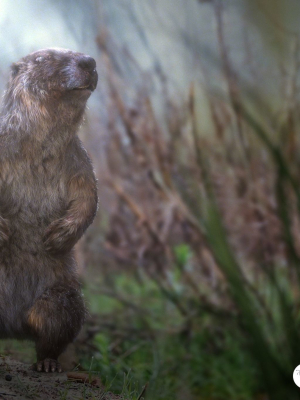
Marmot groundhog
Product details
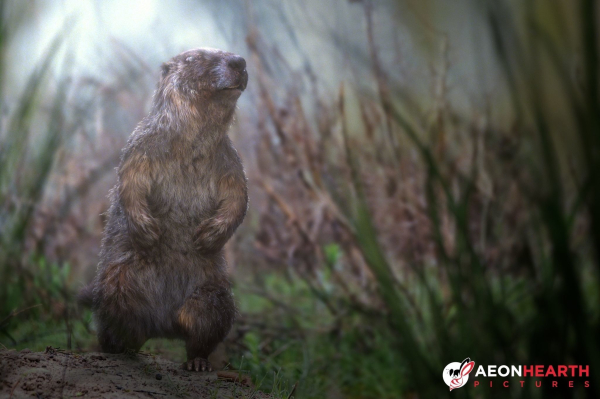
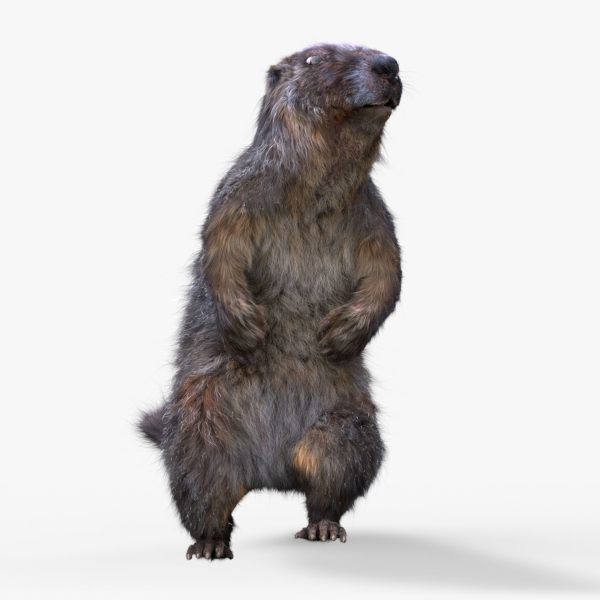
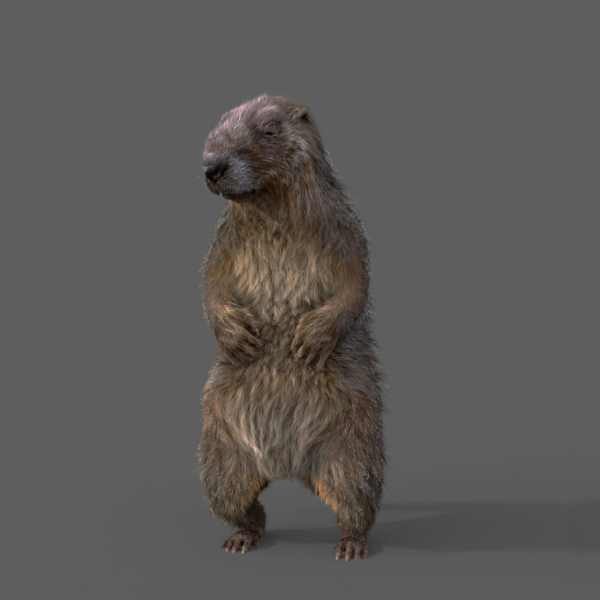
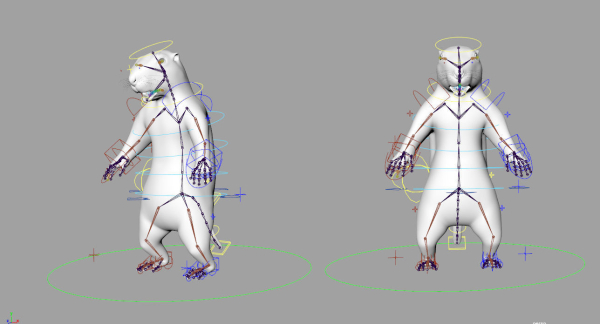
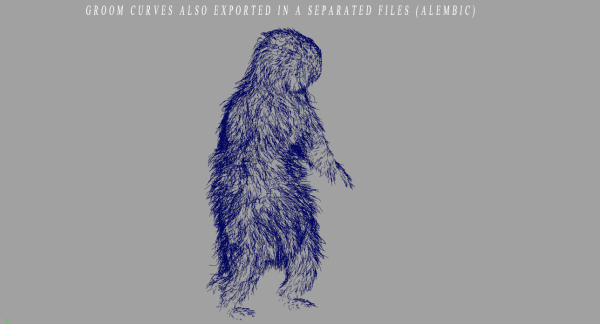
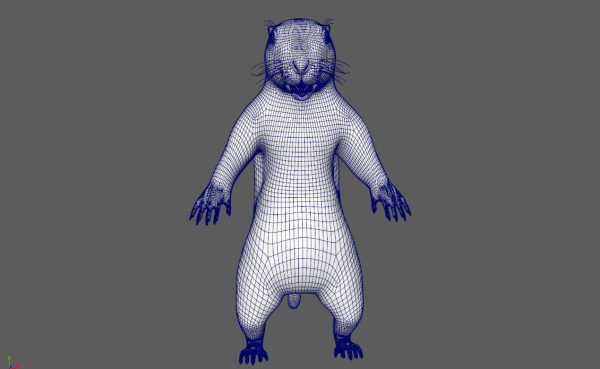
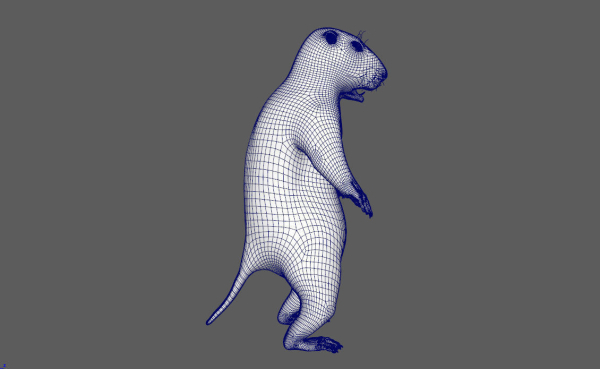
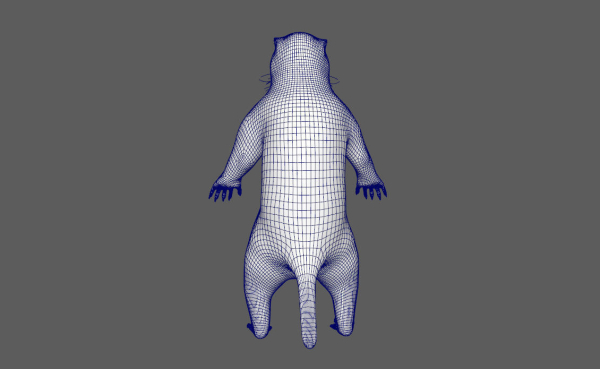
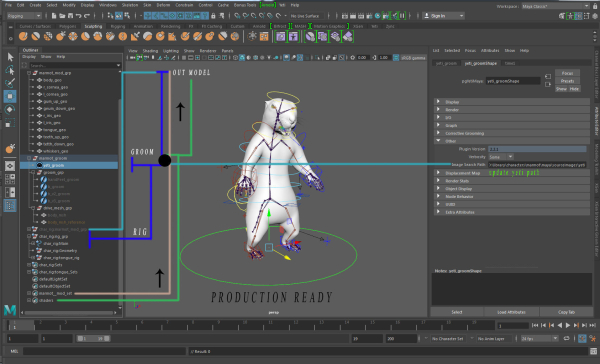
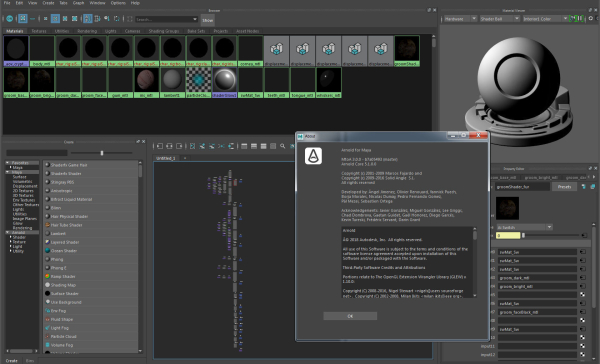
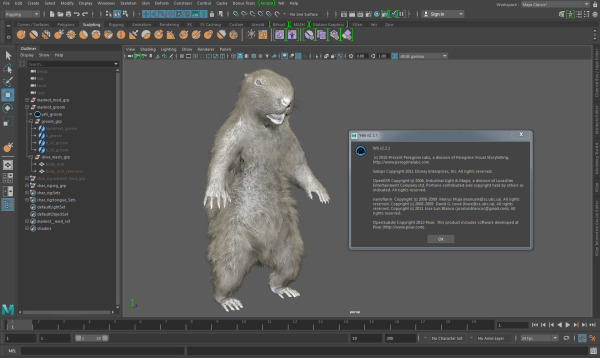
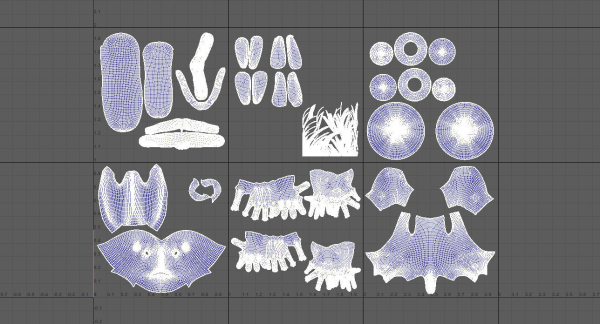
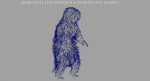
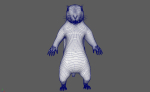
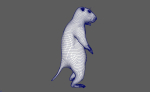
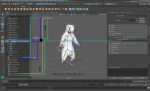
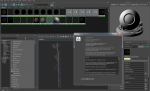
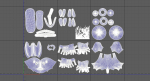
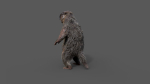
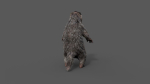
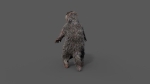
Realistic Marmot Model Update day 10/08/2022 to: Maya 2022, Yeti 4.1.0, Arnold Core 7, MtoA 5.0.0 Maya 2020, Yeti 4.1.0 Production workflow, easy to integrate in your pipeline No Overlapping Uv’s subdivided in more tiles for more resolution Production Topology Rigged ( In a separate file, Referenced in the main Scene) Shader setup in Arnold ( Arnold core 5.1.0.0) Groom in Yeti ( v2.2.1) Unit of measurement in centimetres Scale 1:1 File Formats: Main Scene (.ma) Rig Scene (.ma) Pose files exported in a separated file (.abc) Rest Pose in ( FBX , OBJ , ABC) Rig: Main Control scalable Arm Controls FK/IK switchable Hip Controls FK/IK switchable Spline FK/IK switchable Neck and Head FK Tail FK/IK switchable Groom: Yeti Groom with clean texture path: Attribute editor custom pointing textures path Custom Id Setup for more control Shaders: Arnold 5.1.1 Shaders Body Shader ( Standard Surface ) Groom Shader ( Standard Hair ) Textures: Displacement 8K resolution (RAW) Diffuse 4K resolution (SRGB) Roughness 4K resolution (RAW) Normals 4K resolution (RAW) SSS Weight 4K resolution (SRGB) height 4K resolution (RAW) Groom Root Color 4K resolution (SRGB) Groom Base Color 4K resolution (SRGB) Groom Tip Color 4K resolution (SRGB) NO POSTWORK ON THESE RENDERS (ARNOLD) Common Issues: 1) TEXTURES CONNECTIONS Because of the UDIM textures and YETI , it was not possible to set relative path. To change the absolute path: UDIM TEXTURES Windows/General Editors/File Path editors and replace the texture folder path YETI TEXTURES Select the yeti node in the outline editor and look in the attribute editor ( be sure it is the pgYetiMaya node type) In the attribute editor go to Other/ Image Search path. Replace the folder path with the yeti texture folder
Shipping and Returns
Shipping cost is based on weight. Just add products to your cart and use the Shipping Calculator to see the shipping price.
We want you to be 100% satisfied with your purchase. Items can be returned or exchanged within 30 days of delivery.
Quick Comparison
| Settings | Marmot groundhog remove | Ficus Microcarpa in Steel Planter remove | Scottish Highland with grass and moss remove | Beach Sand model for 3D printing remove | Cornus tree remove | Sagebrush branch of twigs remove |
|---|---|---|---|---|---|---|
| Name | Marmot groundhog remove | Ficus Microcarpa in Steel Planter remove | Scottish Highland with grass and moss remove | Beach Sand model for 3D printing remove | Cornus tree remove | Sagebrush branch of twigs remove |
| Image | 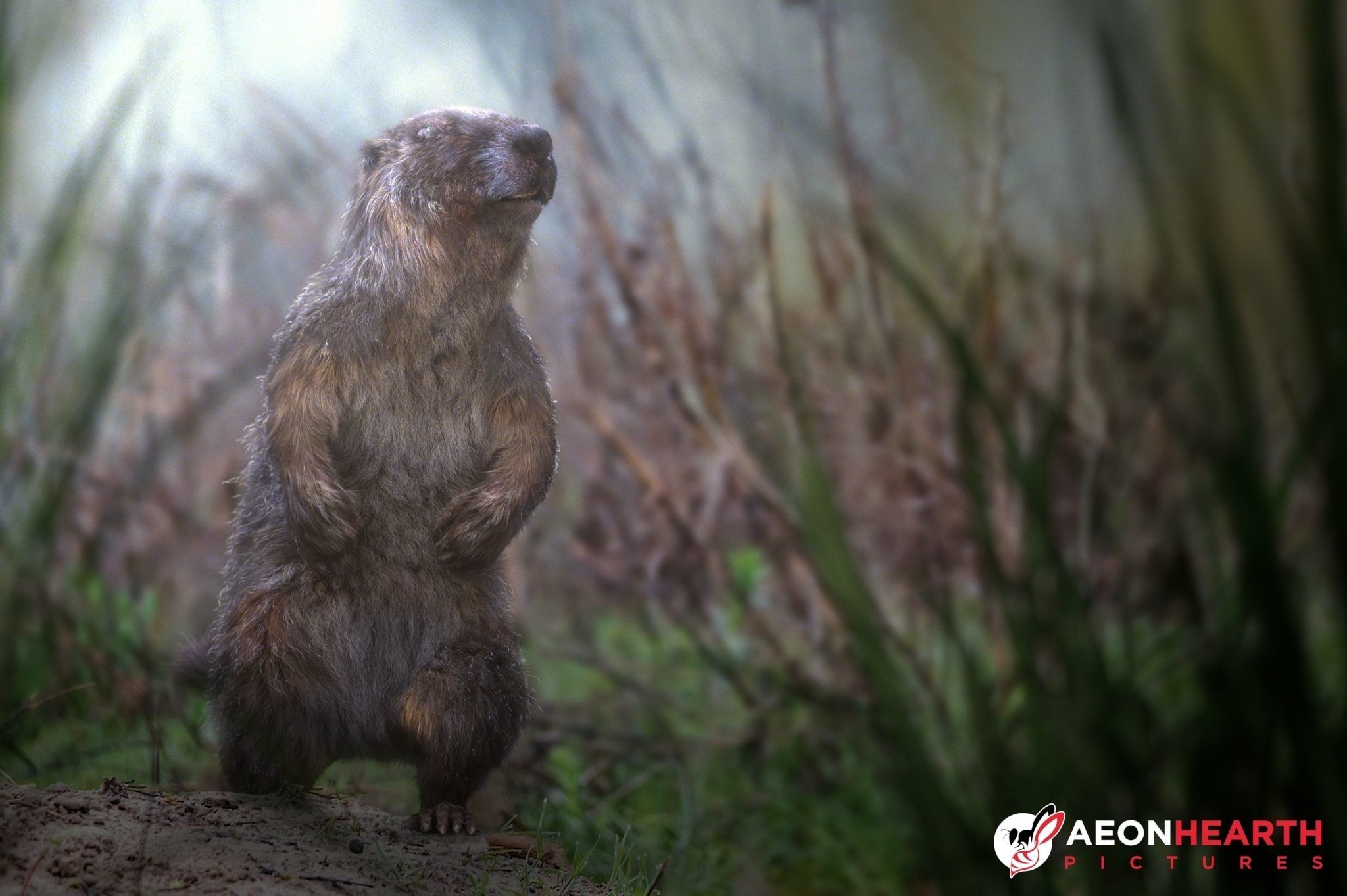 | 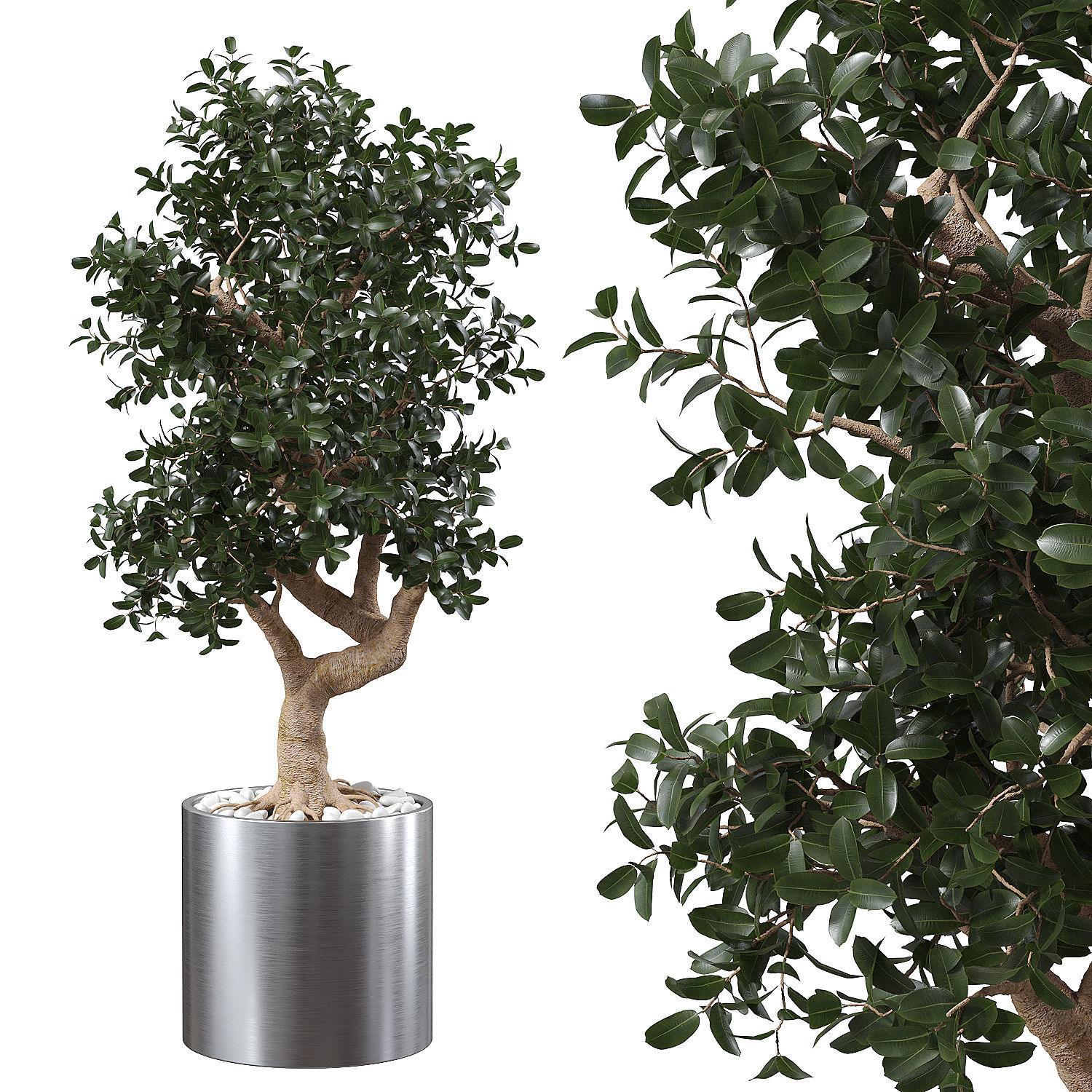 | 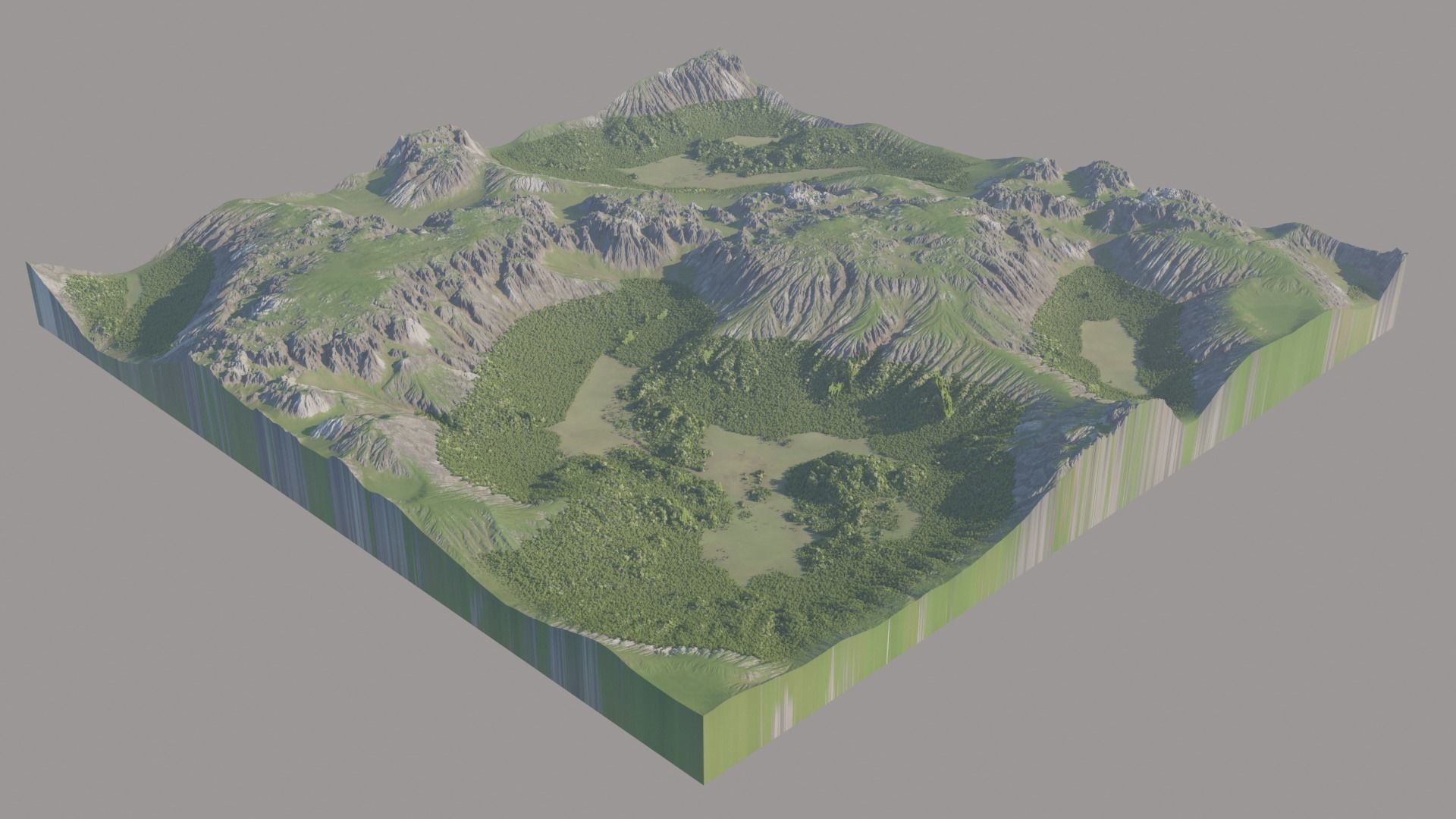 | 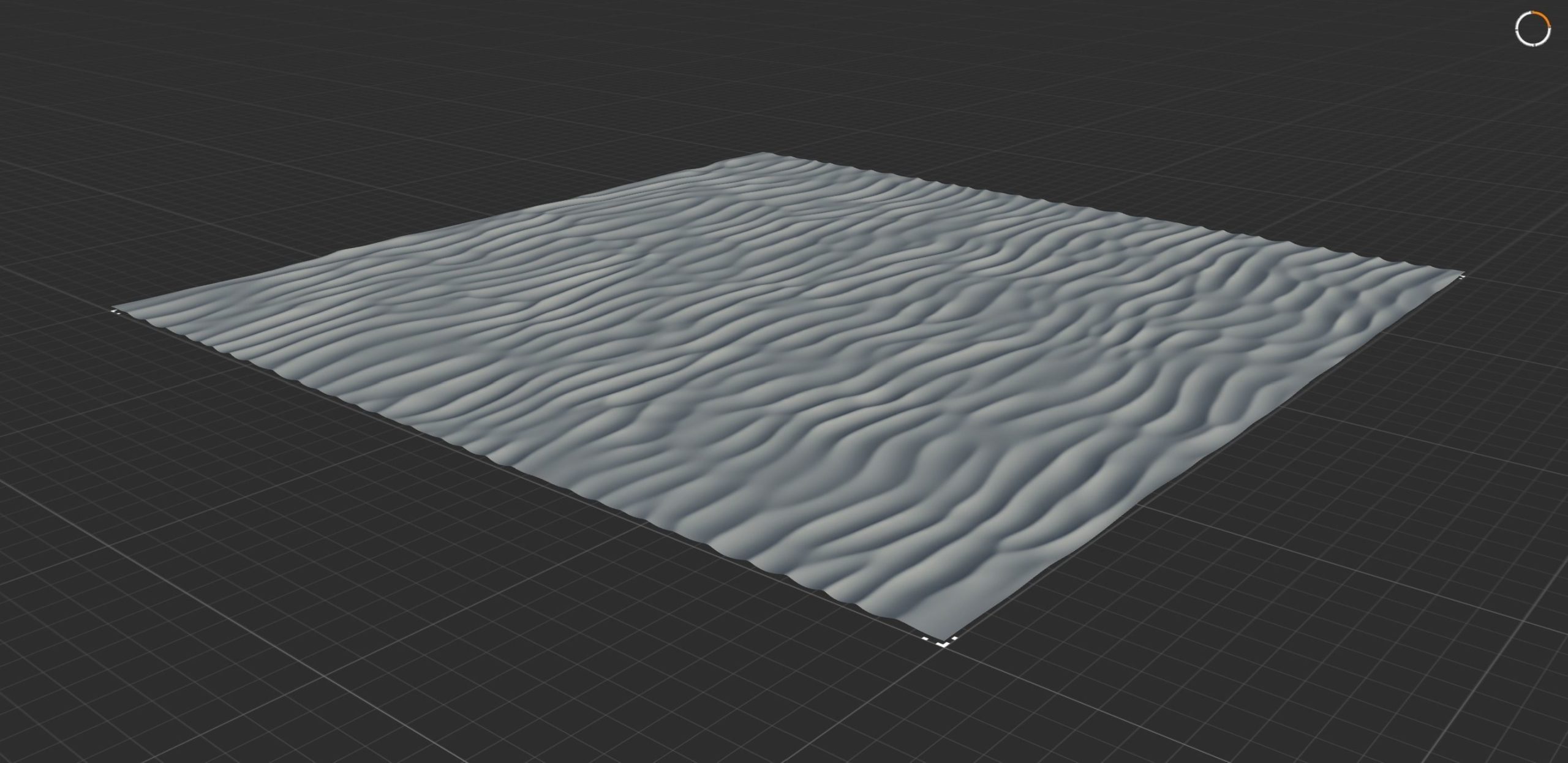 | 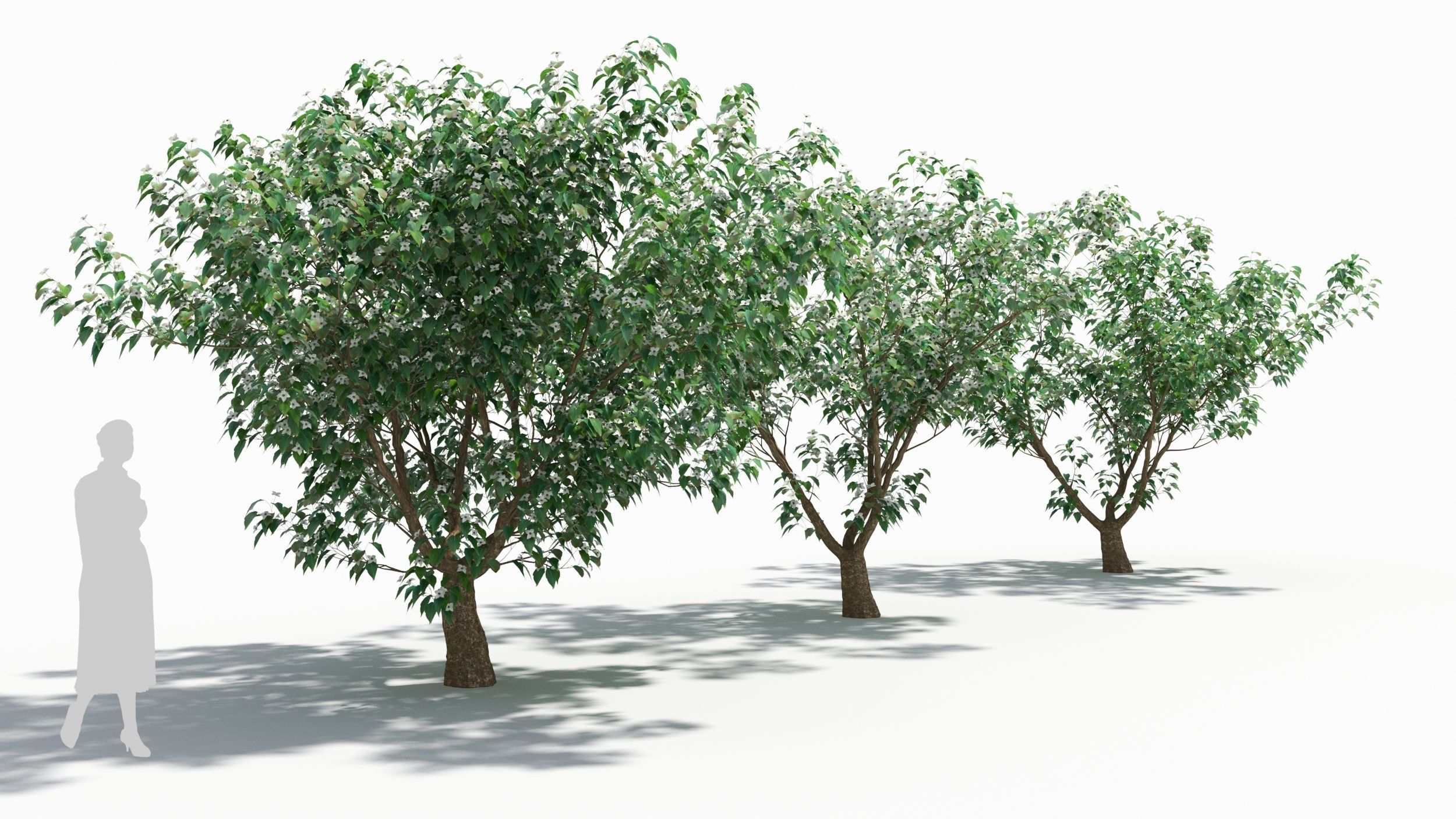 | 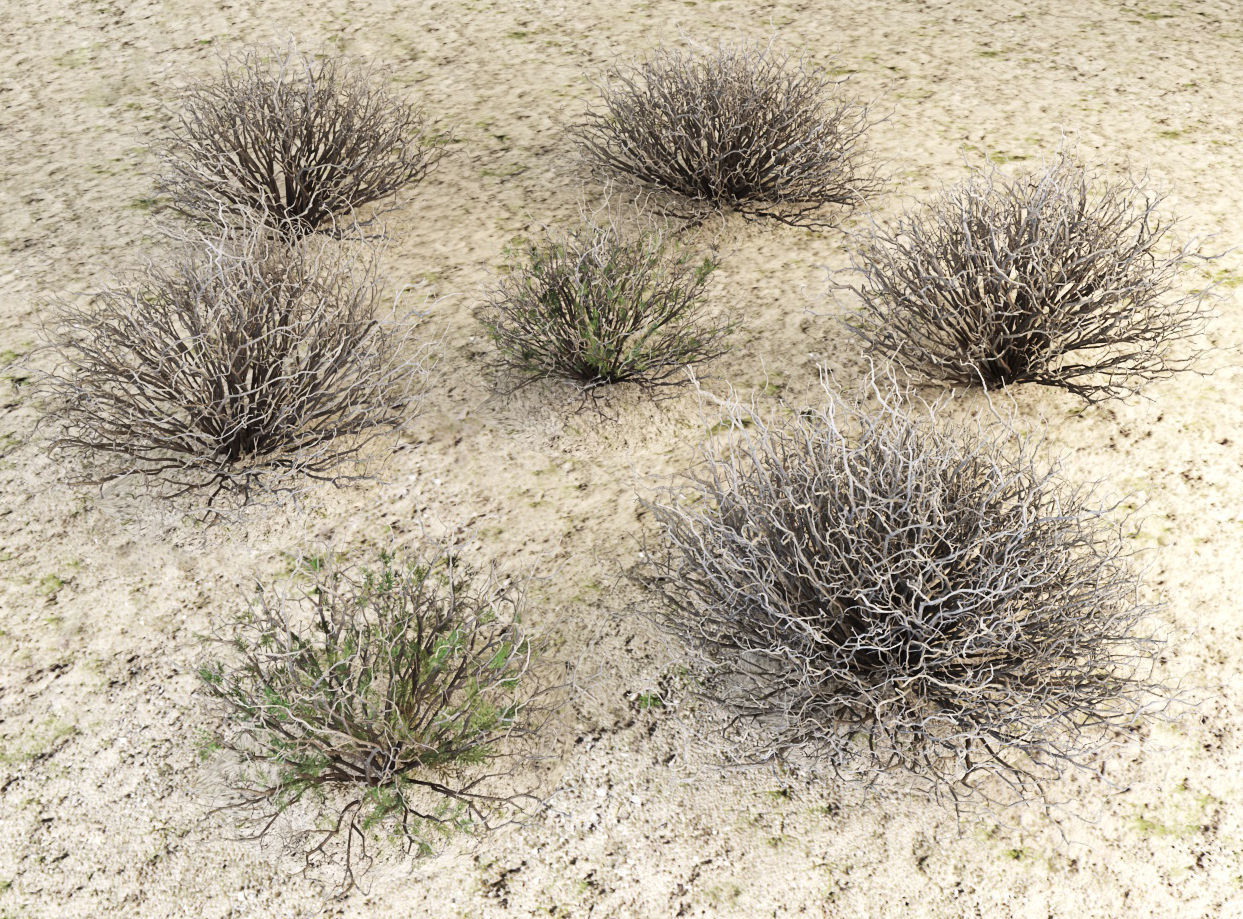 |
| SKU | 2119932 | 3899674 | 1893583 | 3830554 | 4251405 | 2388802 |
| Rating | ||||||
| Price | $370.00 | $2.00 | $25.00 | $6.99 | $8.00 | $10.00 |
| Stock | ||||||
| Availability | ||||||
| Add to cart | ||||||
| Description | ||||||
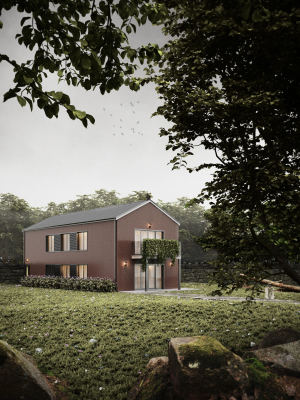
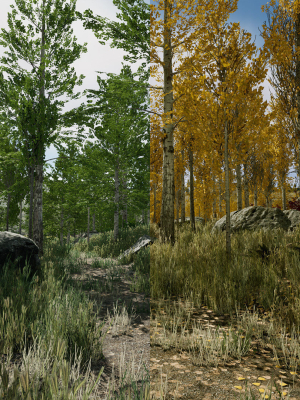
| Content | Realistic Marmot Model Update day 10/08/2022 to: Maya 2022, Yeti 4.1.0, Arnold Core 7, MtoA 5.0.0 Maya 2020, Yeti 4.1.0 Production workflow, easy to integrate in your pipeline No Overlapping Uv's subdivided in more tiles for more resolution Production Topology Rigged ( In a separate file, Referenced in the main Scene) Shader setup in Arnold ( Arnold core 5.1.0.0) Groom in Yeti ( v2.2.1) Unit of measurement in centimetres Scale 1:1 File Formats: Main Scene (.ma) Rig Scene (.ma) Pose files exported in a separated file (.abc) Rest Pose in ( FBX , OBJ , ABC) Rig: Main Control scalable Arm Controls FK/IK switchable Hip Controls FK/IK switchable Spline FK/IK switchable Neck and Head FK Tail FK/IK switchable Groom: Yeti Groom with clean texture path: Attribute editor custom pointing textures path Custom Id Setup for more control Shaders: Arnold 5.1.1 Shaders Body Shader ( Standard Surface ) Groom Shader ( Standard Hair ) Textures: Displacement 8K resolution (RAW) Diffuse 4K resolution (SRGB) Roughness 4K resolution (RAW) Normals 4K resolution (RAW) SSS Weight 4K resolution (SRGB) height 4K resolution (RAW) Groom Root Color 4K resolution (SRGB) Groom Base Color 4K resolution (SRGB) Groom Tip Color 4K resolution (SRGB) NO POSTWORK ON THESE RENDERS (ARNOLD) Common Issues: 1) TEXTURES CONNECTIONS Because of the UDIM textures and YETI , it was not possible to set relative path. To change the absolute path: UDIM TEXTURES Windows/General Editors/File Path editors and replace the texture folder path YETI TEXTURES Select the yeti node in the outline editor and look in the attribute editor ( be sure it is the pgYetiMaya node type) In the attribute editor go to Other/ Image Search path. Replace the folder path with the yeti texture folder | Name: Ficus Microcarpa in Steel Planter Formats: 3Ds Max 2015, OBJ Units: Centimeters Preview renderer: Corona Material: Steel, vegetation Polys: 262,886 Verts: 289,395 unique names | Scottish Highland with grass and moss, hills and mountains. There is a high and a low version of the model in FBX and OBJ format and a 3d max file for you to play with. (trees are not included, these are just for visuals) 8k textures High detailed model Height map Diffuse map Normal map Best used as mid to far-away shots Detail is up to the mesh density you go for ( more polys more details (3dmax displace) ) | This includes a heightmap of the sand texture, normalized from 0 to 1, a blender file with the heightfield applied to a plane and a 3D box with the sand texture as a surface, so it is easier to print as a stl file. Hope you like it! | max (3ds Max 2018 corona) max (3ds Max 2018 vray) fbx (Multi Format) OBJ (Multi Format) The file pack includes maps | Sagebrush from desert High and medium detail For deserts and arid climates There are archives with textures, 3ds max 2013 VRay 3.6, 3ds max 2015 Corona, obj, fbx formats |
| Weight | N/A | N/A | N/A | N/A | N/A | N/A |
| Dimensions | N/A | N/A | N/A | N/A | N/A | N/A |
| Additional information | ||||||
| Sold | 0 | 0 | 0 | 0 | 0 | 0 |
| Shipping |