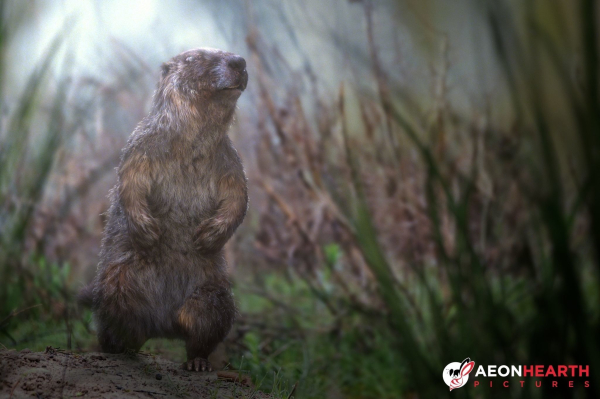
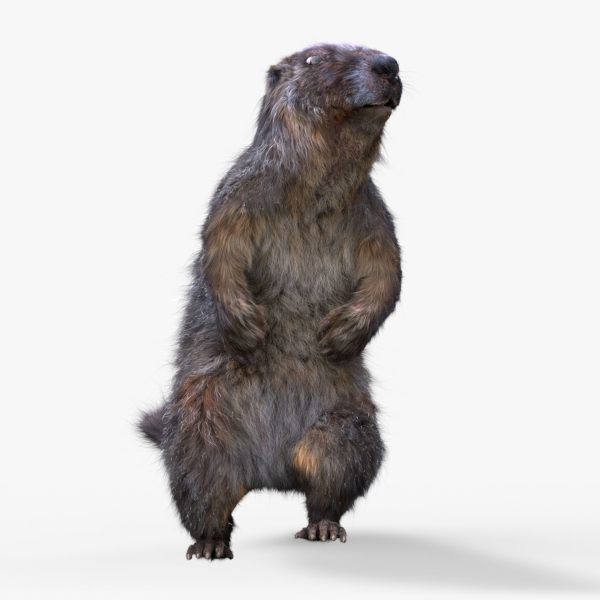
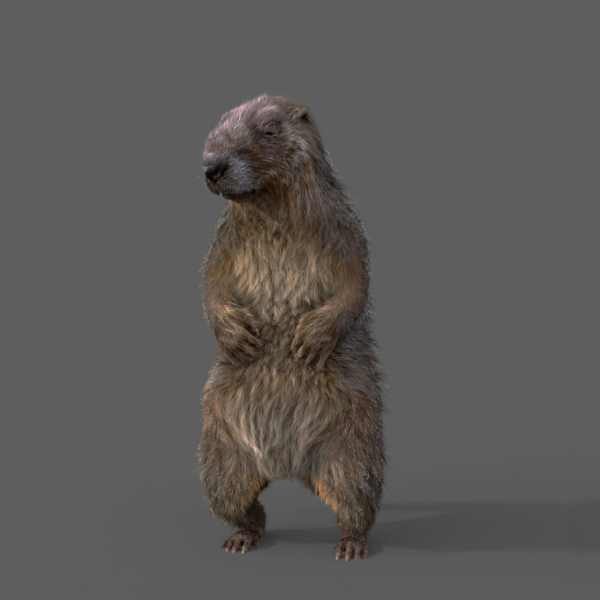
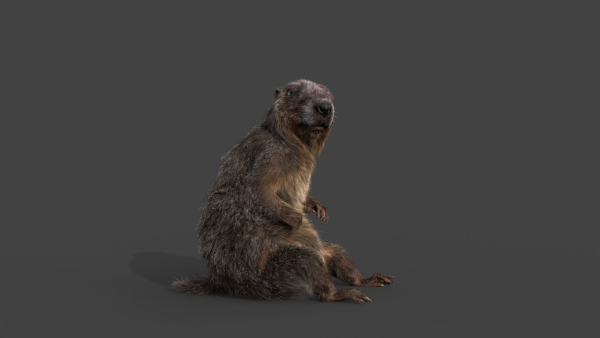
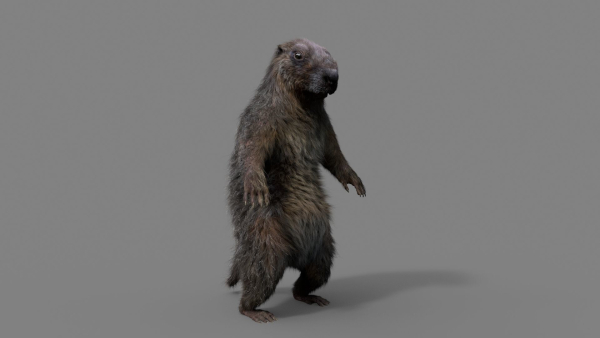
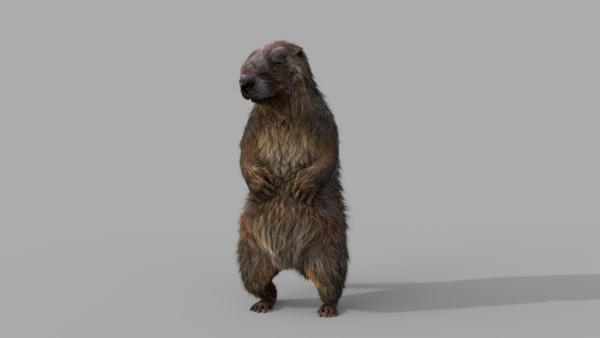
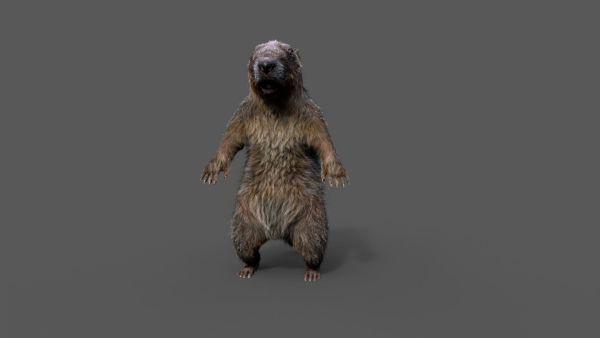
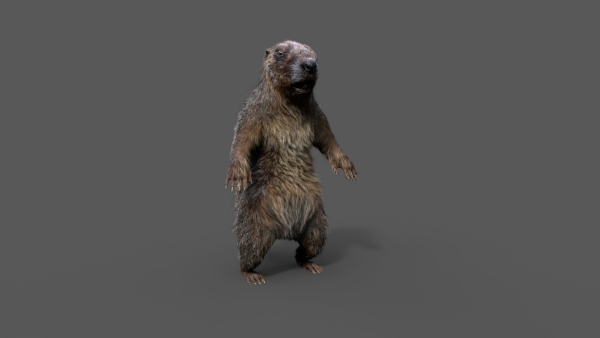
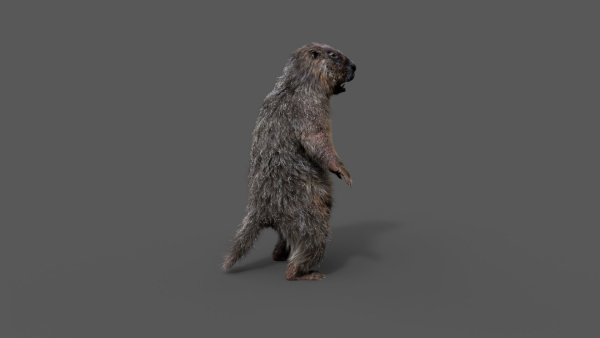
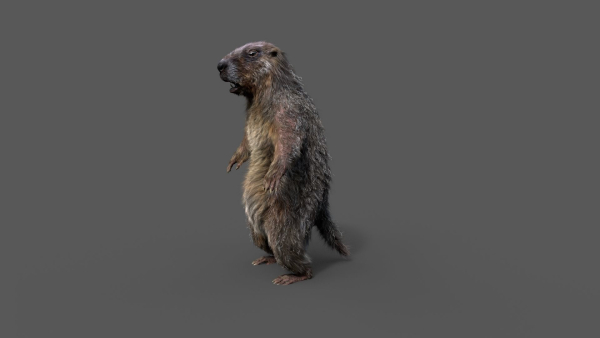
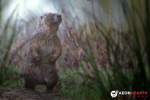
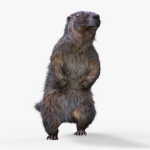
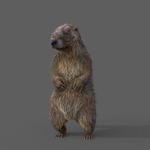
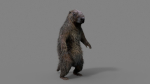
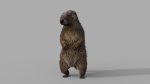
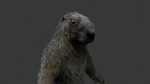
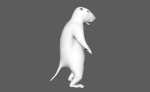
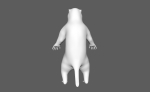
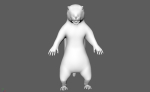
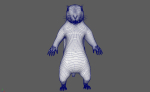
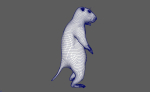
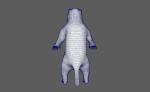
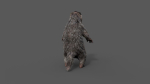
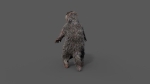
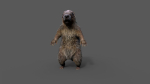
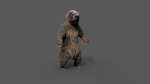
Marmot groundhog
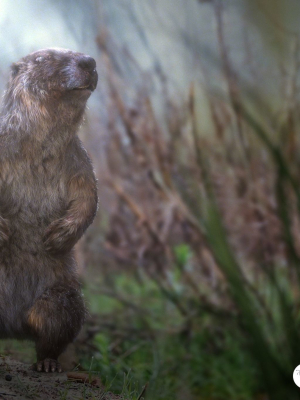
Marmot groundhog
Product details
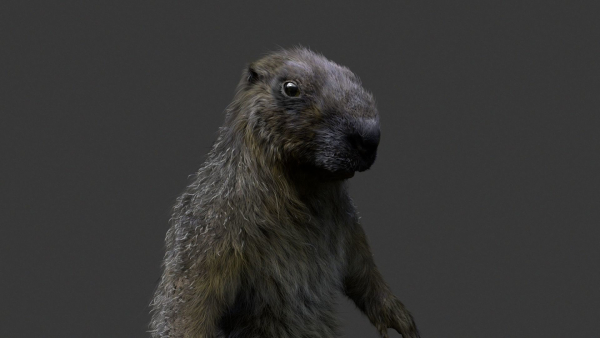
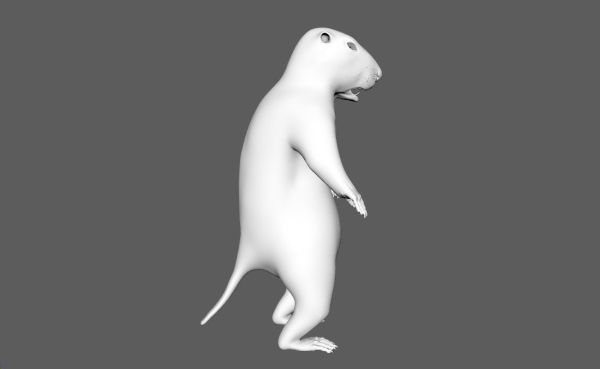
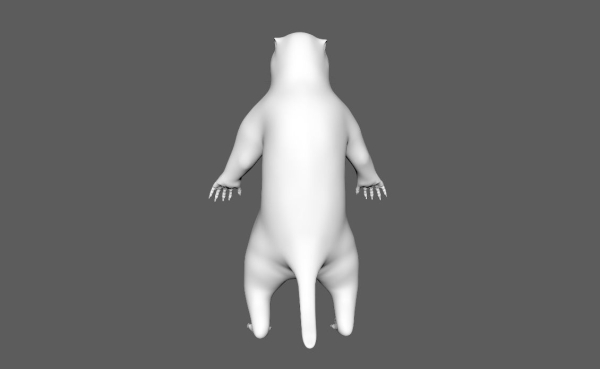
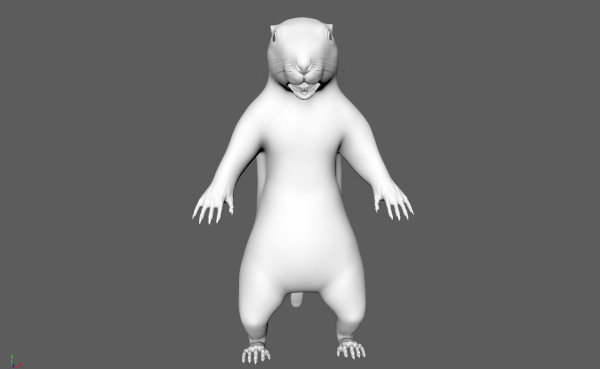
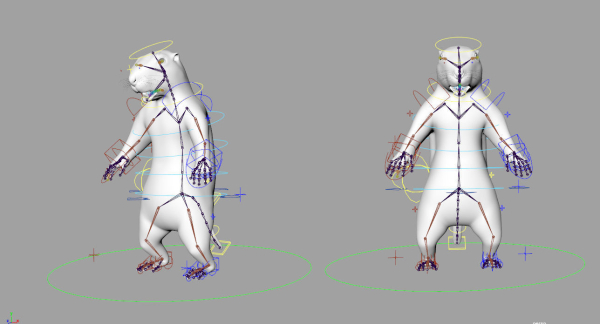
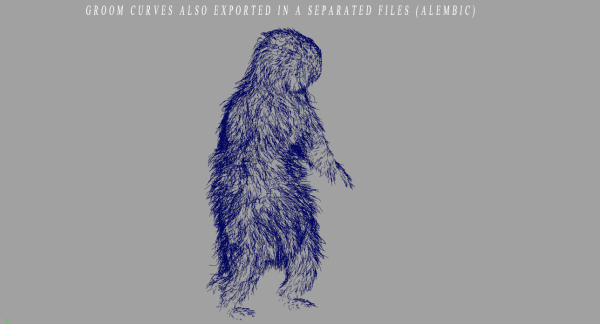
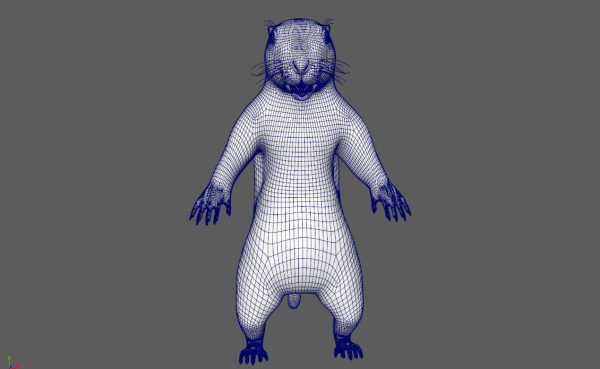
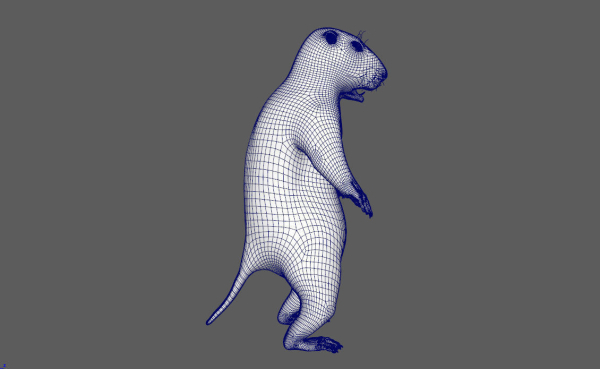
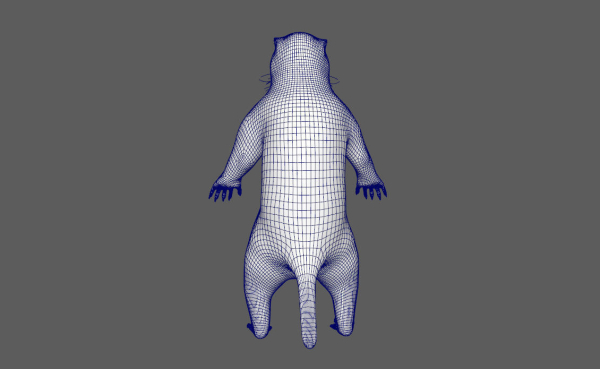
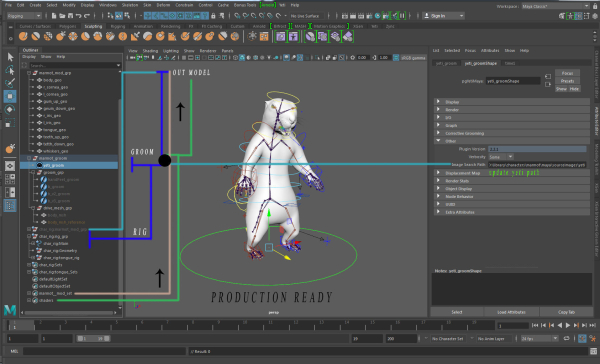
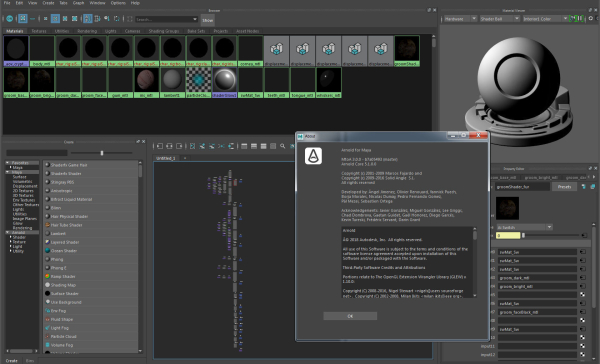
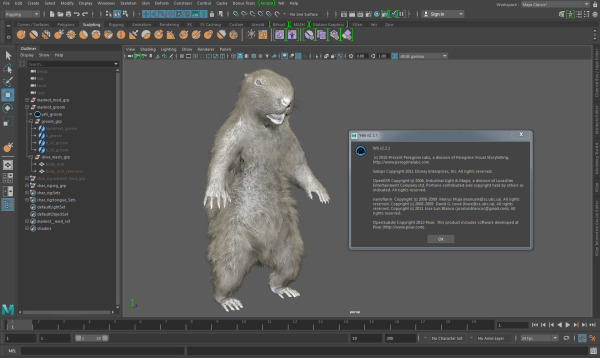
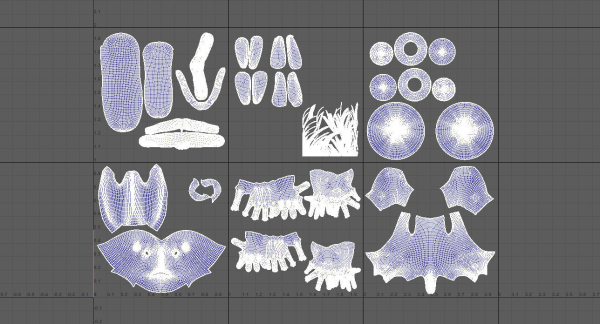
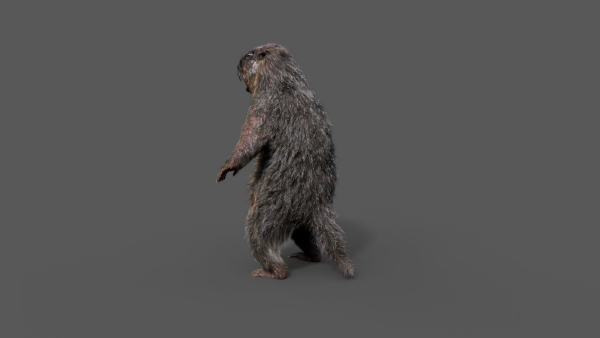
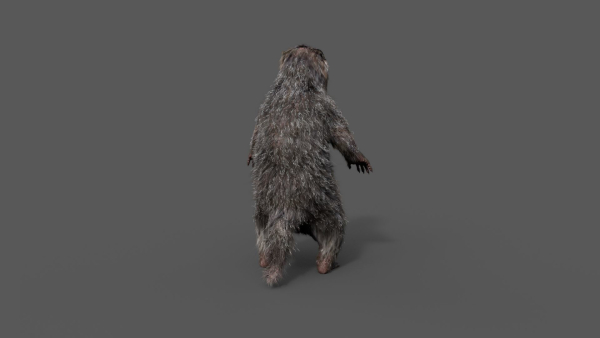
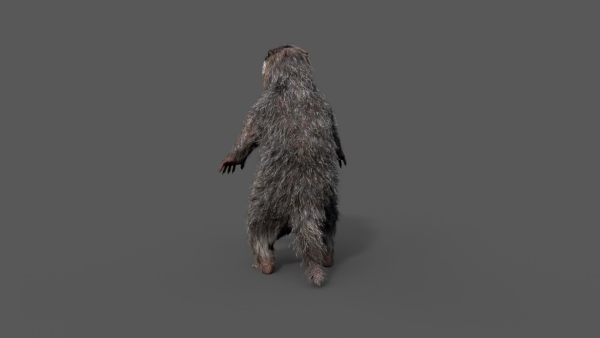
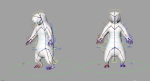
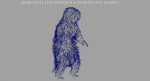
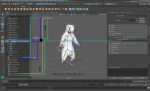
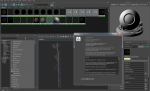
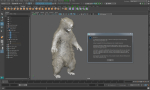
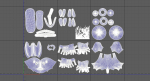
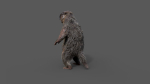
Realistic Marmot Model Update day 10/08/2022 to: Maya 2022, Yeti 4.1.0, Arnold Core 7, MtoA 5.0.0 Maya 2020, Yeti 4.1.0 Production workflow, easy to integrate in your pipeline No Overlapping Uv’s subdivided in more tiles for more resolution Production Topology Rigged ( In a separate file, Referenced in the main Scene) Shader setup in Arnold ( Arnold core 5.1.0.0) Groom in Yeti ( v2.2.1) Unit of measurement in centimetres Scale 1:1 File Formats: Main Scene (.ma) Rig Scene (.ma) Pose files exported in a separated file (.abc) Rest Pose in ( FBX , OBJ , ABC) Rig: Main Control scalable Arm Controls FK/IK switchable Hip Controls FK/IK switchable Spline FK/IK switchable Neck and Head FK Tail FK/IK switchable Groom: Yeti Groom with clean texture path: Attribute editor custom pointing textures path Custom Id Setup for more control Shaders: Arnold 5.1.1 Shaders Body Shader ( Standard Surface ) Groom Shader ( Standard Hair ) Textures: Displacement 8K resolution (RAW) Diffuse 4K resolution (SRGB) Roughness 4K resolution (RAW) Normals 4K resolution (RAW) SSS Weight 4K resolution (SRGB) height 4K resolution (RAW) Groom Root Color 4K resolution (SRGB) Groom Base Color 4K resolution (SRGB) Groom Tip Color 4K resolution (SRGB) NO POSTWORK ON THESE RENDERS (ARNOLD) Common Issues: 1) TEXTURES CONNECTIONS Because of the UDIM textures and YETI , it was not possible to set relative path. To change the absolute path: UDIM TEXTURES Windows/General Editors/File Path editors and replace the texture folder path YETI TEXTURES Select the yeti node in the outline editor and look in the attribute editor ( be sure it is the pgYetiMaya node type) In the attribute editor go to Other/ Image Search path. Replace the folder path with the yeti texture folder
Shipping and Returns
Shipping cost is based on weight. Just add products to your cart and use the Shipping Calculator to see the shipping price.
We want you to be 100% satisfied with your purchase. Items can be returned or exchanged within 30 days of delivery.
Quick Comparison
| Settings | Marmot groundhog remove | Wooden pergola with hanging sofa remove | Ryegrass Meadow Patch remove | Grey Mangrove remove | Cornus tree remove | Ground Leaves Pack remove |
|---|---|---|---|---|---|---|
| Name | Marmot groundhog remove | Wooden pergola with hanging sofa remove | Ryegrass Meadow Patch remove | Grey Mangrove remove | Cornus tree remove | Ground Leaves Pack remove |
| Image | 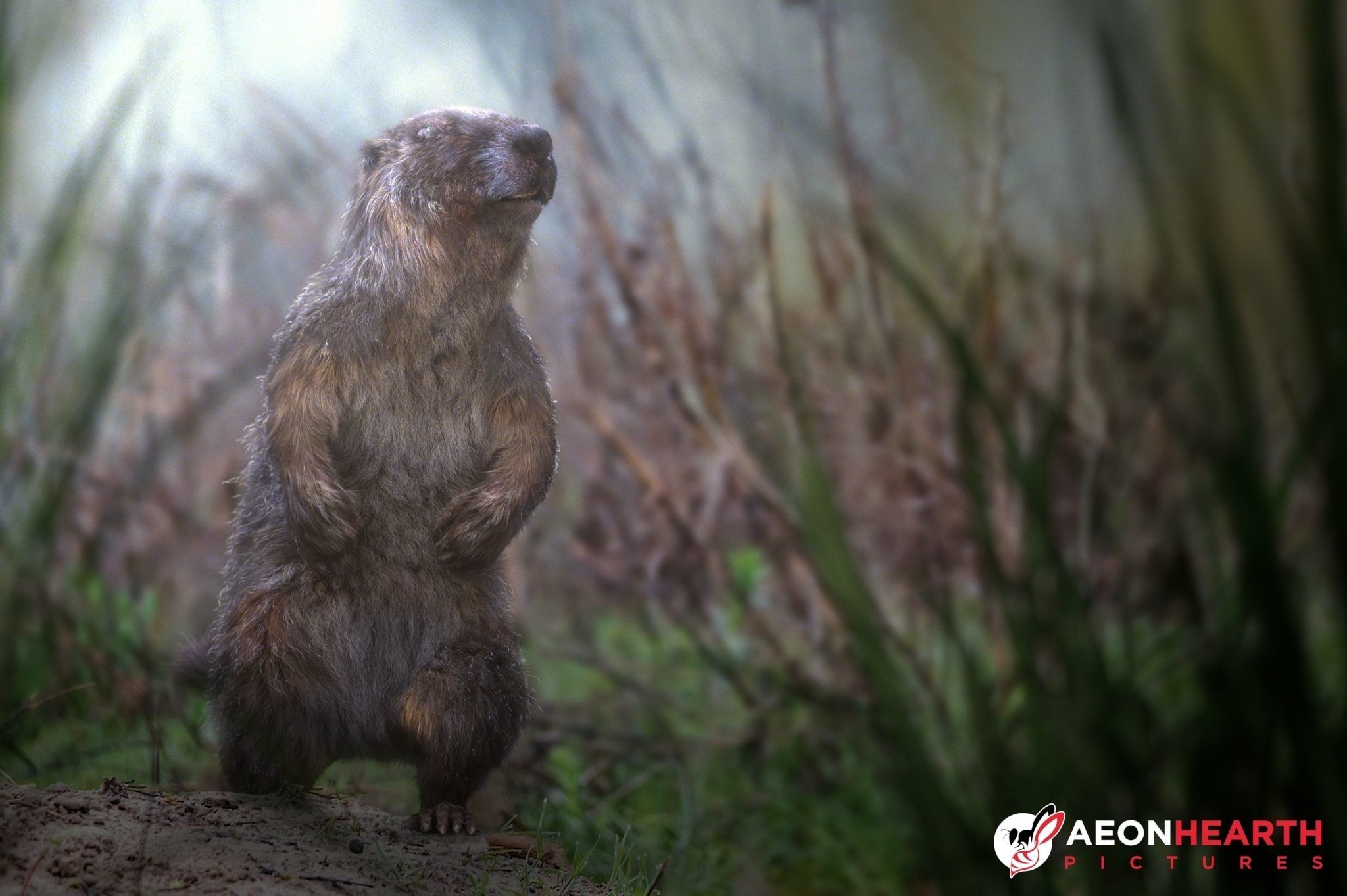 | 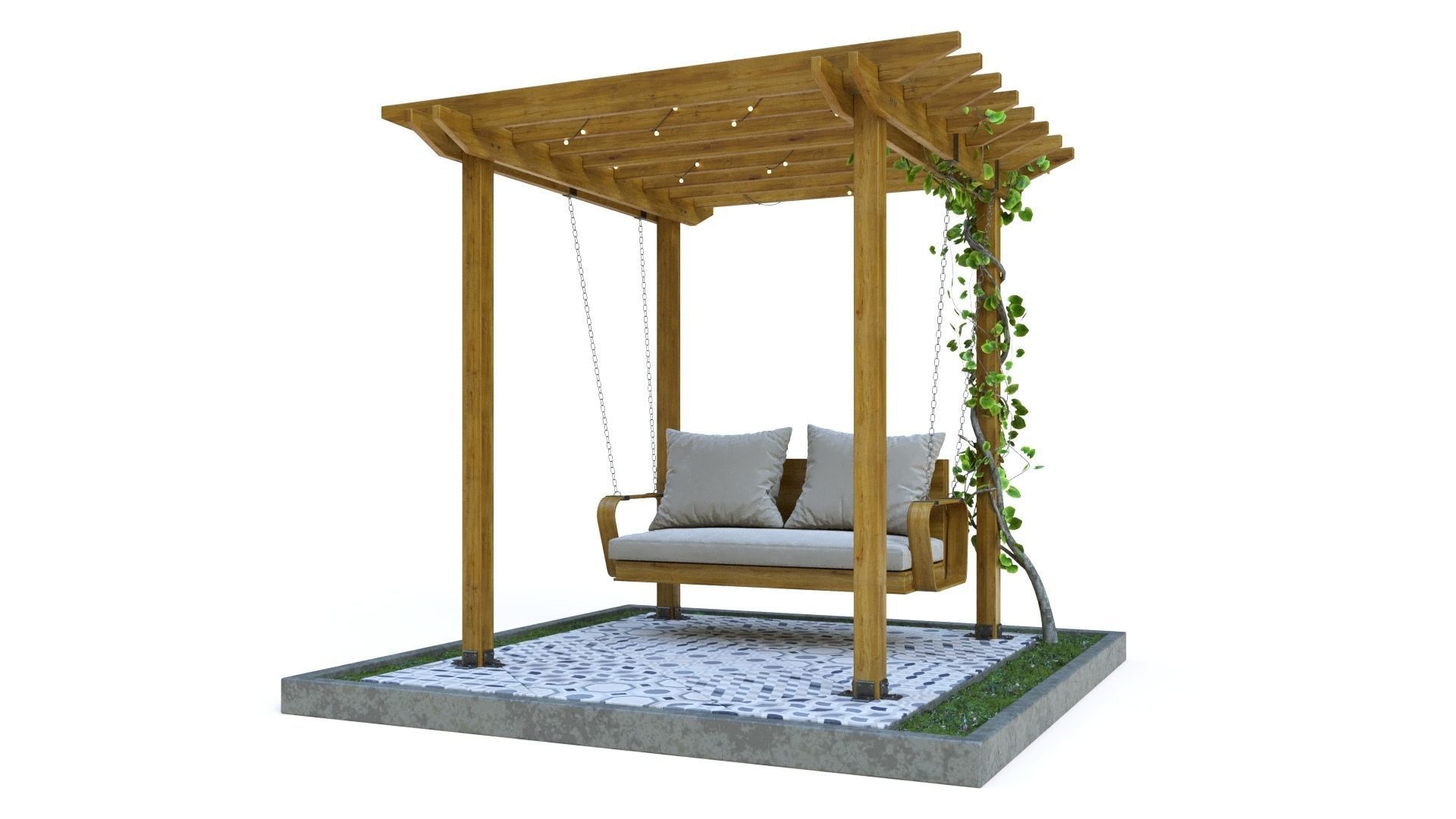 | 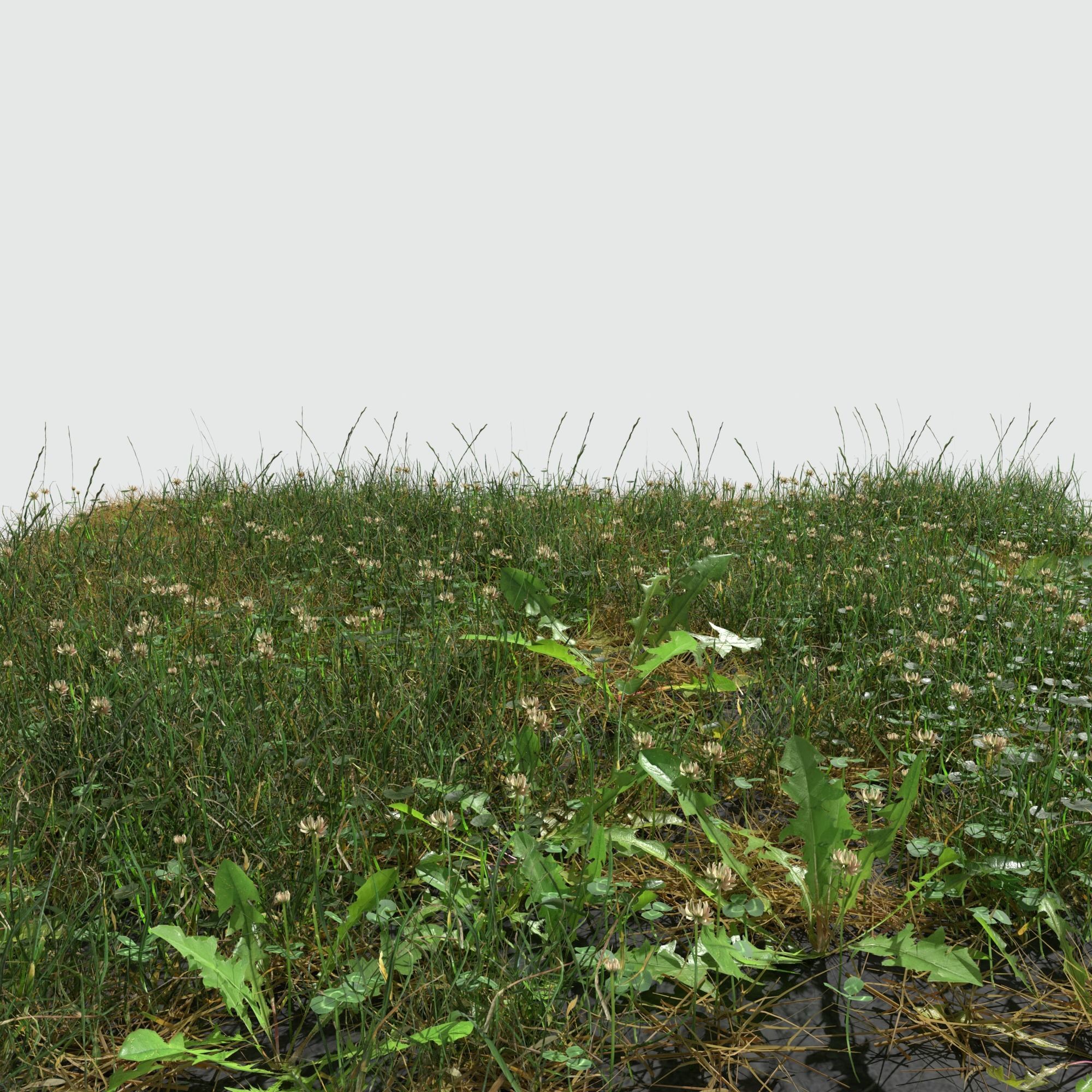 | 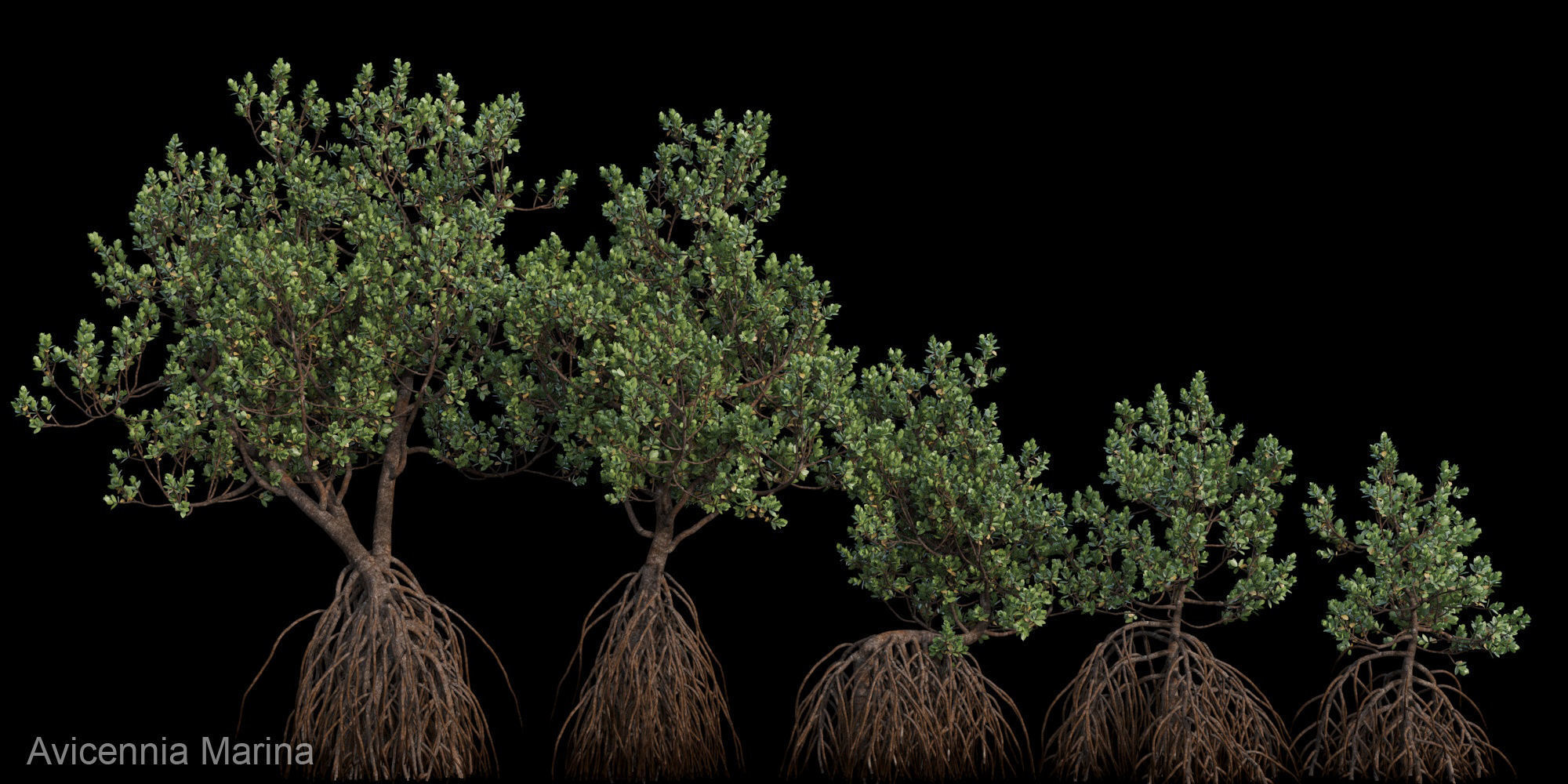 |  | 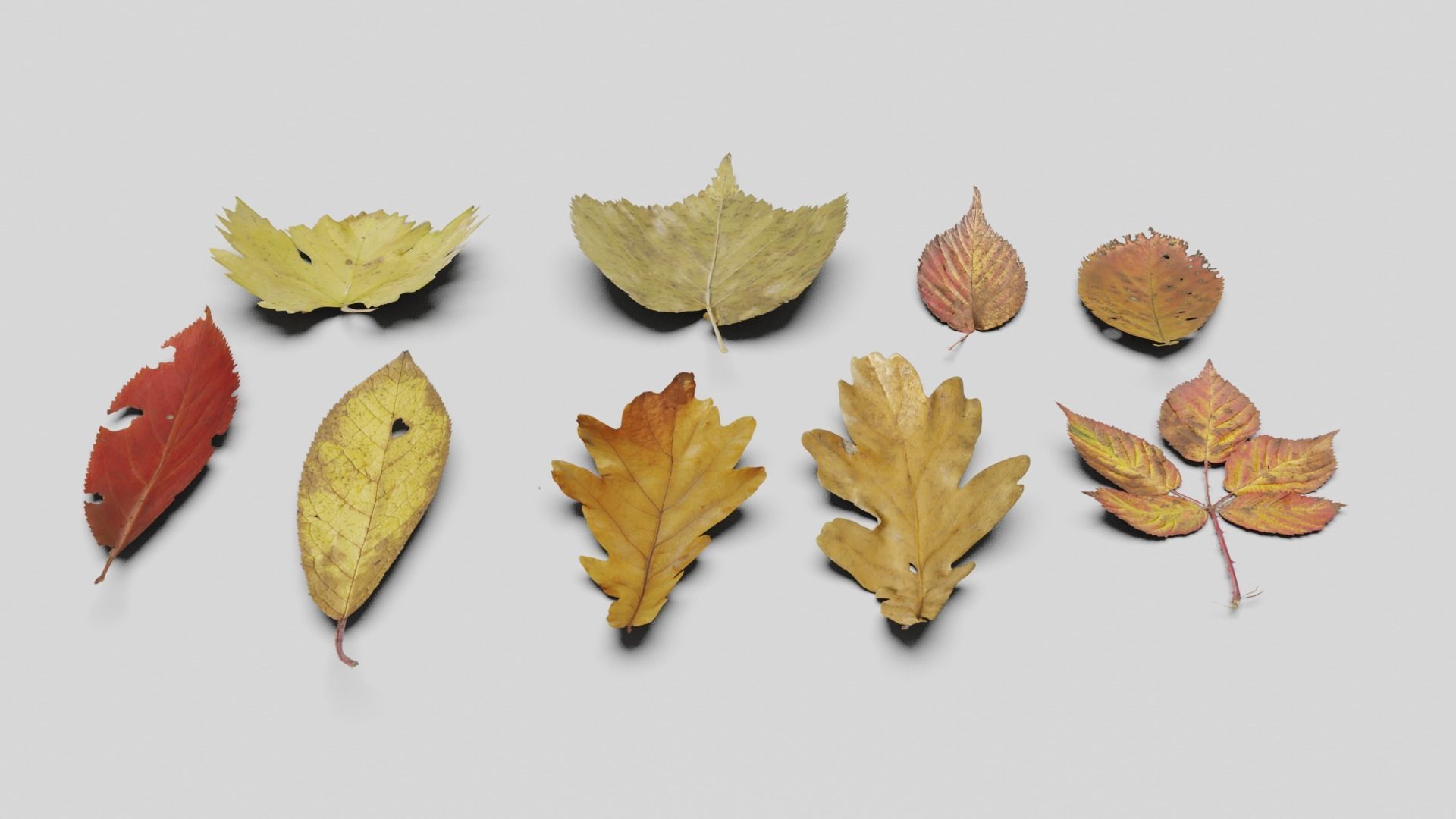 |
| SKU | 2119932 | 2850739 | 2127354 | 1847434 | 4251405 | 2427667 |
| Rating | ||||||
| Price | $370.00 | $9.00 | $20.00 | $30.00 | $8.00 | $4.00 |
| Stock | ||||||
| Availability | ||||||
| Add to cart | ||||||
| Description | ||||||
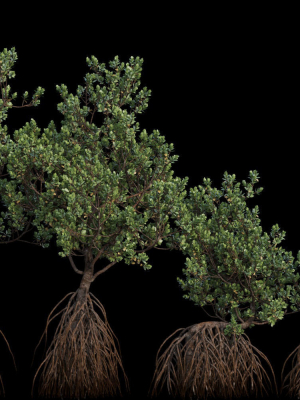
| Content | Realistic Marmot Model Update day 10/08/2022 to: Maya 2022, Yeti 4.1.0, Arnold Core 7, MtoA 5.0.0 Maya 2020, Yeti 4.1.0 Production workflow, easy to integrate in your pipeline No Overlapping Uv's subdivided in more tiles for more resolution Production Topology Rigged ( In a separate file, Referenced in the main Scene) Shader setup in Arnold ( Arnold core 5.1.0.0) Groom in Yeti ( v2.2.1) Unit of measurement in centimetres Scale 1:1 File Formats: Main Scene (.ma) Rig Scene (.ma) Pose files exported in a separated file (.abc) Rest Pose in ( FBX , OBJ , ABC) Rig: Main Control scalable Arm Controls FK/IK switchable Hip Controls FK/IK switchable Spline FK/IK switchable Neck and Head FK Tail FK/IK switchable Groom: Yeti Groom with clean texture path: Attribute editor custom pointing textures path Custom Id Setup for more control Shaders: Arnold 5.1.1 Shaders Body Shader ( Standard Surface ) Groom Shader ( Standard Hair ) Textures: Displacement 8K resolution (RAW) Diffuse 4K resolution (SRGB) Roughness 4K resolution (RAW) Normals 4K resolution (RAW) SSS Weight 4K resolution (SRGB) height 4K resolution (RAW) Groom Root Color 4K resolution (SRGB) Groom Base Color 4K resolution (SRGB) Groom Tip Color 4K resolution (SRGB) NO POSTWORK ON THESE RENDERS (ARNOLD) Common Issues: 1) TEXTURES CONNECTIONS Because of the UDIM textures and YETI , it was not possible to set relative path. To change the absolute path: UDIM TEXTURES Windows/General Editors/File Path editors and replace the texture folder path YETI TEXTURES Select the yeti node in the outline editor and look in the attribute editor ( be sure it is the pgYetiMaya node type) In the attribute editor go to Other/ Image Search path. Replace the folder path with the yeti texture folder | Pergola size in axes 1800 x 1800 mm Stage size (WxDxH) 2960 x 2960 x 2750 mm There are materials with Displacement in the scene, so it is better to use millimeters as the unit of measurement. Or you will need to adjust the Displacement size in accordance with your units of measurement. In addition to the OBJ file, the archive also contains an FBX file. There are VRay and Corona material libraries Polys: 311953 Verts: 314778 | Hi all, This is ryegrass meadow patch created in Blender in real world scale (145cm x 138cm). It includes 7 different models: soil (3D scanned) clover perennial ryegrass dandelion dry grass plantain fig buttercup It comes in following formats: .blend .fbx .obj The blender file has the shaders set up, so it's ready to render using Cycles. The title image is not included. Each model comes with set of 4K .png maps: base color roughness normal opacity translucency ambient occlusion | Detail of Grey Mangrove ( Avicennia Marina ) tree ready for your render. If you have any question about format or need more tree, contact me please. Notice : This tree very deatil just using for render not games asset. | max (3ds Max 2018 corona) max (3ds Max 2018 vray) fbx (Multi Format) OBJ (Multi Format) The file pack includes maps | Made in blender3D v2.81 Lowpoly Ground Leaves Pack 3D model. Dead leaves on ground 3d model. Texture : 4680*1966 (Diffuse, Normal, Height map, Metallic and Smoothness). Polycount: 7,360 Verts | 4,795 Polygon/faces |8,188 Tris. *Formats: * Blend, Obj, Fbx, Dae, Abc and Gltf/Glb. Check out my other models: Cgtrader.com/mohdarbaaz3. |
| Weight | N/A | N/A | N/A | N/A | N/A | N/A |
| Dimensions | N/A | N/A | N/A | N/A | N/A | N/A |
| Additional information | ||||||
| Sold | 0 | 0 | 0 | 0 | 0 | 0 |
| Shipping |