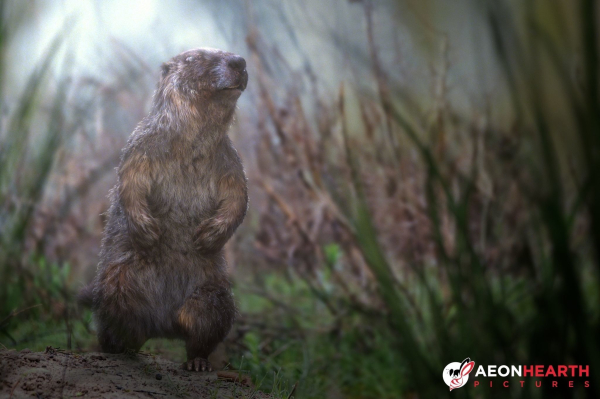
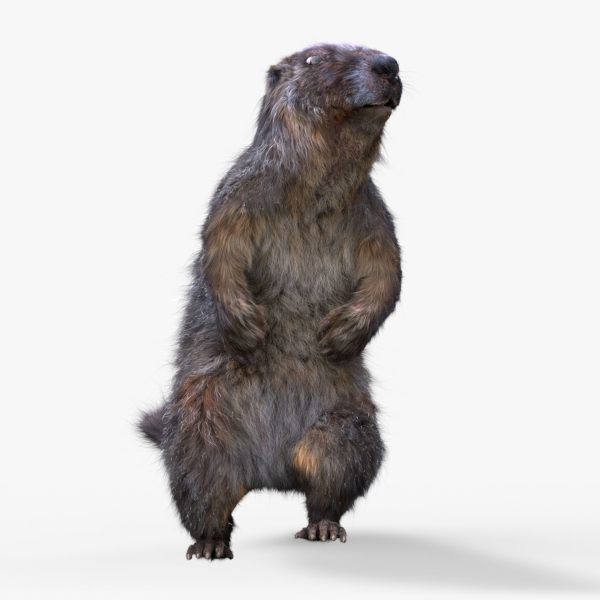
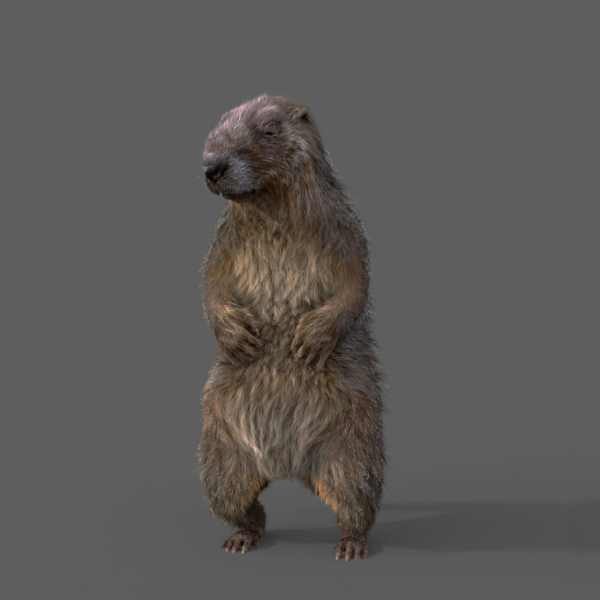
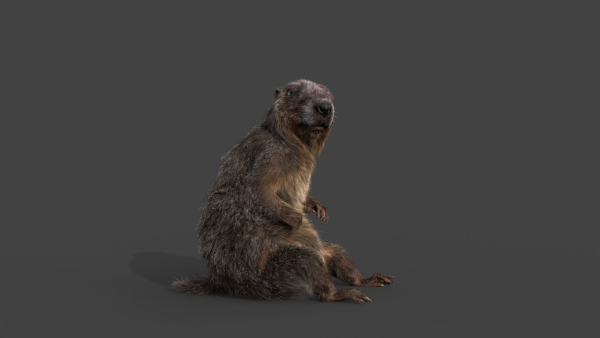
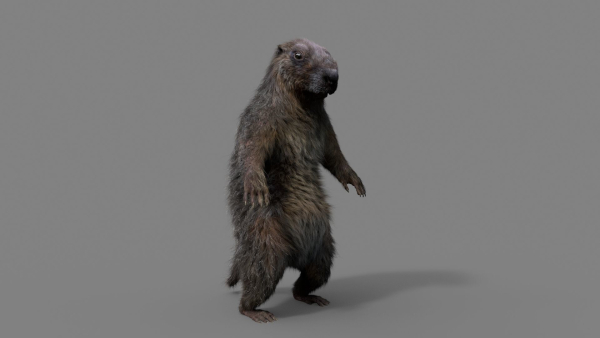
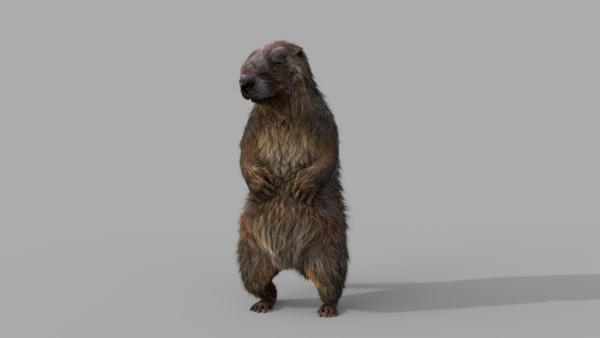
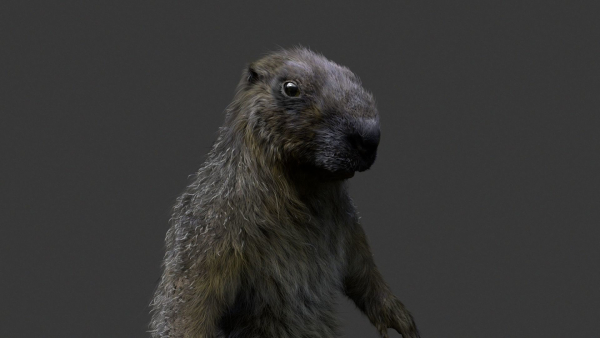
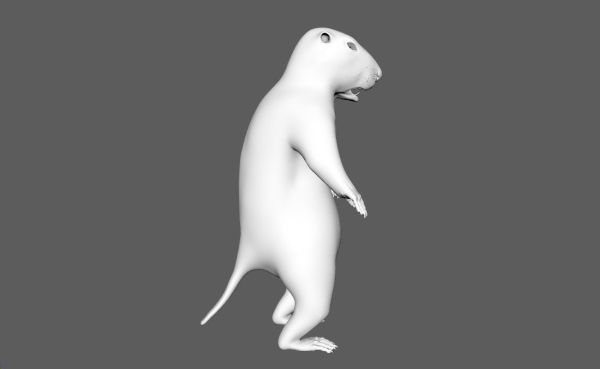
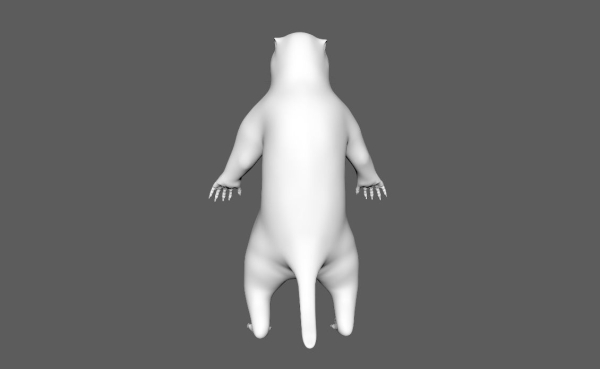
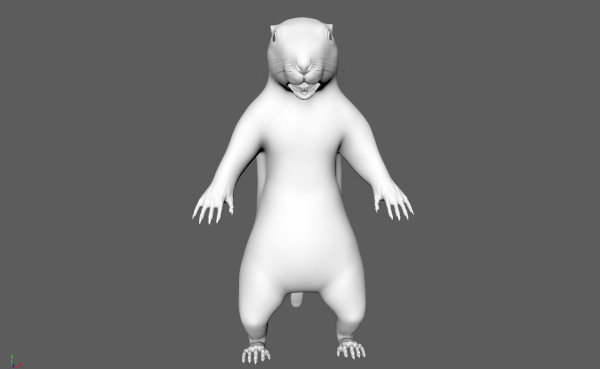
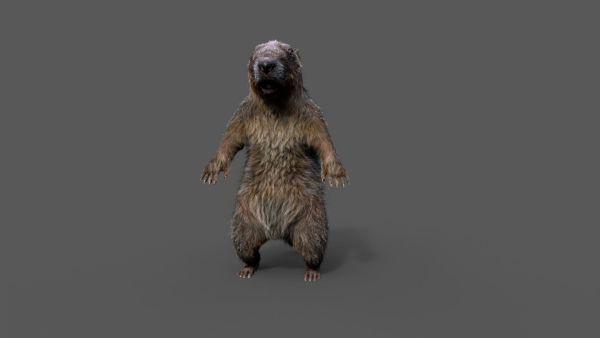
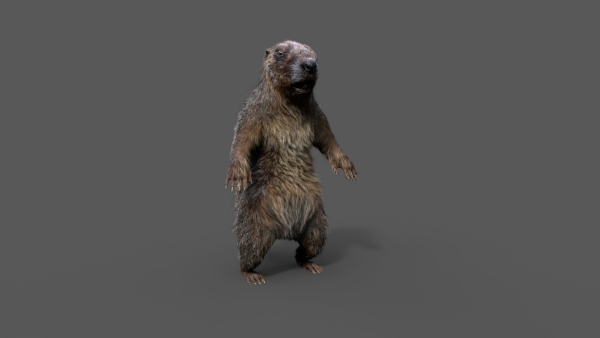
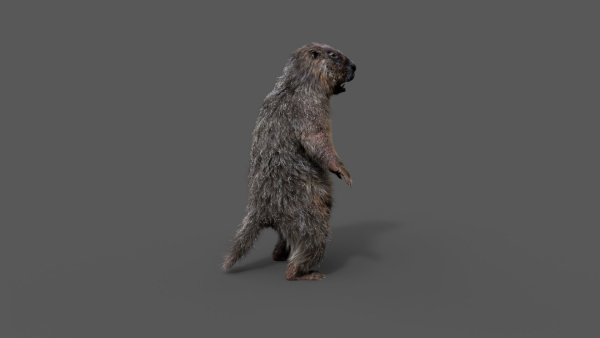
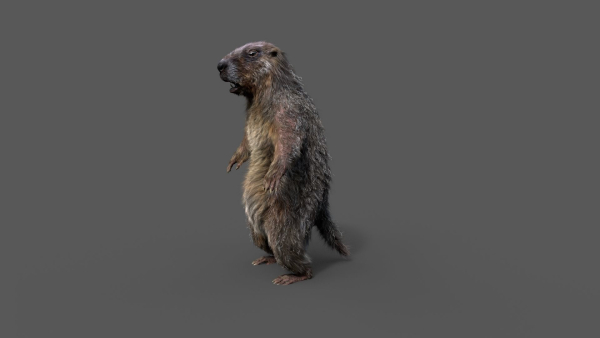

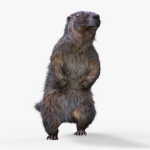
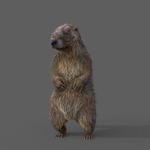
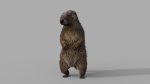
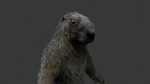
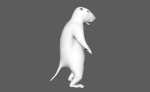
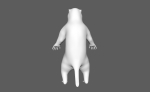
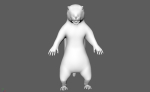
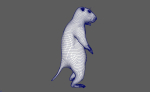
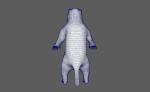
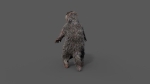
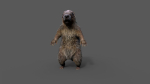
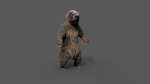
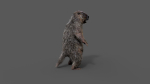
Marmot groundhog
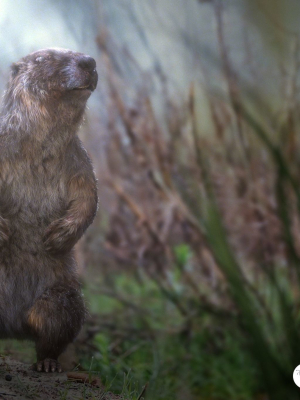
Marmot groundhog
Product details
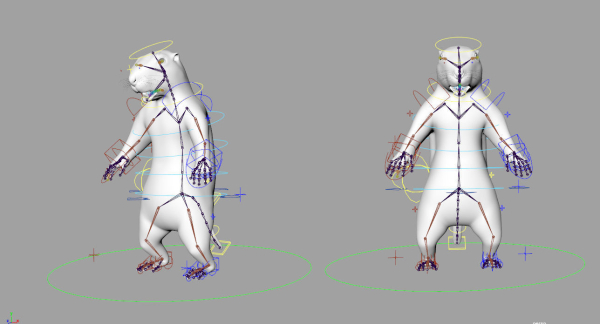
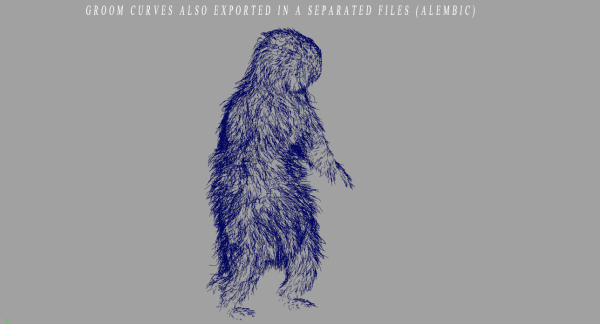
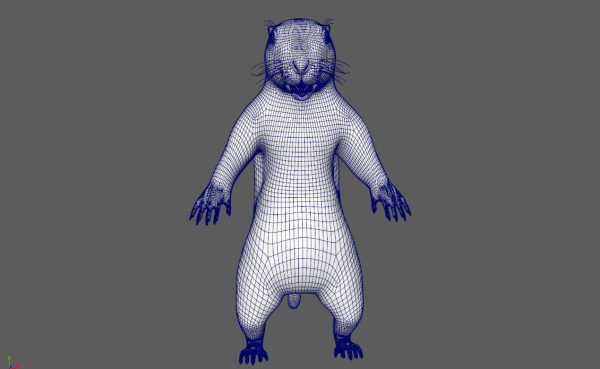
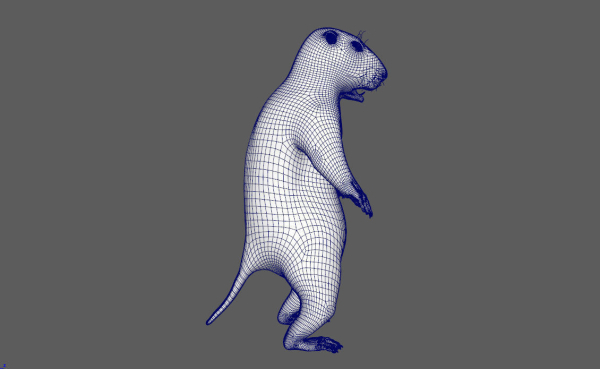
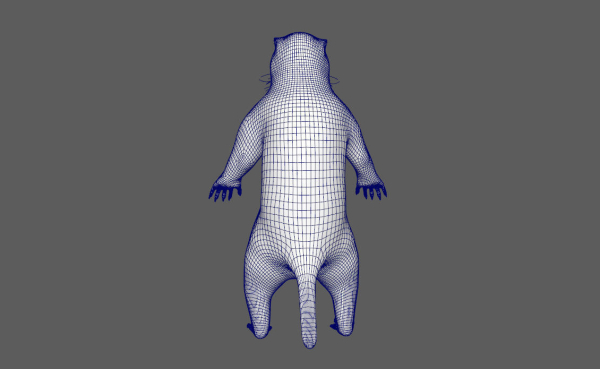
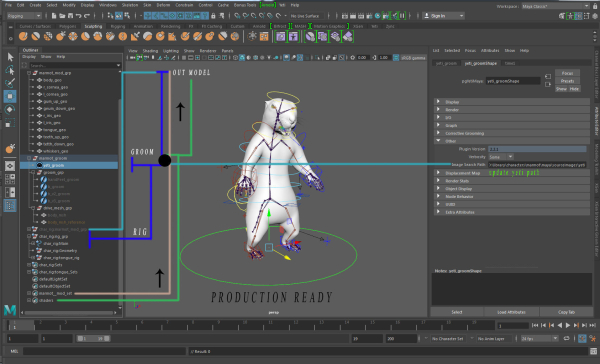
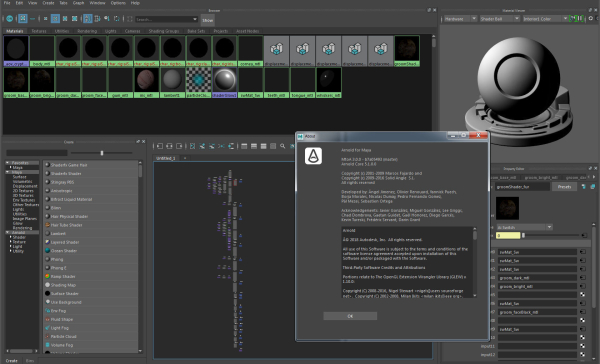
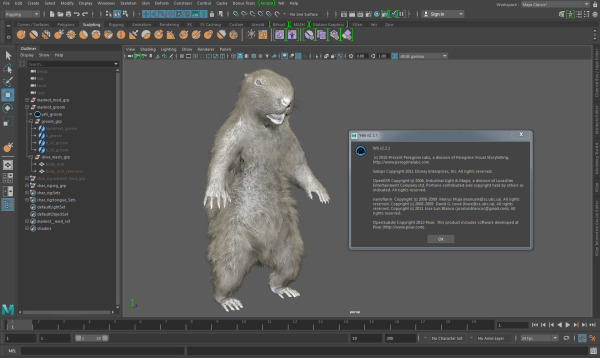
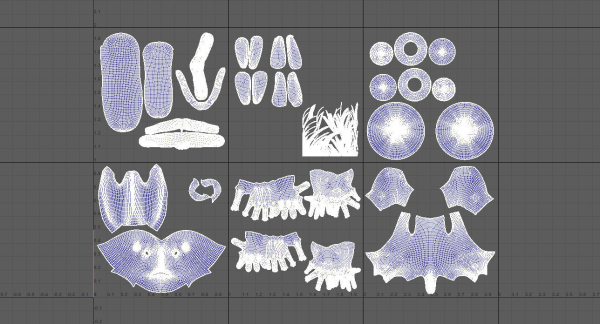
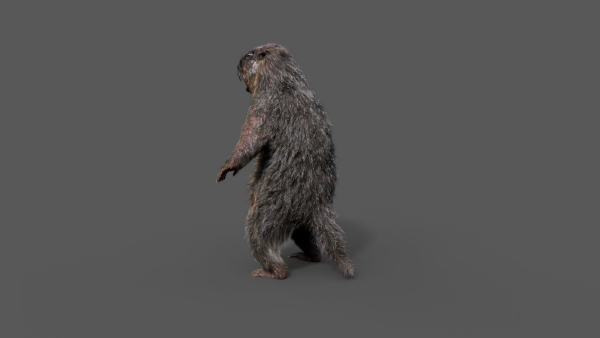
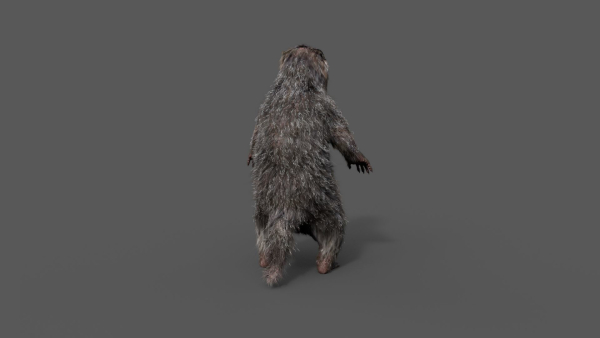
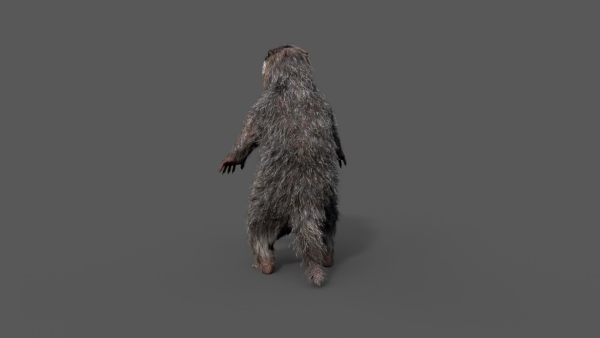
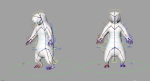
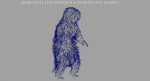
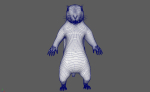
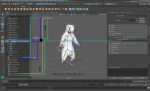
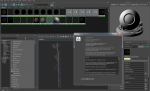
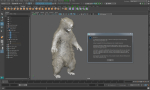
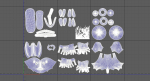
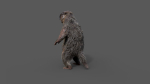
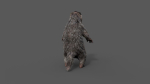
Realistic Marmot Model Update day 10/08/2022 to: Maya 2022, Yeti 4.1.0, Arnold Core 7, MtoA 5.0.0 Maya 2020, Yeti 4.1.0 Production workflow, easy to integrate in your pipeline No Overlapping Uv’s subdivided in more tiles for more resolution Production Topology Rigged ( In a separate file, Referenced in the main Scene) Shader setup in Arnold ( Arnold core 5.1.0.0) Groom in Yeti ( v2.2.1) Unit of measurement in centimetres Scale 1:1 File Formats: Main Scene (.ma) Rig Scene (.ma) Pose files exported in a separated file (.abc) Rest Pose in ( FBX , OBJ , ABC) Rig: Main Control scalable Arm Controls FK/IK switchable Hip Controls FK/IK switchable Spline FK/IK switchable Neck and Head FK Tail FK/IK switchable Groom: Yeti Groom with clean texture path: Attribute editor custom pointing textures path Custom Id Setup for more control Shaders: Arnold 5.1.1 Shaders Body Shader ( Standard Surface ) Groom Shader ( Standard Hair ) Textures: Displacement 8K resolution (RAW) Diffuse 4K resolution (SRGB) Roughness 4K resolution (RAW) Normals 4K resolution (RAW) SSS Weight 4K resolution (SRGB) height 4K resolution (RAW) Groom Root Color 4K resolution (SRGB) Groom Base Color 4K resolution (SRGB) Groom Tip Color 4K resolution (SRGB) NO POSTWORK ON THESE RENDERS (ARNOLD) Common Issues: 1) TEXTURES CONNECTIONS Because of the UDIM textures and YETI , it was not possible to set relative path. To change the absolute path: UDIM TEXTURES Windows/General Editors/File Path editors and replace the texture folder path YETI TEXTURES Select the yeti node in the outline editor and look in the attribute editor ( be sure it is the pgYetiMaya node type) In the attribute editor go to Other/ Image Search path. Replace the folder path with the yeti texture folder
Shipping and Returns
Shipping cost is based on weight. Just add products to your cart and use the Shipping Calculator to see the shipping price.
We want you to be 100% satisfied with your purchase. Items can be returned or exchanged within 30 days of delivery.
Quick Comparison
| Settings | Marmot groundhog remove | Sagebrush branch of twigs remove | hallway modern entryway with walls and orange ottoman remove | Scottish Highland with grass and moss remove | Deer stag remove | Scanned Poplar-Aspen Forest with Seasons for Unreal Engine 4 - 5 remove |
|---|---|---|---|---|---|---|
| Name | Marmot groundhog remove | Sagebrush branch of twigs remove | hallway modern entryway with walls and orange ottoman remove | Scottish Highland with grass and moss remove | Deer stag remove | Scanned Poplar-Aspen Forest with Seasons for Unreal Engine 4 - 5 remove |
| Image | 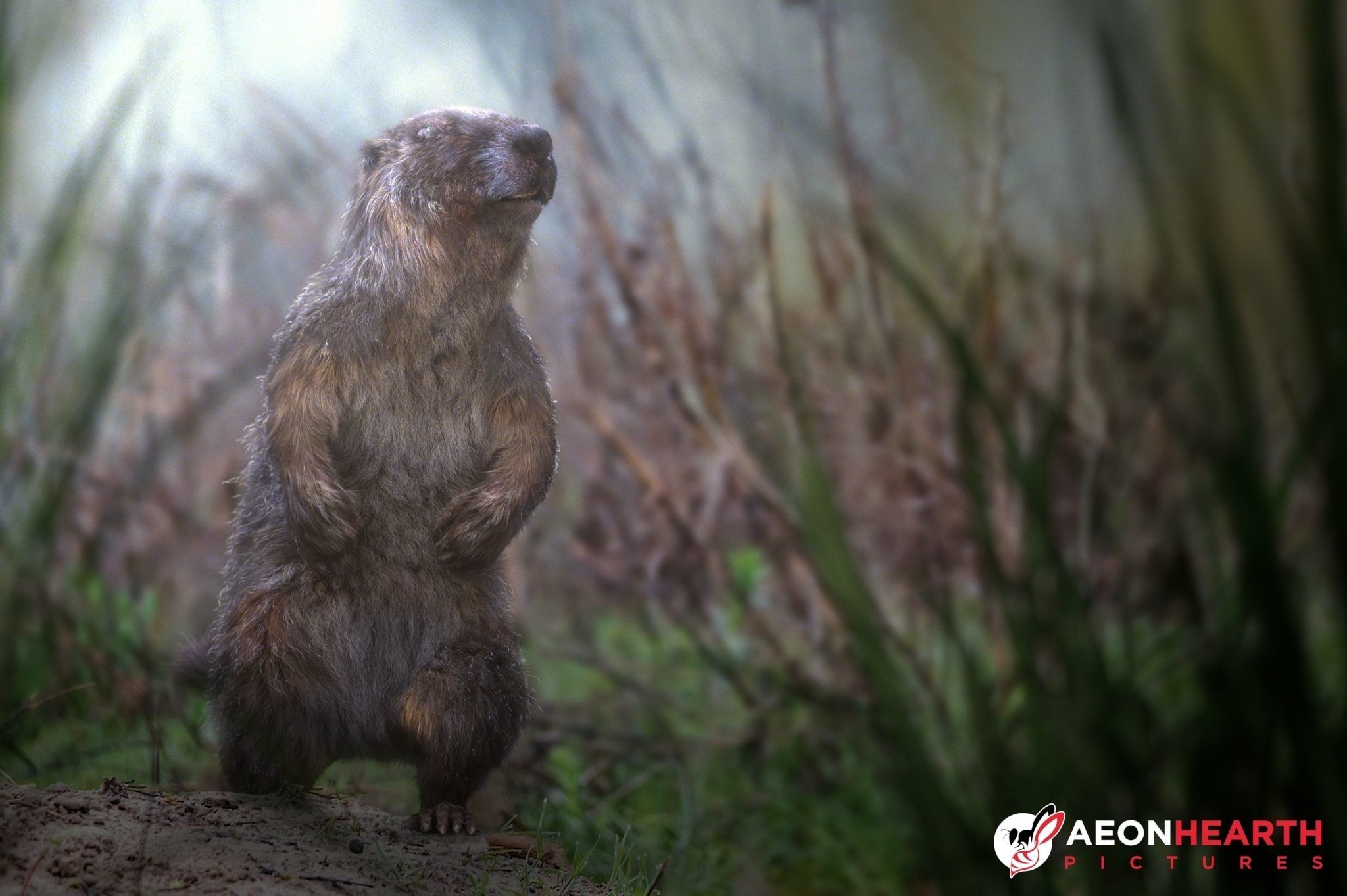 | 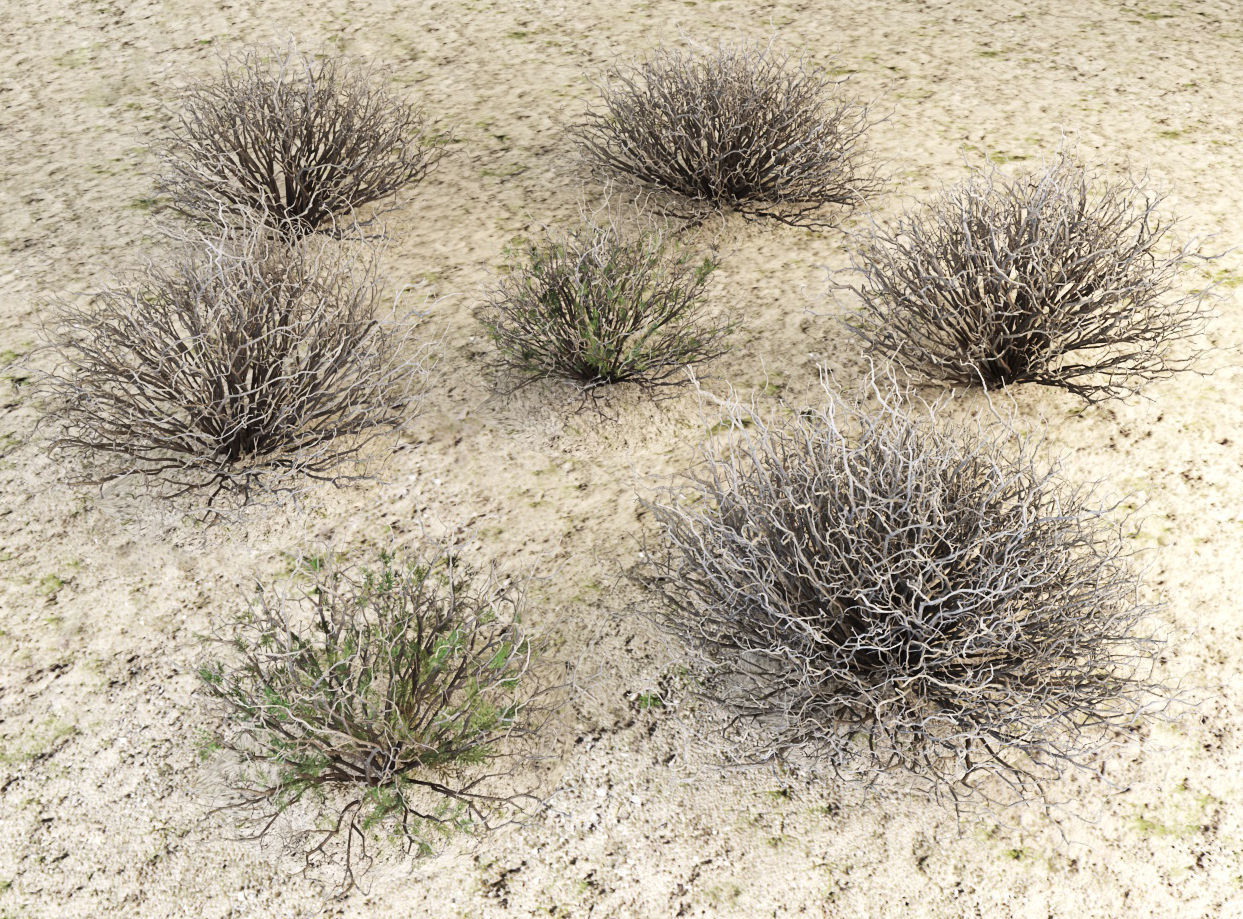 | 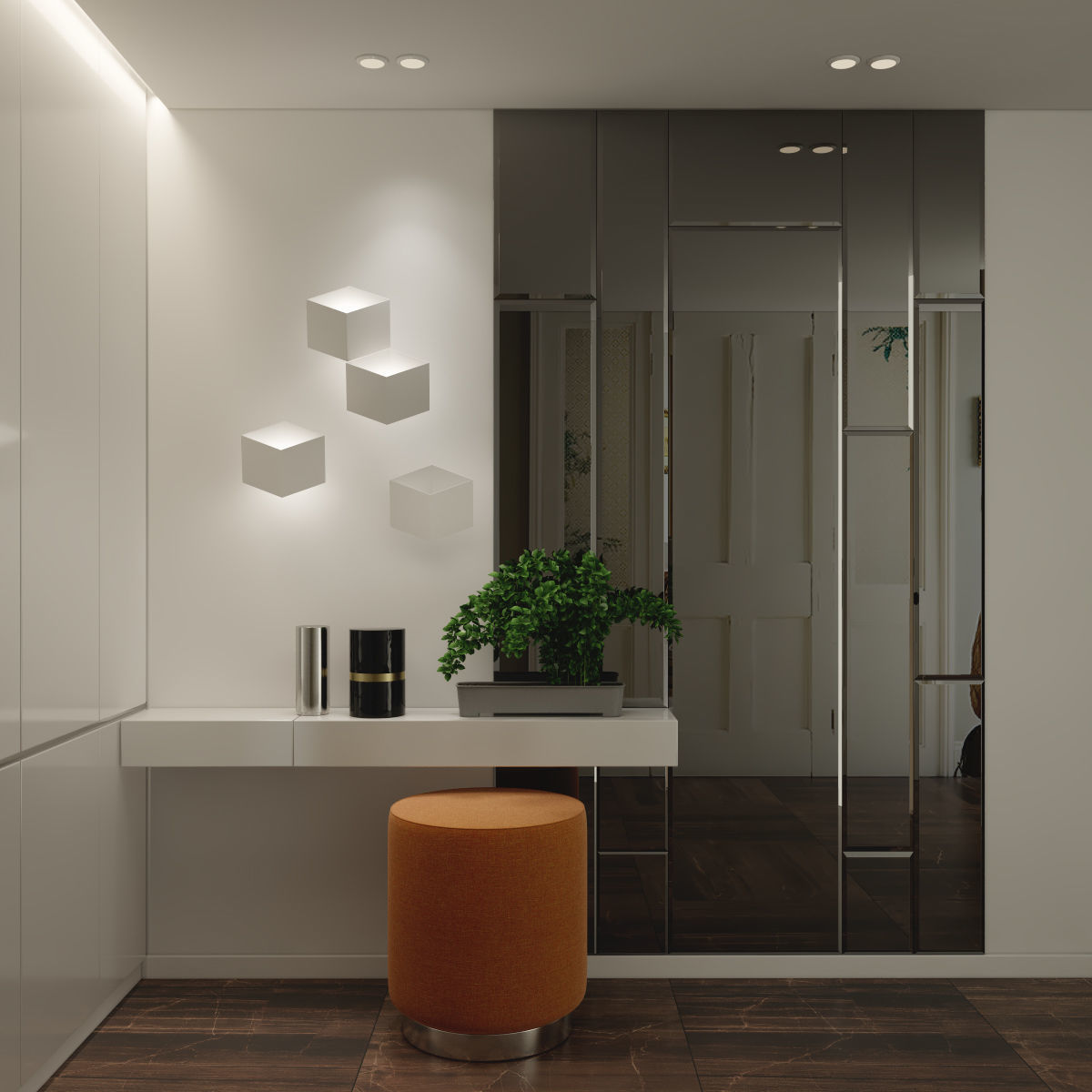 | 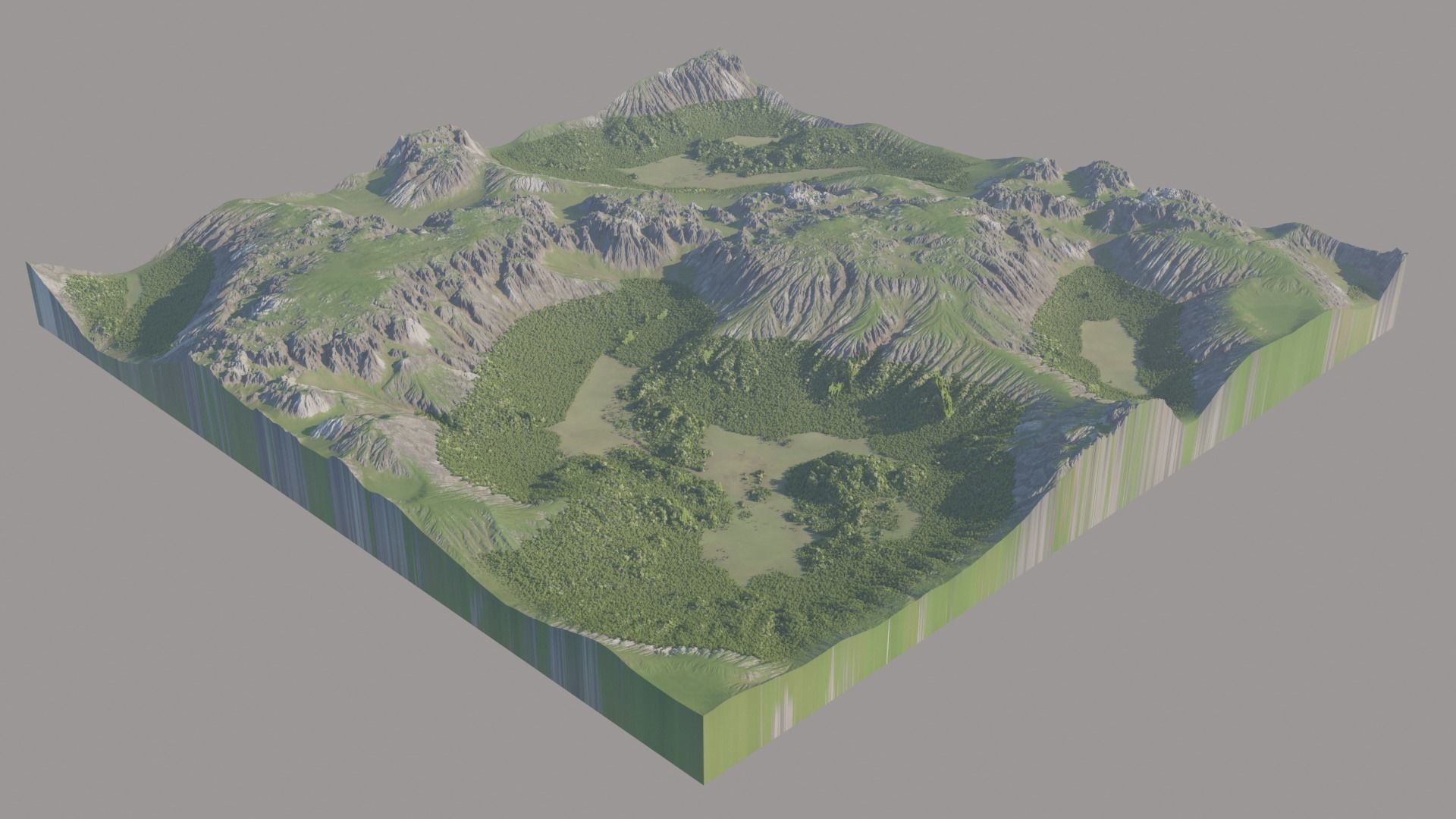 | 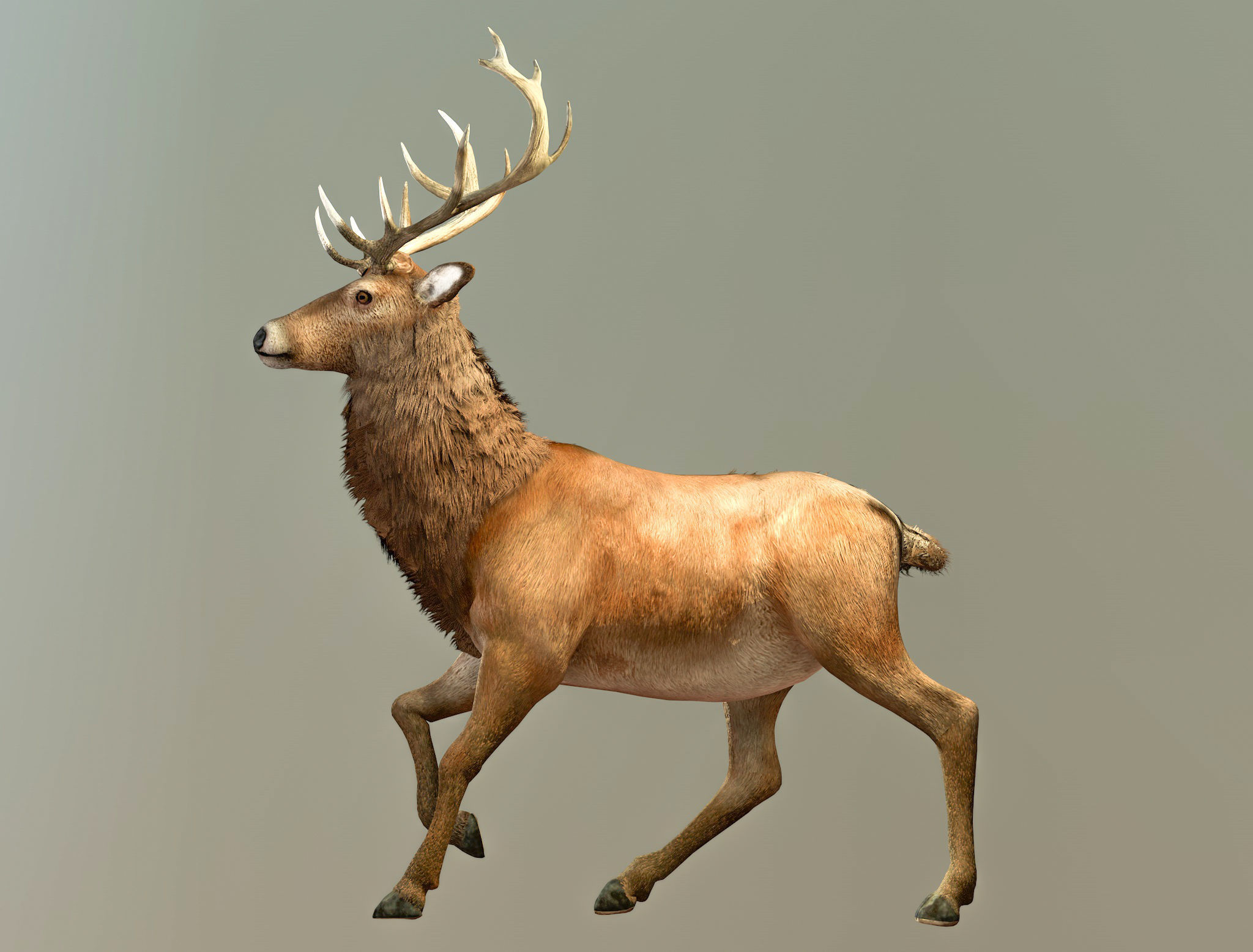 | 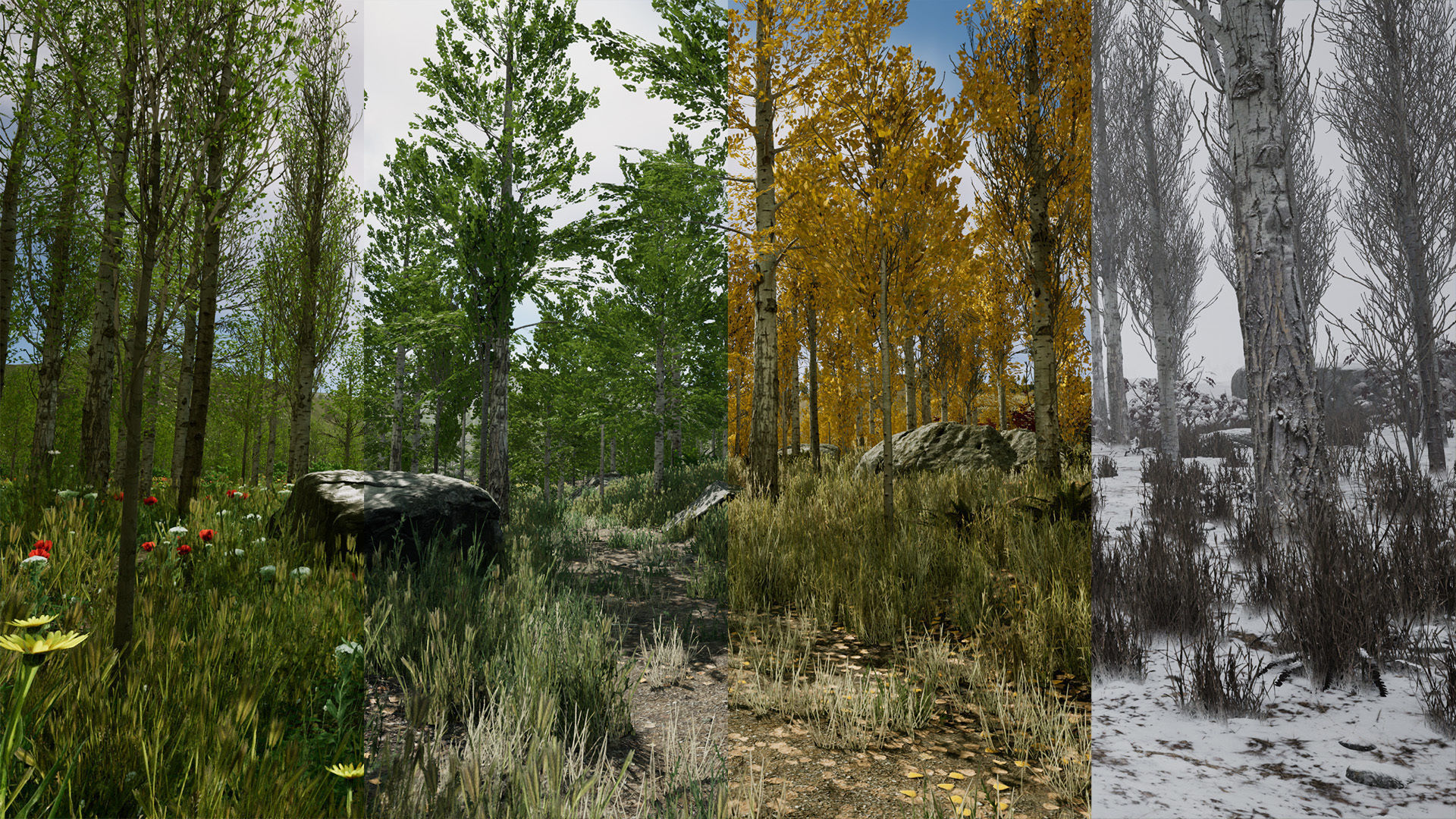 |
| SKU | 2119932 | 2388802 | 956756 | 1893583 | 2927331 | 722721 |
| Rating | ||||||
| Price | $370.00 | $10.00 | $25.00 | $25.00 | $7.00 | $69.99 |
| Stock | ||||||
| Availability | ||||||
| Add to cart | ||||||
| Description | ||||||
| Content | Realistic Marmot Model Update day 10/08/2022 to: Maya 2022, Yeti 4.1.0, Arnold Core 7, MtoA 5.0.0 Maya 2020, Yeti 4.1.0 Production workflow, easy to integrate in your pipeline No Overlapping Uv's subdivided in more tiles for more resolution Production Topology Rigged ( In a separate file, Referenced in the main Scene) Shader setup in Arnold ( Arnold core 5.1.0.0) Groom in Yeti ( v2.2.1) Unit of measurement in centimetres Scale 1:1 File Formats: Main Scene (.ma) Rig Scene (.ma) Pose files exported in a separated file (.abc) Rest Pose in ( FBX , OBJ , ABC) Rig: Main Control scalable Arm Controls FK/IK switchable Hip Controls FK/IK switchable Spline FK/IK switchable Neck and Head FK Tail FK/IK switchable Groom: Yeti Groom with clean texture path: Attribute editor custom pointing textures path Custom Id Setup for more control Shaders: Arnold 5.1.1 Shaders Body Shader ( Standard Surface ) Groom Shader ( Standard Hair ) Textures: Displacement 8K resolution (RAW) Diffuse 4K resolution (SRGB) Roughness 4K resolution (RAW) Normals 4K resolution (RAW) SSS Weight 4K resolution (SRGB) height 4K resolution (RAW) Groom Root Color 4K resolution (SRGB) Groom Base Color 4K resolution (SRGB) Groom Tip Color 4K resolution (SRGB) NO POSTWORK ON THESE RENDERS (ARNOLD) Common Issues: 1) TEXTURES CONNECTIONS Because of the UDIM textures and YETI , it was not possible to set relative path. To change the absolute path: UDIM TEXTURES Windows/General Editors/File Path editors and replace the texture folder path YETI TEXTURES Select the yeti node in the outline editor and look in the attribute editor ( be sure it is the pgYetiMaya node type) In the attribute editor go to Other/ Image Search path. Replace the folder path with the yeti texture folder | Sagebrush from desert High and medium detail For deserts and arid climates There are archives with textures, 3ds max 2013 VRay 3.6, 3ds max 2015 Corona, obj, fbx formats | Name: Lobby_19 Version: 2013 Preview: Yes Units: Millimeters Dimension: 3159.21 x 2850.94 x 3048.89 Polys: 180 776 XForm: Yes Box Trick: Yes Model Parts: 620 Render: V-Ray CORONA Formats: 3Ds Max 2013, OBJ, FBX | Scottish Highland with grass and moss, hills and mountains. There is a high and a low version of the model in FBX and OBJ format and a 3d max file for you to play with. (trees are not included, these are just for visuals) 8k textures High detailed model Height map Diffuse map Normal map Best used as mid to far-away shots Detail is up to the mesh density you go for ( more polys more details (3dmax displace) ) | Rigged and animated Deer model C4D, OBJ, FBX, STL,3DS File formats included animations are in C4D format only | Pack contains photorealistic, photoscanned poplar/aspen trees, foliages, ferns, shrubs, rocks models, photoscanned terrain textures and material sets. All for spring, summer, autumn and winter seasons with sample scenes for Unreal Engine 4.10-5.1 Screenshots are from UE 5.1, video is from UE 4.13. Latest version of the pack is available with Nanite (high poly models) support for UE 5.1 This pack contains: Poplar A: 10 trees (populus nigra/lombardy poplar) Poplar B: 8 trees (populus tremula/aspen/European aspen) Poplar saplings: 5 small trees Shrub A: 3 shrubs (ilex aquifolium/holly/European holly) Foliages: 2 ferns, 13 flowers, 4 grasses, 11 detail assets and 5 grass group meshes for terrain grass layer Rocks: 3 big, 2 medium, 9 small and 2 photoscanned rocks Terrain: 17 terrain textures, outer mesh for distance mountains All flora elements have spring, summer, autumn and winter versions. Also there are two versions of medium and big size trees (urban and forest). Urban versions are healthy trees that suitable for landscape gardening in urban areas or forest areas that are not dense. Forest versions are suitable for dense forest environments. All branches and foliages have wind animation and also color variation depending on their position on the map. These can be adjust via material parameters. For UE 5.1, all models support Nanite (except landscape grass). Trees, rocks, stones and outer meshes have high poly meshes. For UE4.x and UE 5.0, all models have LODs. All big flora objects have four LODs (100%, ~40%, ~5%, billboard) All models have collisions (trees have capsule, others have auto generated). All winter rocks have dynamic snow layer. All textures are set for PBR. All terrain textures are photoscanned from same area and they have same texel density. Also there is a road mesh with photoscanned footprint POM material for creating snowy road with footprints. There are 7 example levels for 4 seasons and a showcase level for models. Technical Details Trees use 4 different photoscanned barks in two textures (2048x4096, 4096x4096), 1 tilable (1024x2048) and 1 branch texture (4096x2048 for each season. For UE4.x and UE 5.0, trees have 4 LODs. For UE4.x, base LODs' barks have tessellation. Last LODs are billboards. For UE 5.1 and above they use Nanite high poly meshes. Example:poplar_a_medium_c_forest model's LODs have 12694, 5153, 592, 6 triangles. Shrubs use 2K texture and their leaves have wind animation and color variation just like trees. They also have 4 LODs. Ferns also use 2K texture. For UE4.x and UE 5.0, they have 3 LODs. Last LODs are billboards. For UE 5.1 and above they use Nanite. Flowers and grasses have 3 LODs. Flowers use 4k, grasses use 2k texture. Detail assets have no LODs because they are set to disappear at a certain distance. Rock set uses photoscanned 4K tileable texture for all rocks except photoscanned ones. Each photoscanned rock uses 2K texture. All rocks have winter versions which have dynamic snow layer on top of them. This layer's snow texture, snow amount, coverage and its sharpness can be adjusted via material parameters. For UE4.x, photoscanned rocks have 3 LODs. Base LODs have tessellation. Other rocks have 2 LODs. For UE 5.1, they are all high poly Nanite meshes. Terrain textures are 2K (snow textures are 4K). All of them were photoscanned from same area in different seasons. They cover about 3m x 3m area so their texel densities are same. Snow footprint texture is 4096x2048. How to install: Open the archive, Copy ScannedPoplarForest...ContentPoplar_Forest folder to your project's Content folder. |
| Weight | N/A | N/A | N/A | N/A | N/A | N/A |
| Dimensions | N/A | N/A | N/A | N/A | N/A | N/A |
| Additional information | ||||||
| Sold | 0 | 0 | 0 | 0 | 0 | 0 |
| Shipping |